Where VRAM is Located on a GPU: A Detailed Guide
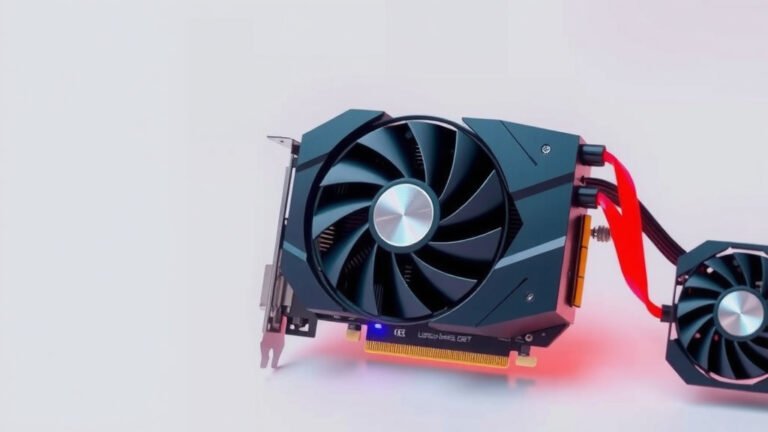
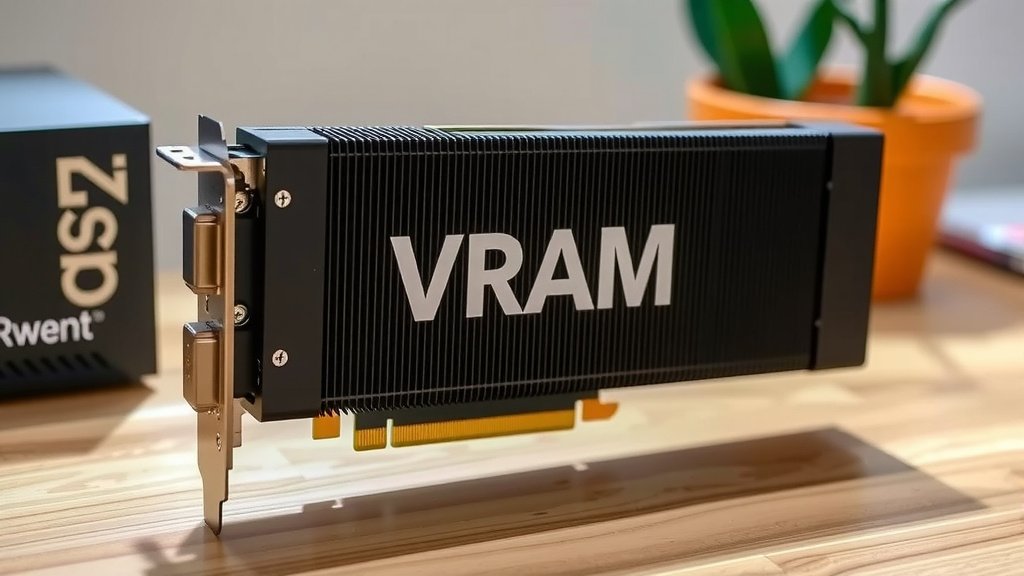
Your graphics card, or GPU, has Video RAM (VRAM) built directly onto its circuit board. This memory is dedicated to storing the graphical data your GPU needs. Think of it as the GPU’s own super-fast scratchpad. It’s where textures, frame buffers, and other visual assets live for quick access during gaming or design work.
You won’t find VRAM as a separate component you can easily swap out like RAM in your computer’s motherboard. It’s permanently attached to the GPU chip itself. The amount and speed of this VRAM are key factors determining your GPU’s performance, especially for demanding tasks like high-resolution gaming or video editing.
- VRAM is integrated directly onto your GPU.
- It’s not user-replaceable like system RAM.
- It stores graphics data for faster processing.
- More VRAM generally means better performance in graphics-intensive applications.
Let’s dive into exactly what VRAM is and why it’s so important for your GPU’s performance.
“`htmlUnderstanding Where VRAM Actually Lives on Your GPU
So, you’re wondering, where is VRAM located on a GPU? It’s a great question, and understanding this helps you grasp why your graphics card performs the way it does. The short answer is that VRAM is built directly onto the graphics card itself. It’s not a separate stick you can pull out like the RAM in your computer’s motherboard. Think of it as the GPU’s own private, super-speedy storage space, dedicated solely to handling all the visual information needed to create the images you see on your screen. This close proximity to the GPU chip is key to its lightning-fast performance.
The Physical Location of VRAM
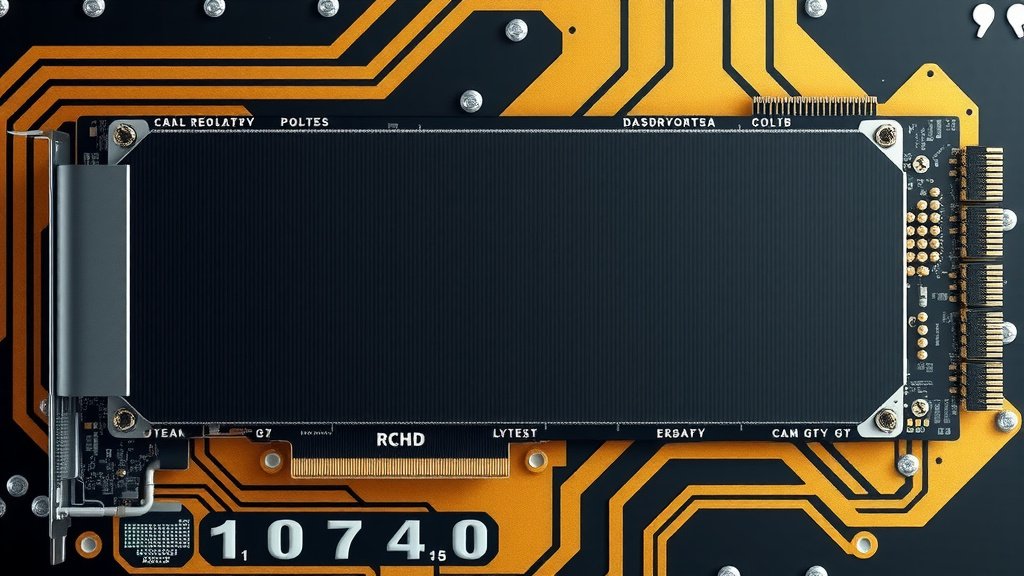
When you look at a graphics card, you’ll see a main processing chip – that’s the GPU. Scattered around this main chip, you’ll often see smaller, square or rectangular chips. These are your VRAM modules. They are soldered directly onto the GPU’s printed circuit board (PCB). This physical layout is intentional. It minimizes the distance data has to travel between the GPU and its memory, which is absolutely critical for graphics processing.
On the GPU’s Circuit Board
Imagine your GPU as a bustling city. The GPU chip is the downtown core where all the major decisions are made. The VRAM chips are like specialized warehouses right on the outskirts of downtown. They hold all the raw materials (textures, frame buffers, shader programs) that the downtown core needs instantly. Because these warehouses are so close, delivery times are incredibly short. This is very different from your system RAM, which is like a city-wide distribution center, further away from the downtown core.
Integrated vs. Discrete Components
It’s important to distinguish VRAM from your computer’s main system RAM. Your system RAM is housed on your motherboard and is accessible by your CPU. VRAM, on the other hand, is dedicated exclusively to the GPU. Many experts point out this separation is necessary to prevent bottlenecks. If the GPU had to constantly ask the CPU to fetch graphics data from system RAM, your frame rates would suffer dramatically, especially in demanding applications like gaming.
Why VRAM’s Location Matters for Performance
The physical placement of VRAM is one of the biggest reasons why GPUs can render complex graphics so quickly. Being directly on the PCB means minimal latency. Latency is the time it takes for data to travel from its storage location to where it’s needed. For graphics, every millisecond counts. Lower latency means your GPU can grab the textures, geometry data, and frame buffer information it needs almost instantly, allowing for smoother animations and higher frame rates.
Speed and Bandwidth Advantages
VRAM isn’t just located close; it’s also designed for speed. Graphics cards use specialized types of VRAM, like GDDR6 or GDDR6X, which are engineered for extremely high bandwidth. Bandwidth refers to the amount of data that can be transferred per second. Think of it like a highway. VRAM acts as a wide, multi-lane highway directly connected to the GPU’s processing plant. This highway allows massive amounts of visual data to flow constantly, fueling the GPU’s rendering engine. Learn more about VRAM bandwidth and why it’s designed for speed.
GDDR vs. DDR Memory
You might have heard of DDR RAM in your computer. VRAM uses GDDR (Graphics Double Data Rate) memory. While both are types of RAM, GDDR is optimized for the massive, parallel data transfers required by GPUs. We found that GDDR memory typically offers much higher bandwidth than standard DDR memory. This higher bandwidth is essential for handling high-resolution textures and complex scene data that modern games and applications demand.
The Impact of VRAM Capacity
While the location and speed are vital, the amount of VRAM (its capacity, measured in gigabytes) also plays a huge role. If you’re running a game at high resolutions or using large texture packs, your GPU needs a lot of space to store all that visual information. If the VRAM fills up, the GPU has to start using slower system RAM or even your hard drive. This is called “swapping,” and it can cause serious performance issues, like stuttering or lag. Many graphics professionals advise having more VRAM than you think you’ll need to avoid this bottleneck.
Types of VRAM Chips
You’ll find different types of VRAM used in graphics cards, each with its own characteristics:
- GDDR: This is the most common type. GDDR6 and GDDR6X are the current standards, offering excellent speed and bandwidth. Our guide to GDDR6 and GDDR6X explains these common VRAM types.
- HBM (High Bandwidth Memory): Some higher-end cards use HBM. It stacks memory chips vertically and connects them to the GPU using a very wide interface. This allows for incredible bandwidth but can be more expensive to implement.
Regardless of the specific type, the goal is the same: provide the GPU with fast, direct access to the graphical data it needs. This memory technology is constantly evolving to keep pace with the demands of ever-more realistic graphics.
Troubleshooting VRAM Issues
Since VRAM is integrated, you can’t easily replace it yourself if something goes wrong. If you suspect a VRAM issue, it often points to a more significant problem with the graphics card itself. However, understanding VRAM can help you diagnose performance issues:
- Check for Overheating: VRAM, like the GPU core, can overheat. Ensure your GPU’s cooling system is working properly.
- Driver Updates: Outdated or corrupt graphics drivers can sometimes cause VRAM-related errors or performance dips.
- Monitor VRAM Usage: Software can help you see how much VRAM your applications are using. If you’re consistently maxing it out, you might need a GPU with more VRAM for your tasks.
Many sources suggest that for 1080p gaming, 8GB of VRAM is generally sufficient. For 1440p, 10GB-12GB is often recommended. And for 4K gaming or professional work, 16GB or more can be very beneficial (NVIDIA, AMD support sites).
What This Means for Your Gaming and Workflows
Knowing that VRAM is right there on your GPU helps you make informed decisions. When you’re looking at new graphics cards, the specs for VRAM – its capacity (e.g., 12GB) and type (e.g., GDDR6X) – are just as important as the core clock speeds or the number of processing cores. It’s the dedicated memory that truly powers your visual experience.
Here’s a quick checklist to keep in mind:
- VRAM is physically attached to your graphics card.
- It’s not user-serviceable like system RAM.
- Its proximity to the GPU enables fast data access.
- Higher VRAM capacity helps prevent performance bottlenecks.
- VRAM type (GDDR, HBM) affects data transfer speed.
- Consider your needs when choosing a GPU with adequate VRAM.
So, the next time you see a stunning in-game world or a smoothly rendered design project, remember the crucial role of that specialized memory sitting right on your GPU, working tirelessly to bring it all to life.
“`Conclusion
Understanding that your GPU’s VRAM is physically integrated directly onto the graphics card board is key. This close proximity to the GPU chip is what allows for incredibly fast data access, which you experience as smooth visuals and high frame rates. Remember, VRAM isn’t just about how much memory you have, but also how quickly your GPU can use it. When you’re next shopping for hardware, pay close attention to VRAM specifications like capacity and type. This knowledge will help you make the best choice for your gaming or creative needs.
Frequently Asked Questions
Can I upgrade the VRAM on my GPU?
No, you generally cannot upgrade the VRAM on your graphics card. The VRAM chips are soldered directly onto the GPU’s circuit board during manufacturing. If you need more VRAM, you’ll typically need to purchase a new graphics card with a higher capacity.
What’s the difference between VRAM and system RAM?
VRAM is specialized memory exclusively for your GPU, located on the graphics card itself. System RAM is for your computer’s CPU and is located on the motherboard. This dedicated VRAM allows your GPU to access graphics data much faster without bogging down the rest of your system.
How do I know how much VRAM my graphics card has?
You can usually find your graphics card’s VRAM specifications listed on the product packaging or in its technical specifications online. You can also check this information within your operating system’s display settings or by using third-party hardware information tools.
Does VRAM location affect my GPU’s cooling?
While VRAM itself generates heat, its location on the PCB alongside the GPU core means it benefits from the card’s overall cooling solution. Good airflow and an efficient heatsink on your graphics card are important for keeping both the GPU and its VRAM running at optimal temperatures.
Why is VRAM so much faster than regular RAM?
VRAM, particularly types like GDDR6 and HBM, is designed for higher bandwidth and lower latency than standard DDR system RAM. This means it can transfer massive amounts of visual data to and from the GPU at extremely high speeds, which is essential for rendering complex graphics in real-time.

![10 Best 8gb Graphics Card [2026]](https://spsolutionscare.com/wp-content/uploads/2026/08/10-best-8gb-graphics-card-2026-featured-768x432.jpg)