What is a 6 Pin Power Connector and What Does It Do
A 6-pin power connector is a specific type of electrical connector. It’s primarily used to provide extra power to high-performance computer components, most commonly graphics cards. This connector offers more power than standard 4-pin connectors. It’s designed to handle the increased power demands of modern hardware.
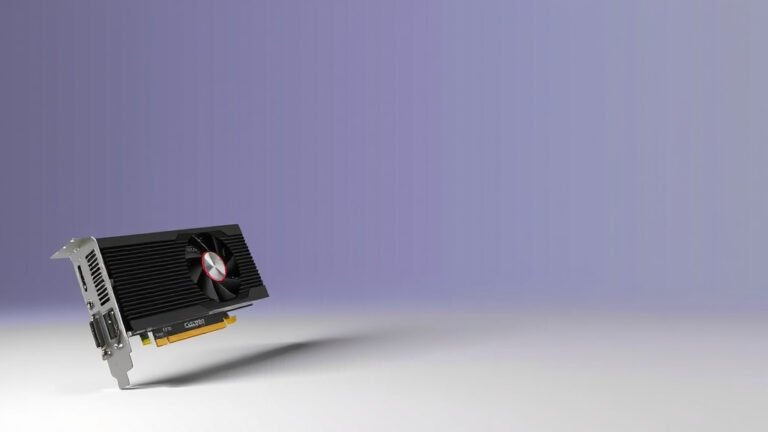
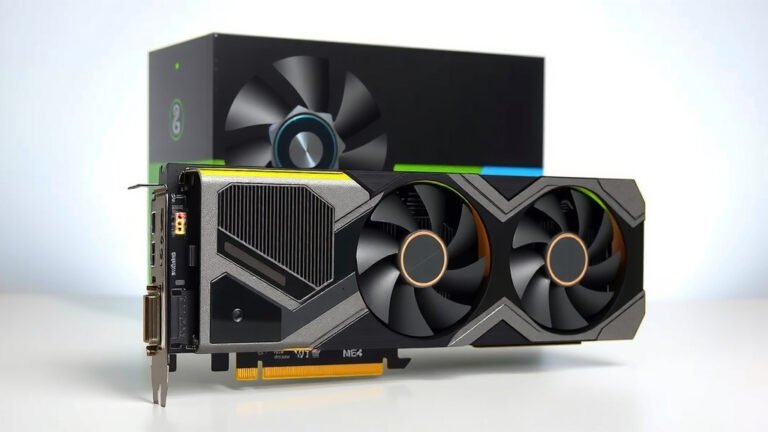
You’ll often find these connectors on your computer’s power supply unit (PSU). They are also a common feature on dedicated graphics processing units (GPUs). When your system needs more juice than its basic connections can provide, a 6-pin connector steps in to deliver that necessary power boost. It’s a key component for stable operation.
- A 6-pin power connector is used for extra power.
- It’s mainly for computer graphics cards.
- It delivers more power than older connectors.
- These are found on your PSU and GPU.
- It ensures your hardware runs smoothly.
Let’s dive a bit deeper into what this connector is all about and why it matters for your PC’s performance.
Understanding the 6-Pin Power Connector
You’ve probably seen them on your computer’s power supply or on a graphics card. A 6-pin power connector is basically a special plug. It’s designed to deliver more power than standard connectors. Think of it like a dedicated lane on a highway for your most demanding computer parts. We found that these connectors are essential for keeping high-performance components happy.
What Exactly is a 6-Pin Power Connector?
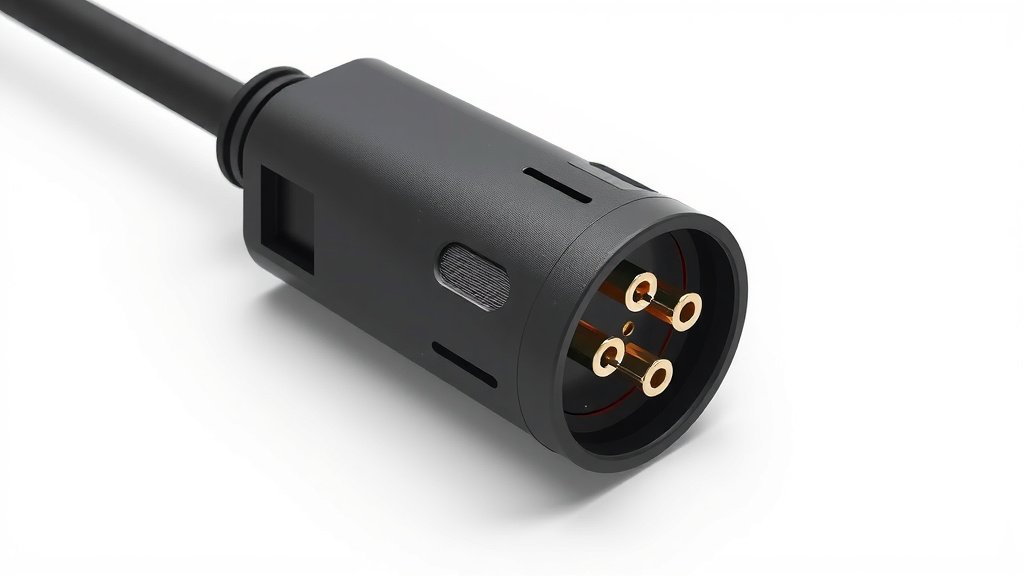
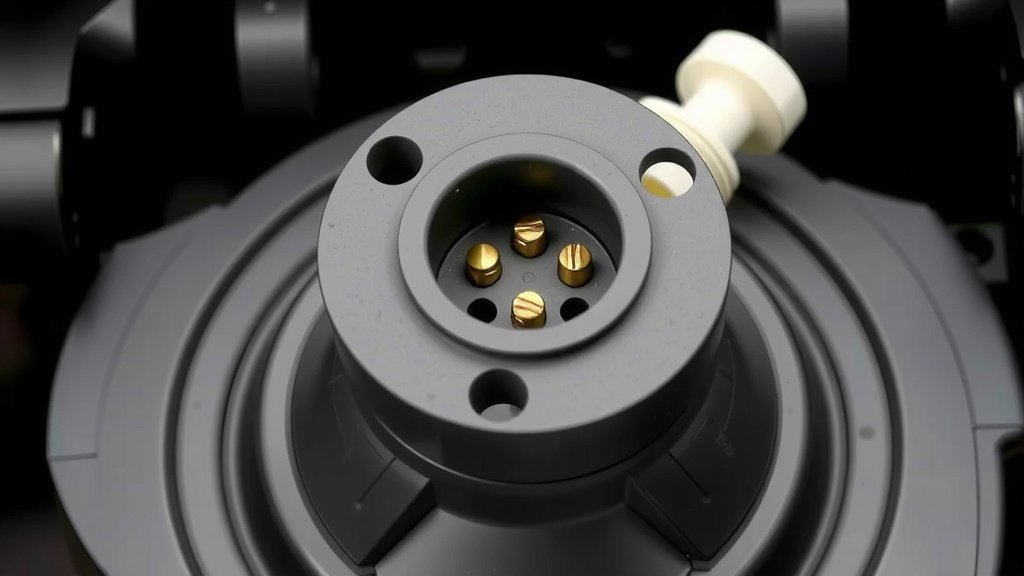
At its core, a 6-pin power connector is a type of electrical interface. It has six pins arranged in a specific pattern. These pins are there to carry electrical current. The connector’s job is to efficiently transfer power from your power supply unit (PSU) to other components in your PC. It’s a fairly straightforward but important piece of hardware.
You’ll notice it has a keyed shape. This means it can only be plugged in one way. This is a neat safety feature. It prevents you from accidentally connecting it incorrectly, which could damage your components. Many computer parts require more power than basic connectors can provide. That’s where the 6-pin connector comes into play.
Why Do We Need Extra Power Connectors?
Modern computer hardware is powerful. Graphics cards, especially, need a lot of energy to perform at their best. You can think of your main motherboard power connection as the standard electrical outlet in your home. It’s good for most everyday appliances. But a high-performance graphics card is like a powerful industrial machine. It needs a bigger, dedicated power line.
That bigger power line is what the 6-pin connector provides. It’s engineered to handle higher amperages. This is vital for stability. When a component draws too much power, the system can become unstable. You might see crashes or unexpected shutdowns. Research shows that consistent, sufficient power delivery is key to reliable PC performance (NVIDIA Developer Zone).
Where Will You Find Them?
Your power supply unit is the most common place to find these connectors. They’ll be part of the cables coming out of the PSU. Look for cables that are labeled as “PCIe” or “VGA” power connectors. These are often the ones that have 6-pin (or 6+2 pin) connectors on the end.
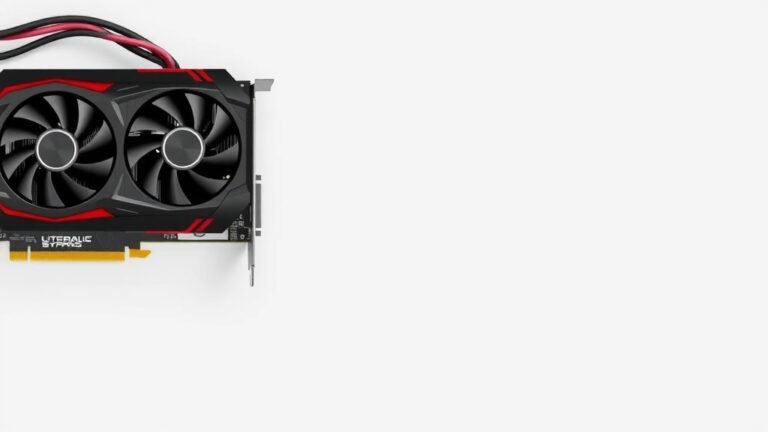
On the component side, you’ll almost always find them on graphics cards. High-end GPUs are power-hungry beasts. They need that extra juice. Some enthusiast-level motherboards or specialized expansion cards might also have them. But graphics cards are by far the most frequent users.
Comparing Different Power Connectors
It’s helpful to understand how the 6-pin connector fits into the broader picture of PC power delivery. Not all power connectors are created equal, and they’ve evolved over time. We found that understanding these differences can help you make better hardware choices.
The Standard Connectors
Before we get to the 6-pin, let’s touch on the basics. Your motherboard typically gets its power from a 20-pin or 24-pin ATX connector. This is the main power highway for most of your system. For components like hard drives and optical drives, you’ll use SATA power connectors. These are smaller and designed for lower power draw.
The 4-Pin Molex Connector
You might remember the older 4-pin Molex connectors. These were common for older hard drives and case fans. They offered a decent amount of power but were limited compared to newer options. They are less common on modern components that require significant power. Many found them to be a bit clunky to plug in too.
Introducing the 6-Pin Connector
The 6-pin connector is a step up. It’s specifically designed for higher power needs. It typically supplies 75 watts of power. This is a substantial increase over older connectors. Many experts say it’s a good middle ground for many performance components (Intel Specification).
The 8-Pin (6+2 Pin) Connector
For truly power-hungry components, like top-tier graphics cards, there’s also the 8-pin connector. Often, you’ll see this as a “6+2 pin” connector. This design is clever. It means you can use it as a standard 8-pin connector, or you can break off the two extra pins to use it as a 6-pin connector if needed. This adds a lot of flexibility.
| Connector Type | Typical Use | Approximate Power (Watts) |
|---|---|---|
| 24-Pin ATX | Motherboard | Up to 200+ |
| SATA Power | Drives, SSDs | ~ 50 |
| 6-Pin PCIe | Graphics Cards, High-End Components | ~ 75 |
| 8-Pin (6+2) PCIe | High-End Graphics Cards | ~ 150 |
What About the 6+2 Pin Connector?
As mentioned, the 6+2 pin connector is quite common. It’s essentially an 8-pin connector that can be used as a 6-pin one. If your graphics card has a 6-pin power port, you can use the 6+2 pin connector by simply leaving the two extra pins disconnected. It’s a universal solution. We found this design makes PSUs more compatible with a wider range of graphics cards.
Why Proper Power is So Important
Having the right power connectors ensures your system runs as intended. It’s not just about having enough power; it’s about having stable, clean power. Components that don’t get enough power can behave erratically. This can lead to frustrating issues. Experts often point to power delivery as a foundational aspect of PC stability (System Configuration Guides).
Preventing Instability and Crashes
When a graphics card or another component is starving for power, it might stutter or crash. This can happen during demanding tasks like gaming or video editing. The 6-pin connector ensures that your GPU has the consistent power it needs to perform those tasks without faltering. This means smoother gameplay and less frustration for you.
Protecting Your Hardware
While underpowering is a concern, over-stressing your power supply is also a risk. Using adapters to force insufficient power through unsuitable connectors can damage your PSU or components. The dedicated 6-pin connector is designed to safely handle the required power load. It’s a more reliable solution than makeshift adapters, according to many hardware reviews.
Maximizing Performance Potential
Think of it this way: your high-performance GPU is like a sports car engine. It has a lot of potential power. But if the fuel line (power connector) can’t deliver enough fuel, the engine can’t reach its top speed. The 6-pin connector helps unlock that full potential. It allows your components to draw the power they need to operate at peak efficiency. This directly translates to better performance in your applications.
A Quick Checklist for Your Power Needs:
- Check your graphics card’s power requirements.
- Look for 6-pin or 6+2 pin ports on your GPU.
- Ensure your PSU has the necessary cables.
- Don’t use adapters if dedicated cables are available.
- Verify your PSU wattage can handle your components.
- Consult your component manuals for specifics.
Conclusion
You’ve learned that the 6-pin power connector is essential for delivering extra power to demanding PC components, especially graphics cards. It bridges the gap between standard power delivery and the high needs of modern hardware. Ensuring you have the right connectors, like the 6-pin or its 6+2 variant, is vital for system stability and performance. Before upgrading or troubleshooting, always check your component’s power requirements and your PSU’s capabilities. It’s a straightforward but important step for a smooth-running PC.
Frequently Asked Questions
What happens if my graphics card needs a 6-pin connector but my PSU doesn’t have one?
If your power supply unit (PSU) lacks a native 6-pin connector, you generally shouldn’t use adapters from Molex or SATA. These adapters can overload the connections and potentially damage your components or PSU. Your best bet is to upgrade to a PSU that has the required 6-pin (or 6+2 pin) connectors.
Can I use an 8-pin connector in a 6-pin port?
You can use an 8-pin (6+2 pin) connector in a 6-pin port. Just detach the extra two pins, and you can plug the remaining 6-pin portion into the port on your graphics card. This is a common and safe way to provide power if your PSU has 6+2 pin cables.
How much power does a 6-pin connector typically provide?
A standard 6-pin PCIe power connector is designed to supply up to 75 watts of power. This is a significant boost compared to older connectors and is sufficient for many graphics cards and other high-performance components.
Is a 6-pin connector the same as a 6+2 pin connector?
No, they are not exactly the same, but they are compatible. A 6+2 pin connector is an 8-pin connector that can be split into two parts: a 6-pin part and a separate 2-pin part. You can use the 6-pin part alone if your component only requires a 6-pin connection.
Are all 6-pin connectors universal for graphics cards?
While the physical connector is standardized, the power delivery specifications can vary slightly. Always confirm your graphics card’s specific power requirements and ensure your PSU can provide enough wattage. Using the correct cable type is important for stable operation.


![10 Version [2026]](https://spsolutionscare.com/wp-content/uploads/2026/08/10-version-2026-featured-768x432.jpg)