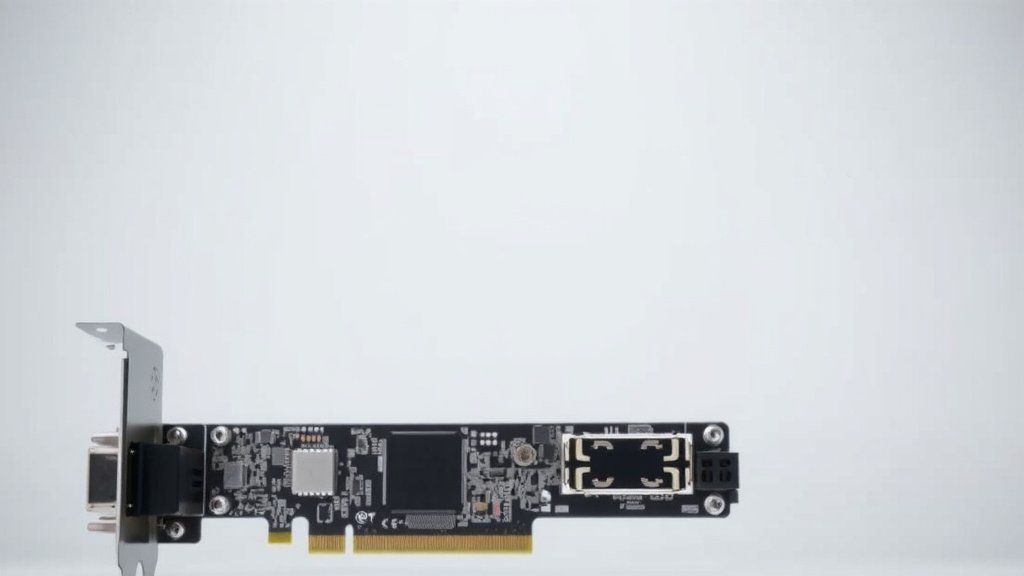
PCIe 5.0 Explained: What It Is and How It Works
PCIe 5.0 is the latest generation of the Peripheral Component Interconnect Express interface. It offers double the speed of PCIe 4.0. This means your devices can communicate with your computer much faster.
Think of it as a superhighway for your computer’s components. Devices like graphics cards and SSDs get a massive speed boost. This lets them perform at their absolute best. It’s a big leap for computer performance and future-proofing.
- PCIe 5.0 is the newest version of a key computer connection standard.
- It’s twice as fast as the previous version, PCIe 4.0.
- This increased speed helps your most powerful hardware run better.
- It’s designed to handle future high-performance devices.
- It’s great for gamers and professionals needing top speeds.
We’ve looked into what PCIe 5.0 means for your setup. Let’s break down why this speed upgrade matters.
You’ve probably heard the buzz about PCIe 5.0. It’s the latest and greatest in how your computer components talk to each other. But what does that actually mean for you and your setup? Let’s break down this exciting upgrade.
Understanding the PCIe 5.0 Difference
PCIe 5.0 is the fifth generation of a communication standard called the Peripheral Component Interconnect Express. Think of it as the highway system for your PC’s internal parts. Faster lanes mean data gets where it needs to go much quicker. This latest version is a big step up.
How Much Faster Is It, Really?
The headline feature of PCIe 5.0 is its speed. It offers twice the bandwidth of the previous generation, PCIe 4.0. This is measured in gigatransfers per second (GT/s). PCIe 5.0 can push data at a rate of 32 GT/s per lane. PCIe 4.0 topped out at 16 GT/s per lane. So, if you have a slot with multiple lanes, like x16 for a graphics card, that speed doubles across all those lanes.
What does this speed boost translate to? It means your graphics cards, SSDs (solid-state drives), and other high-speed peripherals can send and receive information much faster. This can lead to noticeable improvements in performance, especially for demanding tasks.
PCIe Lanes Explained Simply
You’ll often see PCIe slots described with “x” followed by a number (like x1, x4, x8, x16). This number, known as the lane count, refers to the number of individual data pathways available in that slot. More lanes mean more data can flow simultaneously. PCIe 5.0 doubles the speed of each individual lane, and you can still get slots with various lane counts.
For example, a PCIe 5.0 x16 slot offers the same number of lanes as a PCIe 4.0 x16 slot, but each lane is twice as fast. This means the total bandwidth is essentially doubled. It’s like upgrading from a four-lane highway to an eight-lane highway, but each lane is also wider and faster.
Who Benefits Most from PCIe 5.0?
While everyone can technically benefit from faster data transfer, certain users will see the most dramatic improvements. If your daily tasks involve pushing your hardware to its limits, PCIe 5.0 is designed with you in mind. Gamers and creative professionals are often the first to adopt new technologies like this.
Gamers and High-Performance PCs
For gamers, a faster connection means your graphics card can communicate more efficiently with your CPU. This can translate to higher frame rates, smoother gameplay, and quicker loading times, especially in games that rely heavily on asset streaming. While graphics cards have historically been the primary beneficiaries, the jump to PCIe 5.0 is also preparing for future GPU advancements.
Research suggests that while current graphics cards may not fully saturate PCIe 5.0’s potential, future generations will. This means investing in PCIe 5.0 now can help future-proof your gaming rig. You’ll be ready for the next wave of hardware that demands this increased bandwidth.
Content Creators and Professionals
Professionals working with large files, such as video editors, 3D modelers, and data scientists, will find PCIe 5.0 incredibly useful. The primary benefit here is the speed of NVMe SSDs. PCIe 5.0 SSDs can read and write data at astonishing speeds, significantly cutting down on project loading times and file transfer durations.
Imagine editing 8K video footage or working with massive datasets. The ability to quickly access and manipulate this data is crucial. Many sources indicate that PCIe 5.0 SSDs can offer sequential read/write speeds of 10,000 MB/s or even higher. This is roughly double what PCIe 4.0 SSDs can achieve.
The Importance of Storage Speed
Your storage drive is often the bottleneck in a high-performance system. Even with a powerful CPU and GPU, slow storage can bring everything to a crawl. PCIe 5.0 SSDs are the fastest storage solutions currently available. They utilize the new interface to achieve speeds that were once only theoretical.
This means loading operating systems, applications, and large game files can feel almost instantaneous. For professionals who constantly work with large files, the time saved is not just convenient; it directly impacts productivity. Many IT professionals recommend keeping your primary drive on the fastest interface available (TechRadar).
PCIe 5.0 vs. Previous Generations: A Quick Look
To really appreciate the jump, let’s compare PCIe 5.0 with its predecessors. Each generation has doubled the per-lane bandwidth of the one before it. It’s a consistent pattern of advancement.
| PCIe Generation | Effective Bandwidth per Lane (GT/s) | Approximate Throughput per Lane (GB/s) |
|---|---|---|
| PCIe 1.0 | 2.5 GT/s | 0.25 GB/s |
| PCIe 2.0 | 5 GT/s | 0.5 GB/s |
| PCIe 3.0 | 8 GT/s | 1 GB/s |
| PCIe 4.0 | 16 GT/s | 2 GB/s |
| PCIe 5.0 | 32 GT/s | 4 GB/s |
As you can see, the leap from PCIe 4.0 to PCIe 5.0 is a substantial one. This doubling effect is what enables the much higher performance figures we discussed for SSDs and future GPUs.
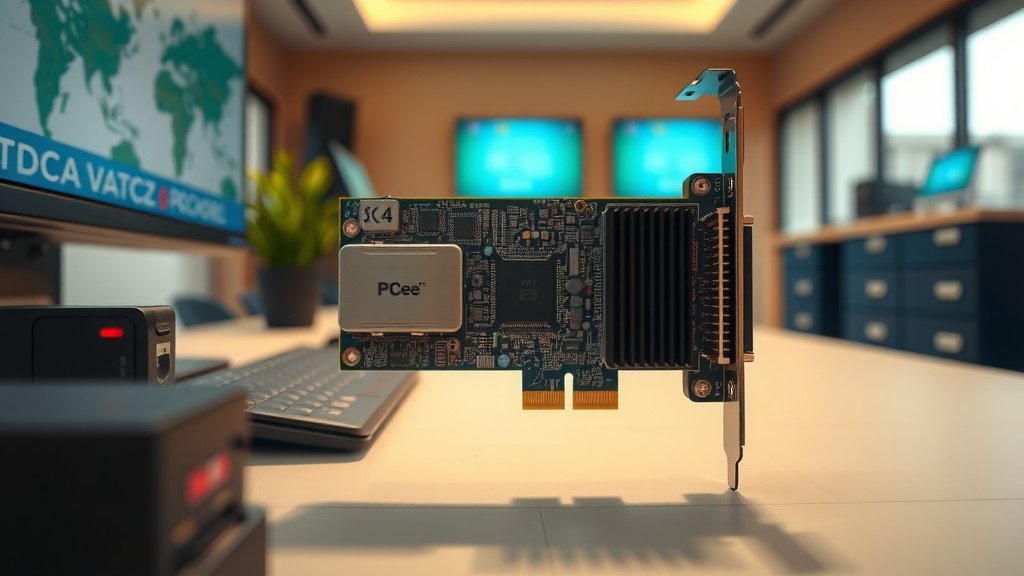
What You Need to Use PCIe 5.0
Adopting PCIe 5.0 isn’t just a matter of buying a new component. Your entire system needs to support it. This means you’ll need a motherboard with PCIe 5.0 slots and a CPU that can communicate with those slots at PCIe 5.0 speeds. Most newer CPUs and motherboards are starting to offer this support.
Motherboard Compatibility
When looking for a motherboard, check the specifications carefully. You’ll want to see that it explicitly lists support for PCIe 5.0, particularly for the primary graphics card slot (often x16) and M.2 slots for NVMe SSDs. Not all slots on a motherboard might be the latest generation, so pay attention to the details.
CPU and Chipset Requirements
The CPU is the brain of your computer, and it dictates the capabilities of the PCIe lanes it provides. Intel and AMD both offer CPUs that support PCIe 5.0. You’ll need to pair a compatible CPU with a motherboard that can take full advantage of its PCIe 5.0 capabilities. It’s a team effort between your CPU and motherboard.
Backward Compatibility
Here’s some good news: PCIe is backward compatible. This means you can plug a PCIe 4.0 device into a PCIe 5.0 slot, and it will work. However, it will operate at the slower PCIe 4.0 speeds. You won’t get the benefit of PCIe 5.0, but your device won’t be harmed. The same applies if you put a PCIe 5.0 device into an older PCIe 4.0 slot; it will run at PCIe 4.0 speeds.
Is PCIe 5.0 Worth It for You?
Deciding if PCIe 5.0 is right for your next build depends on your needs and budget. For the average user, the benefits might not be immediately obvious or necessary. However, for those who demand the absolute best performance, especially gamers pushing the graphical limits and professionals handling massive data loads, it’s an upgrade that can offer tangible improvements.
Consider your primary use cases. Are you constantly waiting for large files to load? Do you want the smoothest possible gaming experience at the highest resolutions? If so, PCIe 5.0 is definitely something to look into.
Here’s a quick checklist to see if PCIe 5.0 is on your radar:
- You want the fastest possible storage speeds for apps and games.
- You use high-end GPUs and want to be ready for future demands.
- You’re a content creator working with huge video or design files.
- You’re building a top-tier PC for demanding tasks.
- You want to future-proof your system for the next few years.
- You’re comfortable investing in the latest hardware standards.
PCIe 5.0 represents a significant leap forward in how our devices communicate. It’s a technology that promises to keep your PC performing at its peak for years to come.
Conclusion
You’ve learned that PCIe 5.0 is a huge leap in how your computer components communicate. It doubles the speed of PCIe 4.0, benefiting demanding hardware like graphics cards and SSDs. For gamers and content creators, this means smoother performance and much quicker file transfers. While it requires compatible hardware like a new motherboard and CPU, PCIe 5.0 offers future-proofing for your system. If you’re building a high-performance PC or upgrading soon, consider if PCIe 5.0 aligns with your performance goals.
Frequently Asked Questions
Will my old PCIe 4.0 graphics card work in a PCIe 5.0 slot?
Yes, PCIe is backward compatible. Your PCIe 4.0 graphics card will work perfectly in a PCIe 5.0 slot. It will simply operate at PCIe 4.0 speeds. You won’t get the extra speed boost, but there’s no harm to your card.
How much faster are PCIe 5.0 SSDs compared to PCIe 4.0 SSDs?
PCIe 5.0 SSDs are roughly twice as fast as their PCIe 4.0 counterparts. They can achieve sequential read/write speeds of 10,000 MB/s or even higher. This means significantly faster loading times for your operating system, applications, and games.
Do I need to upgrade my CPU and motherboard to use PCIe 5.0?
Yes, you absolutely need a compatible CPU and motherboard to take advantage of PCIe 5.0 speeds. Your CPU provides the PCIe lanes, and the motherboard needs to support and route those lanes for PCIe 5.0. Older hardware will not support it.
Will PCIe 5.0 make my current games load instantly?
While PCIe 5.0 will significantly speed up game loading times, especially for games with large asset libraries, “instant” might be an overstatement. The actual loading speed also depends on the game’s design and how it utilizes the storage. However, you will notice a substantial improvement.
Is it worth upgrading to PCIe 5.0 if I’m not a professional gamer or content creator?
For many average users, the immediate benefits of PCIe 5.0 might not justify the cost. However, if you’re building a new high-end PC and want the latest technology for better performance and to future-proof your system for several years, it can be a worthwhile investment. It ensures your system is ready for upcoming hardware advancements.



![10 Dollar Gpu [2026]](https://spsolutionscare.com/wp-content/uploads/2026/08/10-dollar-gpu-2026-featured-768x432.jpg)