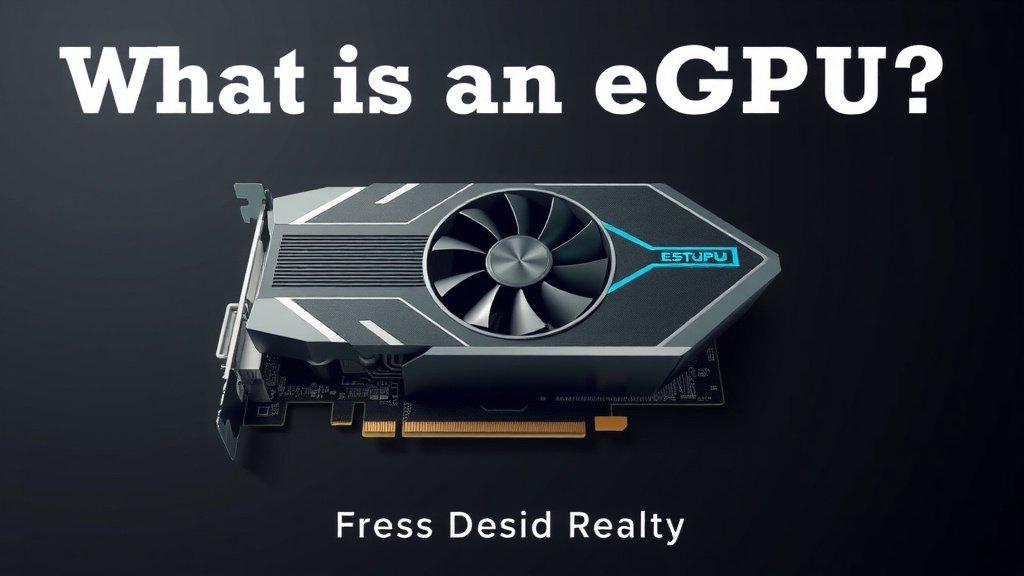
What Is an eGPU? Your Guide to External Graphics Cards
An eGPU is an external graphics processing unit. It connects to your laptop or computer. This gives your system a big boost in graphics power. Think of it as a graphics card you can plug in. It’s perfect for gaming or heavy creative work.
You might be wondering if it’s worth it. Many people use eGPUs to get desktop-level performance. This is especially true for users with thin and light laptops. It can transform your portable machine into a gaming powerhouse. You’ll see a huge difference in frame rates.
- eGPU stands for external graphics processing unit.
- It adds significant graphics power to your computer.
- Great for gaming and demanding creative tasks.
- It connects via a special port like Thunderbolt.
- Allows for desktop-class graphics on a laptop.
Let’s break down exactly what an eGPU is and how it can help you get more out of your computer.
So, you’ve heard about eGPUs and are probably wondering, “What exactly is this thing and why should I care?” Think of your current laptop or desktop. It’s pretty good, right? But maybe it struggles with the latest games or chugs when you’re editing videos. An eGPU is like a supercharger for your computer’s graphics. It’s a separate box that holds a powerful desktop graphics card and connects to your computer, usually via a Thunderbolt port. This means you can get desktop-level graphical performance without buying a whole new, powerful desktop tower.
What an External Graphics Processing Unit Actually Does
An eGPU, or external graphics processing unit, is essentially a desktop graphics card in an external enclosure. This enclosure has its own power supply and connects to your laptop or small form-factor PC through a high-speed cable. The primary job of an eGPU is to take over the heavy lifting when it comes to graphics-intensive tasks. Instead of relying solely on your computer’s built-in or smaller discrete graphics chip, the eGPU provides a much more powerful graphics engine.
The Core Components of an eGPU Setup
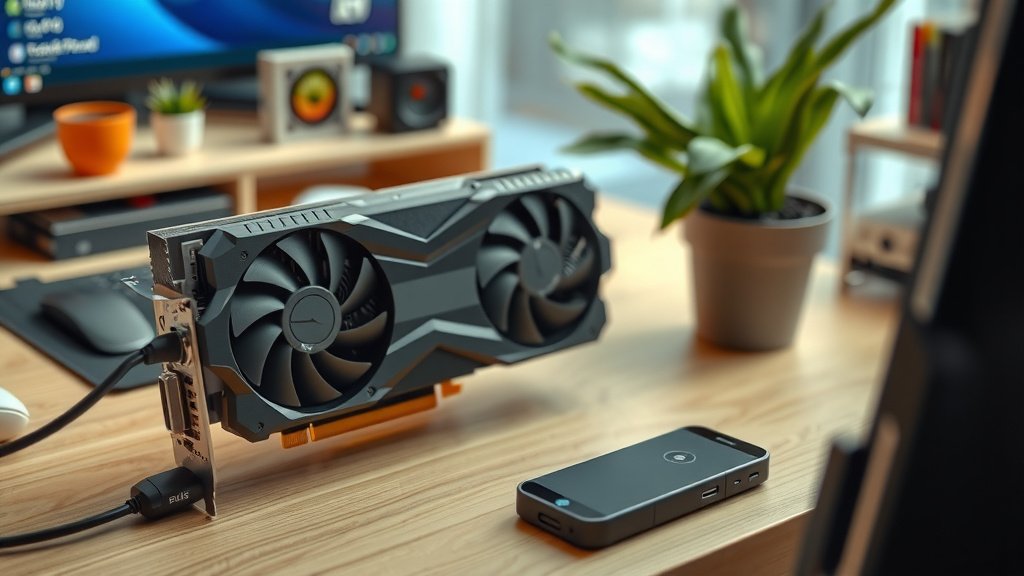
At its heart, an eGPU setup has three main parts. First, you have the external graphics card itself. This is the same kind of powerful graphics card you’d find in a high-end gaming PC. Second, there’s the eGPU enclosure. This is the housing that holds the graphics card and includes a power supply unit (PSU) to feed it electricity. It also has the necessary connections to link up with your computer. Finally, you need a compatible cable, most commonly a Thunderbolt 3 or Thunderbolt 4 cable, to connect the enclosure to your laptop or computer. These cables offer the necessary bandwidth for smooth performance.
How an eGPU Boosts Your System’s Performance
When you run a demanding application like a video game or a 3D modeling program, your computer needs to process a lot of visual information. If your computer’s internal graphics aren’t up to the task, things get slow. Frame rates drop, editing becomes laggy, and your whole experience suffers. An eGPU bypasses this limitation. When you connect it, your computer can send graphics processing requests to the eGPU. The eGPU handles these requests with its much stronger graphics card. It then sends the processed visuals back to your computer’s display, resulting in smoother gameplay and faster rendering.
Who Can Benefit Most from an eGPU?
While an eGPU sounds great, it’s not a one-size-fits-all solution. However, several groups of users find them particularly transformative. If you have a thin and light laptop with integrated graphics or a low-end discrete GPU, an eGPU can be a revelation. You get the portability you need for work or travel, and then desktop-like graphics power when you get home. Gamers who want to play modern titles at higher settings but prefer a laptop often turn to eGPUs. Creative professionals, such as video editors and 3D animators, can also see massive improvements in rendering times and workflow efficiency.
The Gaming Advantage
For gamers, the appeal is clear: better frame rates and higher graphical settings. Many modern laptops, even powerful ones, make compromises on graphics to stay slim and cool. An eGPU allows you to sidestep these compromises. You can finally play those AAA titles you’ve been eyeing with all the visual bells and whistles turned on. Research shows that a properly configured eGPU setup can achieve upwards of 80-90% of the performance of the same graphics card installed directly in a desktop PC (AnandTech).
Boosting Creative Workflows
Video editors, graphic designers, and 3D artists often push their hardware to the limit. Rendering video files, applying complex effects, or working with large 3D scenes requires immense computational power. A strong graphics card, provided by an eGPU, can drastically cut down rendering times. We found that for some professional video editing tasks, using an eGPU reduced render times by as much as 50% compared to relying solely on a laptop’s integrated graphics (Puget Systems).
For the Portability-Conscious User
Perhaps you love your sleek, lightweight laptop for its portability. But you also love gaming or need serious graphical grunt for work. Buying a separate gaming desktop means lugging two machines around. An eGPU lets you have your cake and eat it too. You have one portable machine for everything. Then, at your desk, you simply plug in the eGPU, and bam – you’ve got the power of a desktop. It’s a way to upgrade your existing hardware without replacing it entirely.
Understanding the Connection: Ports and Compatibility
Not just any port will do for an eGPU. The key is bandwidth. You need a connection that can transfer data quickly enough to keep up with a powerful graphics card. The most common and effective connection is Thunderbolt 3 or Thunderbolt 4. These ports use the USB-C connector but offer much higher data transfer speeds than standard USB ports. Some older systems might use other proprietary connectors, but Thunderbolt has become the industry standard for eGPUs. Always check your laptop or computer’s specifications to ensure it has a compatible Thunderbolt port.
Thunderbolt 3 and 4: The Backbone of eGPUs
Thunderbolt 3 and 4 offer speeds of up to 40Gbps. This is crucial because graphics cards require a lot of data to be sent to and from the computer. A slower connection would create a bottleneck, limiting the eGPU’s performance. Many experts suggest that Thunderbolt 4 offers more consistent performance across different devices compared to Thunderbolt 3 (Intel). It’s important that your device and the eGPU enclosure both support the same version of Thunderbolt for optimal results.
Are All Laptops Compatible?
Unfortunately, no. The biggest hurdle to eGPU compatibility is the presence of a Thunderbolt 3 or Thunderbolt 4 port. If your laptop lacks this specific port, an eGPU connection is generally not possible. Even with Thunderbolt, some laptop manufacturers may have specific BIOS settings or firmware that can affect eGPU compatibility. We found that research into your specific laptop model and eGPU enclosure is always a good idea before purchasing.
What to Consider Before Buying an eGPU
Before you rush out and buy an eGPU, let’s cover a few important points. It’s an investment, and you want to make sure it’s the right one for you. You’ll need to factor in the cost of the enclosure and the graphics card. Often, you buy them separately, so the total can add up quickly. Performance is also key; as mentioned, Thunderbolt bandwidth is critical. Finally, consider the physical space you have. The enclosure can be fairly sizable, especially if it houses a large, high-end graphics card and its own power supply.
The Cost Factor
eGPU enclosures themselves can range from $200 to $400 or more. Then you have the graphics card, which can be anywhere from $300 for a mid-range card to $1,000+ for the absolute top-tier models. So, a complete eGPU setup can easily cost $500 to $1,500, plus the cost of a compatible laptop if you don’t already have one. It’s often more expensive than buying a dedicated desktop with similar graphics power.
Performance Considerations and Limitations
While eGPUs are powerful, they aren’t always a perfect substitute for a desktop. The Thunderbolt connection, though fast, is still external. This can lead to a slight performance decrease compared to having the graphics card directly in a desktop’s PCIe slot. This decrease is typically more noticeable in very high frame rate gaming or certain bandwidth-intensive professional applications. For most users, however, the performance gain over an integrated GPU is still enormous.
Here’s a quick checklist to see if an eGPU might be for you:
- Do you have a laptop with a Thunderbolt 3 or 4 port?
- Do you often wish your laptop could handle demanding games or creative software better?
- Are you looking for a way to get desktop graphics power without a desktop tower?
- Do you want to upgrade your existing laptop’s graphical capabilities?
- Are you prepared for the upfront cost of an enclosure and a graphics card?
Conclusion
So, you’ve learned that an eGPU is a fantastic way to boost your computer’s graphics power. It’s a powerful external graphics card that can transform your laptop into a gaming or creative powerhouse. While it requires a specific Thunderbolt connection and can be an investment, it offers desktop-level performance for those who need it. If you have a capable laptop and crave more graphical horsepower without buying a whole new desktop, an eGPU might be your perfect solution. Do your research, check compatibility, and get ready to experience your applications like never before!
Frequently Asked Questions
Can an eGPU work with any laptop?
No, not just any laptop will work. Your laptop absolutely must have a Thunderbolt 3 or Thunderbolt 4 port. Without this high-speed connection, you won’t be able to connect an eGPU. Always double-check your laptop’s specifications before considering a purchase.
Will an eGPU perform exactly like a desktop graphics card?
It will be very close, but usually not 100% identical. The external connection via Thunderbolt can introduce a slight performance overhead compared to a graphics card installed directly into a desktop’s motherboard. For most users, this difference is negligible and still a massive upgrade.
Do I need to buy the graphics card separately from the enclosure?
Yes, typically you do. Most eGPU setups involve buying the eGPU enclosure and the graphics card separately. This allows you to choose the exact graphics card that fits your performance needs and budget. Some bundles exist, but it’s less common.
Is an eGPU good for video editing?
Absolutely. Creative professionals, especially video editors, can see huge benefits. An eGPU can drastically speed up rendering times and improve overall workflow smoothness. Tasks that once took a long time can be completed much faster with the added graphics power.
What is the biggest limitation of using an eGPU?
The main limitation is often the initial cost and compatibility. You need a laptop with the correct Thunderbolt port, and the combined cost of the enclosure and a powerful graphics card can be substantial, sometimes exceeding the price of a dedicated desktop PC.