What is a GPU Heat Pipe? Explained Simply
A heat pipe in a GPU is a simple yet ingenious device that helps keep your graphics card cool. It works by using a liquid that boils and then cools down, moving heat away from the hot GPU chip. This helps your GPU perform better and last longer by preventing overheating.
Think of it as a tiny, efficient radiator specifically designed for your graphics card. These pipes are a key part of your GPU’s cooling system, making sure it doesn’t get too hot, especially when you’re gaming or doing demanding tasks. Many users find they make a big difference.
- Heat pipes move heat away from your GPU.
- They use a special liquid to transfer heat.
- This keeps your GPU cooler for better performance.
- It’s a vital part of modern graphics card cooling.
Ready to understand exactly how these little wonders work their magic? Let’s dive into the details of what a heat pipe is and why it’s so important for your GPU.
How Graphics Card Heat Pipes Actually Work
So, you’re curious about those metal tubes on your GPU? Those are heat pipes, and they’re a really smart piece of engineering. They help keep your powerful graphics card from turning into a tiny furnace. Essentially, they’re designed to move heat away from where it’s generated, making your GPU run cooler and smoother.
The Science Behind Heat Pipe Technology
At their core, heat pipes are simple sealed tubes. But what’s inside is what makes them so effective at moving heat. They are partially filled with a special working fluid. This fluid is key to the entire heat transfer process. Think of it like a tiny, internal refrigeration system.
What’s Inside a Heat Pipe?
Inside that sealed metal tube, you’ll find a small amount of a specific liquid. This isn’t just any water; it’s chosen for its low boiling point. This means it can turn into vapor even with relatively little heat. The inside walls of the pipe also have a special lining, often a porous material like sintered copper powder or grooves. This lining helps guide the liquid and vapor.
The Evaporation and Condensation Cycle
The magic happens when the GPU chip gets hot. This heat is transferred to the part of the heat pipe closest to the chip. Because the working fluid has a low boiling point, it absorbs this heat and quickly evaporates, turning into a gas or vapor. This vapor then travels rapidly along the inside of the pipe, away from the hot GPU core.
Moving Heat Away
The vapor naturally moves towards the cooler end of the heat pipe. This cooler end is usually attached to a heatsink, which has many fins. The purpose of these fins is to increase the surface area. This increased surface area allows the heat to be dissipated into the surrounding air much more efficiently.
Returning to Liquid Form
As the hot vapor reaches the cooler heatsink, it condenses back into a liquid. This process releases the heat it carried from the GPU. The liquid then travels back to the hot end of the pipe, usually pulled by capillary action through that special lining we mentioned. This completes the cycle. The fluid is ready to absorb more heat, and the process starts all over again.
Why Your GPU Needs Heat Pipes
Modern GPUs are incredibly powerful, packing millions of transistors into a small space. When these components work hard, especially during intense gaming sessions or heavy computational tasks, they generate a lot of heat. Without an effective cooling solution, this heat can cause problems.
Preventing Thermal Throttling
When a GPU gets too hot, it can start to reduce its own performance to prevent damage. This is called thermal throttling. You might notice stuttering in games or slower performance in applications. Heat pipes help prevent this by efficiently moving heat away, keeping the GPU within its safe operating temperature limits. This ensures you get the best possible performance without your card holding itself back.
Extending GPU Lifespan
Consistently running at high temperatures can stress the delicate components of your graphics card over time. Research has shown that prolonged exposure to high heat can degrade electronic components faster (National Academies of Sciences, Engineering, and Medicine). By keeping the GPU cooler, heat pipes help prolong the overall lifespan of your expensive graphics card.
Enabling Higher Clock Speeds
Manufacturers can design GPUs to run at higher speeds and boost frequencies knowing that an effective cooling system, including heat pipes, is in place. This means you can often get more performance out of your card. It’s a win-win: the card can run faster, and the cooling system keeps it stable.
Heat Pipes vs. Other Cooling Methods
While heat pipes are a common and effective solution, it’s good to know they often work alongside other cooling components. They are usually integrated into a larger heatsink assembly.
Heat Pipes and Heatsinks
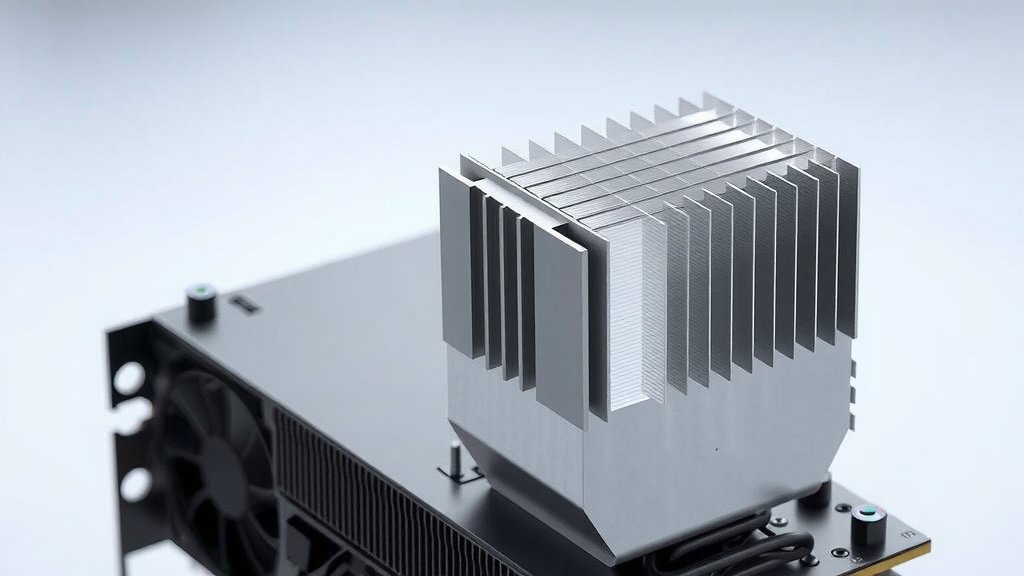
You’ll rarely see a heat pipe working alone on a GPU. Instead, they are embedded within a large metal heatsink. This heatsink is typically made of aluminum or copper and has many fins. The heat pipes transfer heat from the GPU die to the base of the heatsink. The heatsink then spreads that heat across its fins. A fan then blows air over these fins to carry the heat away. This combination is a very efficient cooling trio.
Active vs. Passive Cooling
Heat pipes themselves are a form of passive cooling because they don’t require electricity to move heat. The cycle of evaporation and condensation happens naturally due to temperature differences. However, they are almost always paired with an active cooling component, like a fan, to physically move air. Some high-end GPUs might even use liquid cooling loops, but heat pipes are still a common element within those systems for transferring heat to the water block.
Common Heat Pipe Designs on GPUs
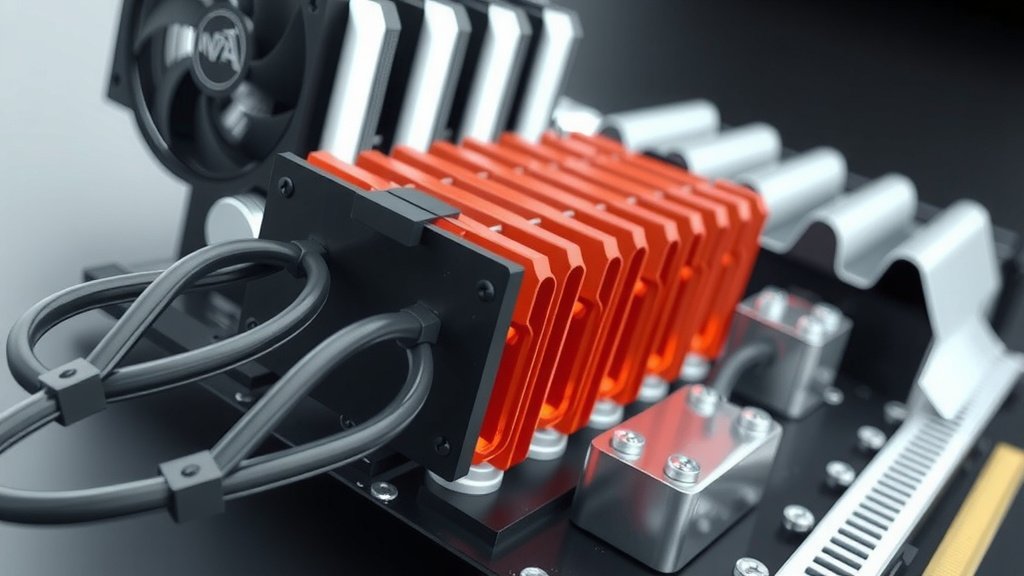
The number and placement of heat pipes can vary significantly between different GPU models. You might see one large heat pipe or several smaller ones. Their design is optimized for the specific heat output and PCB layout of the graphics card.
Number and Size
More heat pipes, or larger ones, generally mean more heat can be transferred away from the GPU core. However, simply adding more pipes isn’t always the answer. The effective design and contact with the GPU die and heatsink are also critical. Manufacturers carefully balance the number, size, and placement to achieve the best cooling performance for a given card.
Direct Contact vs. Indirect Contact
Some GPUs feature heat pipes that are in direct contact with the GPU’s surface. This can lead to very efficient heat transfer. Others have a copper plate that sits between the GPU and the heat pipes. This plate absorbs the heat first and then transfers it to the pipes. Both methods aim to get heat into the pipes as quickly as possible.
A Quick Checklist for Understanding GPU Heat Pipes
- Heat pipes are sealed tubes with a special liquid inside.
- The liquid boils to become vapor, moving heat away.
- The vapor condenses back to liquid, releasing heat.
- They are usually part of a larger heatsink and fan assembly.
- Heat pipes help prevent overheating and extend GPU life.
- They enable your GPU to perform at its best.
Conclusion
You now understand how heat pipes work their magic on your GPU. These simple tubes use a special fluid to efficiently move heat away from your graphics card. This cycle of boiling and condensing keeps your GPU cool, preventing performance dips and extending its life. It’s a key technology ensuring your card performs its best, especially during demanding tasks. Next time you look at your GPU, you’ll appreciate these silent, hardworking components. Consider checking your GPU’s cooling if you experience high temperatures; it might involve these clever heat pipes.
Frequently Asked Questions
Can I add more heat pipes to my GPU?
Generally, you cannot add more heat pipes to a GPU yourself. They are integrated into the heatsink during manufacturing. Modifying this complex assembly could damage your card. It’s best to rely on the manufacturer’s design or consider upgrading to a GPU with a more robust cooling solution if needed.
Do heat pipes make noise?
Heat pipes themselves are silent. They operate passively through the natural physics of heat transfer. Any noise you hear from your GPU’s cooling system comes from the fans that blow air across the heatsink where the heat pipes transfer heat. More fans or faster fan speeds can create more noise.
How do I know if my GPU has heat pipes?
Most modern GPUs, especially those designed for gaming or intensive tasks, feature heat pipes. You can usually see them as metal tubes running from the GPU chip area across a large metal heatsink. If your GPU has a sizable cooler with fins and fans, it’s highly likely to incorporate heat pipes within its design.
Are all heat pipes on GPUs the same?
No, heat pipes can vary in size, number, and how they are integrated. Some GPUs use fewer, larger pipes, while others use many smaller ones. The type of working fluid and the internal lining of the pipes can also differ. Manufacturers tailor these designs to the specific thermal demands of each GPU model.
What happens if a heat pipe on my GPU breaks?
If a heat pipe breaks, its ability to transfer heat is compromised, leading to much higher GPU temperatures. You might experience severe performance throttling, graphical glitches, or even system shutdowns to protect the card. If you suspect a broken heat pipe, it’s often best to stop using the GPU and consult a professional or consider replacing the card.
![10 Best Consumer Gpu [2026]](https://spsolutionscare.com/wp-content/uploads/2026/09/10-best-consumer-gpu-2026-featured-768x432.jpg)
![10 Best Amd Card For The Money [2026]](https://spsolutionscare.com/wp-content/uploads/2026/08/10-best-amd-card-for-the-money-2026-featured-768x432.jpg)