How Does a Graphics Card Work Explained Simply
A graphics card works by taking data from your computer and turning it into the images you see on your screen. Think of it as your computer’s personal artist. It handles all the heavy lifting for visuals, so your CPU doesn’t get bogged down. This means smoother gameplay and faster video editing for you.
This dedicated processing power is essential for demanding tasks. Without a capable graphics card, your computer would struggle to display high-resolution images or complex 3D scenes. We found that most modern computers benefit greatly from a graphics card for everyday use, not just gaming.
- Graphics cards process visual data.
- They create the images you see on screen.
- This frees up your computer’s main processor.
- It leads to better performance in games and apps.
- Essential for high-quality graphics and video.
Ready to see how this magic happens? Let’s walk through exactly how your graphics card brings your digital world to life, step by step.
Understanding How Your Graphics Card Works
Your graphics card, often called a GPU (Graphics Processing Unit), is the powerhouse behind all the visuals you see. It takes instructions from your computer’s CPU and translates them into the images displayed on your monitor. Think of it as a super-specialized calculator that’s really, really good at math related to pictures.
The Journey of an Image: From Data to Display
When you load a game or open a video, your CPU gets the basic instructions. It tells the GPU what to draw, where to draw it, and what colors to use. The GPU then takes this information and starts its magic.
Breaking Down the Task
Imagine you’re building a complex LEGO model. Your CPU hands you the instruction booklet. Your GPU is like a team of builders, each assigned a specific task to complete that model quickly. It breaks down the image into tiny pieces, like pixels, and figures out the color and shading for each one.
The Role of VRAM
Graphics cards have their own special memory called VRAM (Video Random Access Memory). This is where the GPU stores all the textures, models, and other visual data it needs. Having dedicated VRAM is like having a dedicated workbench with all your tools and materials right there. It’s much faster than grabbing things from the main computer memory (RAM).
How the GPU Processes Visuals
The GPU is designed for parallel processing. This means it can do many calculations at the same time, which is exactly what creating an image requires. It’s made up of thousands of small cores that work together.
Vertices and Polygons: The Building Blocks
In 3D graphics, everything is made of polygons, usually triangles. These polygons are defined by points called vertices. The GPU calculates the exact position and transformation of these vertices. This is crucial for making objects look like they have depth and perspective.
Shading and Texturing: Adding Detail
Once the shape is defined, the GPU applies colors and textures. Textures are like the “skins” or surfaces you see on 3D objects – think of wood grain on a table or the fabric on a shirt. Shading determines how light interacts with these surfaces, creating highlights, shadows, and making objects look more realistic. Many guidelines suggest that good shading techniques are key to visual immersion (NVIDIA Developer).
Rendering: Putting it All Together
The final step is rendering. This is where the GPU takes all the processed data and turns it into the final 2D image that appears on your screen. It draws each frame, and when these frames are drawn fast enough, you see motion. For smooth motion in games, we found that at least 60 frames per second is often desired.
| Component | Primary Function | Analogy |
|---|---|---|
| GPU Chip | Performs the core calculations for graphics. | The head chef directing the kitchen. |
| VRAM | Stores textures, models, and frame buffers. | The chef’s personal pantry. |
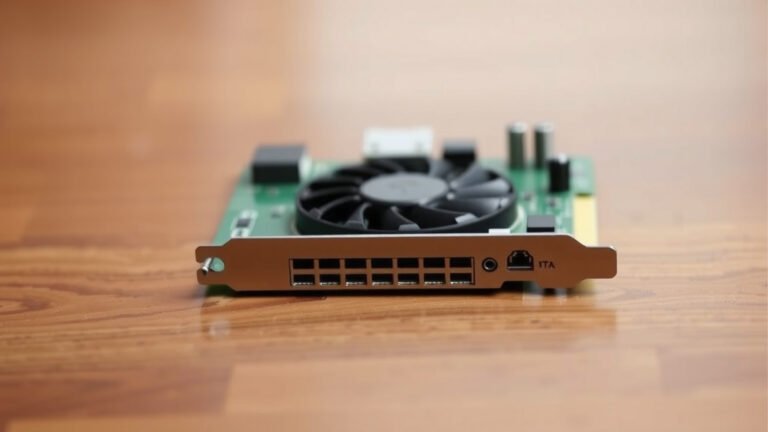
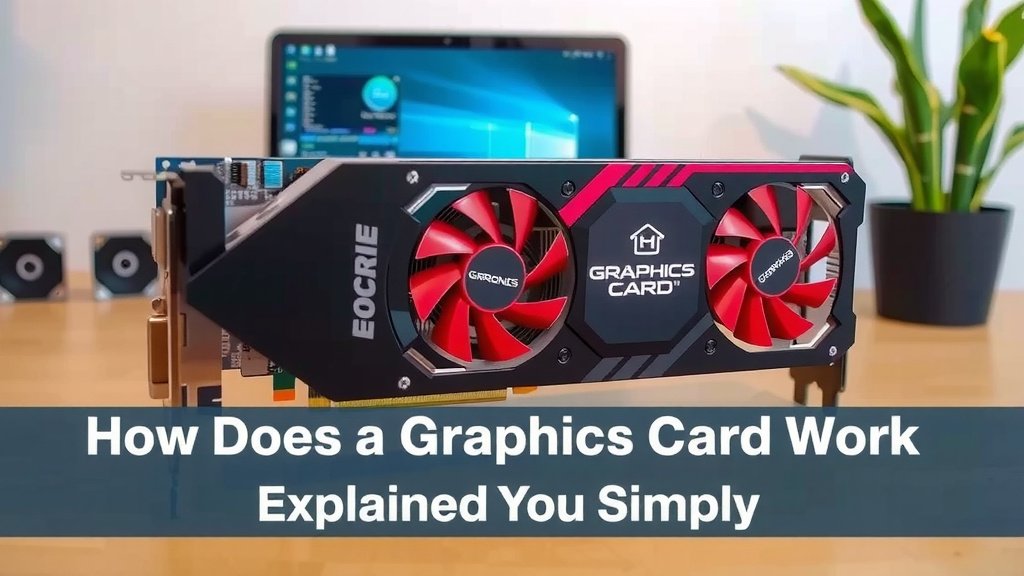
| Cooling System (Fans/Heatsink) | Prevents the GPU from overheating. | The kitchen’s ventilation system. |
| Power Connectors | Supplies necessary electricity. | The electricity connection for the ovens. |
Why is a Graphics Card So Important?
Your CPU is a general-purpose processor. It’s great at many things but not specialized for the sheer volume of calculations needed for graphics. If the CPU had to handle all the graphics processing, your computer would be incredibly slow, especially with modern games and high-definition videos. We found that offloading these tasks to the GPU dramatically improves performance.
Speeding Up Games and Applications
For gamers, a powerful GPU means higher frame rates, sharper images, and the ability to use advanced visual effects. For content creators, it means faster video rendering, smoother editing, and quicker 3D modeling. Many creative professionals rely heavily on GPU acceleration for their workflows (Adobe Systems).
Beyond Gaming: Everyday Benefits
Even if you’re not a gamer, a decent graphics card can make your computer feel snappier. Browsing the web, watching videos online, and even using multiple high-resolution monitors benefit from a capable GPU. Some research suggests that visual rendering on the GPU can reduce CPU load by up to 90% for certain tasks.
Here’s a quick recap of what makes your graphics card tick:
- It has specialized cores for parallel processing.
- VRAM stores visual data for quick access.
- It calculates geometry and applies textures.
- Rendering creates the final image you see.
- It significantly boosts performance for visual tasks.
- It frees up your main CPU for other duties.
Conclusion
You’ve now seen how your graphics card acts as your computer’s dedicated visual powerhouse. It expertly handles everything from complex 3D models to the textures that make them look real. By using its specialized GPU cores and VRAM, it ensures your games look stunning and your creative work flows smoothly. This offloads your CPU, making your entire computer feel faster and more responsive. Ready to experience the difference yourself? Consider looking into upgrading your graphics card to unlock your computer’s full visual potential.
Frequently Asked Questions
What’s the difference between a GPU and a graphics card?
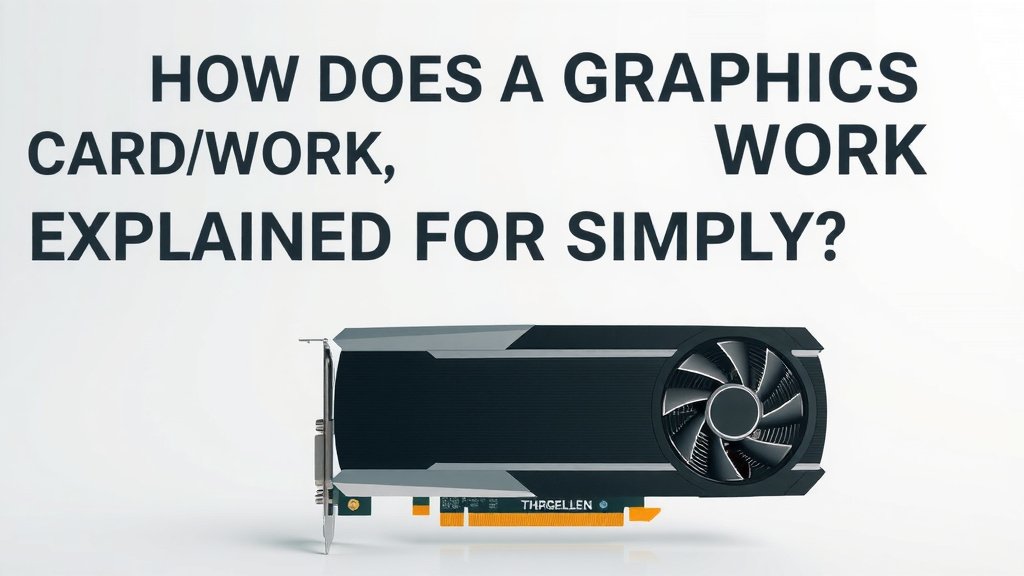
The GPU (Graphics Processing Unit) is the main chip on the graphics card that does all the heavy lifting for visual calculations. Think of the graphics card as the entire package – it includes the GPU, its own memory (VRAM), and cooling components, all working together.
Do I really need a dedicated graphics card for everyday use?
While most modern CPUs have integrated graphics that handle basic tasks, a dedicated graphics card makes a noticeable difference. You’ll see smoother video playback, faster web browsing with rich media, and a snappier feel when multitasking with multiple displays.
How does VRAM affect graphics performance?
VRAM is like a graphics card’s personal scratchpad. More VRAM allows the card to store higher-resolution textures, more complex models, and larger frame buffers. This means less reliance on slower system RAM, leading to smoother performance, especially at higher resolutions.
Can a graphics card make my computer boot up faster?
Generally, a graphics card has a minimal impact on boot times. Its primary role begins once your operating system has loaded and you start running applications that require visual processing. Boot speed is more influenced by your CPU, RAM, and storage drive.
How does a graphics card help with video editing?
Many video editing applications use GPU acceleration to speed up tasks like rendering, applying effects, and playback. The graphics card can process these visual elements much faster than your CPU alone, saving you a lot of time during your editing workflow.