
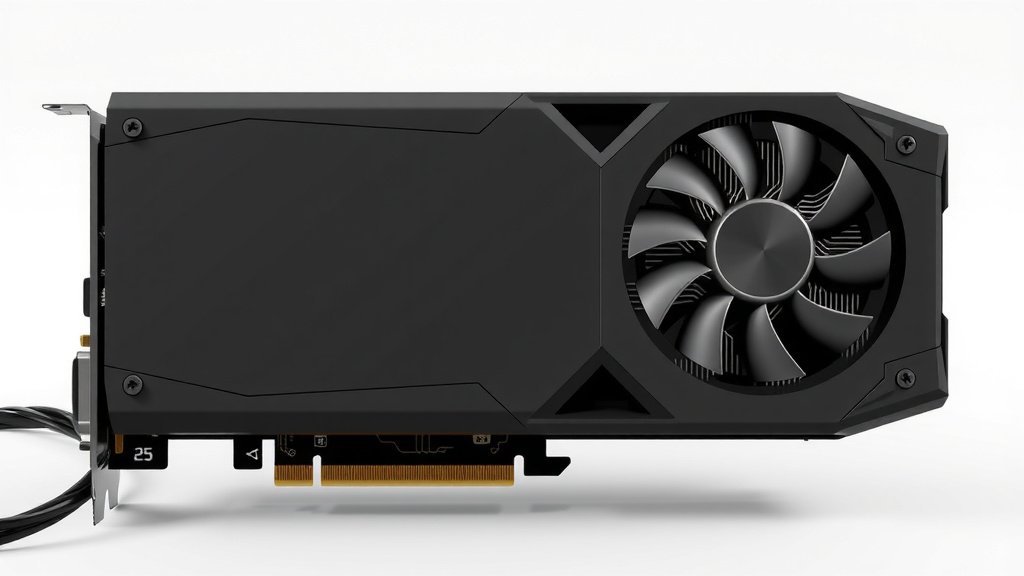
Understanding GPU TDP: What It Means for Your PC
GPU TDP stands for Thermal Design Power. It’s a measure of the maximum heat your graphics card is designed to generate. Think of it as a guideline for how much power your GPU might use. This number helps you understand your system’s cooling needs. A higher TDP generally means a more powerful, but also hotter, graphics card.
Understanding your GPU’s TDP is important for several reasons. It directly impacts your power supply requirements. It also influences the cooling solution you’ll need for your PC. Many experts suggest checking TDP before buying new hardware. This ensures your system can handle the heat and power demands.
- GPU TDP means Thermal Design Power.
- It shows the max heat a graphics card can produce.
- It helps determine power supply and cooling needs.
- A higher TDP means more power and heat.
Let’s break down what GPU TDP really means for your PC and how to use that information.
Understanding Your Graphics Card’s Power Draw
So, your graphics card (GPU) has a TDP rating. What does that really tell you? Think of Thermal Design Power, or TDP, as the maximum amount of heat a graphics card is expected to produce under typical heavy use. It’s not necessarily the exact power consumption at every moment. Instead, it’s a benchmark for designing the cooling system. This number is super important for anyone building or upgrading a PC.
What TDP Isn’t
It’s easy to think TDP means your GPU will always use that exact amount of wattage. That’s not quite right. Your GPU’s actual power draw fluctuates based on what you’re doing. When you’re browsing the web, it’s using far less power than when you’re deep into a demanding video game. TDP is more of a peak heat output indicator.
Why TDP Matters for Your PC Build
Knowing your GPU’s TDP helps you make informed decisions. It directly affects two main components: your power supply unit (PSU) and your PC’s cooling setup. Getting these wrong can lead to performance issues or even system instability.
The Connection Between TDP and Your Power Supply Unit (PSU)
Your GPU is often the most power-hungry part of your computer. The TDP rating gives us a good idea of the minimum recommended PSU wattage. While the TDP isn’t the absolute maximum power draw, it’s a safe bet to use it as a guide. We need to make sure your PSU can handle the GPU’s needs, plus all the other components like your CPU, motherboard, and drives.
Choosing the Right PSU Wattage
Most graphics card manufacturers will recommend a specific PSU wattage for their cards. These recommendations are usually based on the TDP. For example, a card with a 250W TDP might suggest a 650W PSU. This gives you some headroom. We want enough power for peak loads and any potential spikes. Overclocking your GPU will also increase its power draw, so more headroom is often better.
We found that aiming for a PSU that’s about 100-150 watts higher than your GPU’s TDP, plus the estimated needs of your other components, is a solid strategy. This ensures your system runs smoothly even under heavy load. It also helps extend the lifespan of your PSU, as it won’t be constantly running at its absolute limit.
PSU Efficiency Ratings
Don’t forget about PSU efficiency! Ratings like 80 Plus Bronze, Silver, Gold, Platinum, and Titanium tell you how efficiently the PSU converts wall power into usable power for your components. A more efficient PSU wastes less energy as heat. This can save you a little on your electricity bill over time. It also means less heat is being dumped into your case. A higher efficiency rating often means a higher-quality unit.
Cooling Your Graphics Card: TDP and Heat Management
The TDP directly tells us how much heat your GPU is designed to dissipate. This is where your PC’s cooling system comes into play. Your graphics card will have its own built-in cooler, usually fans and a heatsink. But the overall airflow in your case is also very important.
GPU’s Built-in Cooling
Most modern GPUs come with robust coolers. These are designed to keep the card within safe operating temperatures, even when running at its rated TDP. These coolers often feature large heatsinks and multiple fans. They work by drawing cool air from inside your case, passing it over the heatsink fins to absorb heat, and then expelling the hot air. This is a closed loop that handles the GPU’s heat output.
Case Airflow: The Unsung Hero
Even the best GPU cooler needs good airflow in your PC case. If your case is a hotbox, the GPU’s fans will just be circulating already-warm air. This makes it harder for the GPU to cool itself effectively. We recommend a balanced airflow setup: intake fans at the front and bottom, and exhaust fans at the rear and top. This creates a constant flow of cool air in and hot air out.
Many builders overlook case airflow. But it’s essential for keeping all your components, especially the GPU, running at optimal temperatures. A GPU running too hot might throttle its performance to prevent damage. This means you won’t get the frame rates you expect, even with a powerful card.
Monitoring Your GPU Temperatures
How do you know if your cooling is adequate? You monitor your GPU’s temperature. Software like MSI Afterburner, HWMonitor, or even your graphics card manufacturer’s own utility can show you real-time temperature readings. During demanding tasks like gaming, you’ll want your GPU temperature to stay below 80-85 degrees Celsius for most cards. Consistently higher temps might mean you need better case airflow or a different cooler.
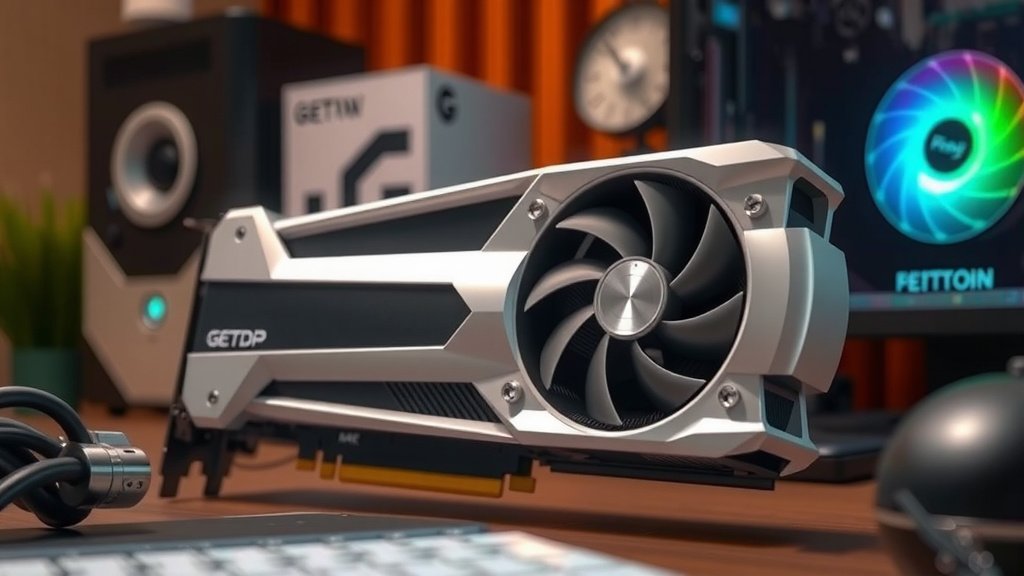
GPU TDP vs. Actual Power Consumption: A Closer Look
Let’s clarify the relationship between TDP and what your GPU actually draws. TDP is a specification set by the manufacturer. It represents a standardized thermal output for design purposes. It’s not the same as the GPU’s peak instantaneous power draw, which can sometimes exceed TDP for very brief moments. However, for practical purposes, it’s the best figure we have to estimate power and cooling needs.
TDP and Performance Differences
You’ll often see different versions of the same graphics card from various manufacturers. These might have slightly different TDP ratings. A factory-overclocked card, for instance, might have a higher TDP than a reference design. This is because it’s designed to boost to higher clock speeds, which requires more power and generates more heat. This is why reading reviews and checking specifications for specific models is important.
Here’s a quick comparison of what TDP generally indicates:
| TDP Range (Approx.) | Typical Performance Level | Typical PSU Recommendation (General) |
|---|---|---|
| Under 75W | Entry-level, basic tasks, some light gaming | No dedicated PSU connector needed, uses PCIe slot power. Use existing PSU. |
| 75W – 150W | Mid-range, good for 1080p gaming | 500W – 600W |
| 150W – 250W | High-end, excellent for 1440p and some 4K gaming | 650W – 750W |
| Over 250W | Enthusiast, top-tier 4K gaming, professional workloads | 850W+ |
Remember, these PSU recommendations are general. Always check the manufacturer’s specific requirement for the GPU model you are considering. Some high-performance cards might have TDPs well over 300W, requiring 1000W+ PSUs.
When TDP Might Not Tell the Whole Story
Some very high-end cards can have transient power spikes that exceed their TDP by a significant margin, even if only for milliseconds. While TDP is a good guideline, if you’re building a top-tier system, it’s wise to research reviews for that specific card. They often test actual power draw and can give you a clearer picture. This ensures your PSU can handle those brief power surges without issue. It’s about building a stable, reliable system.
Your GPU TDP Checklist for a Smooth Build
Planning your PC build around your GPU’s TDP ensures you get the performance you want without any nasty surprises. Here’s a quick checklist to keep in mind:
- Check the GPU’s TDP: Find this spec on the manufacturer’s website.
- Calculate PSU Needs: Add GPU TDP to other components, then add 100-150W headroom.
- Verify PSU Quality: Aim for a reputable brand with an 80 Plus efficiency rating.
- Ensure Good Case Airflow: Plan for intake and exhaust fans for proper cooling.
- Monitor Temperatures: Keep an eye on GPU temps during heavy use after building.
- Read Reviews: For high-end cards, check for real-world power draw and transient spikes.
Conclusion
You’ve now got a solid grasp on GPU TDP. Remember, it’s your guide to understanding your graphics card’s heat output. This number directly influences your power supply and cooling needs. Choosing the right PSU and ensuring good case airflow are key. This keeps your system stable and performing at its best. Now you’re ready to confidently select and install your next graphics card!
Frequently Asked Questions
Does GPU TDP affect my electricity bill?
GPU TDP is a measure of heat, not direct electricity consumption. While a higher TDP card generally uses more power, its actual usage varies by task. So, it influences your power supply needs more than a noticeable spike on your bill.
Can I ignore TDP if my case has good fans?
Good case airflow is essential, but it doesn’t negate the importance of TDP. TDP tells you how much heat the GPU itself generates. Your case fans help dissipate that heat, but you still need a power supply capable of handling the GPU’s demands.
What if my PSU wattage is higher than the recommended PSU for the GPU TDP?
Having a PSU with higher wattage than strictly recommended is usually a good thing. It provides more headroom for power spikes and ensures your PSU isn’t constantly running at its limit, which can improve stability and lifespan.
Does TDP change when I overclock my GPU?
Yes, overclocking your GPU will increase its actual power draw and heat output, often exceeding its stock TDP. This is why it’s important to research overclocking potential and ensure your PSU and cooling can handle the increased demands.
Is there a difference between TDP and maximum power draw?
TDP is a standardized measure of thermal output for design purposes. Maximum power draw can sometimes momentarily exceed TDP, especially in high-end cards. For practical building decisions, TDP is a reliable benchmark for estimating requirements.


![10 Best 2d Video Card [2026]](https://spsolutionscare.com/wp-content/uploads/2026/08/10-best-2d-video-card-2026-featured-768x432.jpg)