Understanding GPU Power Draw: What You Need to Know
GPU power draw is essentially how much electricity your graphics card uses to run. It’s measured in watts (W). Think of it like your car’s fuel consumption – a higher power draw often means more performance, but also higher costs and more heat. Understanding your GPU’s power needs is key for building a stable PC.
This power consumption directly impacts your system’s power supply unit (PSU) requirements. A GPU that draws a lot of power needs a beefier PSU to handle the load. It also affects the amount of heat your graphics card generates. More power often means more heat, which requires good cooling to keep your GPU running smoothly.
- GPU power draw is the electricity your graphics card consumes.
- It’s measured in watts (W).
- Higher power draw usually means more performance.
- It affects PSU needs and heat output.
- Proper cooling is essential for high-power GPUs.
Let’s break down what GPU power draw really means for your PC and what you need to watch out for.
Understanding Your GPU’s Energy Needs
So, what does GPU power draw actually mean for your computer? Simply put, it’s the amount of electrical power your graphics card needs to perform its tasks. Think of it like the engine of a car; a bigger, more powerful engine usually needs more fuel to run. Your GPU is no different. This power consumption is measured in watts (W), and it’s a really important number to know.
Why is this number so critical? Well, it directly influences other components in your PC. A high-draw GPU needs a robust power supply unit (PSU) to keep everything running smoothly. Without enough power, your system can become unstable or even shut down unexpectedly. It also generates more heat, which means your cooling system needs to be up to the task.
The Watts That Matter: What Influences Power Draw?
Several factors determine how much power your GPU will pull. The most obvious one is the performance level of the card itself. High-end graphics cards designed for demanding games or professional tasks will naturally consume more power than entry-level cards. Manufacturers also design cards with different power targets in mind.
Another factor is clock speed. This is how fast the GPU’s internal processors operate. Pushing these speeds higher, either through overclocking or by design, requires more power. Think of it like revving an engine higher – it uses more gas. The game or application you’re running also plays a role. More demanding tasks, like playing the latest AAA games at ultra settings, will push your GPU to draw more power than, say, browsing the web or watching a video.
Why Knowing Your GPU’s Power Draw is Essential
You might be wondering, “Why should I care about this specific number?” It’s all about building and maintaining a stable and reliable PC. Imagine buying a powerful sports car but only putting in a tiny fuel tank. It just won’t work well. The same applies to your PC components.
Power Supply Unit (PSU) Compatibility
This is arguably the most important reason. Your PSU is the backbone of your PC’s power delivery. Every component, including your CPU, motherboard, and especially your GPU, has a power requirement. The PSU needs to be able to supply enough wattage to meet the demands of all these components, with some headroom to spare. Many graphics card manufacturers will list a recommended PSU wattage for their cards. This isn’t just a suggestion; it’s often a necessity.
For example, a high-end card like the NVIDIA GeForce RTX 4090 has a typical board power of 450W (NVIDIA). This means your PSU needs to be able to comfortably deliver at least that much power to the GPU alone, plus what your CPU and other parts need. If your PSU is underpowered, you risk crashes, instability, and even damage to your components. Many experts recommend choosing a PSU that is 100-200 watts higher than the combined peak draw of your components to ensure stability and longevity (TechRadar).
Heat Management and Cooling
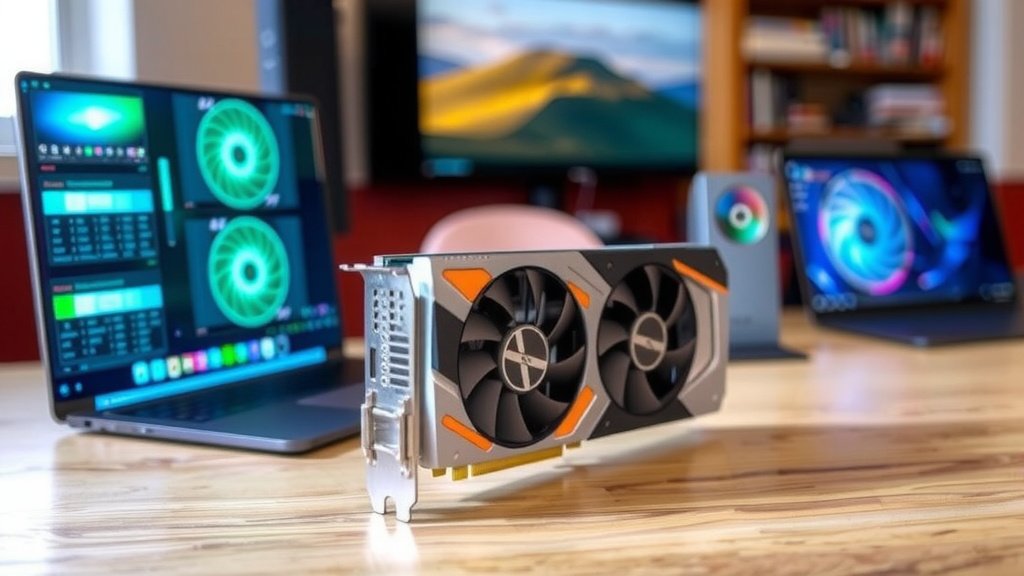
More power consumed generally means more heat generated. Electrical energy is converted into heat as it passes through the GPU’s components. A GPU that draws a lot of power will naturally produce more heat. This is why high-performance graphics cards often come with large, elaborate cooling solutions, featuring multiple fans and large heatsinks.
If your PC’s cooling isn’t adequate to dissipate this extra heat, your GPU will start to overheat. When this happens, it will often throttle its performance to try and cool down, leading to stuttering or frame drops in games. In extreme cases, prolonged overheating can reduce the lifespan of your GPU. So, understanding your GPU’s power draw helps you plan for appropriate case airflow and potentially aftermarket cooling solutions if needed.
How to Find Your GPU’s Power Draw Information
You’re probably eager to find out the power draw for your specific graphics card. Fortunately, this information is readily available. The easiest place to look is the manufacturer’s official specifications page for your GPU model. You’ll typically find this listed as ‘TDP’ (Thermal Design Power) or ‘TBP’ (Total Board Power).
Here’s where you can usually find it:
- Manufacturer Websites: Go to the website of NVIDIA or AMD, or the specific board partner (like ASUS, MSI, Gigabyte), and find your exact card model. The specs should be clearly listed.
- Product Box or Manual: Sometimes, the recommended PSU wattage and power consumption figures are printed on the original product packaging or in the included manual.
- Online Reviews and Benchmarks: Reputable tech websites often test and report the actual power consumption of GPUs under various loads. These real-world tests can be very informative.
Typical Power Draw Ranges for GPUs
To give you a general idea, here’s a look at typical power draw ranges across different GPU tiers. Keep in mind these are approximate and can vary by specific model and manufacturer.
| GPU Tier | Typical Board Power (Watts) | Example Use Cases |
|---|---|---|
| Entry-Level / Basic | 30W – 75W | Web browsing, office tasks, light media playback, very old or simple games. |
| Mid-Range / Mainstream | 75W – 200W | 1080p gaming at medium to high settings, productivity tasks, general use. |
| High-End / Enthusiast | 200W – 350W | 1440p or 4K gaming at high to ultra settings, demanding creative workloads, VR. |
| Enthusiast / Professional | 350W – 450W+ | Extreme 4K gaming, high refresh rate gaming, complex 3D rendering, AI development. |
What is TDP/TBP? Decoded
You’ll often see terms like TDP (Thermal Design Power) or TBP (Total Board Power) when looking at GPU specs. What do they mean?
Thermal Design Power (TDP)
TDP is a metric used to describe the maximum amount of heat a component (like a CPU or GPU) is expected to generate under a typical workload. It’s a good indicator of the power consumption, as higher heat output generally correlates with higher power draw. However, TDP is more about heat than pure electrical consumption. Many experts consider it a good proxy for power usage (TechPowerUp).
Total Board Power (TBP)
TBP is a term often used by NVIDIA and is considered a more direct measure of the total power the entire graphics card board can draw. This includes the GPU chip itself, memory, VRMs (Voltage Regulator Modules), and other onboard components. TBP is generally a more accurate reflection of the maximum power your GPU might consume.
Putting It All Together: Your GPU Power Checklist
To make sure you’re on the right track with your GPU’s power needs, run through this quick checklist:
- Identify your GPU model accurately.
- Find its official TBP or TDP from the manufacturer.
- Check the recommended PSU wattage for your specific GPU.
- Calculate the estimated power needs of your CPU and other components.
- Choose a PSU that offers at least 100-200 watts above your system’s total estimated peak draw.
- Ensure your PC case has adequate cooling for the heat your GPU will produce.
Conclusion
Understanding your GPU’s power draw is fundamental for a stable PC build. It directly impacts your power supply needs and cooling strategy. By knowing your GPU’s wattage requirements, you avoid system instability and potential hardware damage. Always refer to manufacturer specs for accurate TDP or TBP figures. Planning for a robust PSU and adequate airflow ensures your graphics card performs optimally without issues. Your next step should be to check your current PSU’s wattage and your GPU’s specific power needs to ensure compatibility.
Frequently Asked Questions
Does a higher GPU power draw always mean better performance?
Generally, yes. More powerful GPUs designed for demanding tasks like gaming or rendering will consume more power. This higher power draw fuels their increased processing capabilities. However, the relationship isn’t always linear; efficiency also plays a role.
Can I use a lower wattage PSU than recommended for my GPU?
It’s strongly advised not to. Using a PSU with insufficient wattage can lead to random shutdowns, instability, and even damage to your components. Manufacturers recommend a PSU wattage to provide a safe margin for peak loads.
How does GPU power draw affect my electricity bill?
A GPU that draws more power will naturally consume more electricity, leading to a slight increase in your electricity bill. The actual impact depends on how much you use your PC and your GPU’s specific power consumption during those uses.
Is TDP the same as the actual power my GPU will use?
TDP (Thermal Design Power) is an estimate of the heat a component generates, which is a good proxy for power draw. TBP (Total Board Power) is often a more direct measure of the total power consumed by the entire graphics card. Actual usage varies based on the workload.
Will overclocking my GPU increase its power draw?
Yes, overclocking your GPU will increase its power draw. Pushing clock speeds higher requires more voltage and power to maintain stability. This also generates more heat, so ensure your cooling can handle the increased demand.

![10 Best Gpu For Desktop [2026]](https://spsolutionscare.com/wp-content/uploads/2026/09/10-best-gpu-for-desktop-2026-featured-768x432.jpg)

![10 Best Amd Gpu Currently [2026]](https://spsolutionscare.com/wp-content/uploads/2026/08/10-best-amd-gpu-currently-2026-featured-768x432.jpg)