Dedicated vs Integrated Graphics: Which Is Right for You
Choosing between dedicated graphics and integrated graphics depends on what you plan to do with your computer. Dedicated graphics cards are powerful, separate components best for gaming and video editing. Integrated graphics are built into your CPU and are fine for everyday tasks like browsing and office work. You usually can’t upgrade integrated graphics.
Think of it like this: integrated graphics are the trusty minivan that gets you around town. They’re efficient and get the job done for most daily errands. Dedicated graphics are the sports car, built for speed and demanding performance when you really need it. They come with their own memory, making them much quicker for graphics-intensive jobs.
- Dedicated graphics are separate, powerful components.
- Integrated graphics are built into the CPU.
- Dedicated graphics excel at gaming and heavy tasks.
- Integrated graphics are suitable for everyday use. Integrated graphics are suitable for everyday use, but an entry-level graphics card can offer a step up.
- You generally can’t upgrade integrated graphics.
Let’s dive into the details of dedicated vs. integrated graphics so you can make the best choice for your needs.
“`htmlUnderstanding Graphics Processing: Integrated vs. Dedicated
So, what’s the real difference between these two graphics types, and which one is right for your computer setup? We’ve found that understanding your computer’s graphics capabilities is key to enjoying your digital life to the fullest. Let’s break down the essentials.
What Exactly Is Integrated Graphics?
Integrated graphics, often called iGPU, are built right into your central processing unit (CPU). Think of them as a tiny, efficient helper that shares resources with your main computer brain. They don’t take up extra space and don’t need their own power source beyond what the CPU already uses. This makes them a standard feature in most mainstream laptops and desktops.
How Integrated Graphics Work
Because they’re part of the CPU, integrated graphics use your computer’s main system memory (RAM). This is a bit like borrowing a neighbor’s tools instead of owning your own. When your computer needs to display something, like a webpage or a document, the integrated graphics handle it using this shared RAM. It’s perfectly fine for basic tasks.
Who is Integrated Graphics For?
If your daily computer use involves tasks like browsing the internet, checking emails, writing documents, or watching videos, integrated graphics will likely serve you well. Many office productivity suites and basic photo editing applications also run smoothly on systems with integrated graphics. It’s an economical and power-efficient choice for everyday computing needs.
What Is Dedicated Graphics?
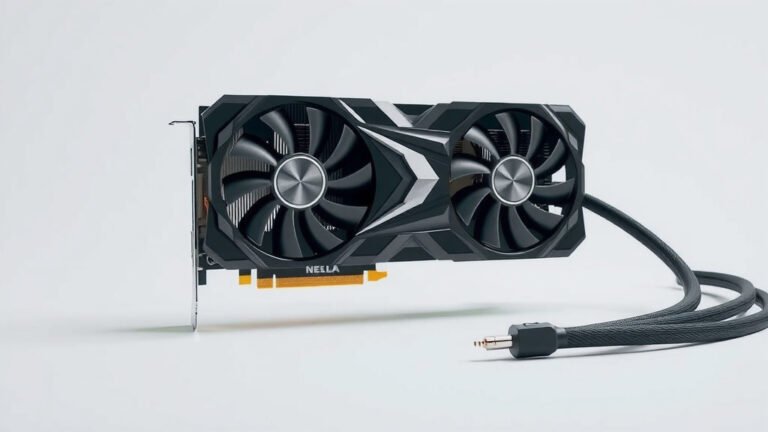
A dedicated graphics card, also known as a discrete GPU (dGPU), is a separate, powerful component in your computer. It’s like having a specialized artist on staff, solely focused on creating visuals. These cards have their own processor and, importantly, their own dedicated video memory (VRAM). This VRAM is separate from your system RAM, allowing for much faster data access for graphics-heavy tasks.
How Dedicated Graphics Work
When you’re gaming, editing high-resolution video, or working with 3D rendering, your computer sends the complex visual information directly to the dedicated graphics card. Its specialized VRAM and processing cores work together to render these images quickly and efficiently. This offloads a huge amount of work from your CPU, leading to much smoother performance in demanding applications.
Who is Dedicated Graphics For?
Dedicated graphics are essential for anyone who needs serious graphical horsepower. This includes PC gamers who want to play the latest titles at high settings and resolutions. It’s also a must-have for video editors, graphic designers, 3D animators, and engineers who work with complex visual software. Even running multiple high-resolution monitors can benefit from a dedicated card.
| Feature | Integrated Graphics | Dedicated Graphics |
|---|---|---|
| Location | Part of the CPU | Separate component (expansion card) |
| Memory | Uses system RAM | Has its own VRAM |
| Performance | Basic to moderate tasks | High-end gaming, video editing, 3D work |
| Power Consumption | Lower | Higher |
| Cost | Included with CPU, no extra cost | Adds significant cost to system |
| Upgradability | Not upgradable | Often upgradable |
Key Differences to Consider
Performance Power
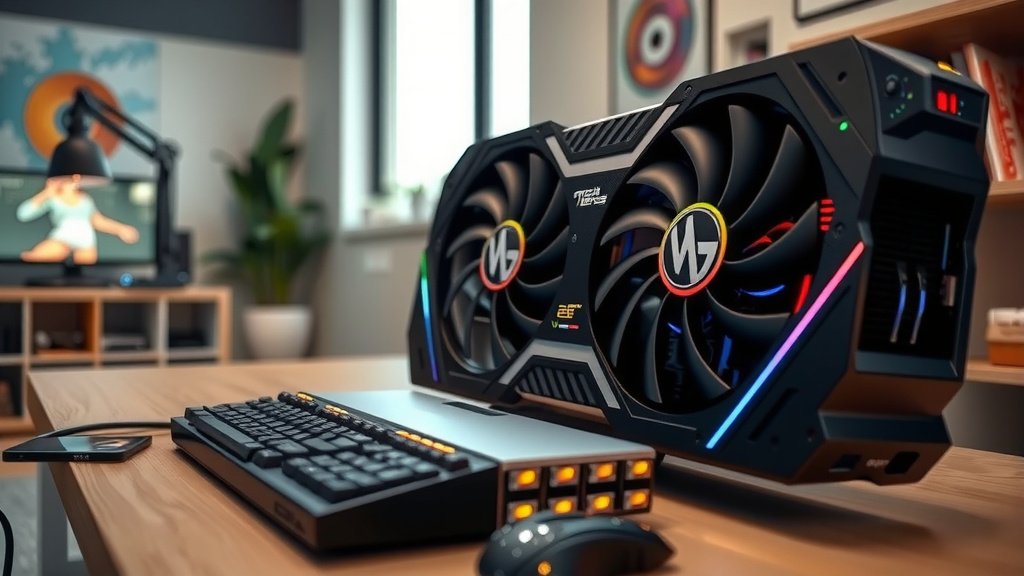
The most significant difference is raw performance. Dedicated graphics cards are built for speed and complex visual calculations. We found that even entry-level dedicated cards often outperform the best integrated graphics when it comes to graphically demanding tasks. This means smoother frame rates in games and faster rendering times for video projects.
Memory (RAM vs. VRAM)
As we touched on, integrated graphics share your system’s RAM. This can sometimes lead to bottlenecks, especially when many applications are running. Dedicated graphics cards have their own VRAM, which is optimized for graphics processing. Many experts suggest that having ample VRAM is crucial for handling high-resolution textures and complex visual scenes (NVIDIA).
Power and Heat
Dedicated graphics cards require more power and generate more heat. This is why gaming laptops and high-performance desktops often have robust cooling systems. Integrated graphics, on the other hand, are much more power-efficient, which is why they are popular in ultraportable laptops where battery life is a priority.
Cost and Upgradability
A computer with integrated graphics is generally less expensive. The graphics capabilities are part of the CPU, so there’s no additional hardware cost. Dedicated graphics cards, especially high-end ones, can significantly increase the price of a computer. However, most desktop computers with dedicated cards allow you to upgrade the GPU later, giving you a path to better performance down the line. Laptops, however, typically do not allow for GPU upgrades.
Your Needs Checklist
To help you decide, ask yourself these questions:
- What software do you use most often?
- Do you play modern video games?
- Are you involved in video editing or 3D design?
- Is battery life a top priority for a laptop?
- What is your overall budget for a new computer?
Conclusion
Deciding between integrated and dedicated graphics really comes down to your specific computer needs. If your daily tasks are light, like browsing and office work, integrated graphics are a smart, power-efficient choice. For gaming, video editing, or any graphically intense work, a dedicated graphics card is the clear winner, offering superior performance. We’ve seen that understanding these differences helps you make the most informed purchase. Take a moment to review your most-used software and gaming habits to guide your decision.
Frequently Asked Questions
Can integrated graphics handle casual gaming?
Yes, integrated graphics can handle casual or older games. You’ll likely need to play them at lower resolution and quality settings. Modern AAA titles will probably be too demanding for integrated graphics to run smoothly.
Will I need a dedicated graphics card for video editing?
For serious video editing, especially with high-resolution footage or complex effects, a dedicated graphics card is highly recommended. It will significantly speed up rendering times and improve playback performance in editing software.
Can I upgrade integrated graphics later?
No, integrated graphics are part of your CPU and cannot be upgraded separately. If you need more graphics power than your current integrated solution offers, you would need to replace the entire CPU or get a new computer.
Do laptops with dedicated graphics drain the battery faster?
Yes, laptops with dedicated graphics cards generally consume more power and will drain the battery faster than those with only integrated graphics. Many gaming laptops have features to switch between integrated and dedicated GPUs to manage battery life.
Is a dedicated graphics card necessary for basic photo editing?
For basic photo editing, like adjusting colors or cropping images, integrated graphics are usually sufficient. However, if you work with very large files, complex filters, or 3D rendering within photo editing software, a dedicated card would provide a smoother experience.