How GPU Cooling Works: The Ultimate Guide
GPU cooling works by using fans and heatsinks to move hot air away from your graphics card. This process prevents your GPU from overheating during demanding tasks like gaming or video editing. Efficient cooling is key to maintaining your GPU’s performance and lifespan.
When your graphics card works hard, its components generate a lot of heat. Without proper cooling, this heat can cause your GPU to slow down (called thermal throttling) or even get damaged. That’s why effective cooling solutions are essential for keeping your PC running smoothly and your games looking great. We found that good cooling can make a huge difference in how your PC performs.
- GPUs get hot when they work hard.
- Cooling systems move this heat away.
- Fans and heatsinks are common tools.
- Good cooling protects your GPU’s performance.
- Proper airflow is also very important.
Let’s walk through exactly how your GPU stays cool and what you can do to help it out.
Understanding How Your GPU Stays Cool
Your graphics processing unit, or GPU, is a powerhouse. It’s the component responsible for making all those stunning visuals appear on your screen. When you’re gaming, editing videos, or running complex simulations, your GPU is working overtime. This hard work generates a lot of heat. Think of it like a car engine; when it runs at high speeds, it gets warm. Your GPU is no different.
The primary goal of GPU cooling is to manage this heat. It ensures your GPU operates within safe temperature limits. This prevents performance drops and extends its lifespan. We found that keeping your GPU cool is one of the most important things you can do for your PC’s health.
The Core Components of GPU Cooling
Most modern GPUs rely on a combination of passive and active cooling methods. These work together to dissipate the heat effectively.
Heatsinks: The Heat Sponge
At the heart of any GPU cooling system is the heatsink. Imagine a metal radiator for your graphics card. Heatsinks are typically made of aluminum or copper, materials that are excellent at conducting heat. They have many fins, which increase the surface area.
This larger surface area allows heat to transfer from the GPU’s core to the surrounding air much more efficiently. Without a heatsink, the heat would build up incredibly quickly. Many high-end GPUs even use vapor chambers or heat pipes within their heatsinks. These advanced technologies move heat away from the GPU core even faster, distributing it across the entire heatsink.
Fans: The Air Movers
While heatsinks are great at absorbing heat, they need help to get rid of it. That’s where fans come in. GPU coolers usually have one or more fans attached directly to the heatsink.
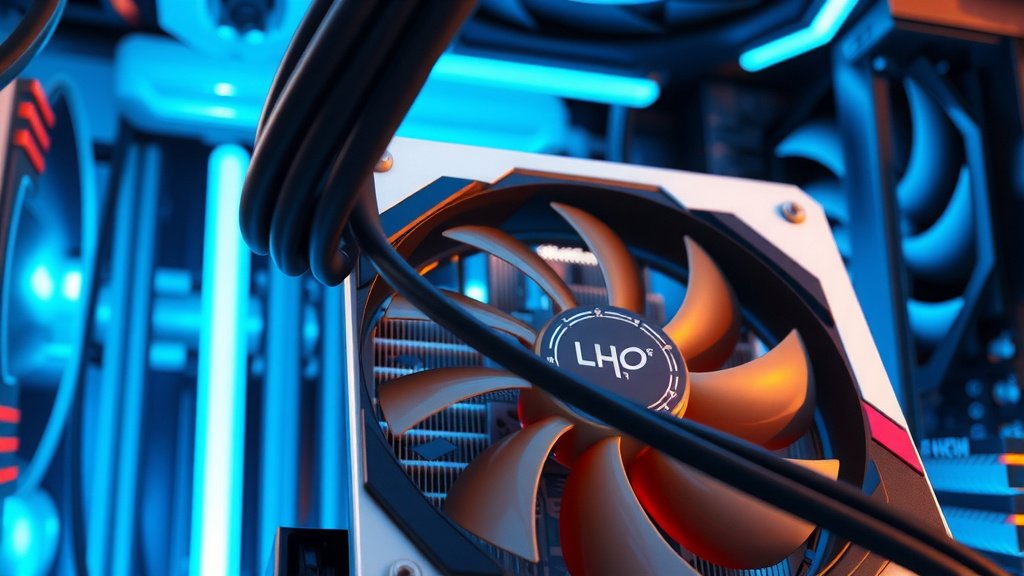
These fans actively pull cool air from your PC case and blow it across the heatsink’s fins. As the air passes over the fins, it absorbs the heat. The warm air is then pushed away from the GPU, often out of the PC case. This continuous cycle of airflow is vital. It’s what prevents heat from accumulating on the heatsink and GPU.
Thermal Paste: The Heat Bridge
Between the GPU’s main chip (the die) and the heatsink, there’s a thin layer of thermal paste. This might seem insignificant, but it plays a critical role. The surfaces of the GPU die and the heatsink, even when they look smooth, have microscopic imperfections. These tiny gaps can trap air, which is a poor conductor of heat.
Thermal paste fills these gaps. It creates a solid thermal interface. This ensures heat can transfer smoothly from the GPU die to the heatsink. Think of it as making a perfect handshake between two surfaces. Without it, heat transfer would be severely hampered. Many PC builders consider reapplying thermal paste an essential part of GPU maintenance.
Different Types of GPU Cooling Solutions
Not all GPUs are cooled the same way. The type of cooler often depends on the GPU’s performance tier and the PC build it’s intended for.
Open-Air Coolers (The Most Common)
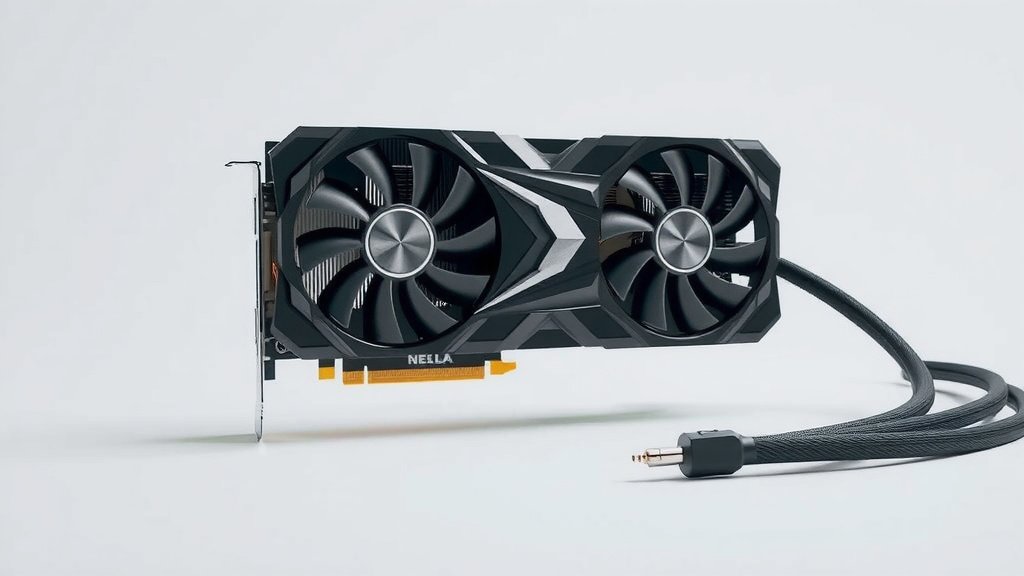
These are the coolers you see on most consumer graphics cards. They feature a large heatsink with one or more fans mounted on top. The fans draw cool air in and exhaust it generally within the PC case. These are effective for most users. They offer a good balance of cooling performance and noise levels.
Blower-Style Coolers
Instead of open fans, blower-style coolers use a single fan that pulls air through the cooler and expels it out the back of the PC, directly through the expansion slot bracket. This is highly effective for cardinal airflow within a PC case. It pushes hot air directly out of your system.
This design is common in smaller PCs or systems with limited airflow. It can be louder than open-air coolers. However, its focused exhaust is very beneficial for keeping other components cooler. Many experts recommend these for compact builds (CyberPowerPC).
All-In-One (AIO) Liquid Coolers
These are less common for GPUs than for CPUs but offer excellent performance. An AIO liquid cooler uses a water block that attaches to the GPU die. This block is connected via tubes to a radiator and fan assembly. A pump circulates liquid coolant between the GPU and the radiator. The radiator then dissipates the heat using fans. They offer superior cooling potential.
Liquid cooling can significantly lower GPU temperatures. This can lead to higher boost clocks and quieter operation under load. However, they are more expensive and complex to install. They also introduce the risk of leaks, though this is rare in modern systems.
Custom Water Cooling Loops
For the ultimate in cooling performance and aesthetics, some enthusiasts build custom water-cooling loops. This involves a GPU water block, pump, reservoir, radiator, and tubing, all connected manually. This system offers the highest cooling capacity and customization. It is, however, the most expensive and involved option.
The Importance of Case Airflow
Your GPU cooler doesn’t work in a vacuum. The overall airflow within your PC case is just as important. If your case is a “hot box” with poor ventilation, even the best GPU cooler will struggle.
You need intake fans to bring cool air into the case. You also need exhaust fans to expel the hot air generated by all your components, including the GPU. Many experts say that aiming for a slight positive or neutral pressure in your case is ideal. This means having slightly more intake than exhaust, or an equal amount. This helps prevent dust buildup (Linus Tech Tips).
Signs Your GPU Needs Better Cooling
How can you tell if your GPU is getting too hot? There are a few tell-tale signs:
- Sudden performance drops during gaming or heavy tasks. This is often thermal throttling kicking in.
- Visual glitches or artifacts on your screen, like flickering or strange colors.
- Unexpected shutdowns or PC reboots. This is a safety mechanism to prevent damage.
- Loud fan noise that persists even when the GPU isn’t under heavy load.
You can monitor your GPU temperatures using various software tools. Many gaming overlays can display real-time temperature readings. Keeping an eye on these numbers is a good habit. Many sources suggest that sustained temperatures above 80-85°C can be concerning for most GPUs (NVIDIA GeForce, AMD Radeon).
Tips for Keeping Your GPU Cool
Ready to ensure your GPU is running at optimal temperatures? Here are a few practical steps:
- Clean your GPU fans and heatsink regularly to remove dust buildup.
- Ensure good case airflow by managing cables and using adequate case fans.
- Consider reapplying thermal paste if your GPU is several years old.
- Monitor your GPU temperatures using monitoring software.
- Avoid blocking your GPU’s air intakes with other components or cables.
Conclusion
You’ve learned how your GPU stays cool, from its essential heatsinks and fans to the vital thermal paste that bridges the gap. We saw how different cooler types suit various needs, from common open-air designs to advanced liquid cooling. Remember, your GPU’s cooling system doesn’t operate alone; strong case airflow is equally important for keeping everything running smoothly.
By understanding these principles and taking simple maintenance steps like cleaning dust and ensuring good ventilation, you protect your graphics card’s performance and longevity. Now, take action: check your case airflow and consider monitoring your GPU temps. Your PC will thank you with smoother performance and a longer lifespan.
Frequently Asked Questions
How often should I clean my GPU’s cooling system?
You should aim to clean your GPU’s fans and heatsink at least once every 6-12 months. Dust buildup is a primary enemy of effective cooling. It insulates components and restricts airflow, making your GPU work harder and hotter.
Can poor PC case airflow actually damage my GPU?
While it’s unlikely to cause immediate catastrophic failure, consistently poor case airflow can lead to your GPU overheating. This can cause thermal throttling, reducing performance and potentially shortening its lifespan over time due to prolonged heat exposure.
What temperature is too hot for a GPU?
Most GPUs are designed to operate safely up to around 80-85°C. If you consistently see temperatures exceeding this, especially under moderate load, it’s a sign that your cooling solution might not be sufficient or requires maintenance.
Does reapplying thermal paste make a big difference?
Yes, reapplying thermal paste can make a noticeable difference, especially on older GPUs. Over time, thermal paste can dry out and become less effective at transferring heat. Fresh paste can often bring temperatures down by several degrees Celsius.
Are blower-style GPU coolers always louder than open-air coolers?
Blower-style coolers can often be louder because their single fan needs to work harder to push air through the heatsink and out the case. However, their direct exhaust can sometimes make your overall system quieter by preventing heat buildup near other components.

![10 Best Affordable Video Card For Gaming [2026]](https://spsolutionscare.com/wp-content/uploads/2026/08/10-best-affordable-video-card-for-gaming-2026-featured-768x432.jpg)