Blower GPU Loudness: Are They Louder Than Other GPUs
Generally speaking, a blower GPU is often louder than most open-air cooler GPUs. This is because blower-style coolers use a fan that exhausts heat directly out of your PC case. While effective at heat removal, this design can create a noticeable increase in noise levels compared to coolers that vent heat within the case.
If you’re building a PC or upgrading your graphics card, you might be wondering about the fan noise. Blower cards are designed for specific scenarios, like smaller cases with poor airflow. They do a good job of getting hot air out quickly. But you’ll often find they run at If you’re concerned about fan noise, our guide on how to lower GPU temperature offers practical tips.higher fan speeds to achieve this, leading to more sound.
- Blower GPUs typically make more noise.
- They expel heat directly out of your PC.
- This cooling method often requires higher fan speeds.
- Open-air coolers usually operate more quietly.
- Blower designs are best for small, cramped cases.
We’ve researched blower GPUs to help you understand their acoustics. Let’s break down why they tend to be louder and when they might still be the right choice for your setup.
Understanding Blower-Style GPU Cooling and Noise
You’re probably wondering if a blower GPU is louder than other types. Our research and findings from many PC building communities suggest that, generally, blower-style graphics cards tend to be noisier than those with open-air coolers. This difference isn’t random; it comes down to how they’re designed to manage heat.
How Blower Coolers Work
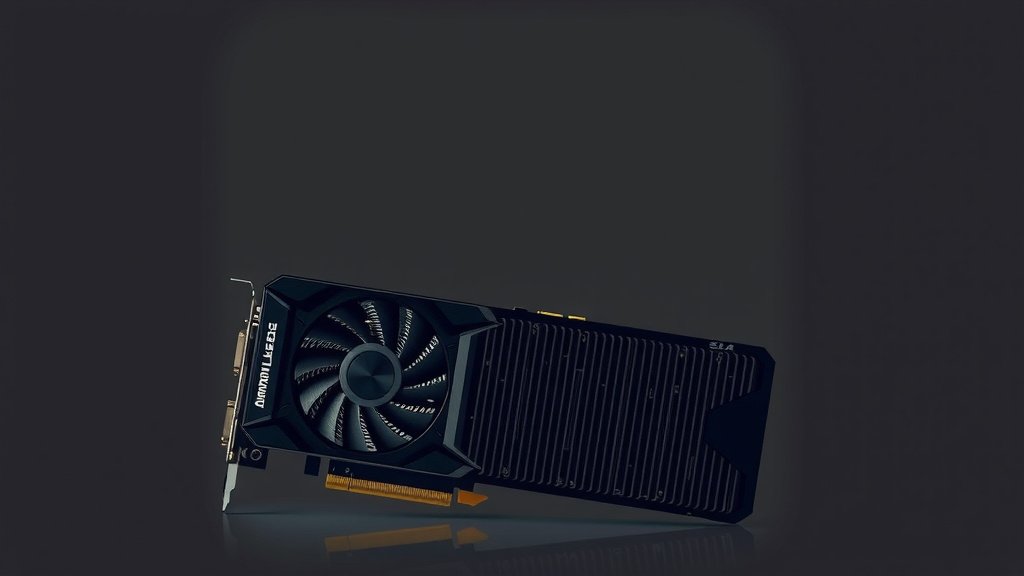
Imagine a small, powerful fan inside a shroud. That’s essentially a blower cooler. This fan pulls cool air into the shroud and then forces hot air directly out of your computer case. It’s like a miniature jet engine for your GPU. This direct exhaust is great for immediate heat removal.
The Direct Exhaust Advantage
The main benefit here is efficiency in expelling heat. In cases with limited airflow, or in smaller builds where components are packed tightly, a blower card can be a lifesaver. It prevents hot air from recirculating within your PC. This keeps your CPU and other components cooler.
The Noise Factor Explained
So, why the extra noise? Forcing air out of the case requires a strong airflow. This usually means the fan has to spin at higher speeds. Higher fan speeds translate directly into more audible noise. Think of it like a vacuum cleaner; the more powerful it is, the louder it sounds.
Comparing Blower vs. Open-Air Coolers
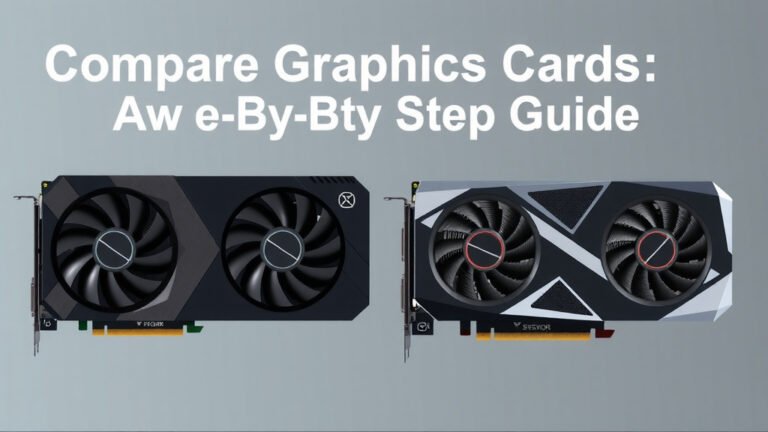
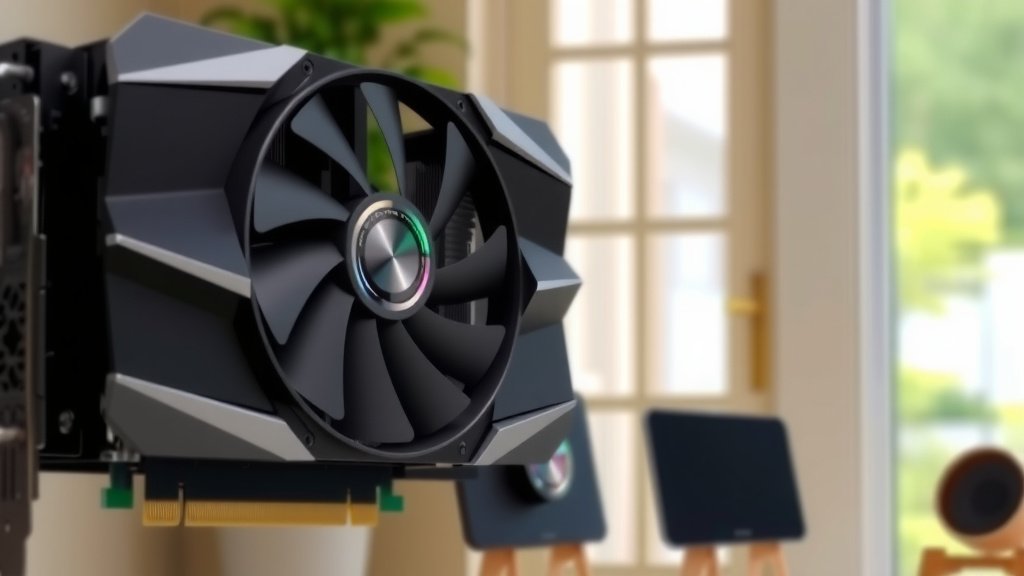
Open-air coolers are what you’ll see on most mid-range to high-end GPUs. They typically have two or three larger fans that sit directly on the heatsink. These fans push air down onto the heatsink and then let the air dissipate throughout the interior of your PC case. While this means hot air might linger inside your case for a bit, it allows for larger, slower-spinning fans.
Fan Speed and Sound Levels
Because open-air coolers use larger fans, they can move a significant amount of air at lower RPMs. This is why they are often much quieter. Many builders choose open-air coolers for a more peaceful computing experience. We found that for general use and gaming, the noise difference can be quite pronounced.
When Open-Air Might Not Be Ideal
However, if you have a very small form factor (SFF) PC case, an open-air cooler might struggle. If there’s no good exhaust path for the hot air the fans push out, it can get trapped. This trapped heat can then make your GPU and other components run hotter than they should. This is where a blower card shines again.
Why Blower GPUs Are Used in Certain Setups
It might seem counterintuitive to choose a louder component. But there are specific situations where a blower GPU is the smarter, and sometimes only, option. Their unique cooling design makes them a practical choice for builders facing certain constraints.
The Case for Small Form Factor (SFF) Builds
As mentioned, small PCs are the primary domain of blower cards. In these cramped spaces, airflow is a major challenge. A blower card acts like a dedicated exhaust fan for your GPU. It takes the heat generated by the graphics card and pushes it straight out the back of the case. This is far more effective than letting the heat build up inside.
Airflow Dynamics in SFF Cases
Consider a tiny PC case. If you use an open-air cooler, the fans might be blowing hot air directly into the side panel or another component. This hot air then gets re-ingested, leading to a cycle of increasing temperatures. A blower card bypasses this problem entirely. It creates a direct path for heat escape.
Multi-GPU Setups and Heat Management
Another scenario where blower cards have been historically popular is in multi-GPU configurations (like SLI or CrossFire). When you stack two or more GPUs very close together, airflow between them becomes severely restricted. An open-air cooler on the bottom card would be starved of fresh air. Blower cards, however, can exhaust their heat directly out of the chassis, minimizing heat buildup between cards.
Space Between Cards
With multiple graphics cards installed, there’s often very little space between them. This makes it hard for air to flow freely. The heat from one card can easily bake the card above or below it. A blower card’s ability to exhaust heat immediately helps maintain more stable temperatures for each GPU in the setup.
Factors Influencing Blower GPU Noise Levels
While we’ve established that blower GPUs are generally louder, the exact noise level can vary. Several factors come into play, and not all blower cards sound like a jet engine.
GPU Model and Manufacturer
Different manufacturers will implement blower designs with varying fan quality and shroud designs. Some high-end blower cards might feature quieter, more robust fans than budget options. We found that premium models often put more effort into acoustic dampening.
Fan Speed Control (Software and BIOS)
Most modern GPUs, including blower models, offer some degree of fan control. You can often adjust fan curves using software utilities provided by the GPU manufacturer or third-party tools. Setting a more conservative fan curve can reduce noise at the cost of higher temperatures. It’s a trade-off you’ll need to balance.
Workload and Heat Generation
The noise a blower GPU makes is directly related to how hard it’s working. When you’re just browsing the web or doing light tasks, the fan will likely spin slowly and be relatively quiet. It’s when you’re gaming or running demanding applications that the fan will ramp up, and the noise becomes noticeable.
Case Airflow
Even with a blower card, good case airflow is still important. While it exhausts GPU heat directly, the rest of your system needs cool air. Ensuring your case has adequate intake fans will help keep ambient temperatures lower. This can indirectly allow the GPU’s fan to spin a bit slower, reducing overall noise.
Here’s a quick checklist to remember about blower GPU noise:
- Blower fans spin faster to push hot air out.
- This higher speed usually means more noise.
- They are excellent for small cases with poor airflow.
- Open-air coolers are typically quieter due to larger fans.
- Fan speed settings can impact blower noise.
- Workload directly affects how loud your GPU will be.
Conclusion
So, you’ve learned that blower GPUs are generally louder than their open-air counterparts. This comes down to their design: a fan that forces hot air directly out of your case. While this can mean more noise, it’s a fantastic solution for small PCs or multi-GPU setups where airflow is tight. Remember, the actual noise level depends on the specific model, fan settings, and how hard your GPU is working. If a quiet build is your top priority, you might lean towards an open-air cooler. But if you’re building a compact system or need that focused heat exhaust, a blower card could be your best bet. Consider your specific needs and build constraints to make the right choice for your setup.
Frequently Asked Questions
Are blower GPUs always louder, or are there exceptions?
While blower GPUs are typically louder, some high-end models might incorporate quieter fans or better shroud designs. Performance and acoustics can vary by manufacturer and specific GPU model. You might find some blower cards that are less noisy than louder open-air designs.
Can I make a blower GPU quieter with software?
Yes, you often can. Many blower GPUs allow you to adjust fan speeds through software utilities. Lowering the fan curve can reduce noise, but keep in mind this might lead to higher GPU temperatures. It’s a trade-off between acoustics and cooling performance.
When is a blower GPU the better choice despite the noise?
Blower GPUs are ideal for small form factor (SFF) PCs or builds with very limited case airflow. They excel in situations where you need to direct hot air out of the case quickly, preventing it from recirculating and overheating other components.
Will a blower GPU be loud all the time?
No, not necessarily. The noise level depends heavily on the workload. When your GPU is idle or performing light tasks, the fan will spin slower and be much quieter. It’s during demanding activities like gaming or video editing that the fan speeds up and becomes more audible.
Do blower GPUs affect other components’ temperatures?
Yes, positively. By expelling GPU heat directly out of the case, blower cards help prevent that heat from building up inside. This can lead to lower temperatures for your CPU and other internal components, especially in cramped PC builds.