What is Multi-GPU: Boost Your PC’s Power
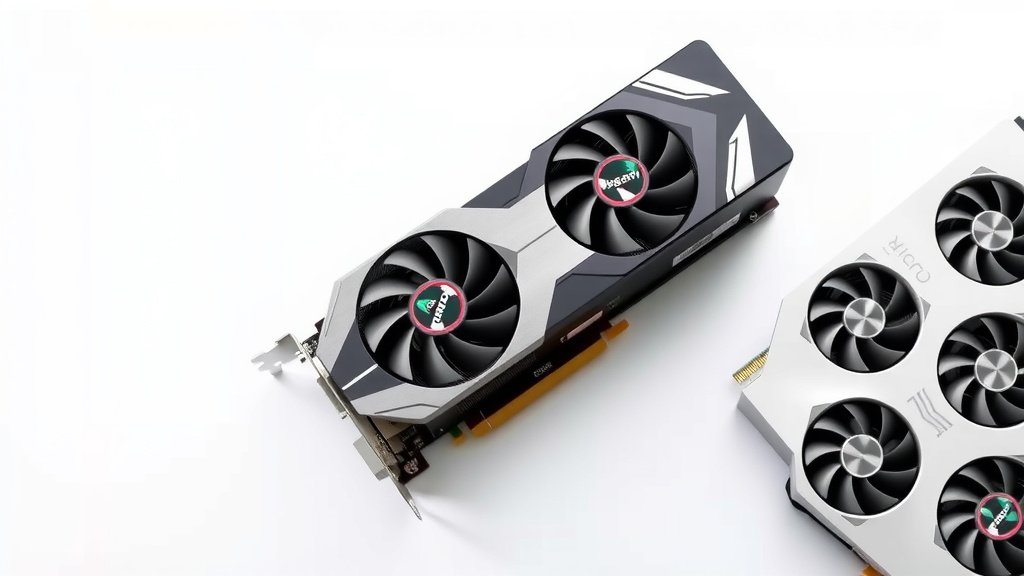
Multi-GPU is when you use two or more graphics cards in a single computer to boost performance. This setup can significantly speed up demanding tasks like gaming or video editing. Think of it as giving your computer extra power for graphics-heavy jobs.
This technology, often seen in high-performance PCs, aims to combine the processing power of multiple GPUs. It’s designed to handle jobs that would otherwise overwhelm a single graphics card. Many gamers and creative professionals use it to achieve smoother frame rates and faster rendering times.
- Multi-GPU uses multiple graphics cards together.
- It boosts performance for gaming and creative work.
- Two main technologies are SLI and CrossFire.
- Not all games or applications support it well.
- It can be more complex and costly than a single card.
So, ready to see if adding another graphics card is the right move for your setup? Let’s break down what you need to know about multi-GPU technology.
Getting More Graphics Power: Understanding Multi-GPU Setups
So, you’re looking to really juice up your PC’s graphics performance? You might be wondering about using more than one graphics card. That’s where multi-GPU technology comes in. It’s a way to combine the power of two or more graphics cards to handle demanding tasks. This can mean smoother gameplay or quicker work on creative projects.
How Does Multi-GPU Actually Work?
Think of it like hiring extra hands for a big job. A single graphics card does all the heavy lifting for visuals. When you add a second (or even a third!) card, they share the workload. This distributes the processing, so each card doesn’t have to do everything itself. The goal is to get more frames per second in games or speed up things like video rendering.
The Two Big Names: SLI and CrossFire
For a long time, two main technologies dominated the multi-GPU scene: NVIDIA’s SLI (Scalable Link Interface) and AMD’s CrossFire. These were essentially proprietary ways for graphics cards from the same company to talk to each other. They used special bridges or motherboard connections to link the cards.
What Happened to SLI and CrossFire?
You might have noticed that these technologies aren’t as common in new hardware. Many experts found that while they worked, they had their downsides. Not all games or applications were programmed to take advantage of them. Sometimes, performance gains were minimal or even inconsistent. Newer, more powerful single graphics cards often out-perform older multi-GPU setups. This led to a general shift away from these older multi-GPU standards.
Are There Other Ways to Use Multiple GPUs?
Even though SLI and CrossFire have faded, there are still professional applications that can use multiple GPUs. For tasks like 3D rendering, scientific simulations, or AI training, using several cards can still offer benefits. These applications are often specifically designed to manage and utilize multiple graphics processors efficiently. This is different from gaming, where game developers have to add specific support.
When Does Multi-GPU Make Sense Today?
Today, multi-GPU is less about gaming for the average user. The power of single, high-end graphics cards has increased dramatically. However, certain professional workflows can still see a big boost. If you’re deep into 3D modeling, complex video editing with many effects, or machine learning research, you might find value. These jobs often involve massive datasets and calculations that can bog down even a single powerful GPU.
Professional Applications and Multi-GPU
In fields like animation and visual effects, rendering times can be extremely long. Adding more GPUs can directly cut down this time. Imagine a scene that takes hours to render on one card. With two or four cards working together, that time could be cut by half or more. This is a huge time saver for professionals working under deadlines.
Gaming: A Mixed Bag
For gamers, the story is more complicated. While some games might show a decent performance increase with SLI or CrossFire, many do not. Developers need to actively optimize their games for multi-GPU setups. Without this optimization, you might see issues like stuttering, screen tearing, or even worse performance than with a single card. It’s a bit of a gamble.
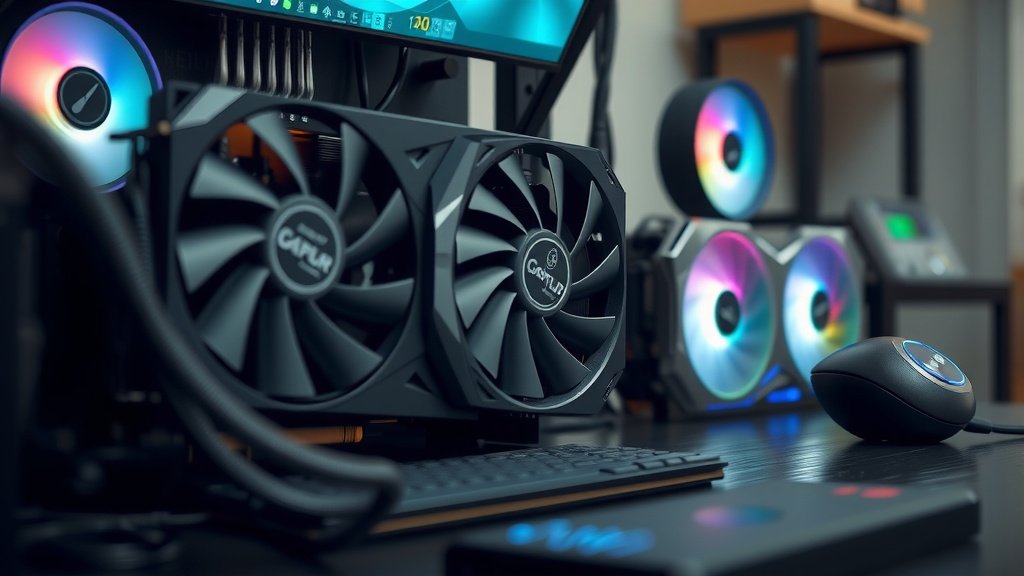
What You Need for a Multi-GPU Setup
If you’re considering this route, you’ll need more than just extra graphics cards. Your system needs to be able to support them. This means a motherboard with enough PCI-Express slots. You also need a power supply unit (PSU) that can handle the much higher electricity draw. Two powerful GPUs can consume a lot of power!
Motherboard Compatibility
Not all motherboards are created equal for multi-GPU. You’ll need a board with at least two physical PCIe x16 slots. These slots need to provide enough bandwidth for the cards to communicate effectively. For best results, look for motherboards that specifically advertise support for NVIDIA SLI or AMD CrossFire, even if those technologies are older. They often have the best slot configurations.
Power Supply Considerations
This is a big one. Graphics cards are power-hungry. Adding a second card doubles, or even triples, that demand. You’ll need a PSU with a high wattage rating. Experts often recommend a PSU that’s 200-300 watts higher than what a single card would require. Always check the recommended PSU wattage for the specific graphics cards you plan to use. A stable power supply is key to preventing crashes.
Cooling and Case Space
More powerful hardware generates more heat. Two graphics cards crammed into a case can create a furnace. You’ll need good case airflow. This means having enough fans and ensuring they’re positioned correctly. You also need to physically fit two cards into your PC case. Some large, high-end GPUs can be quite long and thick, so check dimensions carefully.
Potential Downsides to Consider
Multi-GPU setups aren’t always straightforward. They can be more complex to set up and troubleshoot. Driver support can sometimes be an issue, especially with newer games. And, of course, the cost of buying two graphics cards is higher than buying just one.
Cost vs. Performance Gain
Is the performance increase worth the extra cost? For gaming, research often shows that buying one newer, more powerful single card is usually a better value. You get guaranteed performance and better compatibility. For professional work, though, the time savings can absolutely justify the expense. We found that in rendering benchmarks, multi-GPU systems can show remarkable speedups when the software is designed for it.
Software and Game Support Worries
As mentioned, software support is critical. If a game doesn’t support multi-GPU, you won’t see any benefit. Some older titles might even run worse. Even with modern games, the level of support can vary wildly. You might need to do some research to see if your favorite games perform well in a multi-GPU setup. Many driver updates are released to improve this, but it’s an ongoing effort.
Power Consumption and Heat Output
These systems draw a lot of power. This means higher electricity bills. They also produce a lot of heat. If your cooling isn’t adequate, your components could overheat, leading to performance throttling or even damage. Many users found that managing the heat and noise from multiple GPUs was a major challenge. We recommend checking reviews of high-end GPUs to see their thermal output.
Here’s a quick checklist to see if multi-GPU might be for you:
- Do you work with professional 3D rendering or video editing software?
- Do your specific applications show documented performance gains with multiple GPUs?
- Do you have a motherboard with multiple PCIe x16 slots that are well-spaced?
- Is your power supply unit rated high enough for two graphics cards?
- Do you have a case with excellent airflow and space for multiple cards?
- Are you prepared for potential troubleshooting and driver updates?
Conclusion
So, you’ve learned that multi-GPU involves using multiple graphics cards to boost performance. While technologies like SLI and CrossFire are less common for gaming now, multi-GPU still shines in professional fields like 3D rendering and AI. For gamers, a single high-end card often offers better value and fewer compatibility headaches. If your work demands extreme processing power, a multi-GPU setup could be a smart investment. Before you jump in, carefully assess your motherboard, power supply, cooling, and the specific software you’ll be using. Your next step should be researching your specific professional applications to see if they genuinely benefit from multiple GPUs.
Frequently Asked Questions
Is multi-GPU still good for gaming in 2023?
For most gamers today, multi-GPU setups like SLI and CrossFire are not the best choice. Single graphics cards have become much more powerful. Many modern games aren’t optimized for multi-GPU, which can lead to performance issues or no improvement at all. You’ll often get better results and fewer headaches with one top-tier card.
What kind of professional work benefits most from multi-GPU?
Professional fields that involve heavy 3D rendering, complex video editing with many effects, scientific simulations, and machine learning/AI training can greatly benefit. These tasks often require immense computational power that multiple GPUs can distribute, significantly reducing processing times. It’s where multi-GPU truly shows its strength today.
Do I need a special motherboard for multi-GPU?
Yes, you generally do. You’ll need a motherboard with at least two physical PCI-Express x16 slots that are properly spaced. These slots need to provide enough bandwidth for the cards to communicate. Motherboards designed for multi-GPU often have better slot configurations for optimal performance.
How much more power does a multi-GPU setup use?
A lot more. Each powerful graphics card consumes a significant amount of power on its own. Adding a second card can easily double or even triple the graphics card’s power draw. You’ll need a much higher wattage power supply unit (PSU) to handle the increased demand reliably.
What are the biggest downsides to using multiple GPUs?
The primary downsides are cost, complexity, and compatibility. Buying two cards is more expensive than one. Setting up drivers and ensuring software support can be tricky, especially for gaming. You also have to manage increased heat output and ensure your system has adequate cooling and power. These factors often make a single, more powerful card a simpler choice.