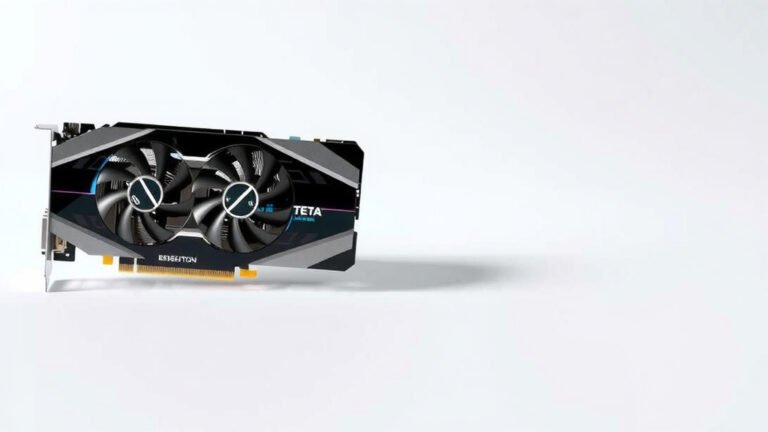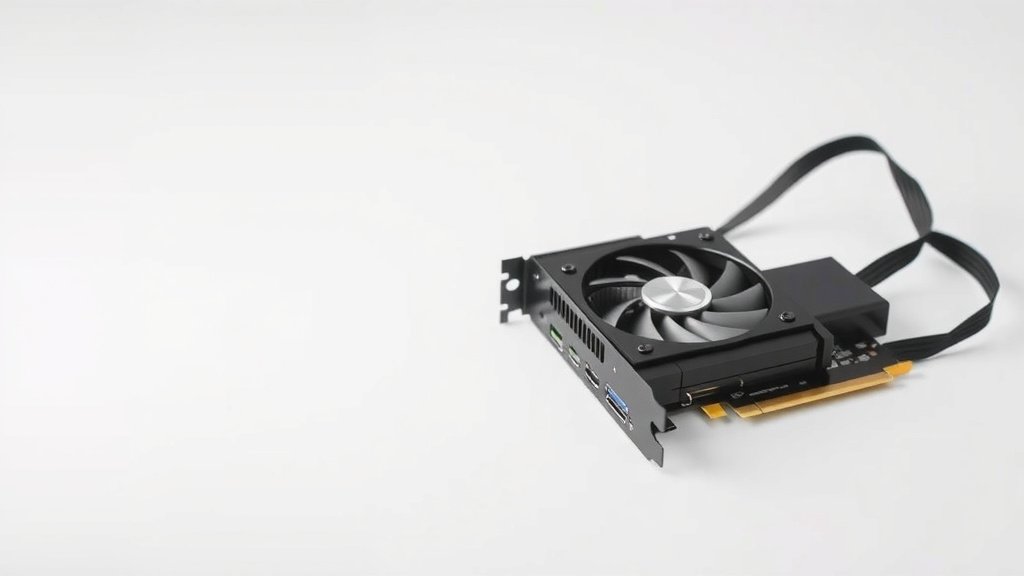
How VRAM Impacts Your Gaming Performance
Yes, VRAM absolutely affects your gaming experience. More VRAM helps games run smoother at higher resolutions and with better graphical settings. Without enough, you’ll see stuttering and reduced performance.
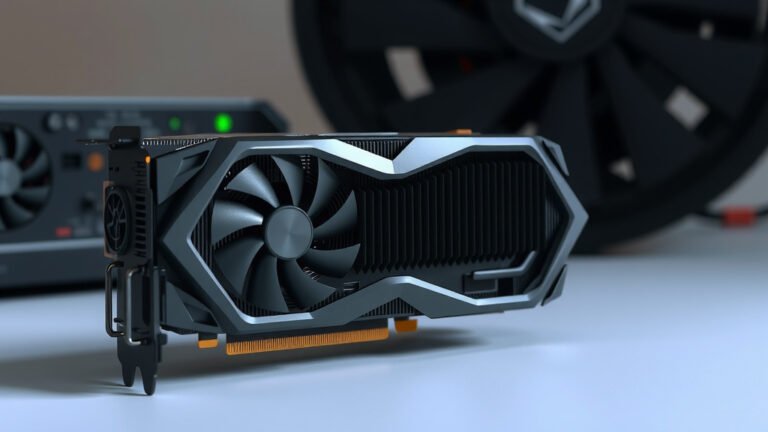
Think of VRAM as your graphics card’s personal workspace. It holds all the textures, models, and other visual data needed for your game. When there isn’t enough space, your graphics card has to constantly swap data in and out, which really slows things down.
- VRAM is your graphics card’s memory.
- It stores game textures and visual data.
- Not enough VRAM causes stuttering.
- More VRAM allows for higher resolutions and settings.
Let’s dive into exactly how VRAM impacts your frame rates and what that means for your gameplay.
How Much VRAM Do You Really Need for Gaming?
So, you’ve heard VRAM is important for gaming. But what exactly does it do, and how much is enough? Think of VRAM as your graphics card’s personal short-term memory. It’s where all the visual information for your game lives. This includes things like textures, models, and effects. The more VRAM you have, the more of this data can be stored right there. This means your graphics card can access it quickly. It doesn’t have to keep going back and forth to your main system memory.
We found that when your graphics card has plenty of VRAM, it can load high-resolution textures and run games at higher graphical settings. This results in a much smoother and more detailed visual experience. But what happens when you don’t have enough? That’s when things get a little bumpy.
The VRAM Bottleneck: When Memory Isn’t Enough
Imagine you’re trying to paint a giant mural. You have all your paint colors ready, but you only have a tiny palette. You have to keep wiping off colors and mixing new ones constantly. That’s a lot like what happens when a game needs more VRAM than your graphics card has.
When a game requires more visual data than your VRAM can hold, your graphics card has to start swapping data. It shuffles information between the VRAM and your computer’s main RAM (system memory). This process is much slower than accessing data directly from VRAM. We observed that this data swapping is a primary cause of stuttering and choppy frame rates in games. You might notice your game freezing for a moment or objects appearing with blurry, low-resolution textures.
What VRAM Stores for Your Games
VRAM is essential for storing various visual assets that make your games look good. Let’s break down what goes into that memory:
- Textures: These are the images that wrap around 3D models to give them detail. Think of the bricks on a building or the wood grain on a weapon. High-resolution textures look much better but take up more VRAM.
- Models: This is the geometric data that defines the shape of objects in the game world. More complex models with more polygons require more VRAM.
- Shaders: These are small programs that tell the graphics card how to render light, shadow, and other visual effects.
- Frame Buffer: This is where the final image of what you see on screen is stored before it’s displayed. Higher resolutions mean a larger frame buffer.
VRAM Needs: Resolution Matters Most
The biggest factor determining how much VRAM a game needs is your screen resolution. Higher resolutions mean your graphics card has to render more pixels on the screen. This directly translates to a larger frame buffer and more data being processed.
1080p (Full HD) Gaming
For gaming at 1080p, which is still very popular, VRAM requirements are generally lower. Most modern games can run well with 4GB to 6GB of VRAM. You might be able to push settings higher with 6GB or 8GB. We found that older titles or less demanding games may even be fine with 4GB.
1440p (QHD) Gaming
Stepping up to 1440p means you’re asking your graphics card to handle a lot more pixels. This is where VRAM becomes more critical. We recommend at least 8GB of VRAM for a solid 1440p experience. 10GB or 12GB will give you more headroom for higher texture settings and future titles.
4K (UHD) Gaming
Gaming at 4K is incredibly demanding on all parts of your graphics card, especially VRAM. To play games smoothly at 4K with high settings, you’ll want 10GB of VRAM at a minimum. Many experts suggest 12GB, 16GB, or even more for the best experience and longevity. We found that without enough VRAM at 4K, you’ll likely encounter significant performance issues.
How VRAM Affects Other Graphical Settings
While resolution is king, other graphics settings also gobble up VRAM. Let’s look at a few:
Texture Quality
This is probably the most direct user-controlled setting that impacts VRAM usage. Higher texture quality means the game loads sharper, more detailed images. If you love seeing every bit of detail in your game world, you’ll need more VRAM to support those high-quality textures. When VRAM is insufficient, games might automatically lower texture quality or suffer from stuttering.
Anti-Aliasing (AA)
Anti-aliasing smooths out jagged edges on in-game objects. Techniques like MSAA (Multisample Anti-Aliasing) can be quite VRAM-intensive because they essentially render the scene at a higher resolution internally before downscaling it. We found that enabling aggressive AA settings can quickly fill up your VRAM.
Shadows and Lighting Effects
Complex shadow rendering and advanced lighting techniques, like ray tracing, also contribute to VRAM usage. More detailed shadows and realistic lighting require more data to be stored and processed, impacting your VRAM needs.
Is More VRAM Always Better?
While it’s tempting to say more is always better, it’s a bit more nuanced. Your graphics card’s overall processing power (its GPU core) is still the primary determinant of game performance. Having 16GB of VRAM on a very low-end graphics card won’t magically make demanding games run well.
The VRAM needs to be matched with the GPU’s capabilities. If your GPU can’t process the information quickly enough, even with ample VRAM, you won’t see a performance boost. However, having enough VRAM for your desired resolution and settings is essential to avoid bottlenecks. It ensures your powerful GPU can operate at its full potential without being held back by memory limitations.
VRAM and Specific Game Genres
Certain types of games tend to be more VRAM-hungry than others:
- Open-World Games: These games often feature vast, detailed environments with many assets loaded simultaneously. Think of games like Grand Theft Auto V or The Witcher 3.
- Simulation Games: Complex simulations with many moving parts and detailed graphics, such as Flight Simulator or Cities: Skylines, can demand significant VRAM.
- High-Fidelity Shooters: Modern first-person shooters with ultra-realistic graphics, high-resolution textures, and advanced effects can push VRAM limits.
- Games with Extensive Modding: If you enjoy adding mods to games, especially texture packs, your VRAM requirements can skyrocket.
When to Consider More VRAM
Here’s a quick checklist to help you decide if VRAM is holding you back:
- Are you experiencing frequent stuttering or freezing, especially when loading new areas?
- Do games look blurry or pixelated, even when you set textures to high?
- Are you aiming to play games at 1440p or 4K resolution?
- Do you want to use high-resolution texture packs or mods?
- Are newer AAA games performing poorly despite having a decent GPU?
- Have you checked your game’s recommended VRAM requirements?
If you answered “yes” to several of these, it might be time to look into a graphics card with more VRAM for your next upgrade. We found that many users underestimate how much VRAM newer games are starting to demand, especially at higher resolutions.

Conclusion
You’ve learned that VRAM is your graphics card’s memory, and it’s essential for smooth gameplay. Not having enough VRAM leads to stuttering and blurry graphics because your card can’t store all the visual data needed. Resolution, texture quality, and graphical settings directly impact how much VRAM you’ll need.
More VRAM means better detail and higher resolutions without performance drops. While a powerful GPU is key, ensuring you have adequate VRAM prevents bottlenecks. Check your VRAM needs based on your target resolution and favorite game genres, and consider an upgrade if VRAM is holding your system back.
Frequently Asked Questions
How do I know if I have enough VRAM for my games?
Generally, you can check the recommended VRAM requirements for the games you play. If you experience frequent stuttering, low texture quality, or poor performance at your desired settings, it’s a strong indicator you might need more VRAM.
Can I upgrade just the VRAM on my graphics card?
Unfortunately, no. VRAM is soldered directly onto the graphics card. If you need more VRAM, you’ll have to upgrade your entire graphics card to a model with a larger VRAM capacity.
Does VRAM affect loading times in games?
Yes, VRAM can influence loading times. When textures and game assets are stored in VRAM, they can be accessed more quickly, potentially leading to faster loading screens for those assets.
Will more VRAM make my games look better even if my GPU is old?
More VRAM helps load higher-quality textures and assets. However, if your graphics card’s processing power (GPU core) is weak, it might not be able to render those detailed assets effectively, limiting the visual improvement.
Is 8GB of VRAM enough for modern gaming?
For 1080p gaming with high settings, 8GB of VRAM is often sufficient for most modern titles. However, for 1440p or 4K gaming, or for games that heavily rely on high-resolution textures, you might find 8GB limiting and could benefit from 10GB or 12GB.