What Does a Graphics Card Actually Do
A graphics card, also known as a GPU, is a specialized processor designed to handle visual tasks. It takes instructions from your computer’s CPU and turns them into the images you see on your screen. Think of it as the computer’s dedicated artist.
This powerful component is essential for gaming, video editing, and even just smoothly browsing the web. Without a good graphics card, your computer would struggle to display detailed images or handle demanding visual applications. It plays a major role in how fast and fluid your on-screen experience feels.
- It’s the computer’s “artist” for visuals.
- It handles all image processing.
- Essential for gaming and design software.
- Makes your screen experience smooth.
Let’s dive deeper into what your graphics card actually does and why it’s so important for your computer’s performance.
Understanding Your Computer’s Visual Powerhouse
So, what exactly does a graphics card do for your computer? In simple terms, it’s the component that takes all the data from your CPU and transforms it into the pictures, videos, and animations you see on your monitor. Think of your CPU as the computer’s brain, handling all the general thinking. Your graphics card, or GPU (Graphics Processing Unit), is like the computer’s dedicated artist, skilled in making that thinking visible and beautiful.
It’s not just about pretty pictures, though. This specialized hardware is built to do one thing exceptionally well: process visual information. While your CPU can handle some visual tasks, it gets overwhelmed quickly. A GPU has thousands of smaller cores designed for parallel processing, meaning it can handle many visual calculations at once. This is why it’s so important for anything involving graphics.
The Core Function: Rendering Images
The primary job of your graphics card is to render images. When you open an application, play a game, or watch a video, your CPU sends instructions to the GPU. These instructions tell the GPU what to draw, where to draw it, and how to make it look. The GPU then uses its specialized cores to calculate the millions of pixels needed to display that information on your screen.
How Does It Turn Data into Pictures?
Imagine you’re building a complex Lego structure. Your CPU might be the architect who designs the blueprint and tells you what pieces you need. Your graphics card is the builder who can quickly assemble thousands of bricks simultaneously to create the final model. This parallel processing capability is what allows graphics cards to handle the heavy lifting of modern visuals.
- It breaks down complex visual data.
- It calculates colors, shapes, and textures for each pixel.
- It sends the final image data to your monitor.
The Difference Between Integrated and Dedicated Graphics
You might have heard of integrated graphics. This is when the graphics processing capabilities are built directly into your CPU or motherboard. They’re great for basic tasks like browsing the web or watching videos. However, they share system resources and aren’t as powerful.
A dedicated graphics card, on the other hand, is a separate component. It has its own memory (VRAM) and its own processing cores. This means it doesn’t borrow power from your main system. For demanding tasks, a dedicated GPU is a must-have. Many experts agree that for smooth gaming or professional design work, a dedicated card offers a vastly superior experience (NVIDIA).
Why Your Graphics Card Matters for Performance
The power of your graphics card directly impacts how smooth and responsive your computer feels, especially when dealing with visual content. If your graphics card is struggling, you’ll notice it. Think about playing a video game with choppy frame rates or watching a video that constantly buffers. That’s often your GPU (or lack thereof) working overtime.
Gaming: The Ultimate Test
Gaming is probably the most well-known application that heavily relies on a good graphics card. Modern video games feature incredibly detailed environments, realistic lighting, and complex character models. To display all of this smoothly, your GPU needs to render dozens, if not hundreds, of frames per second.
A powerful GPU can handle higher resolutions, sharper textures, and advanced graphical effects like ray tracing. This results in a more immersive and enjoyable gaming experience. If you’re a serious gamer, investing in a capable graphics card is one of the most important decisions you’ll make.
Beyond Gaming: Creative Workloads
It’s not just gamers who benefit. Creative professionals also depend heavily on their GPUs. Video editors, 3D modelers, graphic designers, and even architects use software that can be incredibly demanding on graphics hardware. For instance, rendering a complex 3D scene can take hours on a less powerful machine, but a strong GPU can cut that time down significantly.
Software like Adobe Premiere Pro, After Effects, Blender, and AutoCAD often utilize the GPU to accelerate tasks such as video rendering, applying effects, and previewing complex designs. We found that even general productivity can be improved with a better GPU, as many applications are starting to offload tasks to the graphics processor for faster processing (AMD).
Everyday Computing: A Smoother Experience
Even if you’re not gaming or doing professional design work, your graphics card still plays a role. Modern operating systems and web browsers use graphical elements extensively. Smooth scrolling, crisp text rendering, and fluid animations are all thanks to your GPU.
Integrated graphics are usually sufficient for these tasks. However, if you have multiple high-resolution monitors or frequently switch between many demanding applications, a modest dedicated card can still make a noticeable difference in overall system responsiveness. It helps keep your entire experience feeling fluid and snappy.
| Task | Integrated Graphics | Dedicated Graphics |
|---|---|---|
| Web Browsing | Sufficient | Overkill, but smooth |
| Watching Videos (HD/4K) | Generally Good | Excellent |
| Light Photo Editing | Possible | Recommended |
| Casual Gaming | Limited | Good to Excellent |
| High-End Gaming / VR | Not Suitable | Essential |
| Professional Video Editing / 3D Rendering | Not Suitable | Essential |
Key Components of a Graphics Card
To understand what a graphics card does, it helps to know its main parts. These components work together to create the visual output you see.
The GPU (Graphics Processing Unit)
This is the heart of the graphics card. It’s a specialized processor designed for massive parallel computation. It’s what does all the heavy lifting for rendering graphics. Think of it as having thousands of tiny workers ready to tackle any visual task.
VRAM (Video Random Access Memory)
Graphics cards have their own dedicated memory, called VRAM. This is where the GPU stores the data it needs for rendering, like textures, frame buffers, and shaders. The more VRAM your card has, and the faster it is, the more complex scenes and higher-resolution textures it can handle without slowdown.
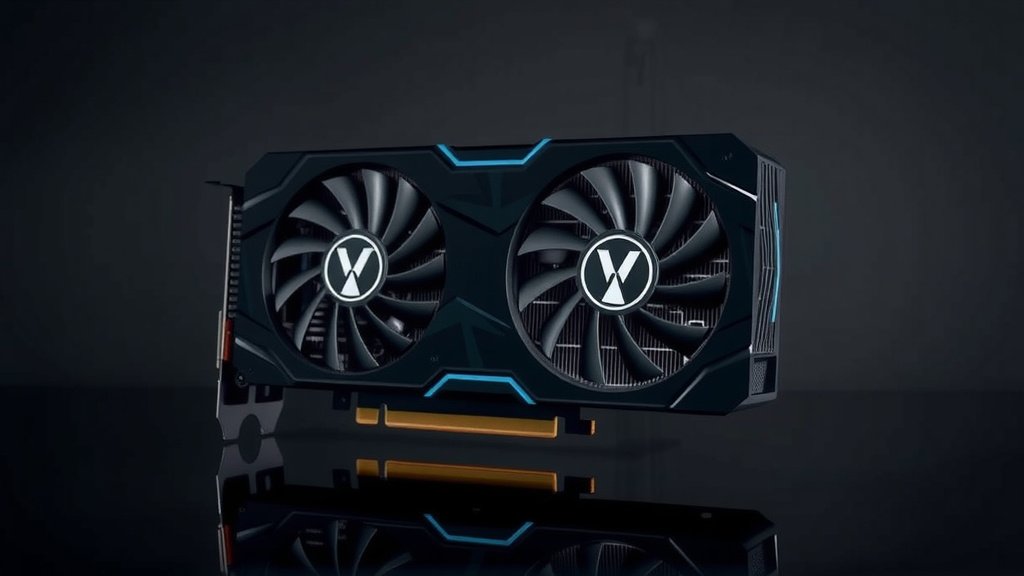
Cooling System
GPUs get hot! Processing all those calculations generates a lot of heat. Graphics cards come with cooling solutions, usually fans and heatsinks, to dissipate this heat and prevent the card from overheating. Good cooling is essential for maintaining performance and card longevity.
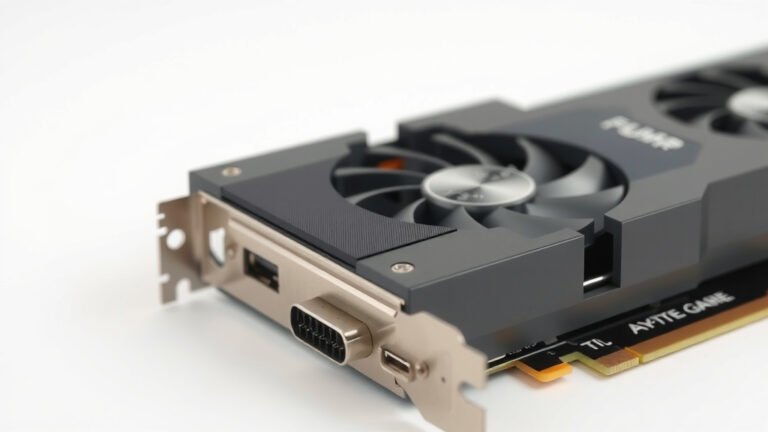
Output Ports
These are the physical connectors on the back of your graphics card. Common ports include HDMI and DisplayPort. These are used to connect your monitor to the graphics card, allowing the rendered images to be sent to your screen.
Getting the Most Out of Your Graphics Card
So, you’ve got a graphics card, or you’re thinking about getting one. How do you ensure you’re getting the best performance?
- Keep drivers updated: Graphics card manufacturers like NVIDIA and AMD regularly release driver updates. These updates often include performance improvements and bug fixes. Many experts suggest updating your drivers every few months (NVIDIA).
- Ensure proper cooling: Make sure your computer case has good airflow. Keep the graphics card’s fans clear of dust and obstructions.
- Match it to your needs: Don’t buy a top-tier card if you only browse the web. Conversely, if you want to game, get a card that can handle your desired settings.
- Check game requirements: Before buying a game, check its recommended system requirements to see what kind of graphics card is recommended.
- Monitor performance: Use software to check your GPU’s temperature and usage. This can help you identify potential issues.
- Consider your monitor: A powerful graphics card is less impactful if you have an old, low-resolution monitor.
Conclusion
You’ve learned that your graphics card is much more than just a component; it’s your computer’s visual engine. It transforms raw data into the images, games, and videos you enjoy, directly impacting your experience. Whether you’re a hardcore gamer, a creative professional, or just want smooth everyday use, understanding your GPU is key. A dedicated graphics card offers power that integrated solutions can’t match for demanding tasks. Now that you know what it does, take a look at your current setup and consider if an upgrade could enhance your digital world.
Frequently Asked Questions
Do I need a graphics card for basic computer use?
For simple tasks like web browsing, email, and word processing, your computer’s integrated graphics are usually sufficient. These are built into the CPU or motherboard. You’ll only notice a need for a dedicated graphics card if you encounter sluggishness or poor visual quality during these activities.
How much VRAM do I need on a graphics card?
The amount of VRAM (Video Random Access Memory) you need depends on your usage. For basic tasks, 4GB is often enough. Gamers and creative professionals should aim for 8GB or more for higher resolutions, complex textures, and smoother performance in demanding applications.
What’s the difference between NVIDIA and AMD graphics cards?
NVIDIA and AMD are the two main manufacturers of dedicated graphics cards. Both offer a range of cards for different budgets and performance needs. Researching specific models from both brands based on your intended use and budget is the best way to find the right fit for you.
Can a graphics card improve my computer’s overall speed?
A graphics card primarily speeds up visual tasks. While it won’t make your processor faster at general computing, it can make your entire system feel more responsive if you often work with graphics-intensive applications or games. This is because it offloads visual processing from the CPU.
How often should I update my graphics card drivers?
It’s generally recommended to update your graphics card drivers every few months or when a new game or application you use is released. Manufacturers like NVIDIA and AMD frequently release updates that can improve performance, fix bugs, and add new features to your graphics card.
![10 Best Budget Gaming Pc Video Card [2026]](https://spsolutionscare.com/wp-content/uploads/2026/09/10-best-budget-gaming-pc-video-card-2026-featured-768x432.jpg)
![10 Best Affordable Video Card For Gaming [2026]](https://spsolutionscare.com/wp-content/uploads/2026/08/10-best-affordable-video-card-for-gaming-2026-featured-768x432.jpg)
![10 Best Gpu Brand For Amd [2026]](https://spsolutionscare.com/wp-content/uploads/2026/09/10-best-gpu-brand-for-amd-2026-featured-768x432.jpg)