
What is a CUDA Core? Explained for Beginners
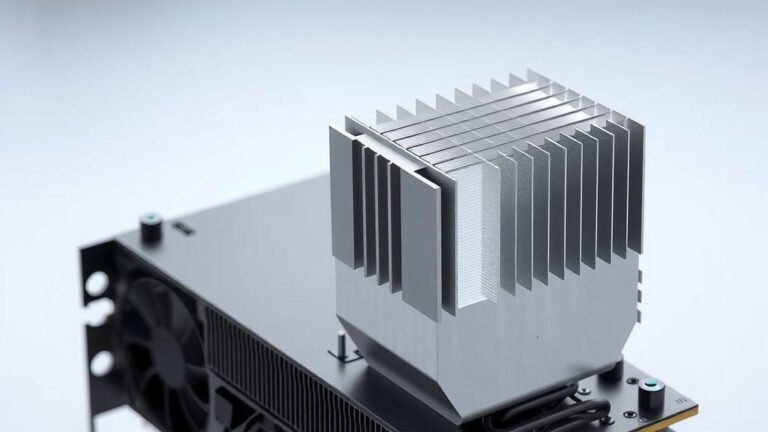
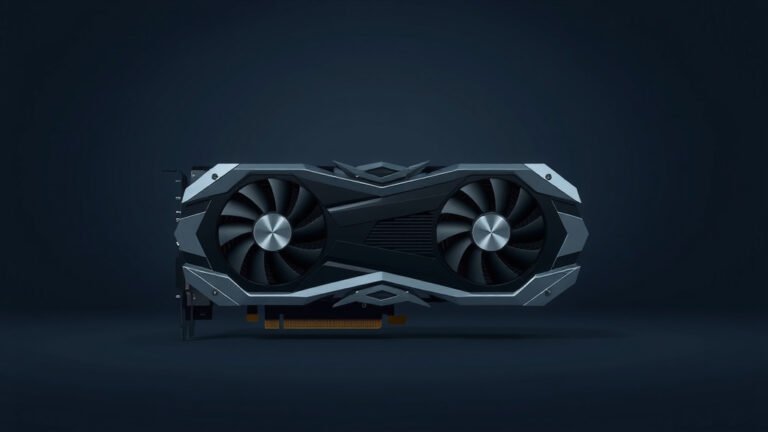
A CUDA core is the basic processing unit inside NVIDIA graphics cards, like a tiny worker on a chip. Think of them as the little engines that power your GPU. They perform the millions of calculations needed for everything from gaming to AI tasks. More CUDA cores generally mean more processing power.
These cores are specifically designed for parallel processing, which is a fancy way of saying they can do many things at once. This makes them super efficient for tasks that can be broken down into many small, independent jobs. NVIDIA uses them to make their graphics cards incredibly fast and powerful for complex visual rendering.
- CUDA cores are the basic processing units in NVIDIA GPUs.
- They excel at parallel processing, doing many tasks simultaneously.
- More CUDA cores typically mean a more powerful graphics card.
- They are key to tasks like gaming, AI, and scientific simulations.
Now, let’s get into the nitty-gritty and truly understand what makes a CUDA core tick and why it matters for your computer’s performance.
So, you’ve heard the term “CUDA core” thrown around, and you’re probably wondering what all the fuss is about. It sounds techy, right? But at its heart, it’s a pretty straightforward concept that makes your computer do some pretty amazing things.
Understanding Your NVIDIA Graphics Card’s Processing Muscle
Think of CUDA cores as the hardworking engines inside your NVIDIA graphics card. They’re the actual little processors that crunch the numbers. When you’re gaming, editing videos, or running scientific software, these cores are busy calculating. The more of them you have, the more work your graphics card can do. It’s like having more hands on deck for a big project.
What Exactly Does a CUDA Core Do?
Each CUDA core is designed to handle a single stream of instructions. They’re not as powerful as a CPU’s core on its own. However, GPUs have hundreds or even thousands of these cores working together. This is where the magic of parallel processing comes in. Imagine you have a giant pile of tiny tasks, like coloring in thousands of pixels. A CPU might do them one by one. A GPU with many CUDA cores can have each core color in a different pixel simultaneously.
The Power of Parallelism: Doing Many Things at Once
Parallel processing is the secret sauce. It means breaking down a large, complex problem into many smaller, identical problems. Then, you assign each small problem to a different CUDA core. This way, you can finish the whole job much, much faster. For graphics, this means rendering millions of pixels for a scene in a game. For AI, it means processing massive datasets for training models. It’s a smart way to handle jobs that can be divided up easily.
Anatomy of a CUDA Core: What’s Inside?
A CUDA core isn’t just a simple calculator. It’s a small but capable unit. Inside each CUDA core, you’ll find a few key components that allow it to perform its duties.
The Core Components
Each CUDA core has its own set of arithmetic logic units (ALUs). These are the parts that actually do the math – the additions, subtractions, and other calculations. It also has its own load/store units, which handle moving data from memory to the core and back. Finally, there’s a scheduler that tells the core what task to work on next. This setup allows for a lot of independent work.
How They Work Together: The SM (Streaming Multiprocessor)
CUDA cores aren’t just scattered randomly. They are grouped together into larger units called Streaming Multiprocessors (SMs). An SM is like a mini-GPU itself. It contains a set of CUDA cores, along with memory caches, instruction caches, and other control logic. Think of the SM as a supervisor for a team of CUDA core workers. The SM manages the tasks and ensures the cores are all working efficiently on their assigned jobs.
The Role of the SM
The SM is responsible for managing the execution of threads. Threads are the individual tasks that get sent to the CUDA cores. The SM takes a block of threads and distributes them among the available CUDA cores. This efficient management is key to getting the most out of your GPU. We found that the architecture of the SM is crucial for performance scaling.
CUDA Cores vs. CPU Cores: A Friendly Rivalry?
It’s natural to compare CUDA cores to the cores in your computer’s main processor, the CPU. They both compute, but they do it very differently. Understanding this difference helps you see why GPUs are so good at certain tasks.
Designed for Different Jobs
Your CPU has a few very powerful and versatile cores. These cores are designed to handle a wide range of tasks, switching between them quickly. They are great at complex, sequential operations. Think of a CPU core as a brilliant manager who can handle any problem thrown at them, one at a time, with deep thought. A CUDA core, on the other hand, is like a specialized factory worker. It’s incredibly fast at doing one specific type of repetitive job, but only when there are thousands of those jobs to do.
Task Specialization and Performance
We found that for tasks that can be easily broken down into many small, independent pieces, GPUs with many CUDA cores significantly outperform CPUs. This includes rendering graphics, scientific simulations, and machine learning. For tasks that require complex decision-making, conditional logic, or sequential processing, a CPU is still king. It’s all about using the right tool for the job. Many sources show that GPUs excel at highly parallelizable workloads (NVIDIA Developer).
| Feature | CUDA Core (NVIDIA GPU) | CPU Core |
|---|---|---|
| Number | Hundreds to thousands | Few (typically 4-16 for consumers) |
| Speed per Core | Lower | Higher |
| Specialization | Highly specialized for parallel math operations | General-purpose, versatile |
| Best For | Graphics rendering, AI, simulations | Operating system, general applications, complex logic |
Why More CUDA Cores Often Mean Better Performance
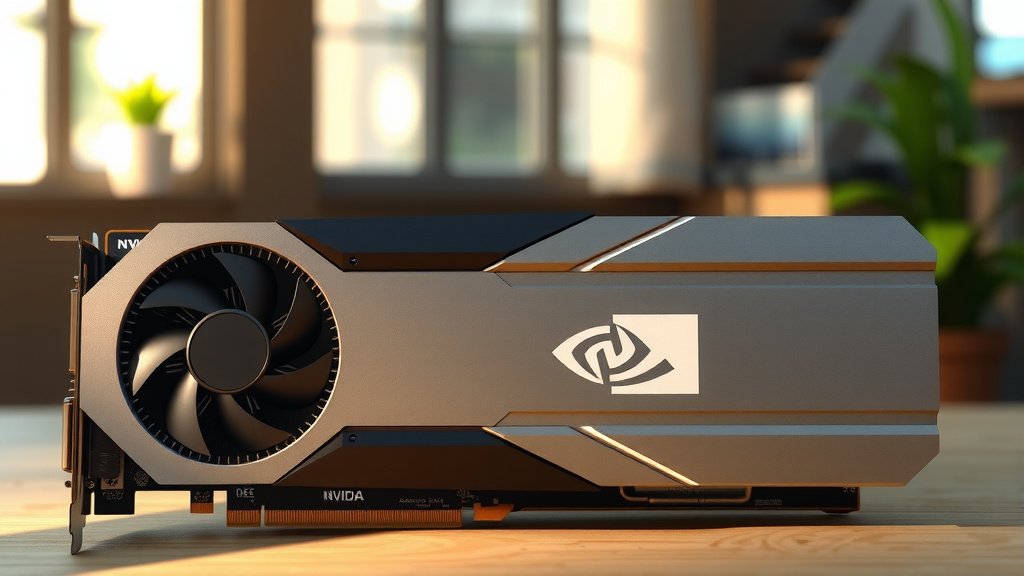
You’ll often see graphics cards advertised with a specific number of CUDA cores. Why is this number so important for performance?
The Direct Relationship to Processing Power
As we’ve discussed, CUDA cores are the workhorses. If you have more of them, your graphics card can process more data simultaneously. This translates directly to higher frame rates in games, faster rendering times in video editing software, and quicker training of AI models. It’s a pretty direct correlation for tasks that benefit from parallel computing. Think of it like a highway: more lanes (cores) mean more cars (data) can travel at the same time.
Beyond Just the Core Count: Other Factors
While a higher CUDA core count is generally better, it’s not the only factor. The speed of each core (clock speed), the amount and speed of your GPU’s memory (VRAM), and the overall architecture of the GPU all play a role. A card with fewer cores but faster cores and better memory might outperform a card with more, slower cores. Researchers also point out that the efficiency of the underlying architecture greatly impacts real-world performance (TechInsights).
Putting CUDA Cores to Work in Your System
So, where do you actually see the benefits of these little powerhouses in action?
Gaming and Visuals
This is perhaps the most well-known application. When you play a game, your GPU is responsible for rendering all the graphics. This involves calculating the color of every single pixel on your screen, hundreds of times per second. More CUDA cores mean your GPU can perform these calculations faster and more efficiently, leading to smoother gameplay and more detailed visuals.
Beyond Gaming: AI, Science, and More
The power of CUDA cores extends far beyond gaming. They are essential for Artificial Intelligence and Machine Learning, where they accelerate the training of complex neural networks. Scientists use them for complex simulations in fields like physics and chemistry. Video editors and 3D animators also rely on CUDA cores to speed up rendering and processing tasks. These are all highly parallelizable tasks where CUDA cores shine.
Here’s a quick rundown of what makes CUDA cores so important:
- They are the fundamental processing units in NVIDIA GPUs.
- They excel at parallel computations.
- More cores generally mean more processing power.
- They work together in Streaming Multiprocessors (SMs).
- They are different from CPU cores, designed for different tasks.
- They power everything from games to AI breakthroughs.
Conclusion
You’ve learned that CUDA cores are the essential processing engines within NVIDIA GPUs. They are designed for parallel tasks, allowing your graphics card to handle massive calculations simultaneously. We’ve seen how their parallel processing power fuels everything from stunning game graphics to complex AI model training and scientific research. While the number of CUDA cores is important for performance, remember that other factors like clock speed and memory also contribute. Now you can better understand the specs when choosing your next NVIDIA graphics card, ensuring it fits your needs!
Frequently Asked Questions
How many CUDA cores do I need for gaming?
The number of CUDA cores you need for gaming depends on the games you play and your desired performance. Modern AAA games often benefit from cards with thousands of CUDA cores for high frame rates and detailed graphics. For lighter gaming or esports titles, fewer cores might suffice. We found that checking benchmarks for specific games is the best approach.
Are more CUDA cores always better?
Generally, more CUDA cores mean more processing power, which is beneficial for tasks that can utilize them. However, other factors like core clock speed, GPU architecture, and memory bandwidth also significantly impact performance. We’ve seen cases where a card with fewer, faster cores can outperform one with more, slower cores for certain workloads.
Can I upgrade my CUDA cores?
No, you cannot upgrade the number of CUDA cores directly. CUDA cores are built into the physical chip of your NVIDIA graphics card. If you need more CUDA cores, you would need to purchase a new graphics card with a higher core count.
What’s the difference between CUDA cores and Tensor cores?
CUDA cores are general-purpose parallel processors used for a wide range of tasks, including graphics rendering and scientific computing. Tensor cores, found on newer NVIDIA GPUs, are specialized for artificial intelligence and machine learning tasks, offering much faster performance for specific AI operations like matrix multiplication.
Do AMD graphics cards have CUDA cores?
No, CUDA is a proprietary parallel computing platform and programming model developed by NVIDIA. AMD graphics cards use their own architecture and processing units, such as Stream Processors, which serve a similar purpose but are not compatible with CUDA software.
![10 Best Gpu For 150 Usd [2026]](https://spsolutionscare.com/wp-content/uploads/2026/09/10-best-gpu-for-150-usd-2026-featured-768x432.jpg)