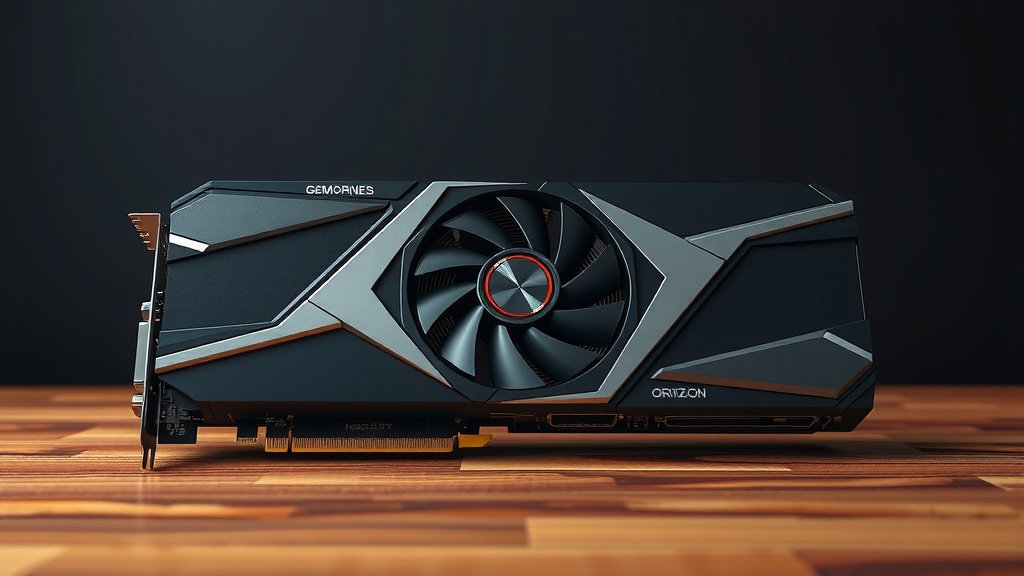
Choosing the Right Graphics Card: A Buyer’s Guide
Choosing a graphics card, or GPU, means matching your gaming needs and budget to the right hardware. It’s about getting the best visual performance for your money. We’ll help you find the perfect fit without any confusion. Your new GPU should make your games look amazing.
The right graphics card is more than just a component. It’s the heart of your PC’s visual output. Considering your monitor’s resolution and refresh rate is key. Think about the types of games you play most often. This helps us decide on the power and features you truly need.
- Know your budget first.
- Match GPU to your monitor (resolution/refresh rate).
- Consider the games you play most.
- Look at VRAM and core clock speeds.
- Check power supply requirements.
Let’s walk through exactly how to pick the best graphics card for your setup.
Picking Your Perfect Graphics Card
So, you’re ready to upgrade your PC’s visual power. That means choosing a new graphics card, or GPU. This can feel like a big decision. Don’t worry, we’ll break it down so you can make the best choice for your gaming adventures.
Think of your GPU as the engine that drives everything you see on your screen. The right one means smoother gameplay, prettier graphics, and a more immersive experience. Getting it wrong means lag, stuttering, and looking at muddy textures. We want to avoid that!
Understanding Your Monitor’s Role
Before you even look at GPUs, you need to know your monitor. Your monitor’s resolution and refresh rate are super important. They tell you what your GPU needs to push out.
Resolution Matters Most
This is how many pixels your screen shows. Common resolutions are 1080p (Full HD), 1440p (QHD), and 4K. A higher resolution means more pixels for the GPU to fill with beautiful images. Pushing 4K requires a much more powerful GPU than 1080p.
Refresh Rate and Smoothness
Your refresh rate is measured in Hertz (Hz). It’s how many times per second your monitor updates the image. A 60Hz monitor updates 60 times a second. A 144Hz monitor updates 144 times. A faster refresh rate means smoother motion, especially in fast-paced games. Your GPU needs to be strong enough to keep up with that high refresh rate.
Your Gaming Habits Dictate GPU Power
What games do you love to play? This is a big factor. Different games demand different levels of performance from your GPU.
Casual and Indie Games
If you mostly play indie titles, puzzle games, or older games, you probably don’t need the absolute top-of-the-line GPU. Many mid-range or even some entry-level cards will handle these beautifully.
Esports and Competitive Titles
For games like Valorant, CS:GO, or League of Legends, high frame rates are key. You want to see every detail quickly to react. A GPU that can push high refresh rates (144Hz+) at your monitor’s resolution is perfect here.
AAA Blockbuster Games
If you crave the latest, graphically intense games like Cyberpunk 2077 or Alan Wake 2 at high settings, you’ll need a powerful GPU. These games push hardware to its limits. You might be looking at higher-end cards for the best experience.
Key GPU Specifications to Consider
Once you know what you need, let’s look at what makes a GPU tick. There are a few specs that really stand out.
VRAM: The Graphics Memory
VRAM, or Video Random Access Memory, is like the GPU’s own dedicated notepad. It stores textures, frame buffers, and other graphical data. More VRAM is generally better, especially for higher resolutions and more demanding games. Many experts recommend at least 8GB of VRAM for modern gaming (NVIDIA, AMD). For 1440p and 4K gaming, 10GB, 12GB, or even 16GB is becoming the sweet spot.
Clock Speeds and Cores
Clock speeds (measured in MHz or GHz) indicate how fast the GPU’s core can process information. Higher clock speeds usually mean better performance. Similarly, more processing cores (like CUDA cores for NVIDIA or Stream Processors for AMD) mean more raw power. While important, these specs are best compared between cards from the same generation and manufacturer.
| Gaming Resolution | Entry-Level GPU Needs | Mid-Range GPU Needs | High-End GPU Needs |
|---|---|---|---|
| 1080p | Good for esports, basic games. Lower settings for AAA. | High settings for most games. Good for 1080p 144Hz. | Max settings, high refresh rates. Ready for 1440p. |
| 1440p | Struggles with modern titles. | Good for medium to high settings. 1440p 144Hz capable. | Max settings, high refresh rates. Entry to 4K. |
| 4K | Not recommended. | May require lowered settings. | High settings for many games. |
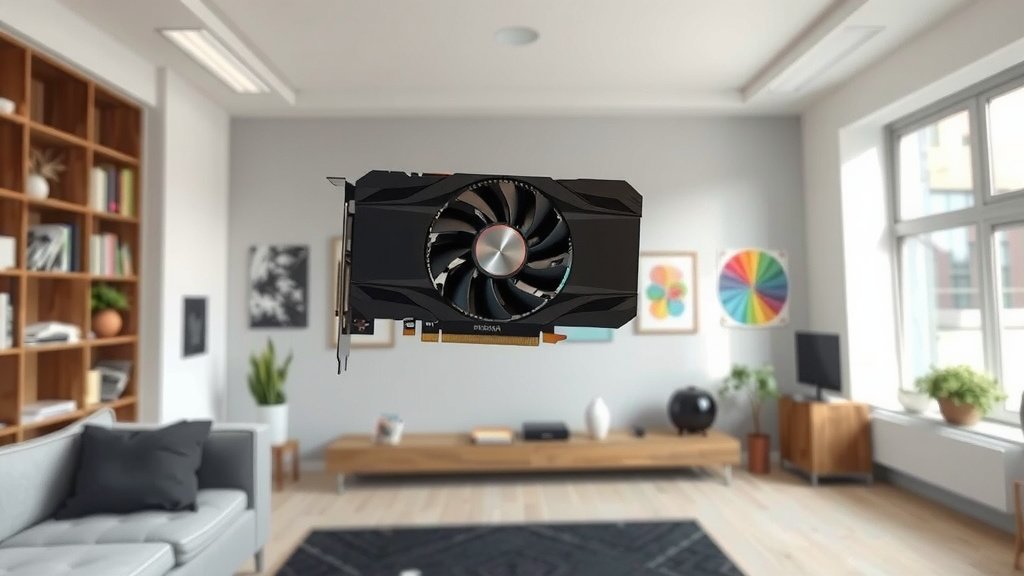
Don’t Forget Your Power Supply!
A powerful GPU needs a powerful heart to feed it. Your power supply unit (PSU) needs to handle the GPU’s wattage demands, plus the rest of your PC components. We found that most GPUs list recommended PSU wattages on their product pages.
Always check the recommended PSU wattage for the specific GPU you’re considering. It’s better to have a little extra headroom than to risk instability. Many experts recommend at least a 650W PSU for mid-range cards and 750W or higher for high-end cards (Cooler Master). Ensure your PSU has the necessary PCIe power connectors too.
The Brands: NVIDIA vs. AMD
The graphics card market is dominated by two main players: NVIDIA and AMD. Both offer excellent cards across different price points.
NVIDIA GeForce
NVIDIA is known for its strong performance, especially in ray tracing, and its DLSS technology. DLSS uses AI to boost frame rates, which can be a game-changer. Their driver support is also generally considered very stable.
AMD Radeon
AMD often offers great performance for the money, especially at the mid-range. Their FidelityFX Super Resolution (FSR) is their answer to DLSS, also boosting frame rates. AMD cards are often a strong choice for raw rasterization performance.
Final Checklist for Your GPU Purchase
Ready to make the leap? Here’s a quick rundown to make sure you don’t miss anything:
- Confirm your monitor’s resolution and refresh rate.
- Identify the types of games you play most.
- Set a realistic budget for your GPU.
- Check VRAM recommendations for your desired resolution.
- Verify your power supply can meet the GPU’s wattage needs.
- Compare NVIDIA and AMD options within your budget.
Conclusion
You’ve now got the roadmap to choosing your next graphics card. Remember, it’s all about balancing your monitor’s capabilities with your gaming habits and budget. We’ve seen how resolution and refresh rate matter. Your favorite game genres also guide your GPU choice. Don’t forget to check VRAM and your power supply. You’re now ready to make an informed decision and upgrade your PC’s visual experience. Go ahead and pick out that perfect GPU!
Frequently Asked Questions
What’s the best GPU for 1080p gaming?
For 1080p gaming, a mid-range GPU is often your sweet spot. Cards like the NVIDIA GeForce RTX 4060 or AMD Radeon RX 7600 are excellent choices. They offer great performance for most titles at high settings and high refresh rates.
How much VRAM do I really need?
For 1080p gaming, at least 8GB of VRAM is recommended for modern titles. If you’re aiming for 1440p or 4K, consider 10GB, 12GB, or even 16GB to handle higher resolution textures smoothly.
Can my current power supply handle a new GPU?
You must check the recommended PSU wattage for the specific GPU you are considering. Most manufacturers list this requirement. It’s best to have a PSU that meets or slightly exceeds this recommendation to ensure stability.
Is ray tracing important when choosing a GPU?
Ray tracing creates more realistic lighting and reflections but is very demanding. If you want to experience ray tracing in games, NVIDIA cards often have a performance edge, though AMD is improving. Consider it if visual fidelity is your top priority.
Should I buy NVIDIA or AMD?
Both NVIDIA and AMD offer great GPUs at various price points. NVIDIA often excels in ray tracing and AI features like DLSS. AMD frequently offers strong raw performance for the money, especially in the mid-range. Research specific models in your budget.


![10 Best Amd Card For The Money [2026]](https://spsolutionscare.com/wp-content/uploads/2026/08/10-best-amd-card-for-the-money-2026-featured-768x432.jpg)