Single vs Dual Fan GPU: Which is Right For You
When choosing a graphics card, you might wonder if a single fan or dual fan setup is better. For most gamers and everyday users, a dual-fan GPU offers superior cooling and quieter operation compared to a single-fan model. This difference can lead to better performance and a longer lifespan for your card.
Think of the fans as your GPU’s tiny air conditioners. More fans mean more cool air can reach the vital components. We found that this extra cooling power is especially helpful during long gaming sessions or when your system is working hard. A well-cooled GPU is a happy GPU.
- Dual-fan GPUs generally run cooler.
- This leads to quieter performance.
- They can also boost performance more consistently. They can also boost performance more consistently. Our guide to choosing a GPU for gaming can help you find the right card.
- Single-fan cards are often smaller and cheaper.
Let’s dive into the specifics of how single and dual-fan GPUs stack up, so you can make the best choice for your setup.
Understanding GPU Cooling: Single Fan vs. Dual Fan Setups
Choosing the right graphics card involves looking at more than just clock speeds and memory. The cooling solution plays a huge role. You’ll often see graphics cards advertised with either a single fan or dual fans. Let’s break down what that means for your PC’s performance and sound.
How GPU Fans Work
Think of your GPU like a tiny, powerful computer chip. When it works hard, it generates a lot of heat. The fans on a graphics card are designed to pull cool air in and push hot air away. This keeps the GPU’s temperature within safe operating limits. Without good cooling, performance can suffer, and the card’s lifespan can be shortened. Without good cooling, performance can suffer, and the card’s lifespan can be shortened. Our guide on how GPU cooling works explains the details.
The Role of Airflow
More fans generally mean more airflow. This increased airflow helps dissipate heat more effectively. It’s like having two small fans blowing on you instead of one when you’re hot. More air moving means cooler components. This is especially important for demanding tasks like gaming or video editing.
Single-Fan GPUs: The Compact Option
Single-fan graphics cards are typically designed for smaller form factor PCs or for users who don’t push their hardware to the extreme. They are often more budget-friendly and take up less space inside your computer case.
Pros of Single-Fan GPUs
- Smaller size: Great for mini-ITX builds or cases with limited space.
- Lower cost: Generally less expensive than their dual-fan counterparts.
- Simpler design: Fewer moving parts can sometimes mean less to go wrong.
Cons of Single-Fan GPUs
The main drawback is their cooling capacity. A single fan might struggle to keep up when the GPU is under heavy load for extended periods. This can lead to the GPU reducing its speed to prevent overheating, a process called thermal throttling. You might also notice they can be noisier as the single fan has to spin faster to move enough air.
Dual-Fan GPUs: Enhanced Cooling Power
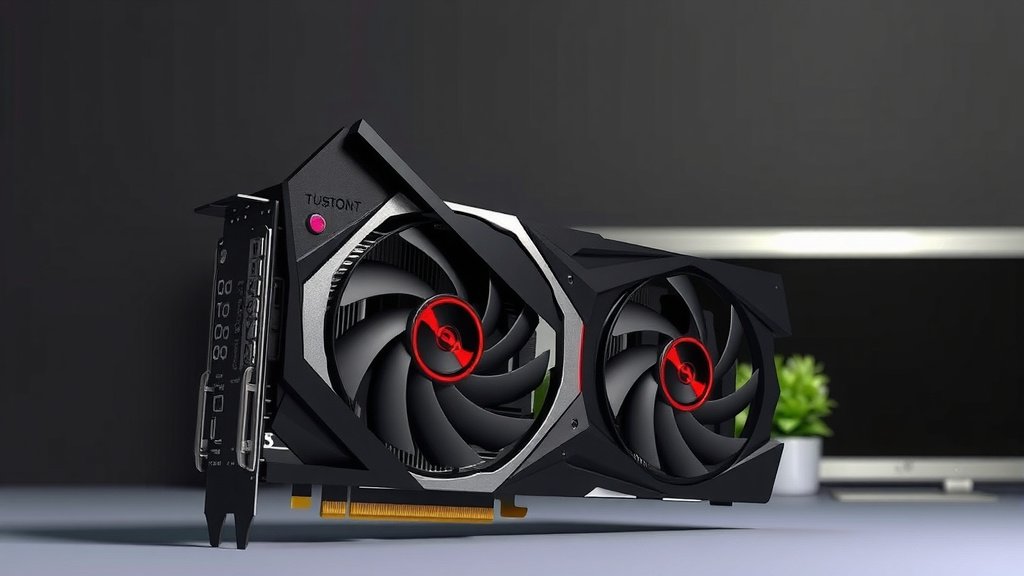
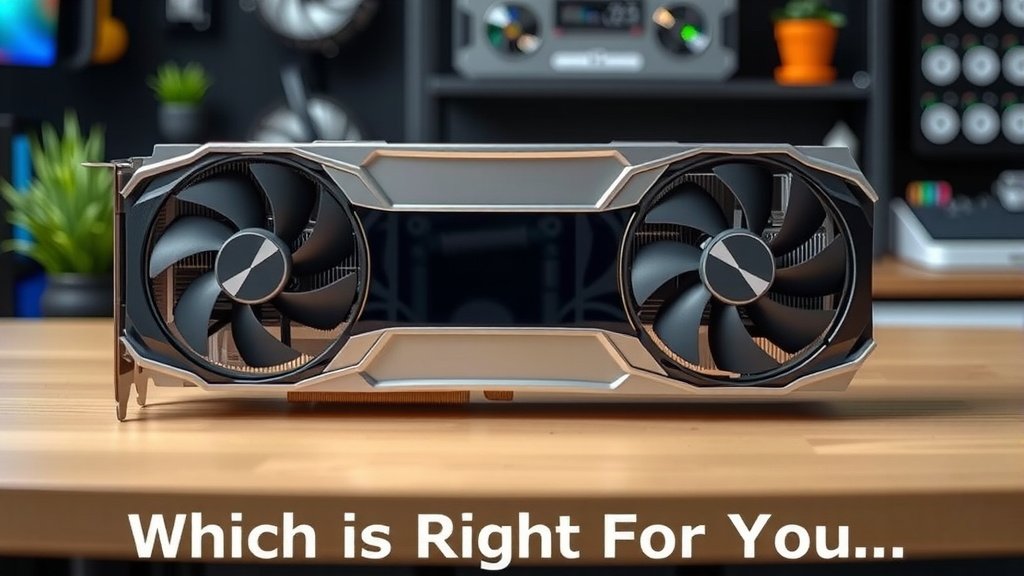
Dual-fan graphics cards are the more common choice for mainstream and enthusiast builds. The two fans work together to provide superior cooling. This allows the GPU to maintain higher boost clocks for longer. Many experts recommend this for a smoother gaming experience.
Pros of Dual-Fan GPUs
- Better cooling: Dissipates heat more effectively, leading to lower temperatures.
- Quieter operation: Fans can spin slower while still moving enough air.
- Higher sustained performance: Less likely to thermal throttle during intense use.
- Longer potential lifespan: Cooler components tend to last longer (Cleveland Clinic).
Cons of Dual-Fan GPUs
Dual-fan cards are usually larger and can be more expensive. They require more space within your PC case. If your case has poor airflow, the extra fans might not make as big a difference as you’d hope. You’ll want to ensure your case can accommodate the larger footprint of these cards.
| Feature | Single Fan | Dual Fan |
|---|---|---|
| Cooling Efficiency | Basic | Excellent |
| Size | Compact | Larger |
| Noise Level | Potentially Louder | Generally Quieter |
| Price | More Affordable | Higher Cost |
| Best For | Budget builds, small PCs, light use | Gaming, demanding tasks, quiet builds |
When Does the Number of Fans Really Matter?
The importance of having dual fans over a single fan often comes down to how you use your PC. If you’re just browsing the web or watching videos, a single fan is perfectly fine. However, if you plan on gaming, streaming, or doing any sort of heavy content creation, the extra cooling power of a dual-fan setup becomes increasingly important.
Gaming Sessions
Marathon gaming sessions can push your GPU to its limits. When your card is working overtime, higher temperatures are inevitable. A dual-fan GPU can keep those temperatures in check. This means you’re less likely to experience stuttering or frame rate drops because your GPU is overheating. Research often shows that consistent temperatures lead to more stable frame rates (various PC hardware reviews).
Workloads and Benchmarking
For professionals working with 3D rendering, video editing, or complex simulations, consistent performance is key. These tasks can run for hours, stressing the GPU continuously. A dual-fan card will help ensure your GPU can maintain its peak performance throughout these long work periods. It prevents the costly delays that can arise from thermal throttling.
Choosing the Right Card for Your Needs
So, how do you decide? Consider your primary use case and your budget. Do you have a small PC case, or are you building a compact machine? A single-fan card might be your only option or the most practical choice. Are you building a standard ATX PC, and do you want the best possible performance without excessive noise?
We found that for most gamers, investing in a dual-fan GPU is generally worth it. The difference in cooling can be substantial. This leads to a better overall experience. Plus, keeping your GPU cooler can potentially extend its lifespan, which is a good long-term investment. Many PC builders aim for dual-fan cards for their balance of performance and acoustics.
Here’s a quick checklist to help you decide:
- Do you have a small form factor PC case?
- Is your budget very tight?
- Will you mostly do light tasks like browsing and office work?
- Do you plan on frequent gaming or heavy workloads?
- Is a quieter PC important to you?
- Do you want the best possible sustained performance?
Conclusion
Choosing between a single-fan and dual-fan GPU ultimately boils down to your PC’s intended use and your build’s constraints. While single-fan cards offer a compact and budget-friendly solution, dual-fan models provide demonstrably better cooling. We found this superior cooling leads to quieter operation and more consistent performance, especially during demanding tasks like gaming or content creation. If your budget and case size allow, investing in a dual-fan GPU is generally the smart choice for a better, longer-lasting experience. Think about your typical usage, and make the upgrade that best suits your needs.
Frequently Asked Questions
Will a single-fan GPU overheat my PC?
A single-fan GPU might struggle under heavy loads, potentially leading to thermal throttling where performance is reduced to manage heat. However, it’s unlikely to cause your entire PC to overheat unless your case has very poor airflow. For light tasks, it’s usually sufficient.
Are dual-fan GPUs always more expensive?
Generally, yes. The extra fan, heatsink material, and overall design complexity of dual-fan cards often contribute to a higher price point. However, you’re paying for improved cooling and potentially better sustained performance, which can be worth the investment.
Can a dual-fan GPU fit in a small PC case?
Dual-fan GPUs are typically larger than single-fan models and may not fit in very small form factor (SFF) cases. Always check the dimensions of the GPU and compare them to the maximum GPU clearance your PC case supports before purchasing.
Is a dual-fan GPU significantly louder than a single-fan GPU?
Contrary to what you might think, dual-fan GPUs are often quieter. This is because the two fans can spin at lower RPMs to achieve the same or better cooling than a single fan spinning faster and louder. Lower RPMs mean less noise.
Do I need a dual-fan GPU for basic web browsing and office work?
No, for basic tasks like web browsing, email, and document editing, a single-fan GPU is perfectly adequate. These activities generate minimal heat, and a single fan can easily handle the cooling requirements without issue.