Understanding the PCIe x16 Slot: Your Essential Guide
A PCIe x16 slot is a high-speed expansion slot on your computer’s motherboard. It is primarily used to connect your graphics card (GPU) to the rest of your system. Think of it as a wide, fast highway for your GPU to send and receive data. This connection is vital for gaming and demanding visual tasks.
You’ll typically find just one or two of these slots on a motherboard. They are easily identifiable by their length, being the longest expansion slots available. While other PCIe slots exist, the x16 version offers the most bandwidth, ensuring your graphics card runs at its full potential. It’s designed for components that need the quickest data transfer.
- A PCIe x16 slot is a motherboard connection.
- It’s mainly for your graphics card (GPU).
- It’s the longest and fastest expansion slot.
- It ensures your GPU performs optimally.
Let’s walk through exactly what a PCIe x16 slot is and why it’s so important for your PC’s performance.
Understanding Your Motherboard’s Expansion Slots
So, you’re looking to understand what this PCIe x16 thing is all about, right? It’s a key component when you’re thinking about upgrading your PC, especially if you’re into gaming or any kind of work that uses graphics heavily. Let’s break down what this slot does and why it matters for your computer’s speed and capabilities. We’ll get you up to speed on how it helps your graphics card.
What Exactly is a PCIe Slot?
PCIe stands for Peripheral Component Interconnect Express. Think of it as a standard way for your computer to talk to add-on cards. These cards do all sorts of things, from giving you better sound to adding more network connections. The PCIe slot is essentially the connector on your motherboard where these cards plug in. It’s designed to be much faster and more efficient than older methods.
Different Sizes, Different Speeds
PCIe slots come in different sizes, mainly defined by the number of “lanes” they use. These lanes are like tiny highways for data. The more lanes a slot has, the more data can travel back and forth at once, which means faster performance. You’ll see slots labeled as x1, x4, x8, and x16. The x16 slot has the most lanes, making it the widest and fastest option available.
The Role of the PCIe x16 Slot
This is where the magic happens for your visuals. The PCIe x16 slot is specifically designed for components that demand a huge amount of data transfer. Your graphics card, or GPU (Graphics Processing Unit), is the prime candidate for this slot. Why? Because modern games and professional design software send massive amounts of information to the GPU for processing and then receive images back to display on your screen.
Why Your Graphics Card Needs an x16 Slot
Imagine trying to send a whole library’s worth of books through a tiny straw. That’s what it would be like for a powerful GPU trying to use a slower slot. The PCIe x16 slot provides the necessary bandwidth for your graphics card to perform at its best. Without enough bandwidth, your GPU might be capable of amazing things, but it would be held back, leading to lower frame rates in games, stuttering video, or slow rendering times.
Physical Appearance and Identification
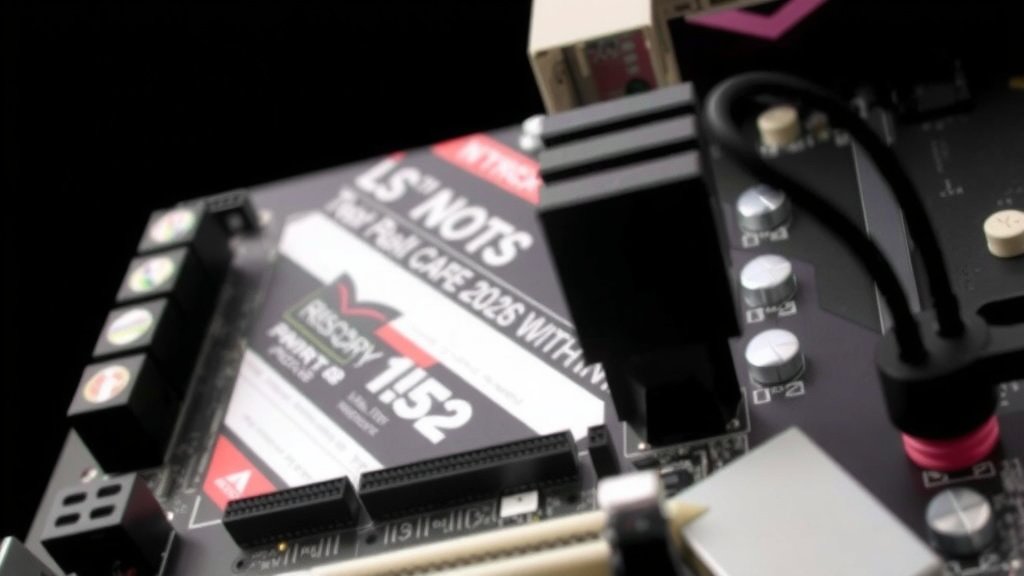
You can usually spot a PCIe x16 slot easily on your motherboard. It’s the longest expansion slot you’ll find. Typically, it’s a different color than the shorter slots, often black or sometimes red or blue. Motherboards often have more than one PCIe slot, but usually only one or two will be the full x16 size, designated for your graphics card. You’ll find these slots further away from the CPU socket compared to smaller slots.
Bandwidth: The Speed Factor
Bandwidth is the amount of data that can be transferred over the PCIe connection in a given amount of time. This is measured in gigabytes per second (GB/s). The PCIe x16 slot, especially with newer versions like PCIe 4.0 or 5.0, offers a massive amount of bandwidth. For instance, a PCIe 3.0 x16 slot can provide around 15.75 GB/s of bandwidth in each direction. PCIe 4.0 doubles that, and PCIe 5.0 doubles it again!
PCIe Generations and Their Impact
Like technology often does, PCIe has gone through several generations. Each new generation usually doubles the bandwidth of the previous one. This means a newer graphics card plugged into a newer PCIe slot can communicate with your CPU much faster. While older cards can still work in newer slots (and vice versa), you might not get the full speed potential if the generation doesn’t match.
| PCIe Generation | Data Rate per Lane (GT/s) | Bandwidth per Lane (GB/s) | PCIe x16 Bandwidth (GB/s) |
|---|---|---|---|
| PCIe 1.0 | 2.5 GT/s | 0.25 GB/s | 4 GB/s |
| PCIe 2.0 | 5 GT/s | 0.5 GB/s | 8 GB/s |
| PCIe 3.0 | 8 GT/s | 1 GB/s | 16 GB/s |
| PCIe 4.0 | 16 GT/s | 2 GB/s | 32 GB/s |
| PCIe 5.0 | 32 GT/s | 4 GB/s | 64 GB/s |
Compatibility: What You Need to Know
Generally, PCIe slots are backward and forward compatible. This means you can plug an older graphics card into a newer PCIe x16 slot, or a newer card into an older slot. However, you’ll be limited by the speed of the slower component. For example, a super-fast PCIe 4.0 GPU in a PCIe 3.0 slot will only run at PCIe 3.0 speeds. Most of the time, this difference isn’t a massive deal for average users, but for enthusiasts, matching generations can offer a performance edge.
Beyond Graphics Cards: Other Uses?
While the PCIe x16 slot is overwhelmingly used for graphics cards, technically, other high-bandwidth devices *could* use it. These might include very high-end solid-state drives (SSDs) that come on an expansion card, or specialized network cards. However, you’re far more likely to find these on smaller PCIe slots (like x4 or x8) or M.2 slots for SSDs, as they don’t always need the full x16 bandwidth. Think of it as using a superpower for a task that only needs a little strength – not impossible, but usually not the most efficient choice.
What If You Don’t Have an x16 Slot?
If you’re looking at an older or very basic motherboard, you might not find a PCIe x16 slot. In this case, you wouldn’t be able to install a dedicated graphics card. Some processors have integrated graphics, which are built into the CPU itself. These are fine for basic tasks like web browsing and email, but they won’t handle demanding games or video editing. If you want better graphics performance, you’d need a motherboard that supports a dedicated GPU with at least a PCIe x16 slot.
Checking Your System’s PCIe Capabilities
Curious about what your PC has? You can often find this information in your system’s documentation or by using diagnostic software. Tools like CPU-Z (a free utility) can show you details about your motherboard and the PCIe slots installed. It’s a good habit to know your system’s specs, especially when planning upgrades. Many modern motherboards clearly label their PCIe x16 slots, so a quick visual inspection can also help.
Key Takeaways for Your PC Build
When building or upgrading a PC, understanding the PCIe x16 slot is essential for graphics performance. Here’s a quick rundown:
- It’s the longest and fastest expansion slot on your motherboard.
- It’s primarily designed for your graphics card (GPU).
- More lanes and newer generations mean higher bandwidth.
- Higher bandwidth allows your GPU to perform optimally.
- Ensure your motherboard has one if you plan to use a dedicated graphics card.
- Check compatibility if mixing older and newer components.
Conclusion
You’ve now got a solid understanding of the PCIe x16 slot. It’s your motherboard’s fastest lane, primarily built for your graphics card to perform at its peak. We’ve seen how its size and bandwidth directly impact gaming and visual tasks. Remember that a compatible motherboard and GPU are key for optimal performance. Don’t let your powerful GPU be held back by a slower connection. Next time you’re thinking about a PC upgrade, keep this vital slot in mind to ensure your system can handle whatever visual demands you throw at it.
Frequently Asked Questions
Can I put a graphics card in any PCIe slot?
You can physically plug a graphics card into different PCIe slots, but it’s not recommended. For best performance, you need to use a PCIe x16 slot. Plugging it into a smaller slot (like x1 or x4) will severely limit its speed and may even prevent it from working correctly.
What happens if my graphics card is newer than my PCIe slot?
If you put a newer graphics card into an older PCIe slot (e.g., a PCIe 4.0 card into a PCIe 3.0 slot), it will work, but it will run at the slower speed of the older slot. Your system will be limited by the bandwidth of the motherboard’s slot, not the full potential of your GPU.
Do I need a PCIe x16 slot for a budget graphics card?
Yes, even budget graphics cards benefit greatly from a PCIe x16 slot. While they might not demand the absolute maximum bandwidth of the fastest slots, they are still designed to utilize the performance offered by the x16 connection for optimal gaming and general use.
How do I know if my motherboard has a PCIe x16 slot?
Look at your motherboard; the PCIe x16 slot is usually the longest one. It’s often a different color from other slots, like black, red, or blue. You can also check your motherboard’s manual or use system information software like CPU-Z to find out its specifications.
Can I use a PCIe x16 slot for anything other than a graphics card?
While technically possible for other high-bandwidth devices, it’s rare. The PCIe x16 slot is specifically designed and optimized for the massive data needs of graphics cards. Other components that might use PCIe, like sound cards or network cards, typically use smaller x1 or x4 slots.
![10 Best 2060 [2026]](https://spsolutionscare.com/wp-content/uploads/2026/08/10-best-2060-2026-featured-768x432.jpg)
![10 Best Gpu For Dcs World [2026]](https://spsolutionscare.com/wp-content/uploads/2026/09/10-best-gpu-for-dcs-world-2026-featured-768x432.jpg)