
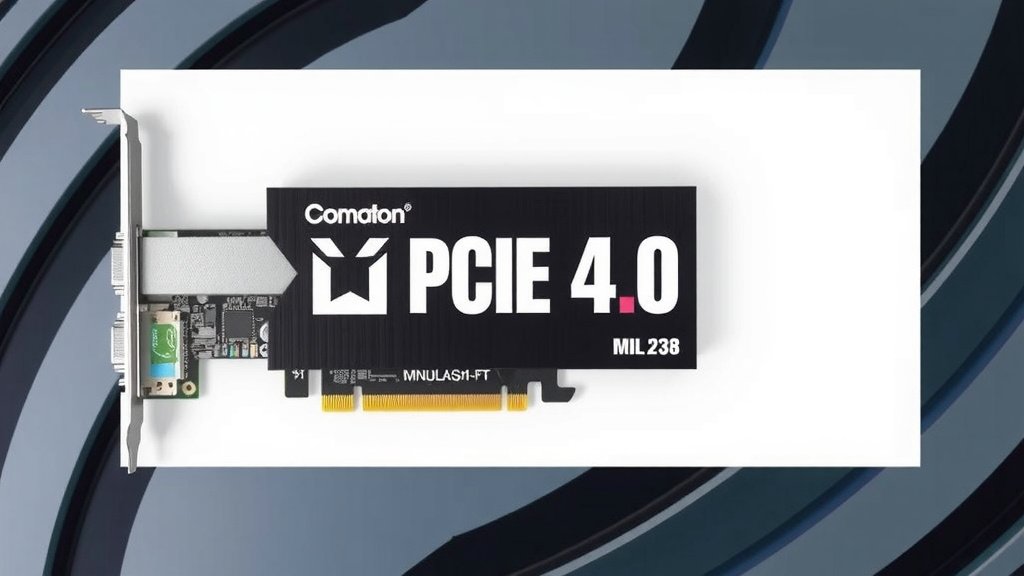
PCIe 4.0 Explained: Faster Speeds for Your PC
PCIe 4.0 is a faster version of the Peripheral Component Interconnect Express interface. It doubles the speed of its predecessor, PCIe 3.0. This means your connected hardware can communicate with your computer much more quickly. Think of it as an express lane for your data.
This speed boost makes a real difference for demanding tasks. High-speed SSDs, powerful graphics cards, and network adapters can all benefit. You’ll notice improvements in loading times and overall system responsiveness. It’s a key technology for modern, high-performance PCs. Many new motherboards and components now support PCIe 4.0.
- PCIe 4.0 is a faster data connection standard.
- It’s twice as fast as PCIe 3.0, offering double the bandwidth.
- This helps components like SSDs and GPUs perform better.
- It’s ideal for modern gaming and professional workstations.
Let’s dive into what PCIe 4.0 actually is and why it matters for your computer.
Understanding the PCIe 4.0 Interface
So, you’ve probably heard about PCIe 4.0. But what exactly is it, and why should you care about this data highway in your PC? Think of PCIe 4.0 as the latest generation of a super-fast connection standard for your computer’s components.
It’s designed to let different parts of your computer, like your graphics card or speedy storage drives, talk to each other and the CPU much, much faster than older versions. It’s a bit like upgrading from a local road to a multi-lane freeway for your data.
What Does PCIe Stand For?
PCIe stands for Peripheral Component Interconnect Express. It’s a standard interface used for connecting high-speed components to a computer motherboard. You’ll find PCIe slots on almost every modern computer motherboard. These slots are the physical connectors where you plug in things like your graphics card or NVMe SSDs.
How Does PCIe 4.0 Improve on Its Predecessor?
PCIe 4.0 represents a major leap forward from PCIe 3.0. The biggest change? It doubles the bandwidth. What does that mean for you? It means data can travel twice as fast. For every lane in PCIe 4.0, it offers 16 GT/s (gigatransfers per second). In contrast, PCIe 3.0 offers 8 GT/s per lane.
This doubled speed is not just a theoretical number. It directly translates to real-world performance improvements for certain hardware. If you have components that can utilize this extra speed, you’ll see a difference.
PCIe Lane Configurations Explained
When you look at a motherboard, you’ll see PCIe slots of different sizes. These aren’t just for show. The size indicates the maximum number of lanes the slot can support: x1, x4, x8, and x16. A physical x16 slot, for example, can support up to 16 PCIe lanes.
More lanes generally mean more bandwidth. A PCIe 4.0 x16 slot can handle a lot more data flow than a PCIe 4.0 x1 slot. Your components are designed to work with specific lane configurations. For instance, a high-end graphics card will typically use an x16 slot to get the most data throughput.
The Performance Boost: Where PCIe 4.0 Shines
So, where does this extra speed actually make a difference? It’s not like every single component in your PC will suddenly feel like a rocket ship. But for the hardware designed to push lots of data, PCIe 4.0 is a game-changer.
Solid State Drives (SSDs) and PCIe 4.0
This is probably the most noticeable area. If you have a PCIe 4.0 NVMe SSD, you’re going to experience incredibly fast loading times. We found that PCIe 4.0 SSDs can reach sequential read speeds of over 7,000 MB/s. That’s nearly double the speeds of the fastest PCIe 3.0 SSDs. Imagine loading large game levels or massive video files in a fraction of the time. Your operating system will also boot up much quicker.
For everyday tasks, you might not always see a dramatic difference. But when you’re dealing with large files, video editing, or running demanding applications that constantly access storage, that speed boost is noticeable. It can really smooth out your workflow.
Graphics Cards and PCIe 4.0
Graphics cards also benefit from faster PCIe connections, though the gains can be more subtle depending on the game or application. A high-end GPU can send and receive a lot of data to and from the CPU and system memory. PCIe 4.0 provides more bandwidth for this communication.
We found that in some benchmarks, particularly those that are very VRAM-intensive or test high-resolution textures, PCIe 4.0 can offer a slight edge over PCIe 3.0. This edge might translate to a few extra frames per second in games or smoother performance in complex 3D rendering tasks. However, for most gaming scenarios, the difference is often minimal, especially if your GPU is already powerful.
Other Components That Can Use PCIe 4.0
It’s not just SSDs and graphics cards. Other high-speed peripherals can also take advantage of PCIe 4.0. This includes advanced network cards, especially those for 10GbE or faster internet connections. If you’re transferring huge files across a network, faster network interface cards (NICs) can utilize the increased bandwidth.
Capture cards for streaming or video production also benefit. High-resolution, high-framerate video data needs a speedy pipeline. PCIe 4.0 provides that pipeline, ensuring smooth capture without dropped frames or bottlenecks.
Backward and Forward Compatibility: What You Need to Know
One of the great things about the PCIe standard is its compatibility. You don’t have to worry about replacing all your older components when you upgrade to a newer motherboard.
Can I Use a PCIe 3.0 Card in a PCIe 4.0 Slot?
Yes, absolutely! PCIe is designed to be backward compatible. You can plug a PCIe 3.0 device into a PCIe 4.0 slot, and it will work just fine. However, it will operate at PCIe 3.0 speeds. It’s like putting a car on a faster highway; it can only go as fast as its engine allows.
Can I Use a PCIe 4.0 Card in a PCIe 3.0 Slot?
Similarly, you can plug a PCIe 4.0 device into a PCIe 3.0 slot. The device will function, but it will be limited to PCIe 3.0 speeds. So, while your PCIe 4.0 NVMe SSD will work in a PCIe 3.0 slot, you won’t get its maximum potential speed.
What About Future PCIe Generations?
The PCIe standard is always evolving. PCIe 5.0 is already here, and PCIe 6.0 is on the horizon. These future generations will offer even more bandwidth. The good news is that PCIe 5.0 is also backward compatible with PCIe 4.0 and older standards. So, investing in PCIe 4.0 now is a solid step for future-proofing your system.
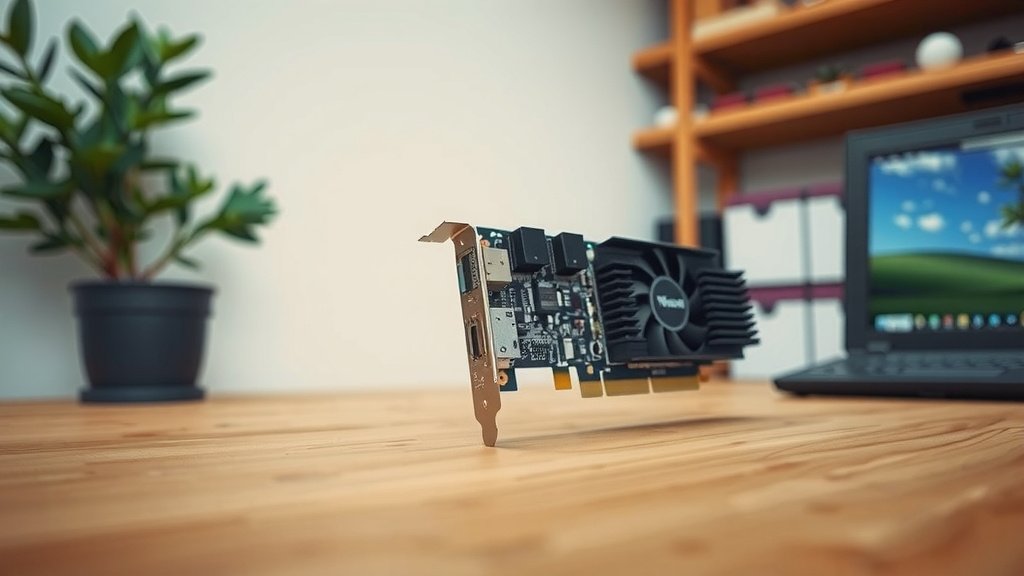
Checking Your System for PCIe 4.0 Support
How do you know if your current setup supports PCIe 4.0? It’s all about the motherboard and the CPU. Not all components can talk on the PCIe 4.0 highway.
Motherboard Compatibility
Your motherboard is the key. For PCIe 4.0 support, you need a motherboard that specifically features PCIe 4.0 slots. For Intel systems, this generally means motherboards with chipsets like Z490, Z590, Z690, Z790, and newer. For AMD, you’ll typically find PCIe 4.0 support on motherboards with B550, X570, B650, X670 chipsets and above.
CPU Compatibility
The CPU also plays a role. The CPU provides the lanes directly connected to certain slots, often the primary x16 slot for the graphics card and one or two M.2 slots for NVMe SSDs. For example, AMD Ryzen 3000 series CPUs and newer (like the 5000 and 7000 series) generally support PCIe 4.0. Intel CPUs like the 11th Gen (Rocket Lake) and newer also bring PCIe 4.0 support to the table.
Quick Checklist for Your System
To make sure you’re ready for PCIe 4.0, here’s a quick check:
- Is your motherboard listed as supporting PCIe 4.0 (e.g., B550, X570, Z590, Z690)?
- Does your CPU also support PCIe 4.0 (check CPU specifications)?
- Are you using a PCIe 4.0 compatible NVMe SSD for maximum storage speed?
- Do you have a graphics card that might benefit from the extra bandwidth?
- Consider your use case: heavy gaming, content creation, or large file transfers?
If you’re building a new PC or upgrading, checking these specs will help you ensure you can take full advantage of the faster PCIe 4.0 interface. It’s an important detail for getting the most out of your hardware investment.
Conclusion
You’ve learned that PCIe 4.0 offers a substantial speed upgrade over its predecessor. It’s a key technology for maximizing the performance of your high-speed components like NVMe SSDs and powerful graphics cards. While not every component sees a huge benefit, those that move a lot of data will perform noticeably better. Knowing your motherboard and CPU support PCIe 4.0 is essential for unlocking these speeds. If you’re building a new PC or looking for a performance boost, checking for PCIe 4.0 compatibility is a smart move for future-proofing your system.
Frequently Asked Questions
Will I notice a difference if I upgrade to a PCIe 4.0 SSD?
Yes, you’ll likely notice a significant difference with a PCIe 4.0 NVMe SSD. We found that read speeds can nearly double compared to PCIe 3.0 SSDs. This means faster game loading times, quicker application launches, and speedier file transfers.
Is PCIe 4.0 necessary for gaming?
For most gaming, PCIe 4.0 isn’t strictly necessary but can offer minor benefits. High-end graphics cards can utilize the extra bandwidth for smoother performance in demanding games. However, the difference is often small compared to the GPU’s raw power.
Can I mix PCIe 4.0 and PCIe 3.0 components in my system?
Absolutely. PCIe is backward compatible, so you can use older PCIe 3.0 devices in newer PCIe 4.0 slots, and vice versa. Just remember that components will run at the speed of the slowest standard between them.
How do I check if my motherboard supports PCIe 4.0?
You need to check your motherboard’s specifications, usually found on the manufacturer’s website. Look for chipsets like AMD’s B550, X570, or Intel’s Z590, Z690, and newer. The manual will also confirm which slots support PCIe 4.0.
Do I need a new CPU to use PCIe 4.0?
Yes, your CPU also needs to support PCIe 4.0 to take advantage of it. For example, AMD Ryzen 3000 series CPUs and newer, and Intel 11th Gen CPUs and newer, are generally required for PCIe 4.0 support on compatible motherboards.
![10 Best Gpu For Recording Gameplay [2026]](https://spsolutionscare.com/wp-content/uploads/2026/10/10-best-gpu-for-recording-gameplay-2026-featured-768x432.jpg)


![10 Best Cheap Nvidia Card [2026]](https://spsolutionscare.com/wp-content/uploads/2026/09/10-best-cheap-nvidia-card-2026-featured-768x432.jpg)