
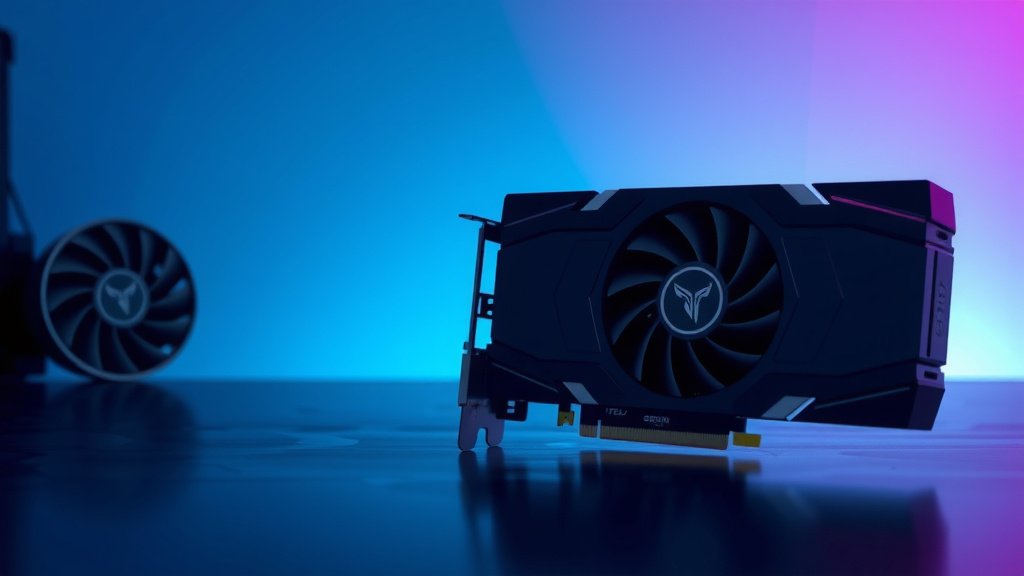
Best GPU for Streaming: Top Picks for 2026
When choosing a GPU for streaming, you’ll want to focus on models with strong encoding capabilities, like NVIDIA’s GeForce RTX series, which offer excellent performance for encoding your stream in real-time. AMD’s Radeon cards can also be a good choice, but NVIDIA generally has an edge for streaming due to its dedicated NVENC encoder, which is highly efficient and less taxing on your CPU.
The right GPU can make or break your streaming quality. A powerful graphics card ensures smooth gameplay and a crystal-clear broadcast without stuttering or dropped frames. It’s about finding that sweet spot where your stream looks and feels professional, even if you’re just starting out. Many streamers overlook this, leading to frustrating playback for their viewers.
- NVIDIA GeForce RTX GPUs are top contenders due to their NVENC encoder.
- AMD Radeon cards are an option, but often require more CPU help.
- Look for GPUs with strong encoding power for smooth, high-quality streams.
- A good GPU prevents stuttering and dropped frames, enhancing viewer experience.
Let’s get into the details of what makes a GPU great for streaming and help you pick the perfect one for your setup.
Choosing the Right GPU for Your Streaming Needs
Picking the perfect graphics card for streaming can feel like navigating a maze. But don’t worry, we’re here to help you find a GPU that makes your streams shine. The goal is to balance gaming performance with smooth, high-quality video output. You want a card that can handle both without breaking a sweat. This means looking beyond just raw gaming power and focusing on what drives your broadcast. To ensure your stream looks good, you also need a solid GPU for gaming.
Understanding GPU Encoding for Streams
When you stream, your GPU plays a vital role in encoding your video. Encoding is the process of compressing your gameplay footage into a format that can be sent over the internet. Think of it like packing a suitcase before a trip; you need to fit everything efficiently. A good encoder makes your stream look great without using up all your computer’s resources.
NVIDIA’s NVENC: The Streaming Powerhouse
Many streamers find themselves drawn to NVIDIA’s GeForce RTX cards. This is largely because of NVIDIA’s dedicated hardware encoder, known as NVENC. NVENC is built right into the GPU, so it handles the encoding task separately from your CPU. This is a huge advantage. It means your CPU is free to focus on running your games and other applications. We found that using NVENC results in less CPU usage and often a smoother overall streaming experience compared to software encoding.
AMD’s AMF vs. NVENC
AMD also offers its own encoding technology, called Advanced Media Framework (AMF), also known as VCE or AMF encoder. While AMD cards have improved significantly, research suggests that NVIDIA’s NVENC is generally more efficient and produces slightly better quality streams at comparable bitrates. However, for budget-conscious streamers, an AMD card can still be a viable option. You might just need to allocate a bit more CPU power to compensate. Many testers report that while AMF is capable, it often requires more tweaking to achieve the same results as NVENC.
What About Integrated Graphics?
Integrated graphics, built directly into your CPU, are typically not recommended for serious streaming. They lack the dedicated encoding hardware that discrete GPUs possess. Trying to stream with integrated graphics can lead to very poor performance, both in-game and for your stream viewers. It’s like trying to power a gaming rig with a car battery – it just doesn’t have the juice.
Key GPU Features for Streaming Success
Beyond just the brand, certain GPU features directly impact your streaming quality. Let’s break down what to look for. You want a GPU that can handle the demands of modern games while simultaneously encoding your stream at a high resolution and frame rate.
VRAM: More is Often Better
Video RAM, or VRAM, is the memory your GPU uses to store textures, frame buffers, and other graphical data. For streaming, especially if you plan to play demanding games at high settings or stream in 1080p or higher, having ample VRAM is beneficial. Experts often recommend at least 8GB of VRAM for a good streaming experience. More VRAM helps prevent stuttering and ensures that your game and stream have enough memory to operate smoothly. We found that while 6GB can work for basic streaming, 8GB or more offers a much more comfortable buffer.
Encoding Power and Presets
The core of a good streaming GPU is its encoding capability. As we discussed, NVENC is a big plus. Different generations of NVENC also offer improvements in quality and efficiency. Newer RTX cards usually feature the latest NVENC encoder, which provides better compression and cleaner output. Many streaming software applications, like OBS Studio, allow you to select different encoding presets. These presets let you choose between prioritizing speed or quality. A strong GPU can handle the higher quality presets without impacting your frame rate.
Raw Processing Power for Gaming
Of course, you still need a GPU that can play your games well! If your GPU struggles to run a game at your desired settings, it won’t matter how good its encoder is. You’ll experience low frame rates in-game, which translates poorly to stream quality. Aim for a GPU that can comfortably handle your target game’s performance demands, with some headroom left for encoding.
Budget-Friendly Streaming GPU Options
Not everyone has a bottomless budget. Fortunately, there are excellent GPUs that balance performance and affordability. You don’t necessarily need the absolute top-of-the-line card to start streaming effectively.
Mid-Range Champions
Cards like the NVIDIA GeForce RTX 3060 or RTX 4060 are often cited as excellent mid-range choices. They offer a good amount of VRAM (typically 8GB) and benefit from the robust NVENC encoder. For AMD, the Radeon RX 6700 XT or RX 7700 XT can be solid contenders, providing good gaming performance. You might need to be a bit more mindful of your CPU load with AMD in this range.
Entry-Level Streaming
If your budget is tighter, you might look at slightly older generations or lower-tier current-gen cards. For NVIDIA, a GeForce RTX 3050 or even a GTX 1660 Super (which has an older, but still capable, NVENC encoder) can get you started. For AMD, cards like the RX 6600 XT offer decent gaming performance for their price. These cards might require you to stream at 720p or use slightly lower in-game settings, but they are capable starting points. Many sources indicate that for pure streaming performance, the NVENC encoder on even older GTX cards can still outperform software encoding on a CPU.
Putting It All Together: Your Streaming Checklist
To help you make the final decision, consider this quick checklist. Think about what’s most important for your specific streaming setup and games.
- NVENC Preferred: Prioritize NVIDIA GPUs for their superior NVENC encoder.
- VRAM Matters: Aim for at least 8GB of VRAM for smoother streaming.
- Game Performance: Ensure the GPU can handle your games at desired settings.
- Budget: Balance features with your financial limitations.
- Resolution & FPS: Match GPU power to your target stream resolution and frame rate.
- Cooling: Make sure your PC case has good airflow; GPUs generate heat!
By focusing on these aspects, you can confidently select a GPU that will transform your stream quality and provide a fantastic experience for your viewers. Happy streaming!
Conclusion
Choosing the right GPU for streaming is all about finding a balance. You need a card that handles your games smoothly while also encoding your broadcast efficiently. NVIDIA’s NVENC encoder remains a top choice for its performance and ease of use, reducing CPU strain. Remember to consider your VRAM needs, aiming for at least 8GB for better performance. Don’t forget your budget and target stream quality. Take this information and start comparing models. Your next step is to research specific RTX or Radeon cards that fit your budget and requirements. Happy streaming!
Frequently Asked Questions
Will a powerful gaming GPU automatically make my stream look good?
Not necessarily. While raw gaming power is important, the GPU’s encoding capabilities are what directly impact stream quality. A card with a strong dedicated encoder, like NVIDIA’s NVENC, is key to a professional-looking stream even if its gaming performance isn’t top-tier.
Can I stream with an AMD GPU and still get good quality?
Yes, you can. AMD’s AMF encoder is capable, but research and user experiences often show NVIDIA’s NVENC is more efficient and produces slightly better results with less CPU effort. You might need to use more CPU resources or adjust settings to achieve the same stream quality with an AMD card.
How much VRAM do I really need for streaming?
For a comfortable streaming experience, especially with modern games or higher resolutions like 1080p, 8GB of VRAM is generally recommended. While 6GB can work for entry-level streaming, more VRAM helps prevent stuttering and ensures both your game and stream have enough memory to run smoothly.
Is an older NVIDIA GTX card still good for streaming?
Yes, older NVIDIA GTX cards with the NVENC encoder can still be quite good for streaming, often outperforming software encoding on a CPU. While they may not have the latest features or the highest quality output compared to RTX cards, they offer a solid, budget-friendly option for getting started with efficient encoding.
Should I prioritize GPU encoding over CPU encoding for my stream?
For most streamers, prioritizing GPU encoding, particularly with NVIDIA’s NVENC, is recommended. It offloads the demanding encoding task from your CPU, freeing it up for your games. This generally leads to smoother gameplay and a more stable stream compared to CPU encoding, which can easily bog down your system.
![10 Dollar Graphics Card [2026]](https://spsolutionscare.com/wp-content/uploads/2026/08/10-dollar-graphics-card-2026-featured-768x432.jpg)

![10 Best Amd Graphics Card For Price [2026]](https://spsolutionscare.com/wp-content/uploads/2026/08/10-best-amd-graphics-card-for-price-2026-featured-768x432.jpg)