Do You Need a Dedicated Graphics Card for Gaming?
You likely do not need a dedicated graphics card if you only use your computer for basic tasks like browsing the web, sending emails, or watching videos. Integrated graphics, built into your computer’s processor, are often good enough for everyday use. You might be wondering if your computer needs that extra power. The answer really depends on what you want to do.
However, if you plan to play modern video games, edit videos, or run demanding design software, a dedicated graphics card is almost certainly a necessity. These tasks require a lot more graphical power than your processor can handle alone. Think of it as needing a sports car engine for a race, versus a reliable sedan engine for your daily commute. This extra hardware makes a huge difference in performance.
- A dedicated graphics card is a separate piece of hardware.
- It’s mainly for gaming, video editing, and design work.
- If you do basic tasks, you probably don’t need one.
- Integrated graphics are built into your computer’s main processor.
- Deciding depends on your computer’s intended use.
Let’s dive deeper and figure out if adding a dedicated graphics card makes sense for your specific needs. We’ll look at the signs that tell you when it’s time for an upgrade.
“`htmlWhen You Might Need a Graphics Card Upgrade
So, you’re wondering if your computer needs a little more graphical pep in its step. You’re not alone! Many folks wonder if they should add a dedicated graphics card. The short answer is: it depends entirely on what you do with your computer.
Think of your computer’s graphics processing like its ability to draw pictures. If you only need simple drawings, like stick figures, the built-in tools are probably fine. But if you want to create detailed oil paintings, you’ll need a more powerful art studio. That’s where a dedicated graphics card comes in.
What Exactly IS a Dedicated Graphics Card?
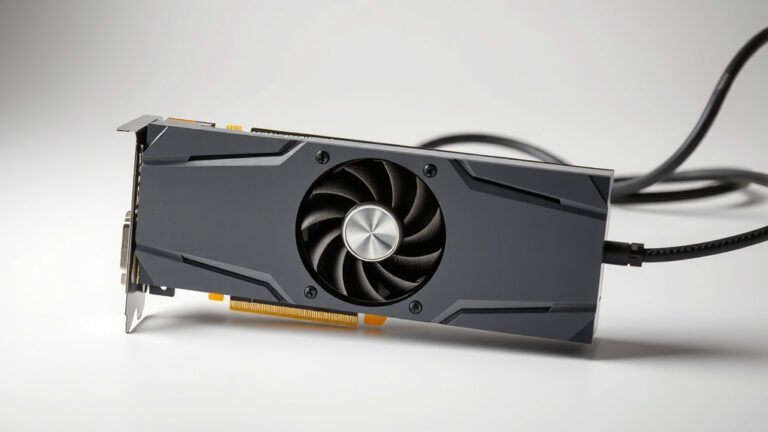
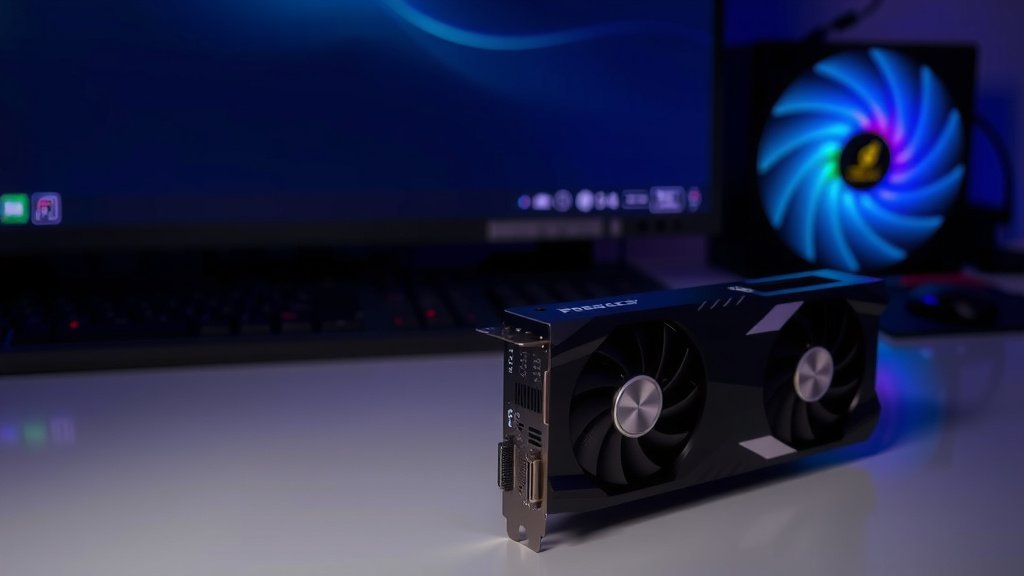
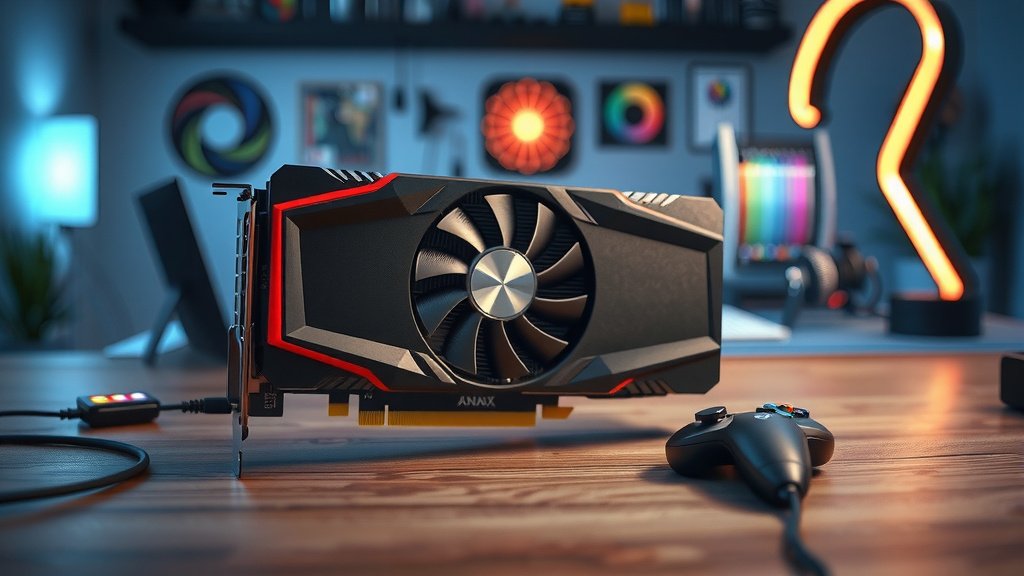
A dedicated graphics card, also called a discrete graphics card or GPU (Graphics Processing Unit), is a separate component inside your computer. It’s like a specialized co-worker whose only job is to handle all things visual. This means it takes the heavy lifting off your computer’s main processor (CPU). Our guide on how to identify your graphics card can help you find the model.
Integrated graphics, on the other hand, are built right into your CPU. They share resources with your processor. They’re great for everyday tasks. But when things get visually demanding, they can quickly become overwhelmed.
Signs You’re Probably NOT Using Integrated Graphics Enough
How can you tell if your current graphics setup is holding you back? There are a few telltale signs. If your computer feels sluggish or slow when you’re doing certain things, it might be your graphics. It’s like trying to run a marathon with flip-flops on – not ideal!
Performance Stuttering and Lag
Do you notice your computer freezing or stuttering when you move around in a video game? Or perhaps when you’re scrolling through a website with lots of images and videos? This lag is a big clue. Your integrated graphics are struggling to keep up with the demand.
Low Frame Rates in Games
For gamers, this is a huge one. Frame rate is how many images per second your computer can display. Lower frame rates mean jerky movement. Many modern games recommend a minimum frame rate for a smooth experience. If you’re getting less than 30 frames per second (fps) in games, it’s a strong indicator you need more graphical power.
Visual Glitches and Artifacts
Sometimes, graphics issues show up as weird visual bugs. You might see strange colored squares, flickering textures, or distorted images. These are called artifacts. They often mean your graphics hardware is overheating or simply can’t handle the load.
Slow Rendering or Exporting Times
If you’re into video editing or graphic design, you’ll notice long wait times. Rendering a video project or exporting a complex design can take hours. A dedicated graphics card can drastically cut down these times. It’s like upgrading from a bicycle to a sports car for your creative work.
Who Benefits Most from a Dedicated Graphics Card?
Some tasks are simply too demanding for integrated graphics. If your computer usage falls into these categories, you’ll see the biggest improvements with a dedicated GPU.
The Avid Gamer
This is the classic use case. Modern video games push graphics to their limits. They require detailed environments, realistic lighting, and smooth animations. Integrated graphics just aren’t built for this kind of high-performance visual output. A dedicated card allows you to play games at higher resolutions and with better graphics settings.
Video Editors and Content Creators
Working with high-definition video, 3D models, or complex animations demands serious graphical horsepower. Editing software like Adobe Premiere Pro or DaVinci Resolve often uses the GPU for tasks like video rendering, effects processing, and color correction. More GPU power means faster workflows and less waiting.
3D Designers and Engineers
CAD software, 3D modeling programs, and architectural visualization tools are incredibly demanding. They require the computer to render complex models in real-time. A dedicated graphics card ensures these applications run smoothly, allowing for more detailed work and quicker design iterations.
AI and Machine Learning Enthusiasts
For those dabbling in artificial intelligence or machine learning, a powerful GPU is almost a necessity. Training AI models often involves massive parallel computations that GPUs excel at. Many AI libraries are optimized to use NVIDIA or AMD graphics cards. This speeds up the training process significantly.
When Integrated Graphics Are Perfectly Fine
It’s important to remember that not everyone needs a dedicated graphics card. If your computer use is on the simpler side, you’re probably good as is. You can save your money and avoid the upgrade!
Basic Computing and Productivity
Browsing the internet, checking emails, typing documents in Microsoft Word or Google Docs, and managing spreadsheets are all tasks that integrated graphics handle with ease. Your CPU’s built-in graphics are more than capable for these everyday jobs.
Streaming and Watching Videos
Watching YouTube videos, Netflix, or other streaming services is generally not taxing on your graphics hardware. Modern CPUs have dedicated video decoding capabilities. This means they can play high-definition video smoothly without needing a separate graphics card.
Light Photo Editing
If you’re just making minor adjustments to photos – like cropping, resizing, or adjusting brightness and contrast – your integrated graphics should be sufficient. For professional photo editing with many layers and complex filters, you might start to see benefits from a dedicated card.
Quick Checklist: Do You Need a Graphics Card?
Let’s quickly recap. Ask yourself these questions:
- Do you play modern video games at high settings?
- Do you experience significant lag or stuttering in applications?
- Are you doing professional video editing or 3D rendering?
- Do you see visual glitches or artifacts on your screen?
- Are your creative software rendering times excessively long?
If you answered “yes” to several of these, it’s time to seriously consider a dedicated graphics card. If you answered “no” to all of them, your current setup is likely doing a fine job!
“`Ultimately, your decision on needing a dedicated graphics card boils down to your computer’s daily tasks. For general browsing, email, and video streaming, your current setup with integrated graphics is likely more than sufficient. However, if you’re a gamer, video editor, or designer who pushes visual boundaries, the performance boost from a dedicated GPU is undeniable. Don’t upgrade for the sake of it; assess your needs honestly. If demanding applications are slowing you down, it’s time to research graphics cards that fit your workflow and budget.
Frequently Asked Questions
Will a dedicated graphics card make my whole computer faster?
A dedicated graphics card primarily speeds up tasks that heavily rely on visual processing, like gaming and video rendering. While it can make your computer feel snappier in those specific applications, it won’t necessarily boost the speed of basic tasks like typing documents or browsing the web. Those are more dependent on your CPU and RAM.
Can I add a graphics card to any computer?
Generally, yes, most desktop computers can accommodate an upgrade. However, you’ll need to ensure your computer has an available PCI-Express slot on the motherboard and adequate power supply to support the new card. Laptops are much harder, often impossible, to upgrade in this way.
How much do dedicated graphics cards usually cost?
Prices vary wildly. You can find entry-level cards for under $200 that offer a good step up for casual gaming. High-end cards for serious gamers and professionals can easily cost $500 to $1000 or more. Your budget and performance needs will determine the best option.
Are there performance differences between NVIDIA and AMD graphics cards?
Yes, both NVIDIA and AMD offer excellent graphics cards, and often trade blows in performance at different price points. Each has its strengths, with some games or applications performing slightly better on one brand over the other. It’s wise to check recent benchmarks for the specific games or software you plan to use.
If I don’t game, is there any other reason to get a dedicated graphics card?
Absolutely! If you work with demanding visual software like Adobe Premiere Pro, DaVinci Resolve, Photoshop with complex filters, or any 3D modeling/CAD programs, a dedicated graphics card can significantly speed up your workflow. It helps with rendering, editing, and overall application responsiveness for creative professionals.