GPU Without External Power Can It Run
No, your GPU cannot run without external power. Modern graphics cards, especially high-performance ones, require dedicated power connections directly from your power supply unit (PSU). Trying to run a GPU without these connections means it simply won’t turn on or function. It’s like trying to start a car without any gas – it just won’t happen.
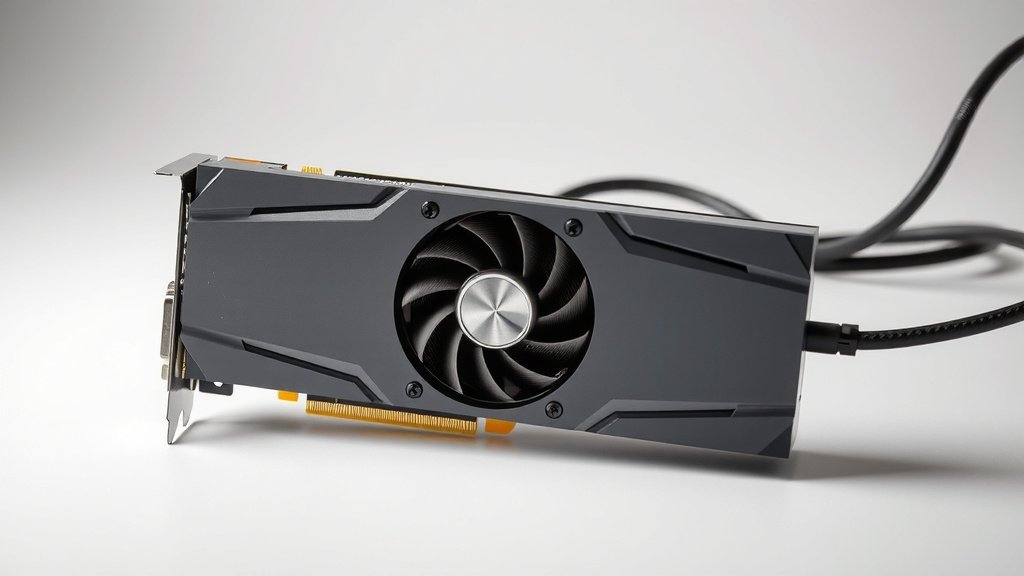
While your motherboard provides some power to the GPU through its PCIe slot, this is usually not enough for most graphics cards. The additional power cables, often 6-pin or 8-pin connectors, are essential for delivering the significant electricity your GPU needs to process demanding tasks like gaming or video editing. Skipping these connections is a sure way to end up with a very expensive paperweight. The additional power cables are essential for delivering the significant electricity your GPU needs.
- Your GPU needs direct power.
- The motherboard’s power is not enough.
- External power cables are essential.
- Without them, your GPU won’t work.
So, let’s get into why your GPU needs that extra juice and what happens if it doesn’t get it.
Why Your GPU Needs External Power
So, you’re wondering if your graphics card can work without plugging in those extra power cables. The short answer, as you’ve likely figured out, is a big no. Your GPU is the powerhouse for graphics, and it needs a serious energy supply to do its job. Think of it like a high-performance engine in a race car; it needs specialized fuel lines, not just the basic ones.
The motherboard’s PCIe slot does provide some power, a standard of 75 watts. This is like a starter trickle. It’s enough for very basic graphics needs, like what you might find on older integrated graphics or extremely low-power cards. But for anything more demanding, that trickle just won’t cut it. Your modern GPU needs a direct, robust pipeline of electricity.
Understanding GPU Power Requirements
Graphics cards are designed to draw a lot of power. This is how they render those stunning visuals, process complex calculations, and keep your games running smoothly. The wattage a GPU needs can vary wildly. A modest card might ask for 100-150 watts, while a high-end beast could demand 300 watts or even more. Where does all that juice come from?
The PCIe Slot’s Limitations
The Peripheral Component Interconnect Express (PCIe) slot on your motherboard is a universal connector for expansion cards. It’s a marvel of engineering, allowing cards to communicate with the CPU and access memory. It also supplies power, as we mentioned. However, its design has built-in limits to protect your motherboard and system. The 75-watt limit from the PCIe slot is a safety feature, preventing overload. For GPUs, this is just the appetizer, not the main course.
Essential External Power Connectors
This is where those extra cables come in. You’ll often see them labeled as 6-pin or 8-pin PCIe power connectors. These cables run directly from your computer’s power supply unit (PSU). They are specifically designed to deliver the high amperage and voltage your GPU craves. Without these connections, the card is essentially starving for power. It simply cannot operate at its intended performance level, or often, at all.
What Happens When a GPU Lacks Power?
You might be curious about the actual effects of trying to run a GPU without its proper power connections. It’s not a pretty picture, and it usually ends with your system refusing to cooperate. Let’s break down what you’d typically experience.
The System Won’t Boot or Display Anything
The most common outcome is that your computer simply won’t start up properly. You might hear fans spinning, but you’ll get no display output. Your monitor will likely say “no signal.” This is your system’s way of telling you that a critical component isn’t receiving the power it needs to function. It’s like trying to start a car with a dead battery – nothing happens. Your motherboard detects the GPU but can’t get it to wake up.
Component Damage is Possible (But Less Likely with Modern Systems)
While modern power supplies and motherboards have safety mechanisms to prevent catastrophic damage, there’s always a small risk. If you forcefully try to run a GPU that’s severely underpowered, you could stress components. This might not fry your GPU instantly, but it’s not good for its long-term health. Many experts advise against any such experimentation to keep your hardware safe (NVIDIA, AMD Official Support Pages). It’s best to follow the manufacturer’s recommendations for power connections.
Intermittent Issues and Instability
In rarer cases, if a GPU is receiving *some* power but not enough, you might encounter instability. Games could crash unexpectedly. Graphics might glitch or artifacts could appear on your screen. This usually happens if the PSU is borderline, or if you’re using adapters that aren’t stable. But again, the most common scenario is simply no operation at all. The system will likely prevent boot-up to avoid these issues.
Power Supply Unit (PSU) Importance
Your power supply unit is the unsung hero of your PC build. It’s the heart that pumps electricity to every component. For a demanding GPU, a robust and reliable PSU is absolutely essential. It needs to have enough wattage capacity to handle your GPU’s peak demand, plus all your other components. It also needs the right connectors available.
Meeting the GPU’s Wattage Recommendation
GPU manufacturers provide recommended PSU wattages for their cards. This isn’t just a suggestion; it’s a guideline to ensure stable performance. For example, if a GPU is rated at 250W, and your CPU uses 100W, and other components use another 50W, you’re looking at 400W minimum. It’s wise to have some headroom. Many sources suggest adding an extra 100-150W buffer for peak loads and PSU efficiency (PC Hardware Review Sites).
Ensuring Sufficient PCIe Power Connectors
Beyond just wattage, your PSU must physically have the correct power connectors. A 6-pin connector can deliver up to 75W, and an 8-pin connector can deliver up to 150W. High-performance GPUs might need one, two, or even three of these connectors. Make sure your PSU has them and that they are available, not already in use by other components. Trying to use adapters from Molex or SATA connectors is generally not recommended for GPUs, as these connections aren’t designed for the power draw and can be a fire hazard (Electronics Safety Publications).
PSU Quality Matters
Not all PSUs are created equal. A cheap, low-quality PSU might claim a certain wattage, but it might not be able to deliver it reliably or efficiently. This can lead to instability, component failure, and even safety risks. Look for PSUs from reputable brands with good efficiency ratings (like 80 Plus Bronze, Gold, or Platinum). This indicates a more stable and reliable power delivery. Many tech reviewers test PSU performance under load to verify their capabilities.
Checklist: Powering Your GPU Safely
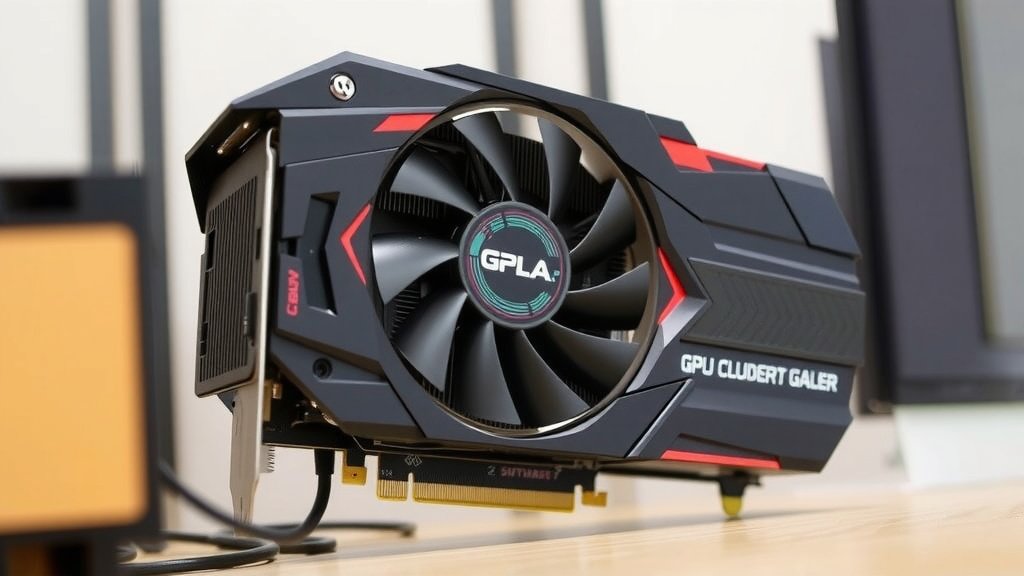
To make sure your graphics card gets the power it needs without any headaches, here’s a quick checklist for you:
- Verify your GPU’s power connector requirements (6-pin, 8-pin, etc.).
- Check your PSU’s specifications for total wattage and available connectors.
- Ensure your PSU wattage meets or exceeds the GPU manufacturer’s recommendation.
- Confirm your PSU has the correct PCIe power cables for your GPU.
- Consider a PSU with a good efficiency rating for stable power delivery.
- Consult your GPU and PSU manuals for specific installation instructions.
Conclusion
You’ve learned that your GPU absolutely needs external power to function. The motherboard’s PCIe slot simply can’t provide enough juice for modern graphics cards. Those 6-pin and 8-pin connectors are your GPU’s lifeline, delivering the necessary electricity for demanding tasks. Trying to run a GPU without them means it won’t boot or display anything, and could potentially stress your system. Ensure your power supply unit (PSU) is robust enough and has the right connectors. Now, double-check your build’s power connections before you power it on!
Frequently Asked Questions
Can I use a splitter or adapter for GPU power?
It’s generally not recommended to use splitters or adapters from Molex or SATA power connectors for your GPU. These connections are not designed to handle the high power draw of a graphics card and can be a fire hazard. Always use the dedicated PCIe power cables directly from your power supply unit.
How do I know if my PSU has enough power for my GPU?
Check the recommended PSU wattage provided by your GPU manufacturer. Then, calculate the estimated wattage of your other components. Your PSU should meet or exceed the GPU’s recommendation, with a little extra headroom (100-150W is a good buffer) for stable operation.
What happens if my GPU gets *some* power but not enough?
If your GPU is receiving insufficient power, you might experience system instability. This could manifest as random game crashes, graphical glitches, or visual artifacts appearing on your screen. In most cases, though, the system will prevent booting entirely to avoid these issues.
My GPU doesn’t have external power connectors. Can it still run?
Yes, some very low-power GPUs, often found in business desktops or older integrated graphics, might only draw power from the PCIe slot. These cards are designed to operate within the 75W limit. If your GPU has dedicated 6-pin or 8-pin connectors, however, it definitely needs them.
Is it safe to test my GPU without external power just to see if it turns on?
While modern systems have safeguards, it’s best to avoid testing your GPU without the required external power connections. It won’t function, and there’s always a small risk of stressing components or causing instability. Always connect the necessary power cables as per your GPU manufacturer’s instructions.