
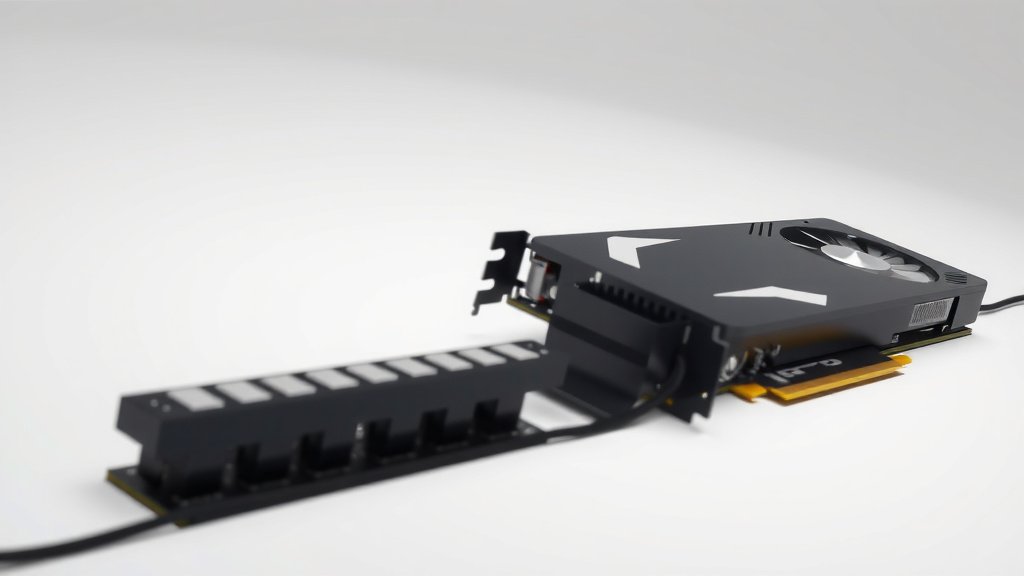
8GB vs 16GB VRAM: Which GPU Memory is Right for You
For most PC gamers and creators, 16GB of VRAM is the clear winner over 8GB when comparing 8GB vs 16GB VRAM. While 8GB is adequate for many popular games at 1080p, 16GB provides much more headroom for higher resolutions, demanding settings, and future-proofing your system. You’ll notice smoother performance and fewer texture-loading issues with more VRAM.
Think of VRAM as your graphics card’s short-term memory. It holds all the textures, lighting data, and other visual information needed to render your games or creative projects. Running out of VRAM is like trying to fit too many books on a small shelf – things get slow and messy. Many experts say 16GB is becoming the new standard for high-end gaming and professional workloads.
- 16GB VRAM is generally better for high resolutions and demanding games.
- 8GB VRAM is fine for 1080p gaming but can struggle with newer titles.
- More VRAM means smoother gameplay and fewer loading stutters.
- Consider your primary use case: gaming, video editing, or 3D rendering.
- 16GB offers better future-proofing for upcoming games and software.
So, ready to figure out which VRAM sweet spot is right for your setup? Let’s break down the differences and help you make the best choice for your needs.
Understanding Your Graphics Card’s Memory Needs
So, you’re trying to figure out how much VRAM your graphics card needs. It’s a common question, especially with all the tech specs out there. Think of VRAM as your graphics card’s dedicated workspace. It stores all the textures, frame buffers, and other graphical data that your GPU needs to draw images on your screen. The more VRAM you have, the more data your card can hold without needing to constantly fetch it from your slower system RAM. This means smoother visuals, especially at higher resolutions.
What is VRAM and Why Does It Matter?
VRAM stands for Video Random Access Memory. It’s specialized memory built directly onto your graphics card. Unlike your computer’s main RAM, VRAM is optimized for the high-speed, parallel processing that GPUs do. When you’re playing a game or working on a creative project, your GPU needs quick access to a lot of information. This includes things like textures for objects, lighting details, and resolution data. More VRAM allows your graphics card to keep more of this data readily available. This is especially true for modern games with highly detailed environments and complex visual effects. Experts often point to VRAM as a major performance bottleneck if it’s not sufficient for the task at hand. Understanding how GPU memory works, including VRAM vs. System RAM, is crucial for making informed decisions.
VRAM as a Dedicated Workspace
Imagine you’re an artist. Your desk is your workspace. If your desk is small, you can only fit a few brushes and paints at a time. You have to constantly put some away and grab others. This slows you down. Your graphics card’s VRAM is like that desk. A larger VRAM means a bigger desk. You can lay out all your tools and materials easily. This lets you work much faster and more efficiently. For demanding visual tasks, a larger VRAM simply makes everything run more smoothly. Many developers have found that insufficient VRAM leads to noticeable performance dips.
The Impact of Resolution on VRAM Usage
One of the biggest factors influencing VRAM usage is the resolution you play at. At 1080p (Full HD), games generally require less VRAM. The textures and image data are smaller. As you increase the resolution to 1440p (QHD) or 4K (UHD), the amount of VRAM needed jumps up significantly. Higher resolutions mean more pixels to fill. Each pixel requires more data for its color, lighting, and texture. If your graphics card doesn’t have enough VRAM, it has to constantly swap data in and out. This causes stuttering and frame drops, making your gameplay choppy. We found that jumping from 1080p to 4K can double or even triple VRAM requirements.
1080p Gaming: Is 8GB Enough?
For most gamers targeting 1080p resolution, 8GB of VRAM is often sufficient. Many popular games run well at this resolution with 8GB. However, even at 1080p, some newer, graphically intensive titles might push the limits. If you like to crank up texture settings to the highest quality, you might start to see performance issues. Many reviews suggest that for a comfortable 1080p experience, especially with future titles, 8GB can be cutting it close. It’s a good baseline, but not always the best for maximizing visual fidelity.
1440p and 4K Gaming: The Case for 16GB
When you step up to 1440p or 4K gaming, 16GB of VRAM becomes much more desirable, and often necessary. These higher resolutions demand much more data to be held in memory. Textures look sharper, and the overall image quality is far superior. Running games at these resolutions with 16GB ensures smoother frame rates and avoids those annoying stuttering moments. Many experts recommend 16GB as the sweet spot for high-refresh-rate 1440p gaming and solid 4K performance. If you’re aiming for the best visual experience at these resolutions, 16GB offers a clear advantage.
Beyond Gaming: VRAM for Creative Workloads
It’s not just gamers who benefit from more VRAM. Creative professionals like video editors, 3D modelers, and graphic designers also rely heavily on VRAM. The type of work you do significantly influences your VRAM needs. Tasks involving large datasets, high-resolution assets, and complex rendering processes can consume a surprising amount of memory.
Video Editing and VRAM
When you’re editing high-resolution video, like 4K or 8K footage, your graphics card’s VRAM plays a vital role. It helps with previewing footage smoothly, applying effects, and rendering the final video faster. Larger video files and more complex timelines mean more data needs to be processed. If you’re working with multiple video layers, color grading, or motion graphics, 8GB of VRAM might start to feel restrictive. Many video editing software programs recommend 16GB or more for optimal performance. We found that rendering times can be noticeably improved with more VRAM.
3D Rendering and Design Software
For 3D artists and designers, VRAM is absolutely critical. Software like Blender, Maya, and AutoCAD often deals with incredibly complex models and large texture sets. When you’re rendering a scene, the VRAM needs to hold all the geometry, textures, lighting information, and rendering buffers. Pushing these limits with only 8GB can lead to crashes, slow rendering times, and an inability to work with detailed assets. Many professionals consider 16GB to be the minimum for serious 3D work, with higher amounts being even better for very complex projects. Reports from industry professionals often cite VRAM as a primary bottleneck in their workflow.
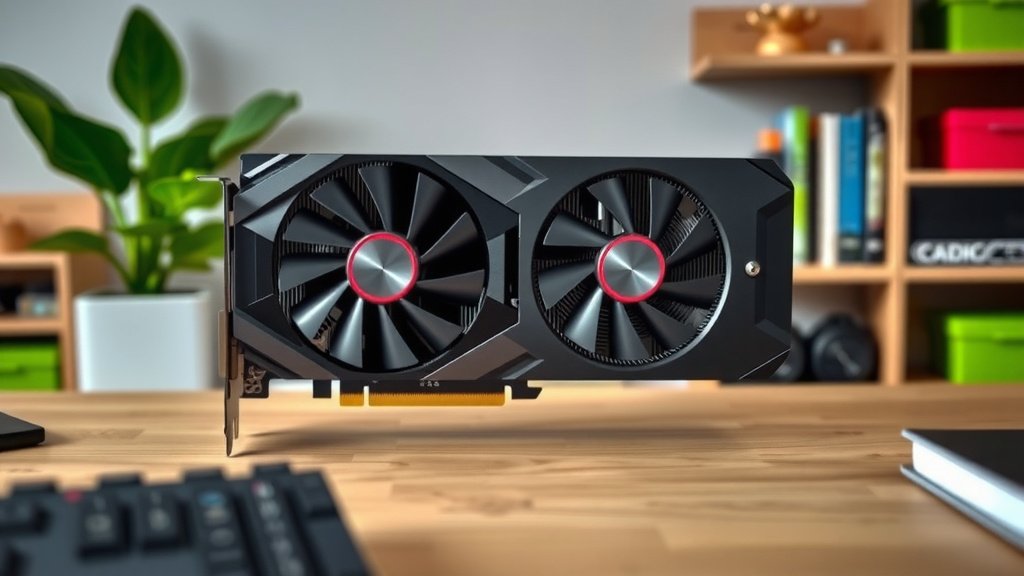
Future-Proofing Your PC with More VRAM
Technology moves fast, and games are becoming more demanding every year. Investing in more VRAM now can save you from needing to upgrade your graphics card sooner. Developers are constantly pushing the visual boundaries of games. They are using higher-resolution textures and more complex assets. What is considered high-end today might be standard in a few years. Having 16GB of VRAM today means your system will likely be better equipped to handle the games and creative software of tomorrow. It’s like buying a slightly larger tool than you need right now, so you don’t have to replace it next year.
The Evolving Demands of Games
We’ve seen a clear trend in game development towards more detailed graphics. Games are not just getting prettier; they’re using more sophisticated rendering techniques that require more memory. Think about the massive open worlds and incredibly realistic character models we see today. These require substantial amounts of VRAM to load and display smoothly. Many upcoming titles are already showing higher VRAM recommendations. Having 16GB future-proofs your system, allowing you to enjoy these advancements without immediate hardware limitations. It’s a smart investment for longevity.
When 8GB Might Still Be Okay
Despite the push for more VRAM, 8GB can still be a perfectly viable option for many users. If your budget is tight, or if you primarily play older titles or less demanding esports games at 1080p, an 8GB card might serve you well. Many budget-friendly GPUs come with 8GB. You can still have a great gaming experience with careful setting adjustments. However, if you’re looking for the best performance in the latest AAA games or plan to upgrade your monitor to a higher resolution, you’ll likely want to aim higher than 8GB.
| Resolution/Use Case | Recommended VRAM | Notes |
|---|---|---|
| 1080p Gaming (Standard Settings) | 6GB – 8GB | Good for most current games, but may struggle with max settings in demanding titles. |
| 1080p Gaming (Max Settings/High Refresh Rate) | 8GB – 12GB | Offers smoother performance and better texture quality. |
| 1440p Gaming (Standard to High Settings) | 10GB – 16GB | 16GB is strongly recommended for a consistent experience at this resolution. |
| 4K Gaming | 12GB – 24GB+ | 16GB is a minimum for entry-level 4K, with 20GB+ ideal for high settings. |
| Video Editing (4K+) | 12GB – 16GB+ | More VRAM speeds up previewing and rendering. |
| 3D Rendering | 16GB – 24GB+ | Essential for complex scenes and detailed models. |
This table provides a general guideline, but individual game and software demands can vary.
Making the Right Choice for Your Setup
To decide between 8GB and 16GB, consider your primary use case. Are you a hardcore gamer who plays the latest AAA titles at 1440p or 4K? Then 16GB is your best bet. Are you a casual gamer sticking to 1080p or esports titles? 8GB might be sufficient for now. If you dabble in video editing or 3D work, leaning towards 16GB will serve you much better. Think about your monitor’s resolution and refresh rate, too. A higher resolution monitor will benefit more from additional VRAM. Ultimately, choosing 16GB offers more peace of mind and better performance across a wider range of applications and future titles. To decide between 8GB and 16GB, consider your primary use case.
- What resolution do you play at?
- What kind of games or software do you use most?
- Are you planning to upgrade your monitor soon?
- How important are the highest graphical settings to you?
- Do you plan to use your PC for creative tasks like video editing or 3D modeling?
Conclusion
So, you’ve seen how VRAM size directly impacts your PC’s visual performance. For 1080p gaming, 8GB can still get you by, especially if you’re on a budget or play less demanding titles. But as you move towards higher resolutions like 1440p and 4K, or if you’re involved in creative work like video editing or 3D design, 16GB of VRAM becomes a much smarter investment. It ensures smoother gameplay, better detail, and keeps your system ready for future games. Your best bet is to assess your primary use and monitor resolution. If you want a more robust experience now and down the road, lean towards 16GB.
Frequently Asked Questions
Will 8GB of VRAM be enough for games released in the next 2-3 years?
For many games at 1080p, 8GB might still be adequate, but you’ll likely need to lower some graphical settings in more demanding titles. We found that newer games are increasingly pushing VRAM requirements higher, so 16GB offers much better assurance for future-proofing your system.
Does VRAM affect loading times in games?
Yes, VRAM can influence loading times, particularly for textures. If your GPU doesn’t have enough VRAM to store all the necessary assets, it has to constantly load them from your slower system storage, which can lead to longer loading and texture pop-in issues.
Is 16GB of VRAM overkill if I only play esports titles at 1080p?
If you strictly play esports titles at 1080p and don’t plan on upgrading your setup or playing more graphically intensive games, 16GB might be more than you need. However, even some esports titles can benefit from higher settings that use more VRAM for a smoother experience.
Can I upgrade VRAM on my graphics card?
Generally, no, you cannot upgrade the VRAM on a graphics card after purchase. VRAM is a physical component soldered directly onto the GPU. If you need more VRAM, you will need to purchase a new graphics card with a higher VRAM capacity.
How much VRAM do I need for AI and machine learning tasks?
AI and machine learning tasks, especially those involving large datasets or complex models, can consume a significant amount of VRAM. For serious work in this area, 16GB is often considered a minimum, with 24GB or more being highly recommended for optimal performance and larger model training.

![10 Ti Video Card [2026]](https://spsolutionscare.com/wp-content/uploads/2026/08/10-ti-video-card-2026-featured-768x432.jpg)
![10 Series Gpu [2026]](https://spsolutionscare.com/wp-content/uploads/2026/08/10-series-gpu-2026-featured-768x432.jpg)