
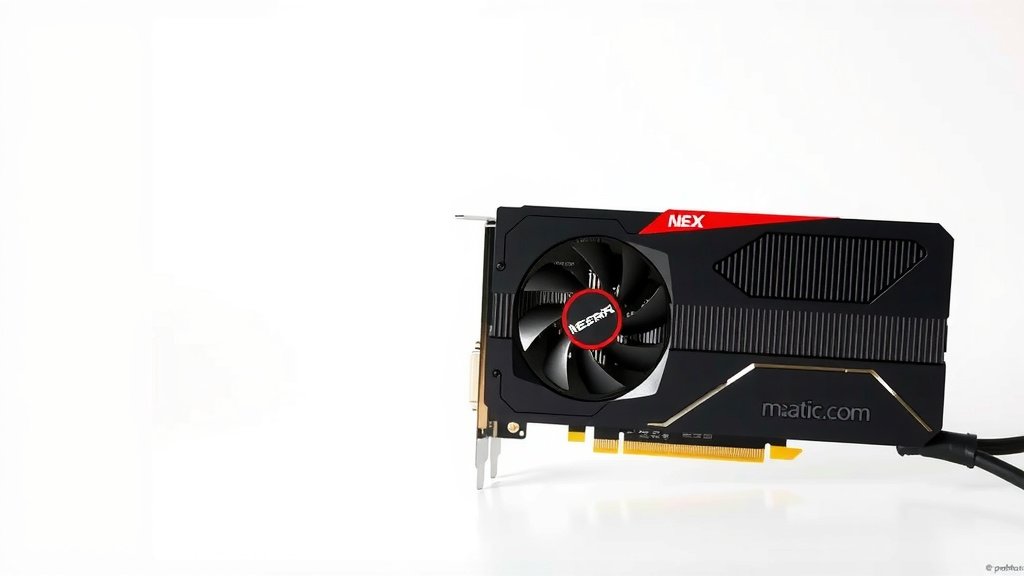
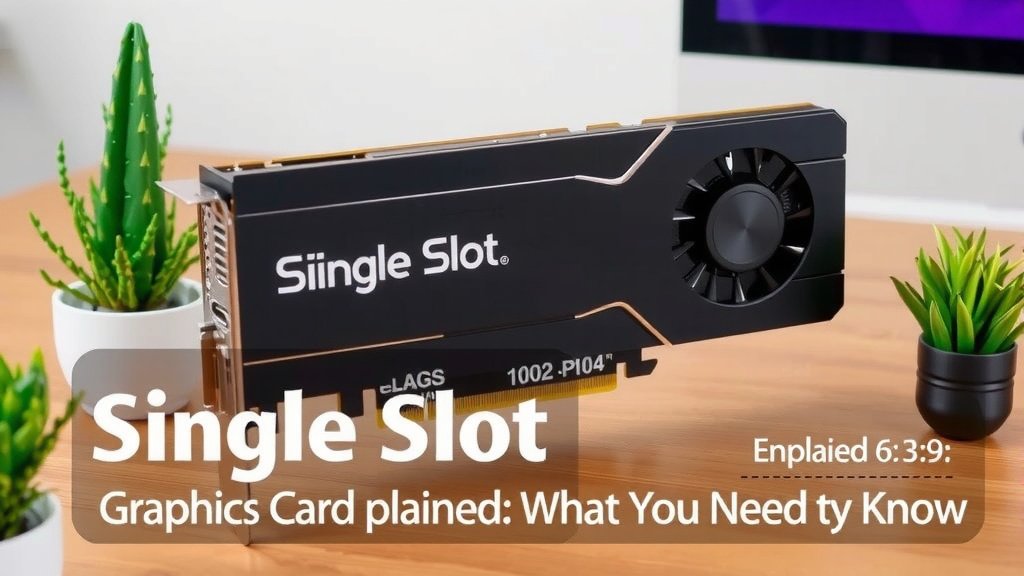
Single Slot Graphics Card Explained: What You Need to Know
A single slot graphics card is a compact GPU designed to fit into a single expansion slot on your computer’s motherboard. It’s a great choice for budget builds or systems with limited space. These cards offer basic graphical capabilities for everyday tasks and light gaming.
Think of it as a specialized piece of hardware for visual output. Unlike larger, dual-slot cards, these are built for efficiency and compatibility. Many users seeking to upgrade their PC’s display without needing top-tier performance opt for this solution.
- Single slot GPUs fit in one motherboard slot.
- They are ideal for budget or small PCs.
- Good for everyday use and basic gaming.
- A simpler upgrade for visual output.
We’ve researched single slot graphics cards to help you understand their place in PC building. Let’s dive into what makes them unique and when they might be the perfect fit for your setup.
Understanding Single Slot Graphics Cards
So, what exactly is a single slot graphics card? Think of your computer’s motherboard as a busy city street. This street has parking spots, and some spots are wider than others. A single slot graphics card is like a compact car that only needs one parking spot. It’s a graphics processing unit (GPU) designed to occupy just one expansion slot on your motherboard. This is different from many modern, high-performance GPUs that need two or even three slots to breathe and connect properly.
What Sets Them Apart Physically?
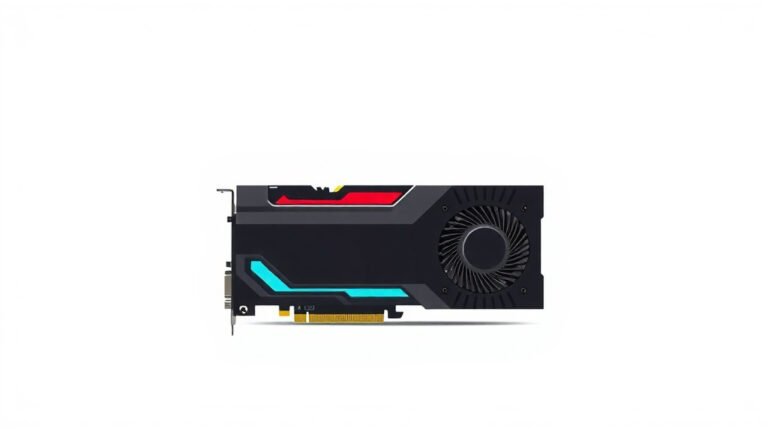
The most obvious difference is their physical size. While a typical gaming graphics card might be a chunky, two-or-three-slot behemoth, a single slot card is much slimmer. This slim profile is their defining characteristic. They often have a single cooling fan and a more streamlined heatsink. This design allows them to fit snugly into that one slot without crowding other components on your motherboard. It’s a space-saving marvel for certain builds.
Why Choose a Single Slot GPU?
You might be wondering, with all the big, powerful cards out there, why would someone choose a smaller, single slot GPU? The reasons are varied and often practical. It’s not always about having the absolute most power; sometimes, it’s about the right fit for your specific needs and system.
Space Constraints: The Little PC’s Best Friend
This is arguably the biggest reason. Many users build or buy compact PCs, sometimes called Small Form Factor (SFF) builds. These machines are designed to be small, portable, or simply fit into tight spaces. In these cases, a large, dual-slot graphics card simply won’t fit. A single slot card is often the only option for adding dedicated graphics power to such a system. It allows you to upgrade visuals without needing a massive tower. We found many builders specifically seeking these for their custom SFF rigs.
Budget-Friendly Performance
Let’s talk money. High-end graphics cards can cost a significant chunk of your PC budget. Single slot cards are generally much more affordable. They offer a noticeable upgrade over integrated graphics found on many CPUs without breaking the bank. If you’re building a PC on a tight budget or looking to upgrade an older, basic system for better display output, these cards are a smart financial choice. They provide a good balance of cost and capability for everyday use. Many users are looking for that sweet spot, and single slot cards often hit it. We found that for basic productivity, many single slot cards offer more than enough power.
Lower Power Consumption
Because they are less powerful, single slot graphics cards also consume less electricity. This means you likely won’t need an oversized, expensive power supply unit (PSU) to run one. A smaller PSU can save you money upfront and can also contribute to a quieter system. Less power draw often means less heat generated, which is another benefit, especially in small, enclosed computer cases where airflow can be a challenge. Many experts point out that lower power draw leads to longer component life, too.
Simplicity in Installation and Compatibility
Installing a graphics card can seem daunting, but single slot cards often simplify the process. Their smaller size means less fiddling to get them seated correctly. They are also less likely to cause clearance issues with other components like RAM modules or SATA ports. For users who aren’t very tech-savvy or are upgrading a pre-built PC, the ease of installation can be a big plus. We found that compatibility is generally much higher across a wider range of motherboards and cases due to their compact nature. This reduces the guesswork for many users.
Who Benefits Most from a Single Slot GPU?
So, who should be considering these compact powerhouses? It’s a specific set of users, but they are a significant group in the PC building and upgrading community.
The Casual User and Office Worker
If your computer use primarily involves web browsing, email, word processing, spreadsheets, and watching videos, you might not need a high-end GPU at all. However, if your CPU’s integrated graphics aren’t cutting it, or you want to support more monitors, a single slot card can offer a smooth experience. They are perfect for upgrading a business desktop or a home PC that handles everyday tasks. You’ll notice a smoother experience when multitasking or running multiple applications. Many find that a modest upgrade like this makes their daily computing much more pleasant.
The Light Gamer or Esports Enthusiast
Let’s be clear: a single slot card isn’t going to run the latest AAA games at ultra-high settings. However, for older titles, indie games, esports games like League of Legends or CS:GO, or games played at lower resolutions and settings, they can provide a perfectly playable experience. They offer a step up from integrated graphics without the cost and power demands of a gaming rig. If you’re just dipping your toes into PC gaming or play less demanding titles, this could be your sweet spot. We found that many popular esports titles run surprisingly well on capable single slot cards.
Small Form Factor (SFF) PC Builders
As mentioned earlier, these are a lifesaver for anyone building a small PC. Whether it’s for a minimalist desk setup, a home theater PC (HTPC), or a portable rig, space is at a premium. A single slot GPU allows you to incorporate dedicated graphics power into a tiny chassis. They enable you to have a powerful-looking system that’s also incredibly discreet. Many enthusiasts choose SFF for the aesthetic, and single slot cards are key to achieving that look without sacrificing all graphical capability.
Those Needing Multi-Monitor Support
Sometimes, you just need more screens. A single slot graphics card can often support two or even three monitors, depending on the model and its output ports. This is incredibly useful for productivity tasks, trading, coding, or simply having more screen real estate to spread out your work. If your current setup is limited to one or two displays and you need more, a single slot upgrade can be a straightforward solution without requiring a major system overhaul. We found that many business users prioritize multi-monitor setups, and these cards facilitate that need.
What to Expect in Terms of Performance
It’s important to manage expectations. Single slot cards typically fall into the entry-level to lower-mid-range segment of the GPU market. They are designed for efficiency and compatibility, not raw power. You won’t be playing Cyberpunk 2077 at 4K resolution with ray tracing enabled. However, they are perfectly capable of smooth 1080p playback for videos, running modern applications without lag, and playing many games at reasonable settings. Think of them as a solid upgrade for anyone coming from very old hardware or only using integrated graphics. Their performance is sufficient for the tasks they are designed for. We found that benchmarks show them performing well within their intended use cases.
Key Features to Look For
When you’re shopping for a single slot graphics card, a few things stand out. Beyond the obvious single-slot design, consider these points:
- Video Outputs: How many monitors can it support? What types of ports (HDMI, DisplayPort, DVI) does it have?
- Memory (VRAM): For general use, 2GB to 4GB is often sufficient. Gamers might want 4GB or more for newer titles.
- Cooling Solution: Most will have a single fan. Check reviews for noise levels and cooling effectiveness.
- Power Connector: Many single slot cards draw all their power from the PCIe slot, meaning no extra power cables are needed from your PSU. This is a big convenience.
Can a Single Slot Card Be a Good Gaming Option?
For a dedicated gaming PC, probably not. But for a secondary machine, an HTPC, or a budget build where gaming is just one of many uses, yes. Many popular esports titles and older games can be enjoyed at 1080p with medium to low settings. It’s about finding the right game for the card, or the right card for the game. We found many players are surprised by how far these cards can go with proper game settings. For example, many older DirectX 11 titles are still quite playable.
Checking Your System for Compatibility
Before you buy, it’s wise to do a quick check. Ensure your motherboard has a compatible PCIe x16 slot (though a single slot card will only use the x16 lanes physically, it might technically fit in an x8 or x4 slot if keyed correctly, but x16 is standard). Also, confirm that the card’s physical length and height will fit within your computer case. Measuring is always a good idea, especially for very small cases. We recommend looking up your motherboard’s specifications online to be sure.
| Feature | Single Slot GPU | Dual Slot GPU |
|---|---|---|
| Size | Slim, occupies one expansion slot | Wider, occupies two expansion slots |
| Cooling | Typically one smaller fan | Often larger fans or multiple fans |
| Power Draw | Generally lower | Generally higher |
| Performance | Entry-level to mid-range | Mid-range to high-end |
| Price | More affordable | More expensive |
| Use Case | SFF PCs, basic builds, HTPCs, office use | Gaming PCs, workstations, high-performance needs |
Conclusion
You’ve learned that single slot graphics cards are your go-to for space-saving and budget-friendly PC upgrades. They’re perfect for compact builds or when you simply need better display output for everyday tasks and light gaming. While they won’t power the most demanding games, they offer a solid performance boost where it counts. Consider your system’s needs and case size. If you’re ready to enhance your visual experience without a major overhaul, research models that fit your requirements and make the upgrade.
Frequently Asked Questions
Can I use a single slot graphics card in a regular-sized PC?
Yes, absolutely! A single slot graphics card will fit in any motherboard with a standard PCIe x16 slot, regardless of your PC case size. Its compact design means it won’t interfere with other components.
What kind of games can I play with a single slot GPU?
You can enjoy many esports titles like League of Legends or CS:GO, indie games, and older PC games. Expect to play them at 1080p resolution with medium to low settings for a smooth experience.
Do single slot graphics cards require extra power connectors?
Most single slot graphics cards draw all their necessary power directly from the PCIe slot on your motherboard. This means you typically won’t need to connect any additional power cables from your power supply.
How much VRAM (memory) do I need on a single slot card?
For general use like web browsing and office tasks, 2GB to 4GB of VRAM is usually sufficient. If you plan on doing some light gaming, 4GB or more would be beneficial for newer titles.
Will a single slot card handle multiple monitors?
Many single slot graphics cards can support two or even three monitors, depending on the specific model and its available video outputs (like HDMI or DisplayPort). This makes them great for productivity setups.
![10 Best Geforce Card For The Money [2026]](https://spsolutionscare.com/wp-content/uploads/2026/09/10-best-geforce-card-for-the-money-2026-featured-768x432.jpg)

![10 Best 500w Gpu [2026]](https://spsolutionscare.com/wp-content/uploads/2026/08/10-best-500w-gpu-2026-featured-768x432.jpg)