PCIe 5.0 vs PCIe 4.0: What’s the Difference and Is It Worth It
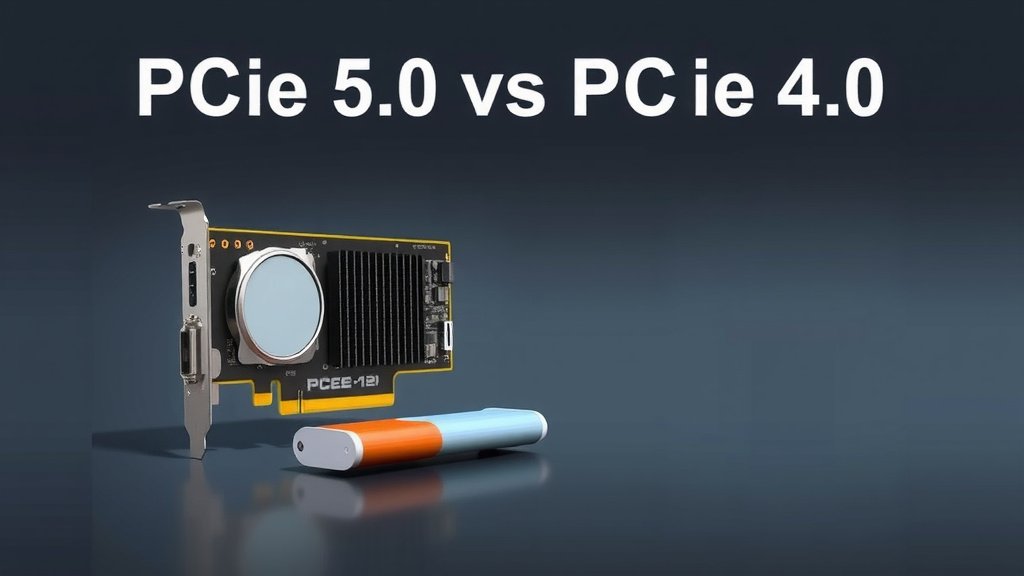
When comparing PCIe 4.0 vs. PCIe 5.0, the main difference is speed. PCIe 5.0 is roughly twice as fast as PCIe 4.0, offering significantly higher bandwidth for your components. Think of it like upgrading from a busy highway to a superhighway – more cars (data) can travel at the same time. This speed boost is the core reason you’d choose one over the other for high-performance needs.
This upgrade in speed means that your graphics cards, storage drives, and other peripherals can communicate with your CPU much more quickly. Many experts found that while PCIe 4.0 is still very capable for most users, PCIe 5.0 is designed to keep up with the next generation of demanding hardware. You might not need it today, but it’s about future-proofing your setup.
- PCIe 5.0 is twice as fast as PCIe 4.0.
- It offers greater bandwidth for your hardware.
- PCIe 4.0 is still great for most current needs.
- PCIe 5.0 is best for high-end and future components.
Let’s dive a little deeper into what these differences mean for your PC and which might be the right choice for your specific needs.
Understanding the Next Gen of PC Connectors
You might be wondering about the real-world impact of moving from PCIe 4.0 to PCIe 5.0. It’s all about **how fast your computer’s parts can talk to each other**. Think of it like upgrading your home’s electrical wiring. Older wiring can only handle so much power at once. New wiring can handle much more, allowing you to run more powerful appliances simultaneously without issues.
PCIe, or Peripheral Component Interconnect Express, is the standard way most hardware inside your PC connects to the motherboard. This includes your graphics card, fast SSDs, and even network cards. The version number, like 4.0 or 5.0, tells you how advanced and speedy that connection is. The key difference is simply the **speed and bandwidth** each version offers.
What Does PCIe 5.0 Bring to the Table?
So, what’s the big deal with PCIe 5.0? At its core, it doubles the performance of PCIe 4.0. This means **twice the data transfer speed** for each lane. A single lane of PCIe 5.0 offers the same bandwidth as two lanes of PCIe 4.0. For your high-end components, this can make a noticeable difference in performance, especially for tasks that move a lot of data.
Speed Differences Explained
Let’s break down the numbers, because they tell a pretty clear story. PCIe 4.0, which is still very fast, offers about 16 gigatransfers per second (GT/s) per lane. This translates to around 2 GB/s of actual data throughput per lane. PCIe 5.0 steps this up to approximately 32 GT/s per lane, delivering around **4 GB/s of throughput per lane**.
When you multiply this by the number of lanes a component uses (like a graphics card typically using x16 lanes), the difference becomes massive. A PCIe 4.0 x16 slot can handle about 32 GB/s in each direction. A PCIe 5.0 x16 slot can manage a staggering **64 GB/s in each direction**. That’s a huge jump!
Bandwidth: More Lanes, More Data
Bandwidth is essentially the width of the highway for data. More bandwidth means more data can travel at the same time. For devices that crave speed, like the **latest NVMe SSDs** and future graphics cards, this extra bandwidth is crucial. It helps prevent bottlenecks, ensuring your powerful components can operate at their full potential without being held back by their connection.
Who Needs PCIe 5.0?
This is where you need to think about your specific setup and how you use your computer. For the average user, PCIe 4.0 is more than enough. If you’re browsing the web, writing documents, or playing most current games, you likely won’t see a major benefit from PCIe 5.0 right now. Your system is probably already very **responsive and fast**.
For the Hardcore Gamer and Content Creator
Where PCIe 5.0 really shines is for those pushing the limits. If you’re a **professional video editor**, a 3D artist, or someone who works with massive datasets, the increased bandwidth can save you significant time. Loading large project files, rendering complex scenes, or transferring huge video files can all be sped up.
Gamers who want the absolute best performance, especially those eyeing future games that might use techniques like direct storage more extensively, will also benefit. While current games don’t fully saturate PCIe 4.0, future titles might start to.
Storage Drives: The Early Adopters
The first components to truly take advantage of PCIe 5.0 have been storage drives. PCIe 5.0 NVMe SSDs are available and offer read/write speeds that far exceed what PCIe 4.0 drives can achieve. If you need the **absolute fastest loading times** for games or applications, or if you’re constantly moving massive files, a PCIe 5.0 SSD can be a game-changer. For example, some PCIe 5.0 SSDs can reach sequential read speeds of over 10,000 MB/s, whereas top PCIe 4.0 drives top out around 7,000 MB/s (according to many tech reviews).
| PCIe Generation | Transfer Rate (GT/s) | Bandwidth (MB/s) |
|---|---|---|
| PCIe 4.0 | 16 | approx. 2,000 |
| PCIe 5.0 | 32 | approx. 4,000 |
Is it Worth the Upgrade for Graphics Cards?
This is a bit more nuanced. While graphics cards use the x16 connection, the current generation of GPUs, even the most powerful ones, typically don’t demand the full bandwidth of PCIe 4.0. Many experts point out that the performance difference between running a high-end GPU on PCIe 4.0 versus PCIe 5.0 is often **minimal, if measurable at all**, in most gaming scenarios today. However, for future cards or specific professional workloads that heavily rely on GPU data transfer, PCIe 5.0 might become more relevant.
Compatibility and Future-Proofing
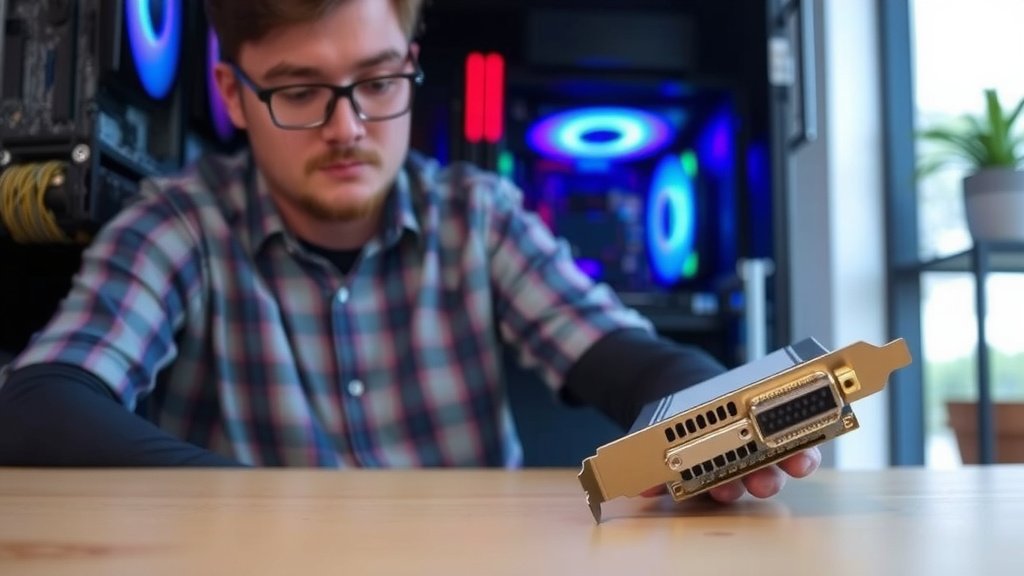
When considering PCIe 5.0, you need a motherboard and CPU that supports it. Newer generations of processors and motherboards are starting to feature PCIe 5.0 support. It’s great to have if you’re building a **brand-new, high-end system** and want to ensure it’s ready for whatever comes next. It’s about making sure your system won’t be the bottleneck for future hardware upgrades.
Backward Compatibility: A Saving Grace
The good news is that PCIe is **backward compatible**. This means you can plug a PCIe 4.0 device into a PCIe 5.0 slot, and it will work just fine. It will simply operate at its native PCIe 4.0 speed. You won’t get the PCIe 5.0 performance, but your component won’t be damaged or rendered useless. Likewise, a PCIe 5.0 card can technically work in a PCIe 4.0 slot, but it will be limited to PCIe 4.0 speeds.
What’s Next?
The progression doesn’t stop at PCIe 5.0. PCIe 6.0 is already in development, promising even greater speeds and efficiency. For most users right now, focusing on a **solid PCIe 4.0 setup** is a smart and cost-effective choice. PCIe 5.0 is for those who need that extreme edge or are building a system with the longest possible future lifespan.
Here’s a quick checklist to help you decide:
- Do you need the absolute fastest storage speeds available today?
- Are you a professional content creator working with massive files?
- Are you building a top-tier system and want maximum future-proofing?
- Do you have a specific workload that benchmarks show benefits from higher bandwidth?
- Are you planning to buy next-generation GPUs that might heavily utilize PCIe 5.0?
- Is your budget flexible for the latest and greatest components?
Conclusion
We’ve seen that PCIe 5.0 offers a substantial speed increase over PCIe 4.0, essentially doubling data transfer capabilities. For most everyday users and even many gamers, your current PCIe 4.0 setup is likely more than adequate and will remain so for some time. However, if you’re a professional creator working with massive files, or a builder aiming for the ultimate future-proofed system with the fastest possible storage, PCIe 5.0 is where you’ll find the advantage. Consider your current and future hardware needs and your budget to make the best choice for your PC.
Frequently Asked Questions
Will my PCIe 4.0 SSD work in a PCIe 5.0 slot?
Yes, your PCIe 4.0 SSD will work in a PCIe 5.0 slot. PCIe technology is backward compatible, so the drive will function perfectly. It will simply operate at its maximum PCIe 4.0 speed, not the faster PCIe 5.0 speed.
Can I put a PCIe 5.0 graphics card into a PCIe 4.0 motherboard slot?
You can, but your PCIe 5.0 graphics card will be limited to PCIe 4.0 speeds. While many current GPUs don’t fully max out PCIe 4.0 bandwidth, this setup might create a bottleneck for future, more demanding graphics cards.
How much faster is PCIe 5.0 compared to PCIe 4.0 for everyday tasks?
For everyday tasks like web browsing, office work, or most gaming, you likely won’t notice a speed difference. The benefits of PCIe 5.0 are most apparent in high-bandwidth applications like extremely fast storage or professional content creation workloads.
Is PCIe 5.0 necessary for gaming right now?
Generally, no. Current games do not fully utilize the bandwidth of PCIe 4.0, let alone PCIe 5.0. While future games using technologies like DirectStorage might benefit, for today’s gaming, PCIe 4.0 is excellent and a PCIe 5.0 upgrade for your GPU won’t yield a significant performance boost.
What is the main difference in raw speed between PCIe 4.0 and PCIe 5.0?
The primary difference is bandwidth. PCIe 5.0 doubles the data transfer rate per lane compared to PCIe 4.0. This means PCIe 5.0 offers approximately 4 GB/s per lane, while PCIe 4.0 offers about 2 GB/s per lane.