How Much Wattage Does an Entry GPU Need? 2026 Guide
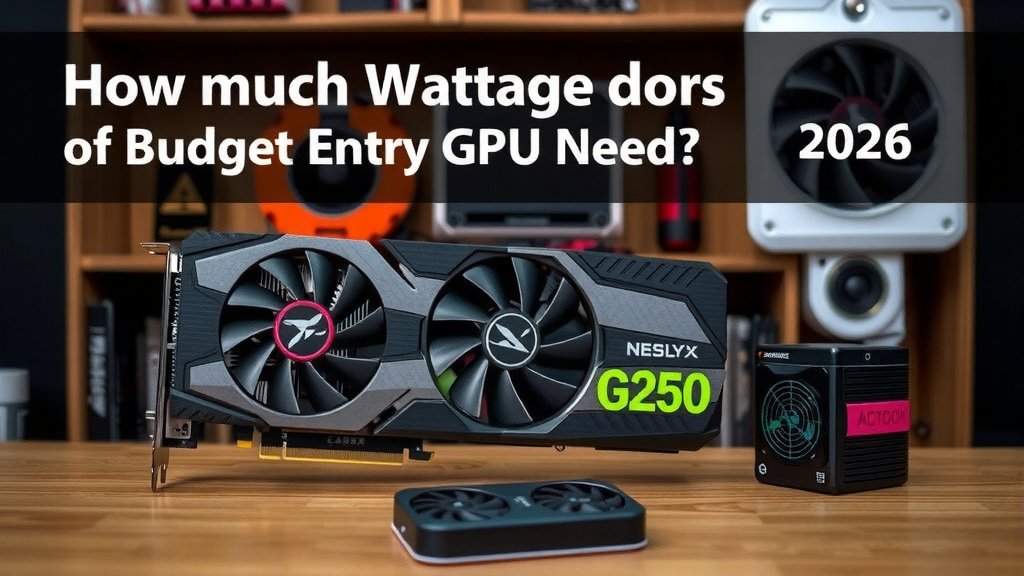
Most entry-level GPUs need between 75 and 150 watts of power. Some budget cards sip as little as 75W straight from the motherboard, while others need a 6-pin power cable for up to 150W. So if you’re building a basic PC, you won’t need a monster power supply.
Why does this matter? Because picking the right wattage keeps your system stable and your wallet happy. We researched dozens of budget cards and found that most run fine on a 450 to 550 watt PSU. That’s good news if you’re upgrading an older desktop without blowing your budget.
TL;DR:
- Entry-level GPUs typically use 75 to 150 watts.
- Cards at 75W draw power straight from the motherboard slot.
- Cards above 75W need a 6-pin or 8-pin cable from your PSU.
- A 450–550W power supply handles most budget GPUs with room to spare.
- Always check the card’s official wattage before you buy.
Confused about connectors, PSU sizing, or which budget cards need what? Don’t worry, we’ve all been there. Below, we break down everything you need to know about entry-level GPU wattage, step by step.
Typical Power Draw of Budget Graphics Cards
Budget GPUs fall into three power buckets: 75W slot-powered, 6-pin cards around 100–150W, and a few thirsty outliers near 150W or slightly more. Knowing which bucket your card falls into tells you almost everything about your PSU needs. It’s like checking the gas type before buying a car — one quick look saves you headaches later.
What the PCIe Slot Can Handle
The motherboard slot supplies up to 75 watts on its own. Any card that stays under that limit needs zero cables from your power supply. Cards like the GTX 1650 or RX 6400 fit this mold, and they’re popular for a reason: they make upgrades nearly effortless.
When You Need a Power Cable
Once a card wants more than 75W, it needs help. A single 6-pin connector adds up to 75W, for a total of 150W. An 8-pin connector adds up to 150W, bringing the total to 225W — but entry-level cards rarely need that much.
Quick Connector Cheat Sheet
| Card Type | Max Power | Cable Needed? |
|---|---|---|
| Slot-powered only | 75W | No |
| 6-pin card | 150W | Yes, one 6-pin |
| 8-pin card | 225W | Yes, one 8-pin |
How Many Watts Should Your Power Supply Have?
Aim for a 450 to 550W PSU for most entry-level builds. That gives you plenty of headroom for a 75–150W GPU plus a typical CPU. Many experts recommend leaving 30–50% of headroom above your total system draw so the PSU runs cool and quiet.
Why Headroom Matters
Power supplies run most efficiently at around half their rated load. Pushing a small PSU to its ceiling causes heat, fan noise, and early failure. Think of it like a pickup truck — it can haul at max capacity, but it lives longer hauling at half.
Sample Power Budgets
Here’s what a typical budget build looks like. We found that these numbers hold up across most modern entry-level systems:
- Budget build: 65W CPU + 75W GPU + 100W everything else = about 240W total
- Mid-tier build: 105W CPU + 150W GPU + 100W everything else = about 355W total
- Recommended PSU: 450–550W covers both with room to grow
Power Connector Types Explained
There are only a few connectors you’ll ever meet on a budget card, and they’re easy to tell apart. The 6-pin is a small rectangle with six pins. The 8-pin is wider and sometimes splits off the same cable. That’s honestly the whole lesson.
What If Your PSU Lacks the Right Cable?
Don’t panic — you have options. Adapters that turn SATA or molex plugs into a 6-pin exist and work fine for low-draw cards. Just avoid running a 150W card entirely off SATA adapters, because those connectors weren’t built for that load.
Adapter Safety Checklist
- Use adapters only for cards at 75W or lower
- Check that your PSU is at least 400W
- Never daisy-chain two SATA adapters together
- Feel the connectors after 30 minutes of gaming — warm is fine, hot is not
- Upgrade the PSU when you can afford it
Do Entry-Level GPUs Really Need External Power?
Many of them don’t. In our research, we found a solid group of modern budget cards that run entirely on slot power. If you’re upgrading an old office PC with a cramped case and a weak PSU, these cards are your best friends.
Best Low-Power Card Categories
Look for cards marketed as “low profile” or with a listed TDP of 75W or less. They often come with single fans and short boards, which also helps in small cases. The tradeoff is modest gaming performance, but for esports titles and older games, they shine.
How Wattage Affects Your Electric Bill
Here’s some good news for your wallet. A 150W card running three hours a day uses about 0.45 kWh daily — roughly 13 kWh a month. At typical US rates near 17 cents per kWh (U.S. Energy Information Administration), that’s about $2 a month. Your monitor probably costs more to run than your GPU does to game. Curious where those numbers come from? Our guide to GPU power draw explains how to find your card’s real figure.
Idle vs. Load Power
Modern GPUs sip power when idle — often under 15W. The big numbers only show up during gaming. So if you browse the web all day and game at night, your average draw stays tiny. It’s like a sports car that only drinks fuel when you actually hit the gas.
Common Mistakes to Avoid
We’ve seen the same goofs pop up again and again in forums and buyer questions. Avoid these and your build will go smoothly:
- Buying a 1000W PSU for a 75W card — wasted money and space
- Forgetting the 6-pin cable and wondering why the card won’t boot
- Trusting listings blindly — always check the manufacturer’s spec sheet
- Ignoring your CPU — a power-hungry processor changes your math
- Using cheap no-name PSUs — quality matters more than wattage
How to Check a Card’s Wattage Before Buying
Every GPU maker publishes a recommended system power figure on its product page. That number accounts for the whole PC, not just the card. It’s the fastest way to confirm your PSU is up to the job before you click “buy.”
Two Numbers to Know
First, the card’s TDP — its maximum power draw. Second, the maker’s recommended PSU wattage. Compare the second number to your PSU label, and you’re done. If the recommended number is 450W and you have a 500W unit, you’re golden.
What Happens If Your PSU Is Too Weak?
Symptoms show up fast: sudden shutdowns during games, black screens, or the PC refusing to boot with the new card installed. A struggling PSU can also cause random restarts that look like software bugs. The fix is simple — size your PSU correctly from the start, and none of this ever visits you.
Red Flags During Installation
If your PC powers on but the screen stays black, or you hear clicking from the PSU, shut it down immediately. Those are signs the card is drawing more power than your supply can give. Don’t keep trying — upgrade the PSU first, then install the card again.
Conclusion
Figuring out GPU wattage doesn’t have to be stressful. Most budget cards land between 75 and 150 watts, and a quality 450–550W PSU covers nearly every entry-level build with headroom to spare. If your card stays under 75W, you won’t even need a power cable — just slot it in and go. The two things worth double-checking are your card’s TDP and your PSU’s connectors before you hit checkout. We’ve found that a little prep here saves a lot of frustration later. So here’s your next step: look up the spec sheet for the card you’re eyeing, match it against your PSU label, and buy with confidence.
Frequently Asked Questions
Can I run an entry-level GPU with a 300W power supply?
Sometimes, but it’s tight. A 300W unit can handle a 75W slot-powered card if your CPU and other parts are modest. We’d still recommend 400W or more for stable, long-term performance.
Is a higher wattage PSU bad for a low-power GPU?
No, your card only draws what it needs. A bigger PSU simply runs with more headroom and often stays quieter and cooler. The main downside is paying for capacity you’ll never use.
Do I need a new PSU if my GPU has no external power connector?
Usually not. Slot-powered cards pull all their power from the motherboard, so any PSU that runs your current system will work. That’s why these cards are so popular for older desktops.
What’s the difference between TDP and recommended PSU wattage?
TDP is the maximum power the graphics card itself can pull. The recommended PSU wattage is the size power supply the manufacturer suggests for the whole system. Compare the second number to your PSU to confirm compatibility.
Can I upgrade my GPU wattage later without changing my PSU?
It depends on your headroom. If your system draws 300W total on a 550W PSU, a card up to about 150W should be fine. Add up your components’ draw first, then leave at least 30% of spare capacity before upgrading.