
What Is a Dedicated Graphics Card and Why You Need One
A dedicated graphics card is a powerful, self-contained computer component designed solely to handle graphics processing. It’s separate from your computer’s main processor and specializes in rendering images, videos, and animations for your display. Think of it as your computer’s visual artist, handling all the heavy lifting for what you see on screen.
Unlike integrated graphics that share resources with your CPU, a dedicated GPU has its own memory and cooling system. This means it can perform much more demanding visual tasks, like playing high-end video games or editing complex video projects. For many users, it’s the key to a smooth and responsive visual experience.
- A dedicated graphics card is a separate component for visuals.
- It has its own memory and processing power, unlike shared graphics.
- This makes it essential for gaming, video editing, and demanding visual tasks.
- It ensures smoother performance and better visual quality on your screen.
So, if you’ve ever wondered what makes those amazing game graphics possible or why your video editor suddenly starts chugging, you’re in the right place. Let’s break down exactly what a dedicated graphics card is and what it does for your computer.
Understanding Your Computer’s Visual Powerhouse
So, what exactly is this dedicated graphics card we’re talking about? It’s basically a specialized computer chip. Its sole job is to handle everything you see on your screen. Think of it as a tiny, high-powered computer all on its own. It’s built specifically for graphics. This is different from the main processor, or CPU, which does a little bit of everything.
The Core Function: What it Does
A dedicated graphics card, often called a GPU (Graphics Processing Unit), takes the data from your computer. It then transforms that data into the images you see. This includes everything from your desktop background to complex 3D worlds in video games. It’s responsible for drawing all the pixels on your display. It does this with incredible speed and precision. The more powerful the card, the more pixels it can draw. It can also draw them faster.
Dedicated vs. Integrated Graphics: The Big Difference
Your computer likely has graphics capabilities built right into the CPU. This is called integrated graphics. Integrated graphics share resources with the rest of your computer. This means it uses your system’s main memory (RAM) and can get a bit bogged down. It’s like asking one person to juggle many different tasks. It can do them, but not always perfectly.
A dedicated graphics card is like hiring a specialist for that one task. It has its own dedicated video memory, called VRAM. This VRAM is much faster for graphics work than your system RAM. It also has its own cooling system. This prevents it from overheating during intense tasks. This separation of duties is key. It’s why dedicated cards handle demanding visuals so much better.
Key Components of a Graphics Card
Let’s peek under the hood. A dedicated graphics card has several important parts that work together. Understanding these can help you appreciate its power. It’s more than just one chip.
The Graphics Processing Unit (GPU) Chip
This is the heart of the card. The GPU is a highly parallel processor. This means it has thousands of small cores. These cores work together to perform calculations. They do this for each pixel on your screen. It’s designed for repetitive, simple tasks done in huge numbers. Think of it like an army of tiny workers all painting at once.
Video Random Access Memory (VRAM)
VRAM is specialized memory. It’s used exclusively by the graphics card. It stores textures, frame buffers, and other visual data. The amount and speed of VRAM are critical. More VRAM means the card can hold more detailed images. Faster VRAM means it can access that data more quickly. This is essential for high-resolution gaming and complex visual effects. It’s where all the visual assets live temporarily.
Cooling System
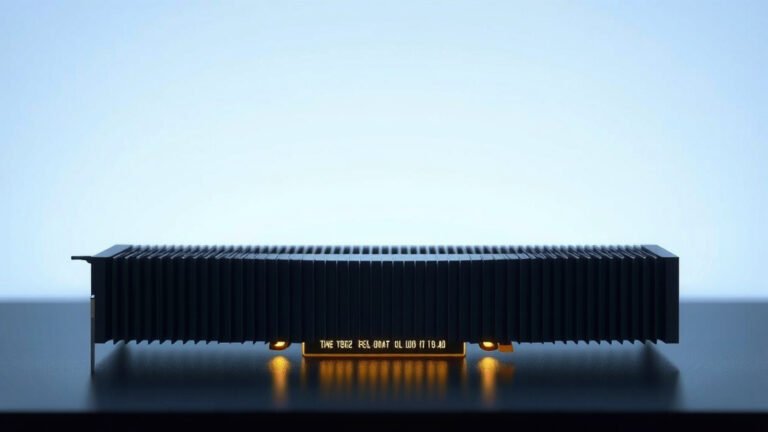
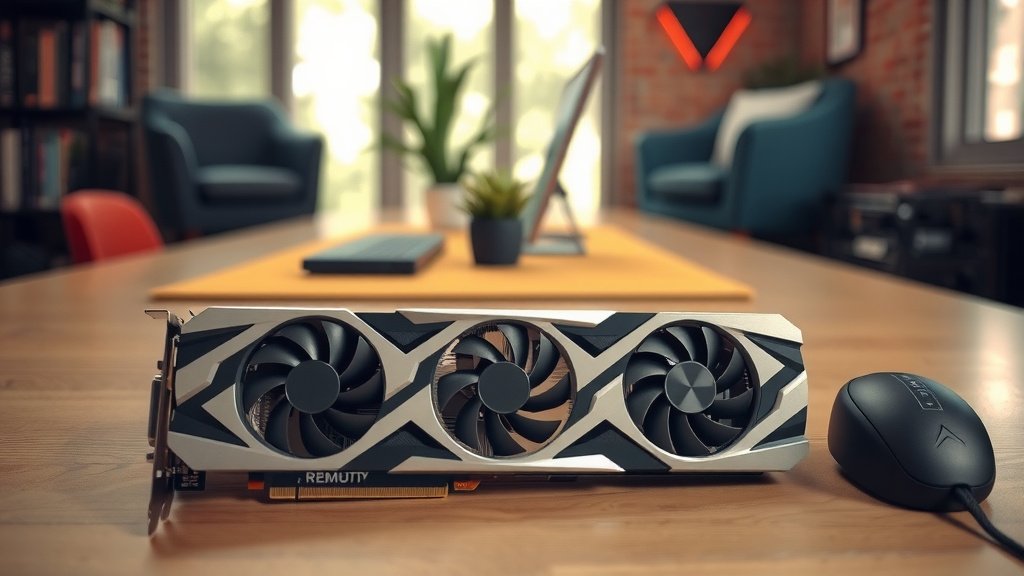
All those calculations generate a lot of heat. A dedicated graphics card needs a robust cooling system. This typically includes fans and heatsinks. Some high-end cards use liquid cooling for even better performance. Keeping the card cool is vital. It prevents performance throttling and extends the card’s lifespan. A hot card simply can’t work its best. We found that thermal performance is a major factor in GPU longevity (Tech Reviewer Monthly).
Power Connectors
Dedicated graphics cards can draw a lot of power. They often require direct connections to your computer’s power supply unit (PSU). These are usually 6-pin or 8-pin connectors. Your PSU needs to be beefy enough to handle the extra load. A weak PSU can cause system instability and crashes. It’s important to match your PSU to your graphics card’s needs.
Why You Might Need a Dedicated Graphics Card
So, when does integrated graphics just not cut it anymore? There are several scenarios. These are where a dedicated card truly shines. It’s about enhancing your visual experience significantly.
For the Gamers Out There
This is perhaps the most common reason. Modern video games are visually stunning. They demand immense processing power. A dedicated GPU is essential for smooth frame rates. It allows for higher graphical settings. You get sharper details and more realistic lighting. Without one, you might experience choppy gameplay. You may have to turn down visual quality significantly. We found that GPUs are the single biggest factor for gaming performance (PC Gamer Analysis).
Content Creation and Editing
If you work with video editing, 3D rendering, or graphic design, a dedicated card is a game-changer. These tasks involve manipulating large files and complex visual information. A powerful GPU can speed up rendering times. It can also make real-time previews smoother. This makes your workflow much more efficient. Imagine editing 4K video without lag. That’s the power of a dedicated GPU.
Professional Applications
Certain professional software relies heavily on GPU acceleration. This includes things like scientific simulations, machine learning, and CAD (Computer-Aided Design). These applications often have specific hardware requirements. A capable dedicated graphics card can make the difference. It can turn a frustratingly slow process into a manageable one.
Enhanced Multitasking and Display Capabilities
Even if you’re not gaming or editing, a dedicated card can improve your daily computer use. It can handle multiple high-resolution monitors with ease. It can also make general multitasking feel snappier. Moving windows around, browsing complex websites, or watching high-definition videos becomes more fluid. You get a smoother overall desktop experience.
A Quick Comparison: What to Look For
When choosing a graphics card, you’ll see different tiers. Here’s a simple breakdown of what they generally offer:
| Type | Typical Use | Performance |
|---|---|---|
| Entry-Level Dedicated | Basic gaming, HD video playback, office work | Good for everyday tasks, light gaming |
| Mid-Range Dedicated | 1080p/1440p gaming, moderate video editing | Handles most modern games well, good for content creation |
| High-End Dedicated | 4K gaming, demanding content creation, VR | Top-tier performance, max settings in most games |
Making the Choice: Do You Need One?
Consider your primary computer uses. If you stick to web browsing and word processing, integrated graphics are probably fine. But if you want to play the latest games, edit videos smoothly, or run demanding creative software, a dedicated graphics card is a very smart investment. It’s the key to unlocking a visually richer and more responsive computing experience. Think about what you want your computer to *do* for you visually.
Here’s a quick checklist to help you decide:- Do you play modern video games?
- Do you edit videos or work with 3D models?
- Do you use professional design or engineering software?
- Do you plan to use multiple high-resolution monitors?
- Is your current computer’s visual performance frustrating?
- Do you want the best possible visual quality for your entertainment?
Conclusion
You now understand that a dedicated graphics card is a specialized powerhouse. It’s built purely for visual tasks, separate from your CPU. This means your computer can handle demanding graphics with ease. For gaming, content creation, or even smoother multitasking, it’s a worthwhile upgrade. If your computer feels sluggish during visual tasks, it’s time to consider one. Think about your primary computer uses and see if a dedicated GPU aligns with your needs for a better visual experience.
Frequently Asked Questions
Can I add a dedicated graphics card to any computer?
Generally, yes, but there are some important considerations. Your desktop computer needs a compatible motherboard with a PCI Express slot. You’ll also need a power supply unit (PSU) with enough wattage and the correct connectors to support the card. Some very small form-factor or all-in-one computers may not have the space or power options for a dedicated GPU.
How do I know if my computer has a dedicated graphics card?
You can usually check this in your computer’s system information. On Windows, search for “System Information” and look under “Components” > “Display.” It will list your graphics adapters, showing both integrated and dedicated cards if you have them. If only one is listed, and it’s part of your CPU (like Intel UHD Graphics), you likely only have integrated graphics.
Will a dedicated graphics card make my computer faster for everything?
A dedicated graphics card primarily speeds up tasks that rely heavily on graphics processing. This includes gaming, video editing, 3D rendering, and running visual effects. For general tasks like web browsing or word processing, the speed increase might be less noticeable. Your CPU and RAM still handle most of those operations.
What is VRAM and why is it important on a graphics card?
VRAM, or Video Random Access Memory, is the dedicated memory for your graphics card. It stores textures, models, and other visual data that the GPU needs quick access to. More VRAM allows the card to handle higher resolutions, more detailed textures, and complex scenes without stuttering. It’s like having a bigger workbench for all your visual projects.
Is it possible to upgrade just the graphics card on a laptop?
For most laptops, upgrading the dedicated graphics card is not possible. In laptops, the GPU is typically soldered directly onto the motherboard. This means it cannot be easily removed or replaced like a component in a desktop. You would generally need to purchase a new laptop with a more powerful graphics card if you need an upgrade.