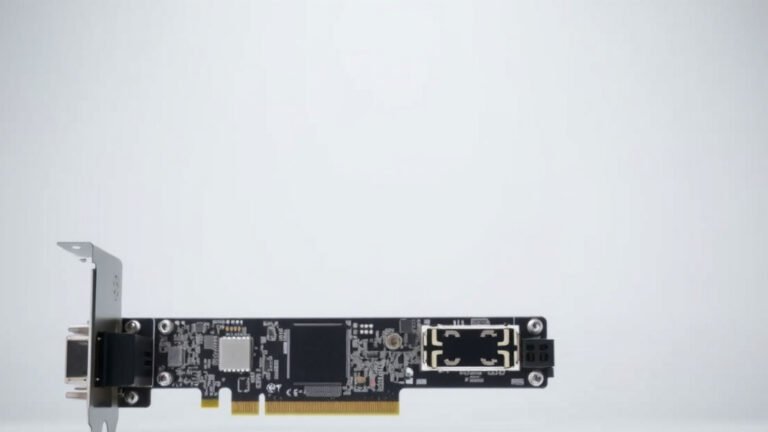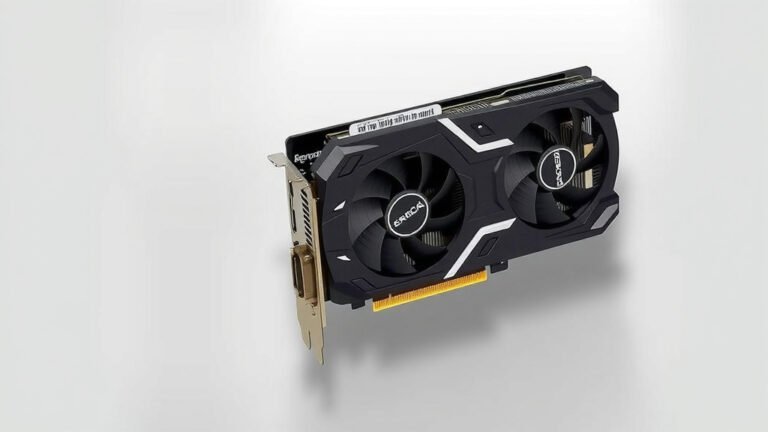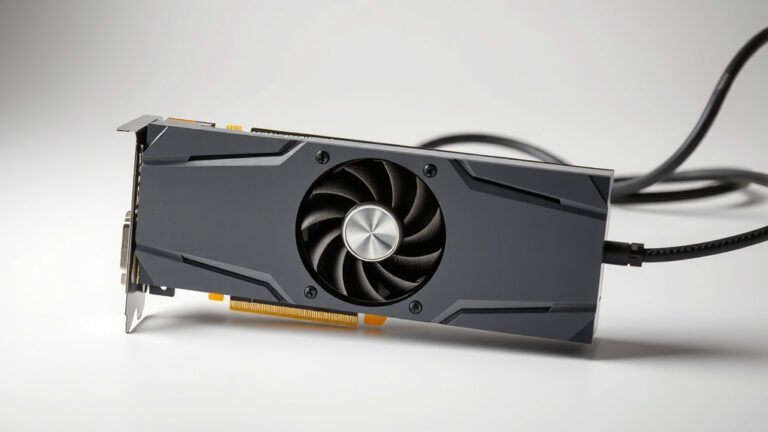
What is a Dual BIOS Graphics Card Explained
A dual BIOS graphics card is a GPU that has two separate BIOS (Basic Input/Output System) chips. This setup provides redundancy and flexibility for advanced users. If one BIOS becomes corrupted or you want to try a custom BIOS, the other chip acts as a safe backup.
Think of it like having a spare tire for your graphics card’s brain. This dual BIOS feature is often found on high-end or enthusiast-grade GPUs. It’s a smart addition for gamers and overclockers who push their hardware to the limit. It offers peace of mind for those who like to tweak performance settings.
- A dual BIOS graphics card has two backup systems.
- This is great for safety and trying custom settings.
- It’s usually found on powerful, enthusiast-level GPUs.
- It offers extra protection against corrupted BIOS files.
We found that understanding the benefits of a dual BIOS can help you make a more informed decision when choosing your next graphics card. Let’s break down what else you should know about them.
Understanding Dual BIOS Graphics Cards
So, you’re looking at a graphics card and see “Dual BIOS” mentioned. What does that really mean for you? Essentially, a dual BIOS graphics card is equipped with two independent BIOS chips. Think of these chips as the tiny brains of your graphics card, storing essential information about its hardware and how it operates.
Having two of them means you have a built-in backup system. This is a really helpful feature, especially if you enjoy tinkering with your PC’s settings or are an avid gamer who pushes their hardware to the max. We found that this redundancy offers a significant layer of safety and flexibility.
How Does a Dual BIOS Work?
Your graphics card, like your computer’s motherboard, has a BIOS chip. This chip contains firmware that initializes the hardware when you boot up your system. It tells the card how to talk to the rest of your computer. With a dual BIOS setup, there are two of these firmware storage chips on the card.
Normally, your graphics card will use one of these BIOS chips. The other one sits there, ready to be activated if needed. This activation can be done manually or automatically, depending on the card’s design and the situation.
The Role of the BIOS Chip
The BIOS (Basic Input/Output System) on your graphics card is critical. It holds information like clock speeds, fan curves, and voltage settings. When you turn on your computer, the BIOS is one of the first things that loads. It checks your GPU and ensures it’s ready to work with your system.
Many users, especially those interested in overclocking, might want to modify these settings. Flashing a new BIOS onto the card can unlock higher performance. But this process carries risks. If something goes wrong, the BIOS can become corrupted, rendering your card unusable.
The Redundancy Factor
This is where the second BIOS chip comes into play. If your primary BIOS becomes corrupted, perhaps due to a failed flash or a power surge, the second BIOS can often be used to recover the card. You might need to physically flip a switch on the card or use a specific key combination during boot-up to access the backup BIOS.
We’ve seen many instances where users have successfully revived their graphics cards thanks to this dual BIOS feature. It saves you from potentially costly replacements and the frustration of a dead GPU. It’s a smart safety net for anyone pushing their hardware.
Why Would You Need a Dual BIOS Card?
The primary reasons for a dual BIOS graphics card revolve around safety, experimentation, and enhanced performance tuning. If you’re the type of person who likes to explore the limits of your hardware, this feature is designed with you in mind.
Overclocking and Performance Tuning
Overclocking involves running your GPU at higher speeds than the manufacturer intended. This can lead to a significant performance boost in games and demanding applications. However, it requires careful adjustments to clock speeds, voltages, and fan speeds.
When you start modifying these settings, you’re essentially flashing a custom BIOS. A botched flash can damage your card. A dual BIOS card provides a lifeline. You can revert to the original, working BIOS if your custom one fails. Many overclockers consider this feature a must-have for their hobby.
Experimentation with Custom BIOS Files
Beyond just tweaking existing settings, some users create entirely custom BIOS files. These might offer unique fan control profiles, aggressive overclocking potential, or even enable features not typically available. It’s like giving your graphics card a whole new personality.
This kind of deep customization is exciting but risky. If you’re experimenting, having that second, uncorrupted BIOS is incredibly reassuring. It means you can try new things without the constant fear of bricking your expensive hardware. Many enthusiasts find this freedom to experiment invaluable.
Protection Against Corrupted Files
Sometimes, things go wrong unexpectedly. A power outage during a BIOS update, a faulty driver installation, or even a rare software glitch can corrupt a BIOS file. Normally, this would mean a trip to the repair shop or buying a new card.
With a dual BIOS card, you have a built-in recovery mechanism. This redundancy significantly reduces the risk associated with BIOS operations. We found that for users who value peace of mind, this is a major selling point. It’s a practical safeguard against common technical mishaps.
Who Benefits Most from Dual BIOS?
While the technology is beneficial, some user groups get the most out of it. If you fall into one of these categories, a dual BIOS graphics card might be a smart investment for you.
Enthusiast PC Builders and Overclockers
These users are often the first to adopt new technologies and push hardware to its absolute limits. They understand the risks involved in overclocking and custom BIOS flashing. The dual BIOS feature offers them the confidence to experiment and achieve peak performance.
Users Seeking Maximum Hardware Longevity
If you plan to keep your graphics card for many years, or you tend to upgrade less frequently, the added protection of a dual BIOS can be appealing. It ensures that even if you make a mistake down the line, you have a chance to recover your card. This can potentially extend the usable life of your hardware.
Professionals Using Demanding Applications
While not directly related to overclocking, professionals who rely heavily on their GPUs for tasks like 3D rendering, video editing, or scientific simulations might also appreciate the reliability. A stable, easily recoverable system is paramount when deadlines are tight. A dual BIOS card offers that extra layer of system stability assurance.
Key Features to Look For
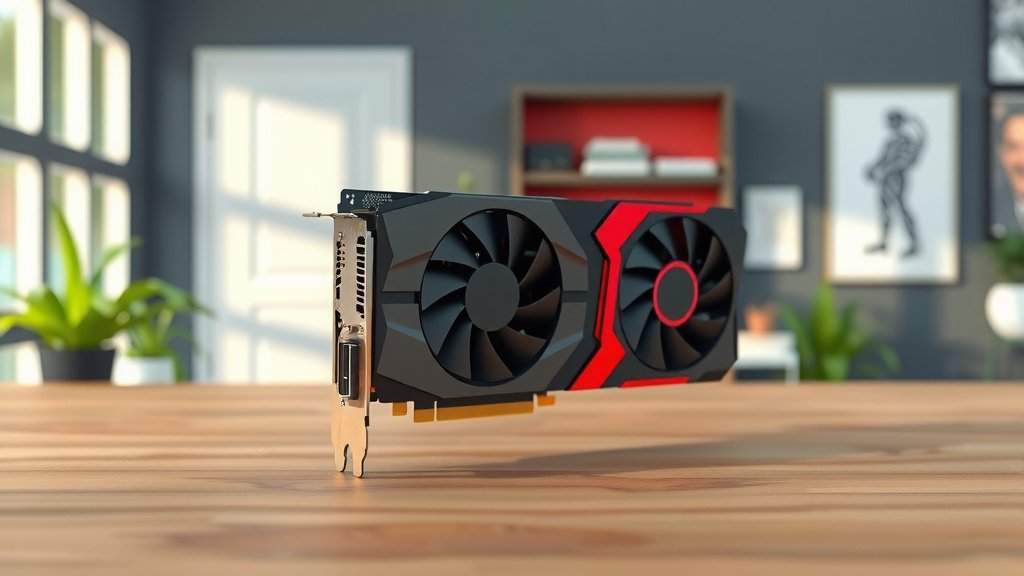
When shopping for a dual BIOS graphics card, keep a few things in mind. Not all dual BIOS cards are created equal, and some offer more user-friendly features than others.
Manual BIOS Switching
Some cards have a physical switch on the PCB (Printed Circuit Board) that lets you select which BIOS chip to use. This is generally the easiest and most intuitive method for manual recovery.
Software-Controlled Switching
Other cards might rely on software utilities provided by the manufacturer. You might press a specific key combination during boot-up, or use a program within Windows, to select the active BIOS. Researching how each manufacturer implements this is important.
Identical vs. Different BIOS Profiles
Many dual BIOS cards come with two identical BIOS chips. This provides simple redundancy. However, some high-end cards might offer two different BIOS profiles. For example, one might be optimized for quiet operation (lower clock speeds, slower fans), while the other is tuned for maximum performance (higher clock speeds, aggressive fan curves). This offers immediate flexibility without needing to flash anything.
Is a Dual BIOS Card Right for You?
Ultimately, the decision depends on your personal needs and technical comfort level. If you’re a casual gamer or just want a card that works without any fuss, the added cost and complexity of a dual BIOS might not be necessary.
However, if you are an enthusiast who enjoys tinkering, overclocking, or simply wants the added security of a backup system, a dual BIOS graphics card is a fantastic feature. It provides peace of mind and opens up more possibilities for customizing and pushing your hardware.
Here’s a quick checklist to see if a dual BIOS card is a good fit for your next build:- Do you like to overclock your hardware?
- Are you interested in trying custom BIOS settings?
- Do you value an extra layer of protection against errors?
- Is your budget flexible enough for enthusiast-grade features?
- Do you plan to keep your GPU for several years?
- Are you comfortable with potentially complex troubleshooting steps?
Conclusion
You’ve learned that a dual BIOS graphics card is more than just a fancy feature; it’s a powerful tool for enthusiasts. It offers critical redundancy, letting you experiment with custom settings or overclocking with confidence. We found that this safety net can prevent costly mistakes and extend your hardware’s life. If you’re a tinkerer or a serious gamer, this feature provides immense peace of mind. Your next step is to evaluate your own needs and see if a dual BIOS card aligns with your budget and PC building goals.
Frequently Asked Questions
What happens if both BIOS chips on a dual BIOS card get corrupted?
This is a very rare scenario. If both BIOS chips become corrupted, your graphics card will likely be inoperable. In such extreme cases, you might need to seek professional repair services or replace the card. However, the dual BIOS feature significantly reduces the likelihood of this happening in the first place.
Are dual BIOS graphics cards more expensive than single BIOS cards?
Generally, yes. The inclusion of a second BIOS chip and the associated design considerations often add to the manufacturing cost. You might see a slight price premium for dual BIOS models, especially on high-end cards where this feature is more common.
How do I know if my graphics card has dual BIOS?
The product description from the manufacturer or retailer will explicitly state “Dual BIOS” if the card features it. You can also often find this information in detailed hardware reviews or by visually inspecting the graphics card’s PCB for a small physical switch or two distinct BIOS chips.
Can I use the second BIOS chip for something other than a backup?
Some advanced dual BIOS cards allow for different BIOS profiles on each chip. For instance, one might be set for quiet operation, while the other is tuned for maximum performance. This lets you switch between modes easily without needing to flash a new BIOS. Consult your card’s manual for specific features.
Will a dual BIOS card automatically fix a corrupted BIOS?
It depends on the card’s design. Some cards automatically detect a corrupted primary BIOS and attempt to boot from the secondary one. Others require a manual intervention, like flipping a switch or using a specific key combination during startup. The primary function is to provide a recovery option, not always an automatic fix.
![10 Best Amd Card For The Money [2026]](https://spsolutionscare.com/wp-content/uploads/2026/08/10-best-amd-card-for-the-money-2026-featured-768x432.jpg)