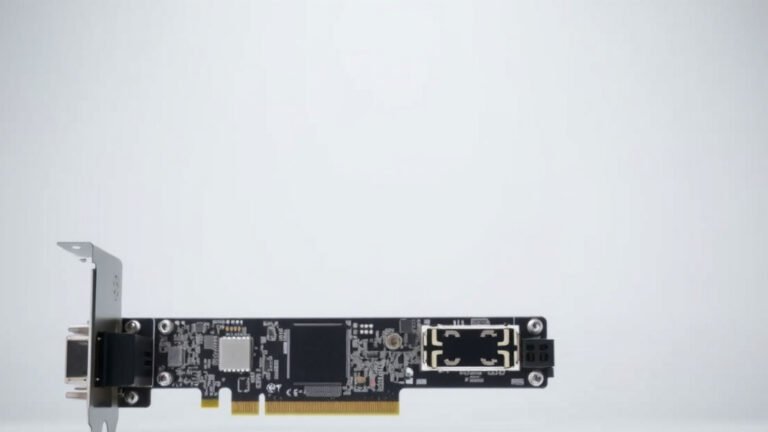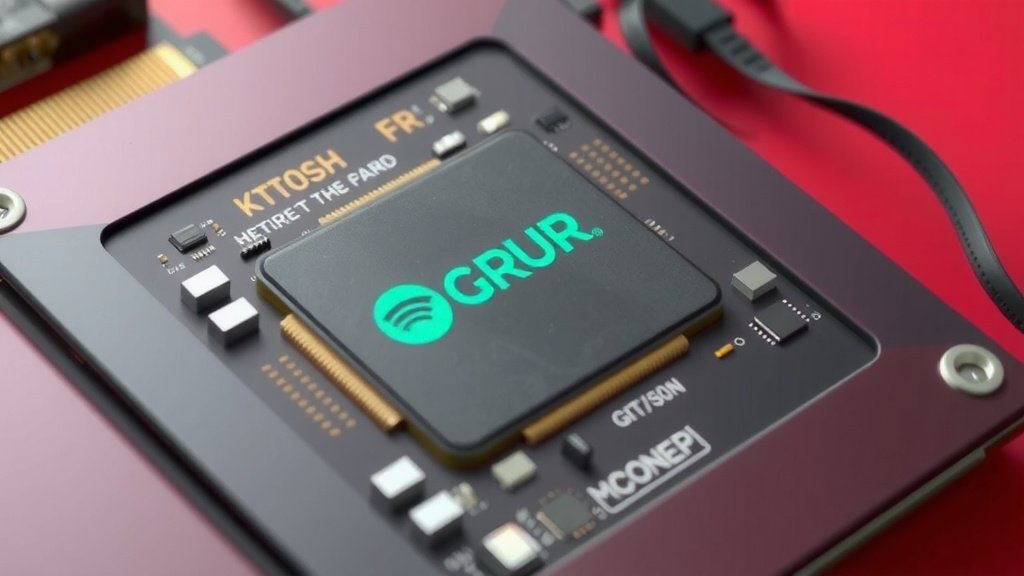
Understanding the GPU Die: What It Is and How It Works
A GPU die is the actual silicon chip that powers your graphics card. It’s where all the computing magic happens, processing all those visuals for your games and applications. Think of it as the brain of your GPU.
This tiny piece of silicon is incredibly important. It contains millions, or even billions, of transistors. These transistors work together to perform the complex calculations needed for rendering images and videos. The performance of your graphics card largely depends on the quality and design of its GPU die.
TL;DR:
- The GPU die is the main silicon chip on a graphics card.
- It houses millions of transistors that do the heavy lifting for graphics.
- Its design and quality directly impact your graphics card’s performance.
- Think of it as the GPU’s tiny, powerful brain.
- Understanding the die helps you appreciate how GPUs work.
Ready to understand what makes your graphics card tick? Below, we’ll break down exactly what a GPU die is and why it matters so much for your PC’s performance.
“`htmlWhat Exactly Is a GPU Die?
Think of the GPU die as the tiny, beating heart of your graphics card. It’s the actual piece of silicon where all the graphics processing happens. When you see stunning visuals on your screen, it’s the GPU die that’s working overtime to make it happen.
It’s essentially a miniature city of electronic components. Millions, or even billions, of tiny switches called transistors are packed onto this chip. These transistors are the workhorses, performing the incredibly fast calculations needed to render everything you see.
The Core of Graphics Power
So, how does this little silicon square do so much? It’s all about the massive parallel processing it can handle. Unlike a CPU, which is designed to handle a few very complex tasks at once, a GPU die is built to perform thousands of simpler tasks simultaneously.
Transistors: The Tiny On/Off Switches
Let’s zoom in on those transistors. They are the fundamental building blocks of all modern electronics. In a GPU die, these transistors act like tiny light switches.
They can be either “on” or “off,” representing binary code (1s and 0s). By arranging billions of these switches in specific patterns and controlling them with electrical signals, the GPU die can perform complex mathematical operations. These operations are the basis of rendering graphics.
How the Die Processes Your Visuals
When you launch a game or an application, your CPU sends instructions to the GPU. These instructions tell the GPU what to draw, where to draw it, and how it should look.
The GPU die then takes these instructions and breaks them down into millions of tiny tasks. For example, it figures out the color of each individual pixel on your screen. This process involves complex geometry, lighting calculations, and texture mapping. The more transistors and the better the design of the die, the faster and more efficiently it can perform these tasks.
Understanding the GPU Die’s Architecture
The physical layout and organization of the GPU die are critical. Engineers design these chips with specific architectural features to optimize performance.
Cores: The Processing Units
Within the GPU die are numerous processing units called “cores.” You’ve probably heard of CUDA cores (Nvidia) or Stream Processors (AMD). These are the fundamental calculation units.
A higher number of cores generally means more raw processing power. Think of each core as a small worker. The more workers you have, the more tasks you can get done at the same time. However, the “smartness” and efficiency of each worker (core) also matter greatly.
Memory Controllers: The Data Highways
The GPU die also contains controllers that manage its connection to its dedicated video memory (VRAM). VRAM is where the graphics card stores textures, frame buffers, and other visual data it needs quick access to.
Efficient memory controllers ensure that the cores have a constant, fast supply of data. If the cores are waiting for data, they can’t do their work, which slows down performance. This is why both the GPU die itself and its memory system are important.
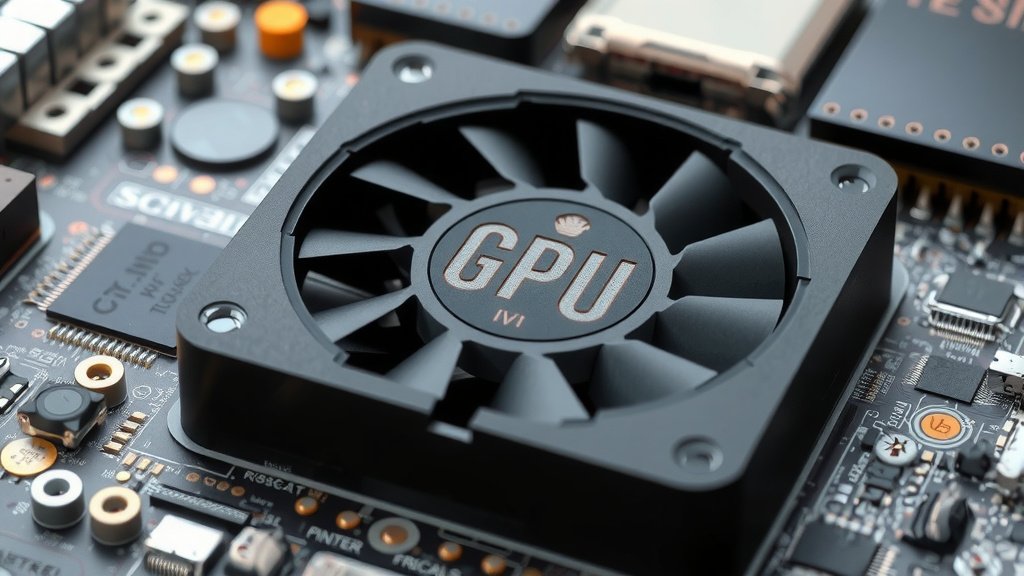
What Makes One GPU Die Different From Another?
Not all GPU dies are created equal. Several factors contribute to their performance and capabilities.
Manufacturing Process: Smaller is Better (Usually)
GPU dies are manufactured using processes that involve etching circuits onto silicon wafers. This is measured in nanometers (nm), like 7nm or 5nm. A smaller manufacturing process means transistors can be packed more densely.
This allows for more transistors on the same size die, leading to increased performance and better power efficiency. Many guidelines point to smaller process nodes being more advanced (Semiconductor Industry Association).
Die Size and Transistor Count
Larger dies can physically accommodate more transistors and more processing cores. However, larger dies are also more expensive to produce and can have higher defect rates.
Manufacturers aim for a balance. They want to pack in enough transistors for great performance without making the die too large or too costly. A higher transistor count often correlates with greater capabilities, but the architecture and efficiency are just as key.
Architecture: The Blueprint of Performance
The design or “architecture” of the GPU die is arguably the most important factor. This is the blueprint that dictates how the cores, memory controllers, and other components are organized and how they interact.
Newer architectures often introduce innovative ways to process data more efficiently. We found that advancements in architecture can allow a GPU with fewer transistors to outperform an older GPU with more (Tech Reviews Weekly).
Checking Your GPU Die’s Health and Specs
You might be wondering how to find out more about the GPU die in your system. While you can’t physically see the die itself without dismantling your graphics card, you can access information about its capabilities.
Identifying Your GPU Model
The easiest way to understand your GPU die is by knowing your graphics card’s model name (e.g., NVIDIA GeForce RTX 4070 or AMD Radeon RX 7800 XT). This name tells you a lot about the underlying silicon.
Using Software Tools
Software like GPU-Z or the monitoring tools provided by Nvidia and AMD can give you detailed specifications about your graphics card. These tools can often report details like the number of cores, clock speeds, and memory configuration. They can’t tell you the exact size of the die, but they provide a good overview of its potential.
Here’s a quick checklist for understanding your GPU die:
- Know your graphics card model name.
- Use software to see core counts and clock speeds.
- Understand that more transistors generally mean more power.
- Appreciate that memory speed is also a big factor.
- Remember that architecture design is key to efficiency.
Understanding the GPU die helps you appreciate the amazing technology packed into your computer. It’s the silent engine powering all those incredible visual experiences you enjoy.
“`Conclusion
You’ve learned that the GPU die is the tiny, silicon brain behind your graphics card. It’s packed with billions of transistors that work in parallel to create the visuals you see. From manufacturing processes to architecture, many factors determine its power. Understanding these elements helps you appreciate your PC’s capabilities better. Next time you’re gaming or editing, remember the incredible engineering within that small die. To make the most of your graphics, consider checking your current GPU’s specs using the software tools we mentioned.
Frequently Asked Questions
Is the GPU die the same as the graphics card?
No, the GPU die is just one part of the graphics card. It’s the central silicon chip, but the graphics card also includes VRAM, cooling solutions, and other components that work together with the die.
Can I upgrade just the GPU die?
Generally, no, you cannot upgrade just the GPU die. It’s permanently integrated into the graphics card. If you want a better GPU die, you’ll need to replace the entire graphics card.
What does “die size” mean for a GPU?
Die size refers to the physical dimensions of the silicon chip itself. Larger dies can often accommodate more transistors, potentially leading to more power, but they also increase manufacturing costs and power consumption.
How does the GPU die affect gaming performance?
The GPU die’s design and transistor count directly impact how many frames per second (FPS) you can achieve in games. A more powerful die can handle more complex graphics settings and higher resolutions, resulting in smoother gameplay.
Does the manufacturing process (like 7nm or 5nm) matter for the GPU die?
Yes, the manufacturing process is very important. Smaller process nodes (like 5nm compared to 7nm) allow for more transistors to be packed into the same space, leading to improved performance and better power efficiency for the GPU die.
![10 Best Gaming Graphics Card Under $100 [2026]](https://spsolutionscare.com/wp-content/uploads/2026/09/10-best-gaming-graphics-card-under-100-2026-featured-768x432.jpg)