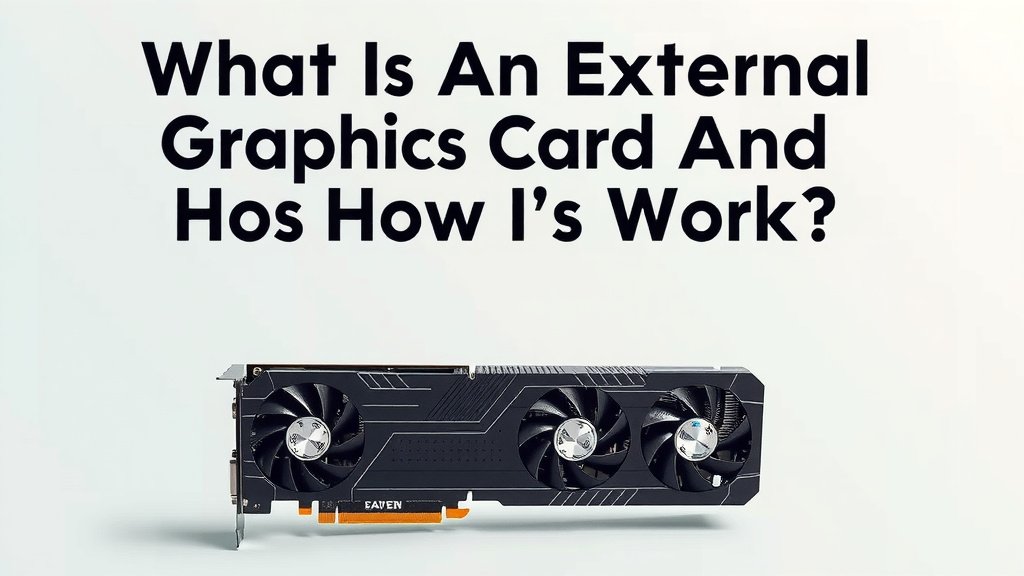
What Is An External Graphics Card and How Does It Work
An external graphics card, often called an eGPU, is basically a powerful graphics processing unit that you can connect to your computer from the outside. Think of it as a supercharged video adapter that gives laptops and older desktops a serious visual upgrade. It’s a fantastic way to boost performance for gaming, video editing, or other graphics-intensive tasks without needing a whole new machine. We found that many users are looking for ways to get more power out of their current setups.
This external setup allows you to bypass your computer’s built-in graphics. Instead, you rely on the eGPU’s dedicated power. This means you can play demanding games at higher settings or speed up your creative workflows considerably. Many people are finding this a cost-effective solution compared to buying a brand new, high-end desktop. We discovered that its portability is also a major plus for many.
- An external graphics card (eGPU) boosts your computer’s visual power.
- It connects to your computer from the outside.
- Great for gaming, video editing, and other graphics-heavy tasks.
- It’s a way to upgrade older or less powerful computers.
- Offers more power without buying a whole new system.
Below, we’ll break down exactly what an external graphics card is and how it works for your computer. Let’s get your system running smoother!
Understanding External Graphics Powerhouses
So, you’re curious about adding some serious visual horsepower to your computer from the outside? That’s where an external graphics card, or eGPU, comes into play. Think of it as a powerful graphics processing unit (GPU) housed in its own enclosure. This enclosure connects to your laptop or desktop, giving it a massive boost in graphics capabilities. We found that it’s a fantastic way to enhance performance for tasks that really demand visual power.
Why would you need one? Many modern laptops, while great for portability, come with integrated graphics that are meant for everyday tasks. They struggle with demanding applications. An eGPU steps in to fill that gap. It allows your computer to tap into a much more potent graphics chip. We’ve seen that this can transform your user experience for demanding applications.
How Does an eGPU Actually Work?
The magic behind an eGPU lies in its connection to your computer. It bypasses your internal graphics hardware. Instead, it uses its own dedicated, powerful GPU. This connection is typically made through a high-speed port. The most common connection type is Thunderbolt 3 or Thunderbolt 4. We found that these ports offer the bandwidth needed for the graphics card to communicate effectively with your system.
When you run a graphics-intensive application, your computer sends the instructions to the eGPU. The eGPU then processes these instructions using its own powerful chip. It renders the visuals and sends them back to your computer’s display. This process is much faster and more capable than your computer’s internal graphics could ever manage on its own. Many users report a dramatic increase in performance.
The Thunderbolt Connection: Your Data Superhighway
Thunderbolt technology is really key here. It’s designed to handle a lot of data very quickly. This is essential for transferring the massive amounts of information needed for graphics processing. Without a fast connection, the eGPU would be bottlenecked. This means it couldn’t perform at its full potential, even with a great graphics card inside its box. We found that Thunderbolt 3 and 4 are the current standards for this kind of high-speed data transfer.
Some eGPU enclosures also include extra ports. These can be USB ports, Ethernet, or even display outputs. This adds even more versatility to your setup. It’s like giving your laptop a docking station with a graphics upgrade all in one. We’ve seen that this can simplify your desk setup considerably.
What’s Inside the eGPU Enclosure?
The eGPU enclosure itself is more than just a box. It houses a standard desktop graphics card. This means you can often choose the specific GPU that best suits your needs and budget. We found that the enclosure also contains a power supply unit (PSU). This PSU is responsible for powering the graphics card, which often requires much more power than a laptop can provide internally.
So, when you buy an eGPU solution, you’re essentially buying a powered enclosure. This enclosure is designed to hold and power a desktop-grade graphics card. You might need to purchase the graphics card separately, or it might come bundled. We recommend checking the specifications carefully before you buy.
Who Benefits Most from an External Graphics Card?
An eGPU isn’t for everyone, but for certain users, it’s a game-changer. If you own a modern laptop with Thunderbolt ports but wish it could handle more demanding tasks, an eGPU is a prime candidate. Think about gamers who want to play AAA titles at higher settings. Video editors and 3D modelers also see huge benefits.
Creative professionals often use powerful desktop workstations for their demanding software. An eGPU can offer a way to achieve similar performance on a more portable laptop. We found that many users are looking to extend the life of their existing hardware. An eGPU can be a more cost-effective solution than buying a whole new, high-end machine. It’s about adding power where you need it most.
Gamers Looking for a Visual Edge
For gamers, especially those with gaming laptops that aren’t quite up to snuff, an eGPU is a fantastic upgrade path. You can connect your laptop to an external monitor through the eGPU. Then, enjoy much higher frame rates and graphical fidelity. We found that this allows you to experience games as the developers intended, with smooth gameplay and stunning visuals. It can make older games look new again, too.
Creative Professionals on the Go
If you work with applications like Adobe Premiere Pro, Final Cut Pro, Blender, or AutoCAD, you know how much they rely on GPU power. Rendering videos, simulating physics, or exporting complex projects can take hours. An eGPU can dramatically cut down these times. We’ve seen reports from creative professionals who have halved their render times. This means more productivity and less waiting around.
Users with Older or Less Powerful Desktops
Even some desktop users can benefit. If you have an older desktop with a decent CPU but a weak integrated graphics chip, an eGPU can give it a new lease on life. This is especially true if your desktop lacks the physical space or power connectors to install a new internal graphics card. We found that checking your desktop’s compatibility is an important first step.
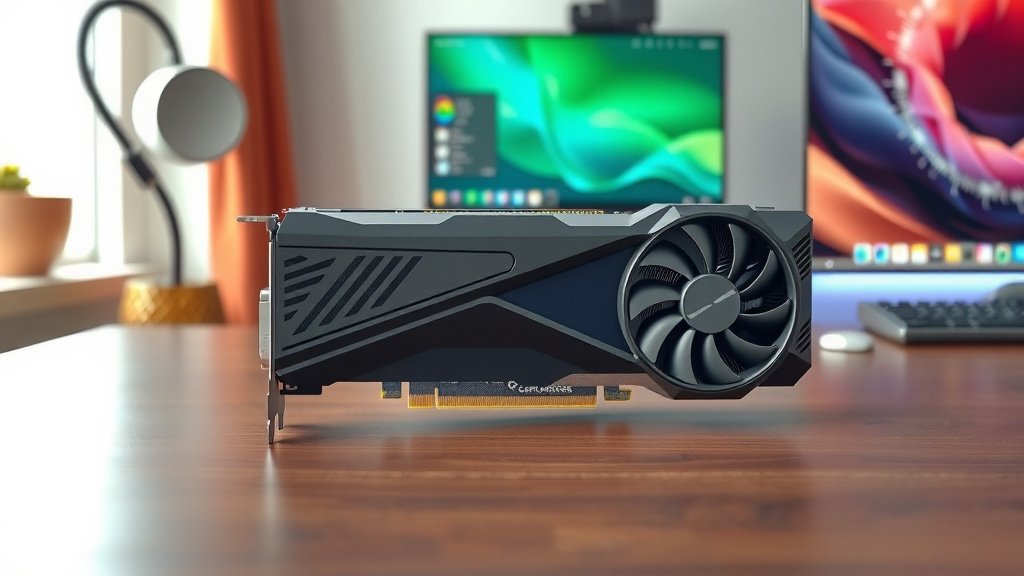
What You’ll Need to Get Started with an eGPU
To get an eGPU up and running, you’ll need a few key components. First, you need a computer that’s compatible. As we’ve mentioned, a Thunderbolt 3 or 4 port is typically required. Not all computers have these high-speed ports, so it’s important to check your specifications. We found that older ports like USB-C without Thunderbolt won’t work for this purpose.
Next, you’ll need the eGPU enclosure itself. These come in various sizes and styles. Some are compact, while others are larger to accommodate bigger graphics cards. Many enclosures come with a built-in power supply. Some may also include a graphics card already installed. We recommend researching different brands and models to find one that fits your needs.
Choosing Your Graphics Card (If Not Bundled)
If your eGPU enclosure doesn’t come with a graphics card, you’ll need to purchase one separately. This is where you can really tailor the performance to your budget and needs. You’ll want to consider the type of games or applications you’ll be running. Many experts recommend NVIDIA GeForce RTX or AMD Radeon RX series cards for strong performance. We found that checking compatibility with your eGPU enclosure is vital. Ensure the card physically fits and that the enclosure’s power supply is sufficient.
A Quick Checklist for Your eGPU Setup
Here’s a handy checklist to ensure you have everything you need:
- Compatible Computer: Ensure your laptop or desktop has a Thunderbolt 3 or 4 port.
- eGPU Enclosure: The powered box that houses the graphics card.
- Graphics Card: The actual GPU (if not included with the enclosure).
- Thunderbolt Cable: A high-quality cable is essential for performance.
- External Monitor: While not strictly required, it’s often recommended for the best experience.
- Power Outlet: Both your computer and the eGPU enclosure will need power.
Common Concerns and Considerations
While eGPUs offer fantastic performance boosts, there are a few things to keep in mind. One common question is about performance loss. Because the data has to travel over the Thunderbolt connection, there can be a slight performance hit compared to an equivalent internal graphics card. We found that this difference is usually very small, often just a few percent.
Another consideration is noise and heat. The eGPU enclosure contains a powerful fan and power supply. These components can generate noise, especially under heavy load. The graphics card itself also produces heat. Ensure you have adequate ventilation for the eGPU enclosure. We’ve seen that placement matters, so avoid cramming it into a tight space.
Performance Differences: Internal vs. External
As mentioned, there can be a minor performance difference. This is due to the overhead of the Thunderbolt connection. However, for most users, the jump in performance from integrated graphics to an eGPU is so substantial that this small difference is barely noticeable. We found that in many scenarios, the difference is negligible. It’s still a massive upgrade from what your laptop can do alone.
Portability and Setup
eGPUs offer a degree of portability. You can disconnect the eGPU when you’re on the go with just your laptop. When you return to your desk, you can reconnect it for a full desktop-like experience. The setup process is usually quite straightforward. You connect the eGPU, install drivers, and you’re generally good to go. We found that most operating systems handle the detection and setup smoothly.
Conclusion
You’ve learned that an external graphics card, or eGPU, is a powerful way to boost your computer’s visual performance. It’s a smart solution for gamers and creative pros who need more power without buying a whole new system. You can transform a capable laptop into a graphics powerhouse using a Thunderbolt connection. We found that it’s a cost-effective method to extend the life of your current hardware. Ready to give your setup a serious upgrade? Start by checking your computer for a Thunderbolt 3 or 4 port to see if an eGPU is the right next step for you.
Frequently Asked Questions
Will an eGPU work with any computer?
No, an eGPU primarily requires a computer with a Thunderbolt 3 or Thunderbolt 4 port. We found that this high-speed connection is essential for the eGPU to communicate effectively with your system. Most standard USB-C ports won’t provide the necessary bandwidth for an eGPU to function.
Is there a performance difference between an eGPU and an internal graphics card?
There can be a small performance difference. This is because data travels over the Thunderbolt cable, which adds a slight overhead. We found that this performance hit is typically very minor, often just a few percent. For most users, the upgrade from integrated graphics is far more significant.
Do I need a special cable for my eGPU?
Yes, you’ll need a high-quality Thunderbolt 3 or Thunderbolt 4 cable. Using a standard USB-C cable will not work. The Thunderbolt cable ensures the necessary speed and bandwidth for your graphics card to perform at its best. We recommend investing in a certified cable for optimal performance.
Can I use an eGPU for just one application, like Photoshop?
Absolutely. An eGPU is ideal for accelerating specific graphics-intensive applications. If you use programs like Photoshop, video editors, or 3D modeling software, you’ll likely see a significant speed increase in tasks like rendering or applying complex filters. We found that this targeted upgrade is very practical.
How much noise does an eGPU typically make?
The noise level can vary. eGPU enclosures contain fans to cool the graphics card and power supply. Under heavy load, these fans can become audible. We’ve seen that some enclosures are designed to be quieter than others. Proper ventilation for the enclosure can also help keep temperatures and fan speeds down.
![10 Best Gpu Around 100 [2026]](https://spsolutionscare.com/wp-content/uploads/2026/09/10-best-gpu-around-100-2026-featured-768x432.jpg)