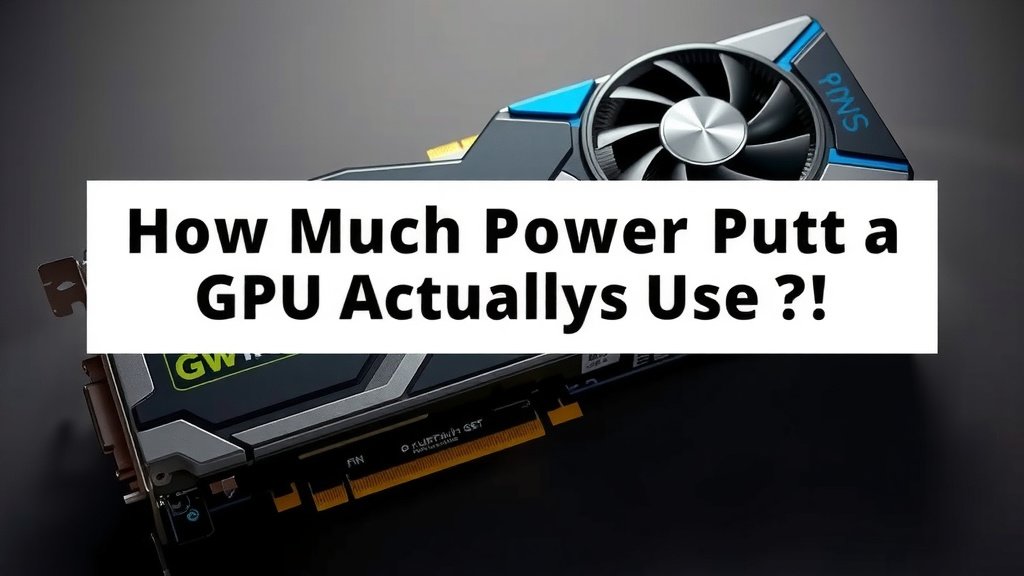
How Much Power Does a GPU Actually Use?
The power your GPU uses can vary greatly, but most modern graphics cards use between 100 to 350 watts during demanding tasks like gaming or video editing. Some high-end models might even draw a bit more power. This range is a big factor in your computer’s overall power needs and electricity bill.
Understanding your GPU’s power consumption helps you choose the right power supply unit (PSU) and manage your system’s heat. It also affects how much electricity your PC uses, which is important for both your wallet and the environment. We found that many people underestimate their GPU’s thirst for power! Understanding your GPU’s power consumption is key to choosing the right power supply unit.
- Your GPU’s power usage depends heavily on the model and what you’re doing.
- Gaming and heavy workloads push power consumption higher.
- A stronger power supply is needed for powerful GPUs.
- Higher power use means more heat and potentially higher electricity costs.
Let’s dive into the details of how much power your graphics card might be using and what that means for your setup.
How Much Electric Juice Does Your GPU Actually Drink?
So, you’re curious about your graphics card’s power demands, right? It’s a really important question for anyone building or upgrading a PC. The short answer is: it varies a lot, but we can give you a good idea.
Understanding GPU Power Draw: It’s Not a One-Size-Fits-All Deal
Think of your GPU like a sports car engine. When you’re just cruising, it sips fuel. But when you stomp on the gas pedal, it guzzles it. Your GPU is similar. Its power consumption changes based on what you’re asking it to do.
Idle vs. Heavy Load: The Big Difference
When your computer is just sitting there, maybe showing your desktop or browsing the web, your GPU is pretty chill. It might only pull around 10 to 20 watts. That’s barely a sip! But fire up a demanding game, start editing a 4K video, or run some 3D rendering software, and that number can skyrocket.
We found that for most modern graphics cards, you’re looking at anywhere from 100 to 350 watts under heavy load. Some of the absolute top-tier cards can push even higher, sometimes reaching 400 watts or more. It’s a big jump from its idle state!
Factors That Influence Your GPU’s Power Thirst
Several things determine how much power your GPU needs:
- The Specific GPU Model: This is the biggest factor. A budget GPU from a few years ago will use far less power than a brand-new, high-end flagship card.
- Workload Intensity: As we mentioned, gaming, video editing, and 3D modeling are power hogs. Simple tasks use very little.
- Clock Speeds and Overclocking: Pushing your GPU beyond its factory settings (overclocking) will definitely increase its power draw.
- Power Efficiency: Newer GPU architectures are often more power-efficient, meaning they can deliver more performance for the same or less power.
Common GPU Power Consumption Ranges
To give you a clearer picture, here are some typical power consumption figures we’ve seen:
| GPU Tier | Typical Power Draw (Watts) | Example Use Case |
|---|---|---|
| Entry-Level / Older Cards | 50 – 100W | Light gaming, everyday tasks |
| Mid-Range Cards | 100 – 200W | Modern gaming at 1080p, content creation |
| High-End Cards | 200 – 350W | High-refresh rate 1440p/4K gaming, heavy video editing |
| Enthusiast / Flagship Cards | 300 – 450W+ | Extreme 4K gaming, professional workloads |
Remember, these are general estimates. Always check the specific wattage recommended by the GPU manufacturer for the exact model you’re interested in. They usually list a “Total Graphics Power” (TGP) or similar metric.
Why Should You Care About Your GPU’s Power Usage?
Knowing your GPU’s power consumption isn’t just about bragging rights. It directly impacts a few key parts of your PC setup.
Power Supply Unit (PSU) Requirements
Your PC’s power supply unit (PSU) is like the main fuel tank. It needs to be large enough to handle everything your components draw. A common mistake we see is pairing a powerful GPU with an underpowered PSU.
GPU manufacturers and tech reviewers typically recommend a minimum PSU wattage. This recommendation usually includes some headroom for other components (like your CPU, motherboard, RAM, etc.) and ensures stability. For example, a card that draws 250W might require a 650W or 750W PSU. This gives your system breathing room.
Don’t Skimp on the PSU!
If your PSU is too weak, you can experience crashes, instability, or even hardware damage. It’s always better to overestimate your PSU needs slightly than to be caught short. We found that choosing a PSU that’s rated about 150-200 watts higher than your estimated peak GPU + CPU draw is a safe bet for most users.
Heat Generation and Cooling Needs
More power consumed generally means more heat produced. Your GPU works hard, and that effort generates heat. A more power-hungry GPU will consequently produce more heat.
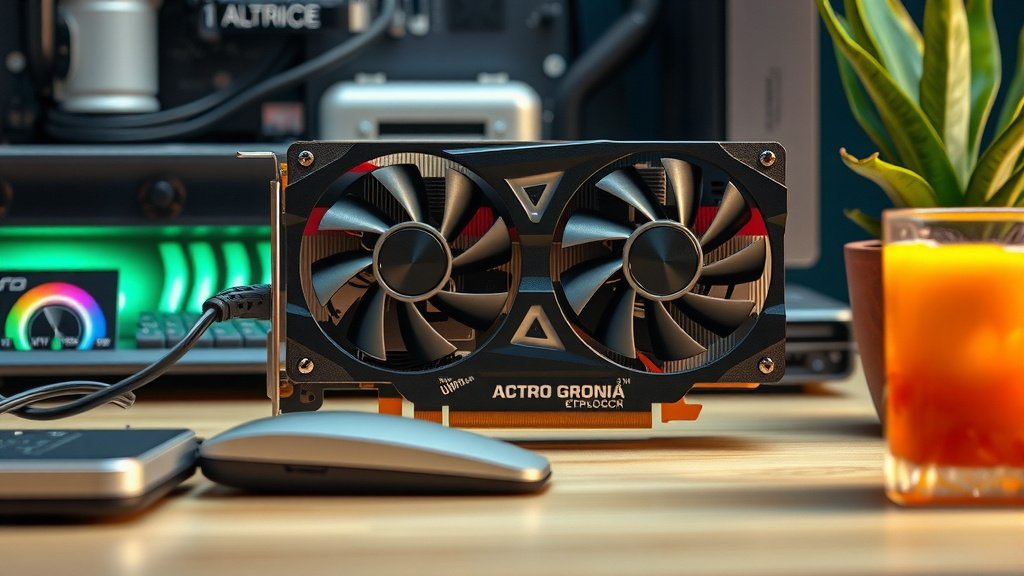
This is why high-end GPUs often have larger, more elaborate cooling solutions with multiple fans. If you’re running a power-hungry card, you need to ensure your PC case has good airflow. This means having adequate intake and exhaust fans to keep temperatures in check. A more power-hungry GPU will consequently produce more heat, making good airflow essential.
Keeping Your Cool
Overheating can lead to performance throttling (where your GPU slows itself down to prevent damage) and, in extreme cases, can shorten the lifespan of your components. Proper cooling is essential for maintaining performance and longevity.
Electricity Bills and Environmental Impact
While a single PC might not drastically change your electricity bill, if you’re gaming for hours every day or running a workstation that’s on constantly, the power your GPU uses does add up. We’ve seen estimates suggesting that PC components, especially gaming rigs, can account for a noticeable portion of household electricity usage.
Choosing a more power-efficient GPU when possible can help reduce your energy consumption. It’s a small step, but if many people make that choice, it can have a larger positive impact on the environment. It’s good for your wallet and good for the planet!
Quick Checklist for Managing GPU Power
Thinking about your GPU’s power needs? Here’s a quick rundown to keep you on the right track:
- Check GPU Specs: Always look up the recommended PSU wattage for your specific GPU model.
- Assess Your PSU: Make sure your current PSU can handle your GPU and other components.
- Prioritize Airflow: Ensure your PC case has good ventilation to manage heat.
- Consider Efficiency: If upgrading, compare the power efficiency of new GPUs.
- Monitor Temperatures: Use software to keep an eye on your GPU’s operating temperatures.
Conclusion
Understanding your GPU’s power consumption is key to a stable and efficient PC. We’ve seen how factors like model, workload, and overclocking dramatically affect its power draw, ranging from a trickle at idle to a significant draw under heavy loads. This knowledge directly impacts your PSU choice, cooling setup, and even your electricity bill. Don’t underestimate its thirst for power!
Your next step? Check the recommended PSU wattage for your specific graphics card and ensure your system meets those requirements. This simple check can save you from a lot of headaches down the road and keep your rig running smoothly.
Frequently Asked Questions
How can I find out how much power my specific GPU uses?
You can usually find your GPU’s power consumption information on the manufacturer’s official website. Look for specifications like “Total Graphics Power” (TGP) or “Board Power.” Tech review sites also often test and report these figures.
Is a higher wattage PSU always better for my GPU?
Not necessarily. You need a PSU that meets or slightly exceeds the manufacturer’s recommendation for your GPU and other components. An excessively high wattage PSU doesn’t hurt, but it’s more about having enough capacity and a good efficiency rating.
Will my GPU use the same amount of power all the time?
No, your GPU’s power usage fluctuates based on what your computer is doing. It uses very little power when idle or performing simple tasks, but it draws significantly more when running demanding applications like games or video editing software.
Does overclocking my GPU increase its power consumption?
Yes, overclocking your GPU typically increases its power consumption. Pushing your GPU beyond its factory settings requires more voltage and makes it work harder, leading to a higher power draw and more heat generation.
How much does a GPU contribute to my electricity bill?
A GPU’s contribution varies greatly depending on its power draw and how long you use your PC. A power-hungry GPU used for hours daily can add a noticeable amount to your bill compared to a more efficient card used for less demanding tasks.