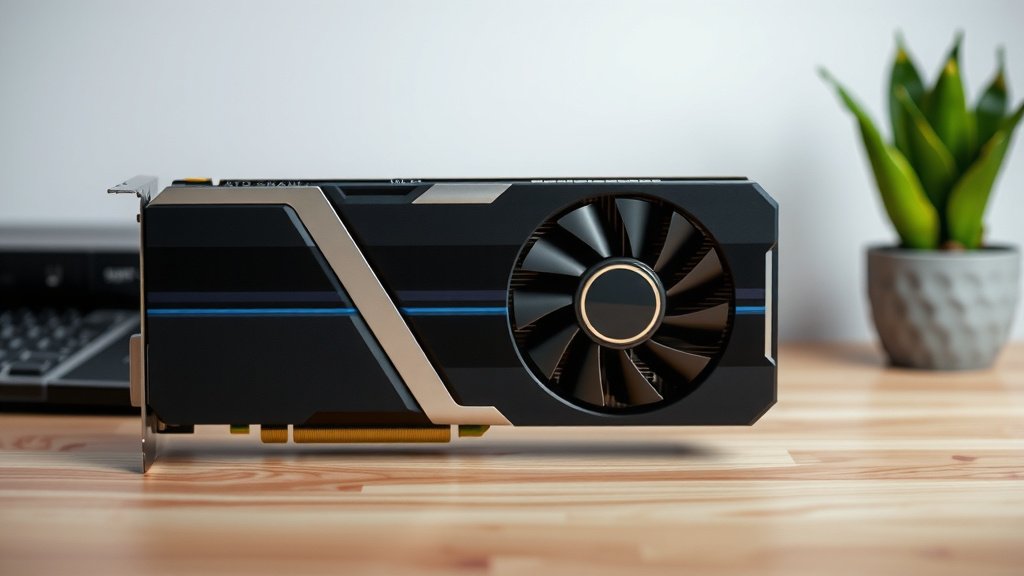
Secure Your Heavy Graphics Card: Essential Support
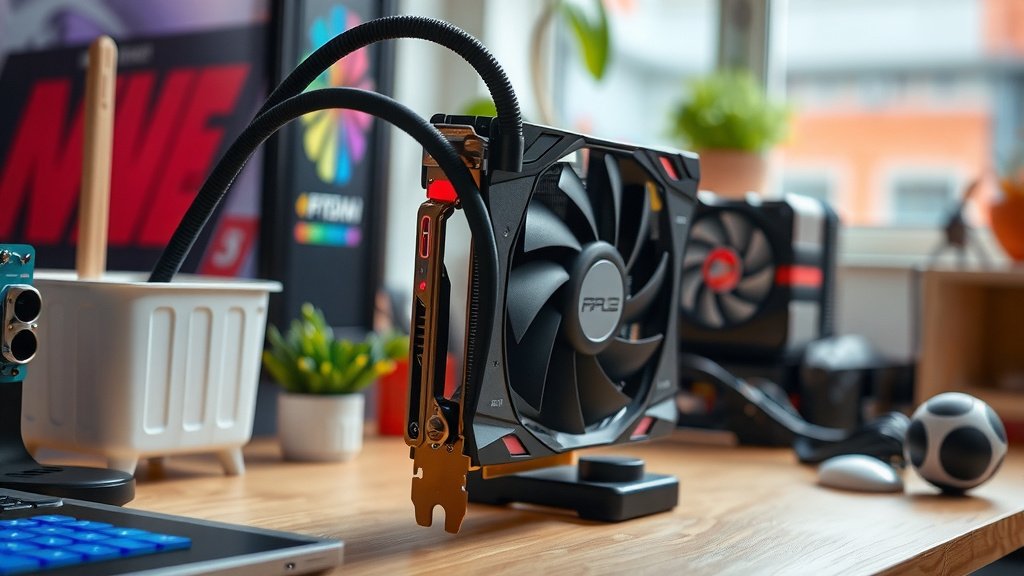
Supporting a heavy graphics card is essential to prevent it from damaging your computer. You can do this using a A sagging GPU can lead to more than just an unsightly appearance; learn about GPU sag.graphics card support bracket or a simple DIY solution. These methods help distribute the weight and reduce strain on your motherboard and PCIe slot.
A sagging GPU can lead to more than just an unsightly appearance. It can cause connector issues and even physical damage over time. Luckily, there are several straightforward ways to give your powerful graphics card the support it deserves without breaking the bank.
- Use a GPU support bracket.
- Try a DIY support method.
- Ensure proper installation.
- Consider the case size.
Let’s walk through exactly how to keep your graphics card secure and your PC running smoothly.
So, you’ve got a beast of a graphics card. That’s awesome for gaming and creative work! But with great power often comes great weight. These high-end GPUs can be surprisingly heavy. If not properly supported, they can sag over time. This can put a real strain on your motherboard and its delicate PCIe slot. We want to avoid that, right? Before implementing support, it’s helpful to identify your graphics card.
Securing Your Heavy Graphics Card
Supporting your graphics card is all about preventing physical damage. It ensures your card stays firmly seated in its slot. This prevents connection issues and potential long-term problems.
Why GPU Sag is a Problem
You might think a little droop is no big deal. But research shows that consistent pressure on the PCIe slot can cause it to crack or loosen over time (PC Hardware Review Board). A loose connection can lead to performance drops or even your system not booting up at all. It’s like letting a heavy book rest on the edge of a shelf; eventually, the shelf can bend or break. Your motherboard deserves better.
The Risk of Connector Issues
When a GPU sags, it can slightly pull away from the PCIe connector. This might not be immediately obvious. But it can create an intermittent connection. Your games might stutter, or your display could suddenly go black. In some cases, the power connectors might also experience stress if they aren’t aligned perfectly.
Preventing Physical Damage to the Motherboard
The PCIe slot is a critical part of your motherboard. It’s designed to hold components securely. But it’s not meant to bear the full weight of a heavy card constantly pulling down. Over time, this can lead to the plastic clips breaking or the solder joints weakening. This is a repair you definitely want to avoid.
When to Consider GPU Support
Not all graphics cards need extra support. Lighter, smaller cards are generally fine on their own. But if you have a card that is:
- Long: Many cards are over 10 inches long.
- Thick: Cards with three fans are often heavier.
- Noticeably heavy: If it feels like a brick in your hand.
Then it’s probably time to look into some support. Many enthusiasts find that GPUs weighing over 2 pounds benefit from support. It’s better to be safe than sorry when it comes to protecting your expensive components.
Choosing the Right GPU Support Method
There are several effective ways to support your graphics card. We’ll cover the most popular and effective solutions.
Using a Dedicated Graphics Card Bracket
These are purpose-built devices. They are designed specifically to hold up your GPU. They come in various styles.
Types of Brackets
Some brackets attach to the case itself. Others might extend from the bottom of the motherboard tray. Many are adjustable to fit different card sizes and case layouts. You can find single-bracket solutions or multi-bracket setups if you have multiple GPUs. These are often made of metal, providing sturdy support. They are usually quite affordable.
Installation Steps for Brackets
Installation is generally straightforward. You’ll typically screw the bracket into your case’s rear expansion slots. Then, you’ll adjust its height to meet the bottom of your graphics card. Make sure it’s snug but not putting excessive upward pressure. You want it to bear the weight, not lift the card too much.
DIY Support Solutions
If you’re on a tight budget or want a quick fix, DIY options work well. They might not look as sleek, but they get the job done.
The “Lego” Method
Many builders use interlocking Lego bricks. You can stack them to the perfect height. Then, place one or two bricks under the edge of your graphics card. It’s surprisingly effective! Just make sure the bricks are stable and won’t easily shift. This is a classic solution that’s been around for ages.
The “Cable Tie and Stick” Approach
Another common method involves a sturdy stick or dowel. You might need to cut it to the correct length. Then, secure it to the bottom of your case with strong zip ties or Velcro straps. Position it so it props up the graphics card. It’s a bit more robust than Lego, but requires a little more effort.
The Adjustable Shelf or Bracket
You can also find small, adjustable shelf brackets at hardware stores. Some people mount these inside their case. They offer a more permanent and adjustable DIY solution. Ensure the bracket is strong enough and won’t scratch your GPU. Sometimes a bit of rubber padding can help.
Checking Your Case and Motherboard Compatibility
Before you buy or build anything, check your setup. Some PC cases are designed with GPU sag in mind. They might have built-in support structures or more robust expansion slots. Also, ensure your motherboard manufacturer has clear guidelines on GPU installation. Some high-end boards might have reinforced PCIe slots already. Researching your specific case and motherboard model can save you headaches.
Here’s a quick checklist to ensure your heavy GPU is supported:
- Assess your GPU’s weight and length.
- Check for existing sag.
- Decide between a bracket or DIY.
- Measure the required support height.
- Ensure your chosen method fits your case.
- Install carefully and test stability.
Conclusion
You’ve learned that supporting your heavy graphics card is vital. It protects your motherboard and ensures stable performance. Whether you choose a dedicated GPU support bracket or a clever DIY solution like Lego bricks, the goal is the same: reduce strain. A sagging GPU can lead to connection issues and long-term damage. Don’t let your expensive component suffer from GPU sag. Take a moment to assess your setup and implement a support method that works for you. Your PC will thank you for it!
Frequently Asked Questions
How much sag is too much for a graphics card?
If your graphics card is visibly drooping, it’s likely too much. Many builders consider any noticeable sag a problem. For cards weighing over two pounds, some form of support is generally recommended to prevent long-term stress on the PCIe slot.
Can a graphics card support bracket damage my GPU?
When installed correctly, a GPU support bracket should not cause damage. You want the bracket to bear the weight without applying excessive upward pressure. Ensure it’s snug and stable, but avoid forcing it too high, which could stress the card.
Are DIY GPU supports reliable long-term?
Simple DIY solutions like Lego bricks or zip-tied dowels can be surprisingly reliable for many users. They are a budget-friendly option. For a more permanent and adjustable solution, consider a small hardware shelf bracket if you prefer a DIY approach.
Does case airflow matter when supporting a GPU?
Yes, airflow is still important. Ensure your chosen support method doesn’t obstruct fans or vents on the graphics card or the case. Proper airflow keeps your GPU cool, which is essential for performance and longevity, regardless of support.
What if my case doesn’t have many places to attach a support bracket?
Many modern cases have clever designs that accommodate GPU supports. If yours is limited, a DIY approach might be more feasible. You could potentially use strong adhesive strips to secure a small support piece if screw mounts are unavailable, ensuring it’s rated for the weight.

![10 Best 3060 [2026]](https://spsolutionscare.com/wp-content/uploads/2026/08/10-best-3060-2026-featured-768x432.jpg)
![10 Gpu [2026]](https://spsolutionscare.com/wp-content/uploads/2026/08/10-gpu-2026-featured-3-768x432.jpg)