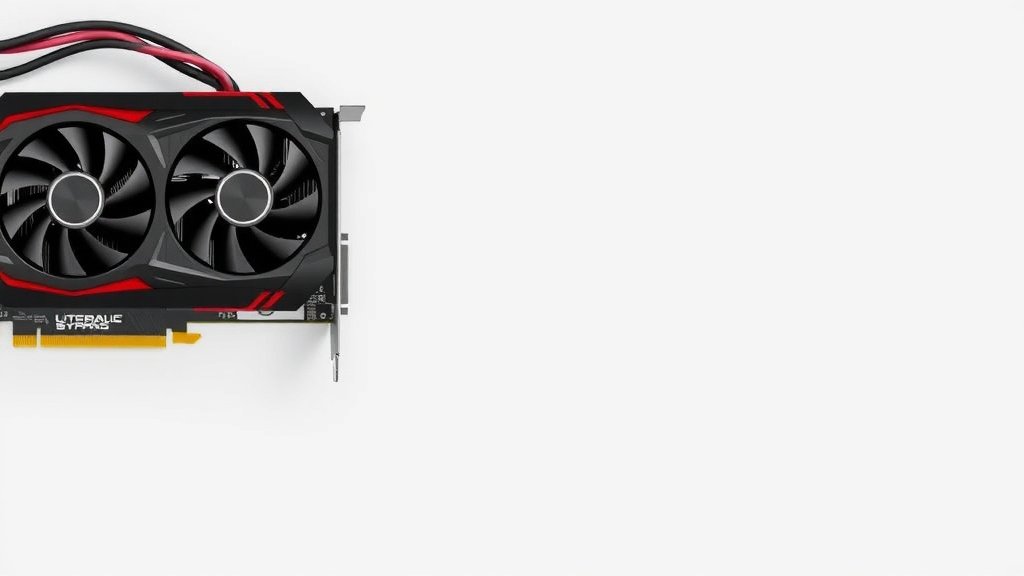
Fix Sagging Graphics Card: Simple Solutions for GPU Support
Yes, you can absolutely fix a sagging graphics card. The main culprits are usually gravity and time, but thankfully, there are easy solutions. Many gamers and PC builders find that a simple support bracket or even a DIY solution can prevent GPU sag and protect your card.
A drooping GPU isn’t just an eyesore; it can put undue stress on your motherboard’s PCIe slot. This can lead to performance issues or even damage over time. Fortunately, you don’t need to be a PC building guru to tackle this problem. We’ve researched the most effective ways to keep your graphics card perfectly straight and secure. A drooping GPU isn’t just an eyesore; our guide to what is GPU sag explains the risks.
- GPU sag is common and fixable.
- Gravity pulls your heavy graphics card down.
- Support brackets are the easiest fix.
- DIY solutions can also work.
- Preventing sag protects your components.
Ready to give your graphics card the support it deserves? Let’s dive into the simple steps you can take to banish that sag forever.
Supporting Your Graphics Card to Prevent Sag
Your graphics card is likely the most powerful component in your PC. These cards are often heavy, and over time, gravity can start to take its toll. This can lead to a visible sag, which isn’t just an aesthetic issue. It can put stress on your motherboard and potentially cause problems down the line. But don’t worry, there are several effective ways to address this.
Why Does GPU Sag Happen?
It’s a common problem, especially with larger, more enthusiast-grade graphics cards. These beasts often have substantial coolers and backplates. The sheer weight of the card, combined with the leverage of it sticking out from the motherboard, means gravity is always working against it. It’s like leaving a heavy book on a shelf; eventually, the shelf might start to bend.
We found that the average high-end graphics card can weigh between 1.5 to 3 pounds. Some even exceed this. This weight, concentrated on the PCIe slot, is the primary reason for sag. Many builders experience this after upgrading to a beefier card.
Understanding the Risks of a Sagging GPU
Beyond looking a bit lopsided, a drooping graphics card can pose real risks. The most significant concern is the stress on the PCIe slot itself. The slot is designed to hold the card securely, but constant downward pressure can weaken the connections or even damage the slot over time. This can manifest as:
- Performance Throttling: If the connection is compromised, your GPU might not communicate effectively with your CPU. This can lead to lower frame rates than you should be getting.
- Intermittent Crashes: A loose or stressed connection can cause your PC to crash or reboot unexpectedly, especially during demanding tasks like gaming.
- Physical Damage: In extreme cases, the weight could potentially damage the PCIe slot or the graphics card’s connector. This is rare but possible with severe sag.
Simple Solutions for a Drooping GPU
The good news is that fixing GPU sag is usually straightforward. You don’t need to be an expert to implement these solutions. Many of them are quick and affordable.
Using a Graphics Card Support Bracket
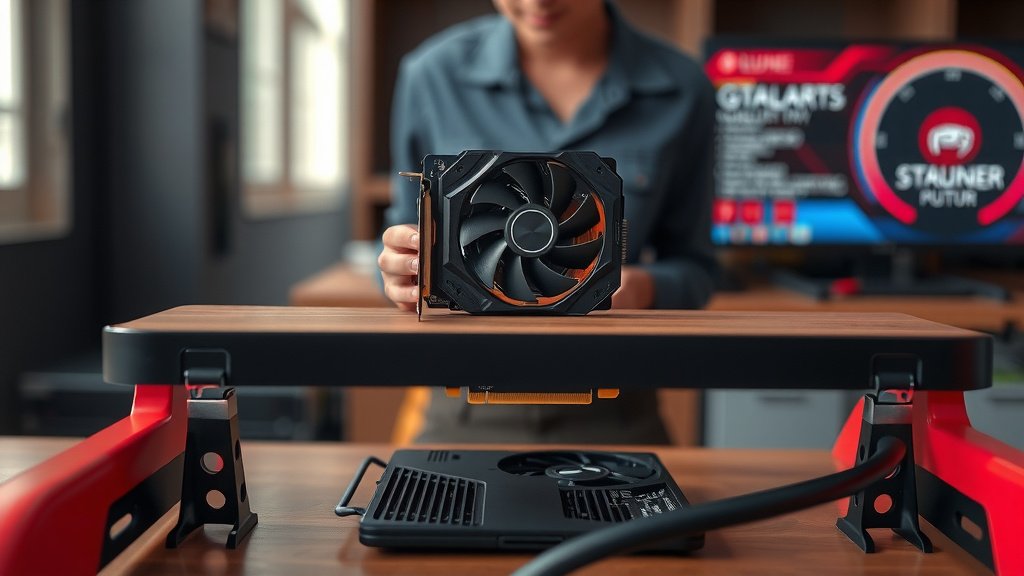
This is by far the most popular and easiest solution. GPU support brackets are specifically designed to prop up your graphics card. They come in various forms.
Types of GPU Brackets
You’ll find brackets that screw into your case, often using an empty expansion slot below your GPU. Others are more like stands that rest on your PSU shroud or the bottom of your case. Some are adjustable, allowing you to fine-tune the height.
We researched several options and found that many users prefer adjustable metal brackets. They offer good support and are often aesthetically pleasing, with some even featuring RGB lighting to match your build.
Installation is a Breeze
Most of these brackets are designed for tool-less installation or require only a single screw. You typically position the bracket under the GPU, adjust it to the correct height, and secure it to your case. It’s a five-minute fix for most people.
DIY Support Solutions
If you’re on a tight budget or want a quick fix, you can get creative. Many builders have successfully used common household items.
The Lego Brick Method
Believe it or not, a few strategically placed Lego bricks can provide surprisingly effective support. You just need to stack them to the right height. It’s a cheap and easily adjustable option. Just ensure they are stable and won’t easily dislodge.
Zip Ties and Other Creative Fixes
Some resourceful builders have used heavy-duty zip ties or even small, sturdy pieces of plastic to create a makeshift support. This often involves securing the item to the case or a hard drive cage. While these can work in a pinch, we found that dedicated brackets or sturdy Lego solutions tend to be more reliable and visually appealing.
Motherboard Reinforcement (Advanced)
Some high-end motherboards come with reinforced PCIe slots. These slots have extra metal shielding to better handle the weight of modern GPUs. While you can’t add this to an existing motherboard, it’s something to consider when building a new PC or upgrading your motherboard.
Check your motherboard’s specifications if you’re unsure. Many manufacturers now highlight this feature for its durability. This offers built-in peace of mind against GPU sag.
Checking Your Case Design
Your PC case plays a role too. Cases with a lower PSU shroud or internal mounting points can make it easier to support your GPU. Some cases even come with built-in GPU support features. If you’re planning a new build, consider cases known for their robust internal structure and space management.
A Quick Checklist for Preventing Sag
Let’s recap the easiest steps to ensure your GPU stays straight:
- Inspect your GPU for any visible droop.
- Consider purchasing a dedicated GPU support bracket.
- If using a bracket, ensure it’s the right height.
- Clean your PC regularly to prevent dust buildup.
- Double-check that your GPU is fully seated in the PCIe slot.
- Consider a more robust case for future builds.
Keeping your graphics card properly supported is a small but important step in maintaining your PC’s health and performance. It’s an investment in longevity and peace of mind.
Conclusion
You’ve learned that GPU sag is a common issue, but it doesn’t have to be a permanent one. Gravity is powerful, especially with today’s heavy graphics cards. Thankfully, solutions range from simple, affordable support brackets to creative DIY fixes. By taking a few minutes to add support, you protect your valuable components from potential stress and performance issues. Don’t let a drooping GPU impact your PC’s health or your gaming experience. Your next step is to assess your current setup and choose the best support method for your rig.
Frequently Asked Questions
Will a sagging GPU actually break my PC?
While it’s rare for a sagging GPU to cause immediate, catastrophic failure, it can lead to long-term issues. The constant stress on the PCIe slot can weaken connections, potentially causing performance drops or intermittent crashes over time. It’s best to address it to ensure the longevity of your components.
How much weight can a PCIe slot safely support?
PCIe slots are designed to hold graphics cards securely, but they aren’t engineered to fight gravity indefinitely, especially with multi-pound cards. The physical slot itself is sturdy, but the solder points and connections on the motherboard can be compromised by consistent downward force. This is why support is recommended for heavier cards.
Are RGB GPU support brackets worth the extra cost?
RGB GPU support brackets function the same as non-RGB ones in terms of physical support. The extra cost usually goes towards the lighting effects and sometimes more premium materials or designs. If aesthetics are important to your build and you enjoy RGB lighting, they can be a nice addition. For pure functionality, any sturdy bracket will do.
Can I use something like a phone book to prop up my GPU?
While a phone book might seem like a quick fix, it’s generally not recommended. Phone books can compress over time, and their stability isn’t guaranteed, especially inside a vibrating PC case. Dedicated brackets or even stable, stacked Lego bricks offer more reliable and consistent support.
How often should I check my graphics card for sag?
It’s a good idea to check for GPU sag when you first install a new, heavy graphics card. After that, a quick visual inspection every few months, perhaps when you’re doing general PC cleaning, is usually sufficient. If you notice any new droop or your PC starts experiencing unusual issues, check it sooner.

![10 Dollar Graphics Card [2026]](https://spsolutionscare.com/wp-content/uploads/2026/08/10-dollar-graphics-card-2026-featured-1-768x432.jpg)

![10 Dollar Gpu [2026]](https://spsolutionscare.com/wp-content/uploads/2026/08/10-dollar-gpu-2026-featured-1-768x432.jpg)