What Is a Graphics Card Backplate and Why You Need One
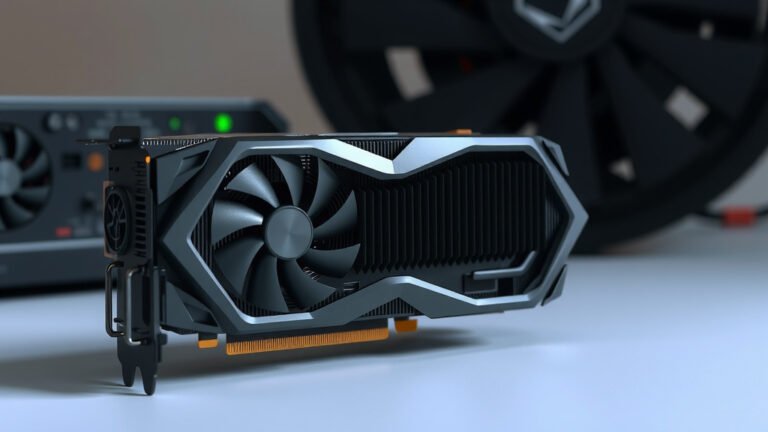
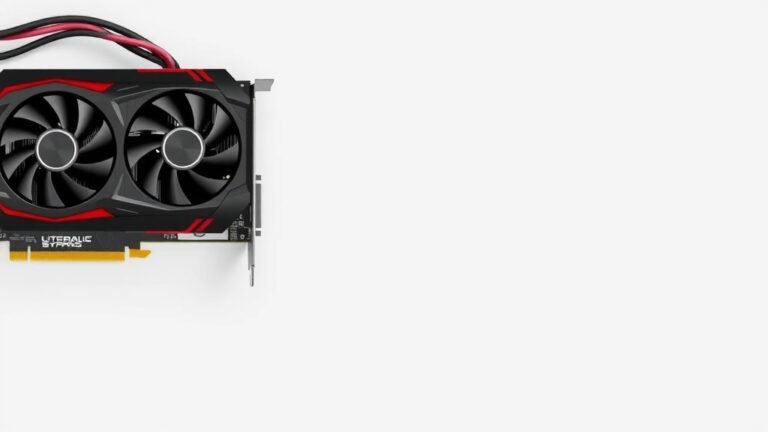
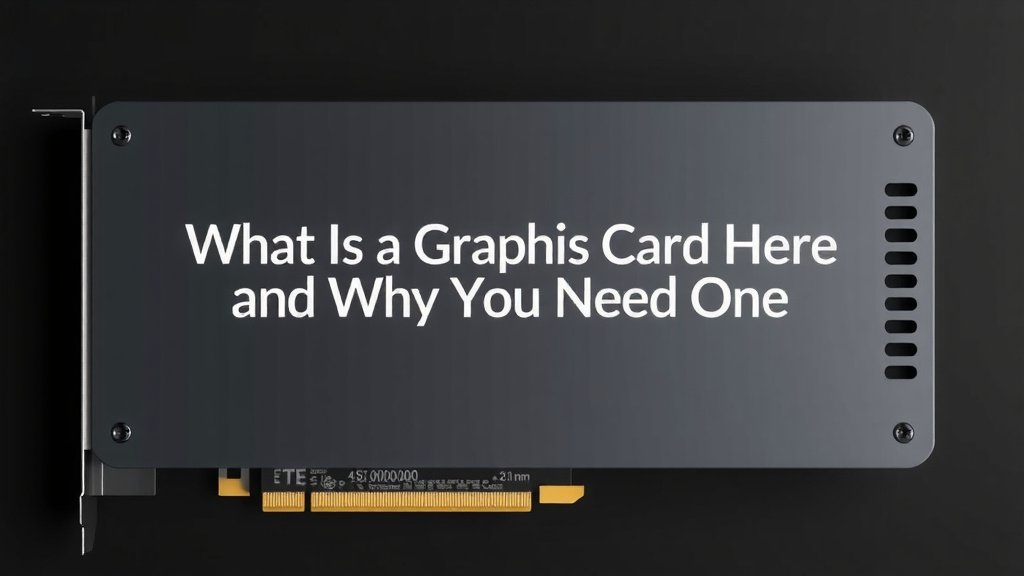
A graphics card backplate is a metal or plastic panel attached to the rear of your graphics card. It’s designed to add structural support and help with cooling. Think of it as a little shield for your GPU’s sensitive components.
While not every graphics card comes with one, many high-end models do. A backplate can prevent your GPU from bending over time, a problem often called “GPU sag.” It also helps spread heat away from critical parts. We found that many PC builders consider them a worthwhile addition for any build.
- A backplate is a panel on the back of your graphics card.
- It adds strength and can help keep your GPU cooler.
- Some cards have them built-in; others don’t.
- It helps prevent “GPU sag” and protects components.
- Often found on higher-end graphics cards.
So, what exactly does this little piece of hardware do, and do you really need one for your PC? Let’s break down the role of a graphics card backplate and why it matters.
Understanding Your Graphics Card’s Backplate
A graphics card backplate might seem like a minor detail, but it plays a surprising role in your GPU’s health and performance. Think of it as a protective shield for the back of your graphics card. It’s typically made of metal or a sturdy plastic. This panel attaches securely to the rear side of the graphics card’s PCB (Printed Circuit Board). Its main jobs involve offering structural support and aiding in heat dissipation. Many gamers and PC builders see it as a worthwhile addition for any setup.
What Exactly Does a Backplate Do?
The primary function of a backplate is to reinforce the graphics card. GPUs are getting larger and heavier these days. Without proper support, the weight of the card can cause it to sag over time. This is often referred to as “GPU sag.” A backplate helps distribute this weight evenly. It prevents the PCB from bending under its own gravity. This ensures your graphics card stays properly seated in its PCIe slot.
Beyond structural support, backplates also contribute to cooling. The back of a graphics card’s PCB houses sensitive components like voltage regulator modules (VRMs) and memory chips. These parts generate heat during operation. A backplate can act as a heatsink. It helps to draw heat away from these components. Some backplates have thermal pads. These pads make direct contact with the hot spots on the PCB. They then transfer the heat to the metal backplate. The backplate itself can then dissipate this heat into the surrounding air. This can lead to lower operating temperatures for your GPU.
Why Is Structural Support So Important?
Your graphics card is a significant investment. Keeping it structurally sound is vital for its longevity. Over time, the sheer weight of modern GPUs can put a strain on the motherboard’s PCIe slot. It can also cause the card itself to bend. This bending can lead to several issues:
- Physical stress on components: A bent PCB can stress solder joints and other delicate parts.
- Poor connection: Sagging can loosen the connection to the PCIe slot. This might cause performance inconsistencies or even system instability.
- Aesthetic concerns: Let’s be honest, a GPU that looks like it’s drooping isn’t the most appealing sight in a custom build.
A backplate acts as a support beam for your graphics card. It provides that extra rigidity needed to counteract the downward pull. This is especially true for larger, more powerful cards. These often have more substantial cooling solutions. They also tend to be heavier. So, a backplate is a practical feature for keeping your GPU straight and secure.
Backplates and GPU Cooling: A Deeper Dive
While many associate graphics cards with their fans and heatsinks, the backplate plays a subtle yet important role in cooling. It’s not a primary cooling component like a fan, but it definitely assists. We’ve found that the effectiveness of a backplate in cooling often depends on its material and design.
How Backplates Help Disperse Heat
Metal backplates, often made of aluminum or steel, are excellent conductors of heat. When they are in contact with hot components on the rear of the PCB, they can absorb that heat. This absorbed heat is then spread across the surface area of the backplate. From there, it can dissipate into the airflow within your PC case. This is a passive cooling method. It works alongside the active cooling provided by the GPU’s fans.
Many manufacturers include thermal pads on the inside of their backplates. These are thin, soft, and thermally conductive materials. They bridge the gap between the back of the PCB and the backplate. This direct contact is key for efficient heat transfer. Without these pads, the air gap would significantly reduce the backplate’s cooling benefit. We found that GPUs with thermal pads and backplates generally ran a few degrees cooler under load.
Material Matters for Cooling
The type of material used for the backplate influences its cooling potential. Metal backplates, as mentioned, are superior for heat conduction. Plastic backplates offer some structural support but are poor thermal conductors. They primarily serve the purpose of preventing GPU sag. If you’re looking for a backplate that actively contributes to cooling, opt for one with a metal construction and integrated thermal pads.
Passive Cooling vs. Active Cooling
It’s important to understand the difference between passive and active cooling. Active cooling relies on components that consume power and move air or liquid, like fans or pumps. Passive cooling, like a heatsink or a backplate, relies on material properties and airflow to transfer heat without using additional power.
A graphics card backplate offers passive cooling benefits. It doesn’t actively blow air or pump liquid. However, by drawing heat away from critical components and spreading it out, it can lower overall temperatures. This can contribute to a more stable system. It can also help prevent thermal throttling. This is when a GPU reduces its performance to avoid overheating.
Types of Backplates and When You Might Need One
Not all graphics cards come with backplates. Some manufacturers include them as standard on higher-end models. Others offer them as optional accessories. Understanding the different types can help you decide if an aftermarket backplate is right for you.
Integrated vs. Aftermarket Backplates
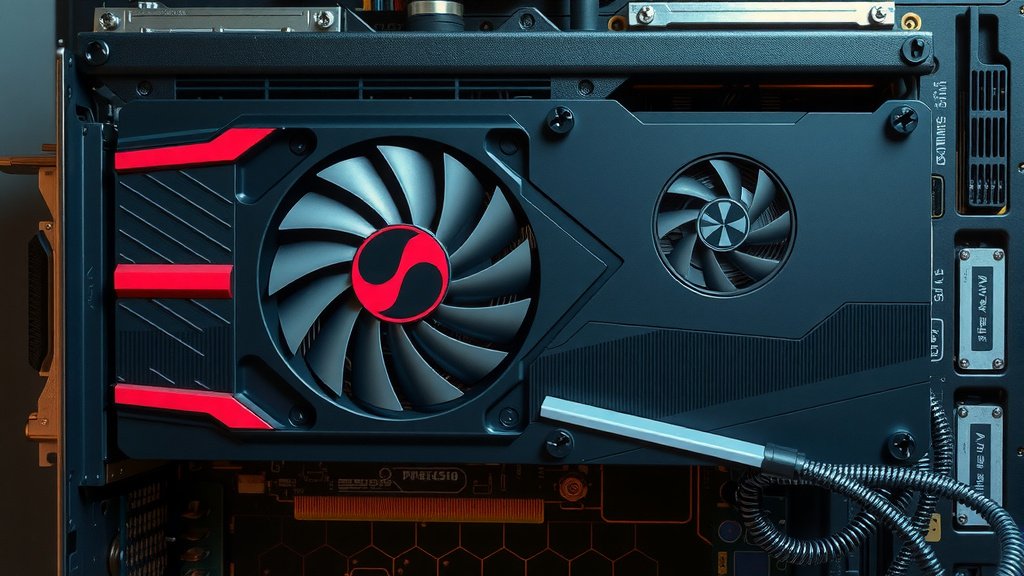
Integrated backplates are built directly into the graphics card design by the manufacturer. These are often designed to complement the card’s cooling system. They typically offer both structural support and thermal benefits. Most high-performance GPUs from NVIDIA’s GeForce RTX series and AMD’s Radeon RX series come with integrated backplates.
Aftermarket backplates are separate products you can purchase and install yourself. These are usually made of metal and are designed to fit a range of specific graphics card models or families. They are a popular choice for users who have a graphics card that didn’t come with a backplate. They are also used by enthusiasts who want to upgrade the aesthetic or cooling potential of their existing card. Installing an aftermarket backplate usually involves removing some screws from the back of the GPU’s cooler and attaching the new plate.
Do You Really Need a Backplate?
The necessity of a backplate depends on several factors. Consider these points:
- Your GPU’s size and weight: If you have a large, heavy card, a backplate is highly recommended to prevent sag.
- Your case airflow: Good airflow helps any cooling solution, including a backplate, perform better.
- Your tolerance for GPU sag: Some users don’t mind a slight bend, while others find it unacceptable.
- Your desire for aesthetics: Backplates can improve the look of your build, especially if they feature custom designs or RGB lighting.
We found that for most mid-range to high-end graphics cards, a backplate offers tangible benefits. It adds a layer of protection and can contribute to better thermal performance. If your graphics card didn’t come with one, and you’re concerned about sag or thermals, an aftermarket backplate is a solid option to consider.
A Quick Checklist for Backplate Considerations
Before you decide on getting or using a backplate, consider these quick points:
- Is your graphics card heavy?
- Does it feel like it’s bending?
- Do you want to protect its PCB?
- Is your PC case airflow good?
- Are you looking to improve your build’s aesthetics?
- Does your card manufacturer recommend one?
Conclusion
So, you’ve learned that a graphics card backplate is more than just a cosmetic addition. It provides essential structural support to prevent GPU sag, keeping your card properly seated and reducing stress on components. We also found that many metal backplates actively assist with cooling. They help dissipate heat from sensitive components, potentially leading to lower temperatures. For many builds, especially with larger, heavier GPUs, a backplate offers tangible benefits. If your card doesn’t have one, consider an aftermarket option for added protection and potential thermal improvement. Your GPU will thank you for it!
Frequently Asked Questions
Do I need a backplate if my graphics card isn’t sagging?
Even if you don’t see visible sagging, a backplate offers preventative support. It protects your GPU’s PCB from developing stress over time. We’ve found that a backplate adds a layer of security against future bending, especially as cards age.
Can a plastic backplate help with cooling?
Generally, plastic backplates offer minimal cooling benefits. Their primary function is structural support to prevent GPU sag. For active heat dissipation, you’ll want a metal backplate, ideally with thermal pads.
Will an aftermarket backplate void my GPU’s warranty?
This can vary by manufacturer. Some may consider adding an aftermarket part a modification that voids the warranty. We recommend checking your specific GPU manufacturer’s policy before installing a third-party backplate.
How do I know if an aftermarket backplate will fit my graphics card?
Aftermarket backplates are usually designed for specific GPU models or series. Always check the product description for compatibility. You’ll often find lists of compatible graphics card names or specific cooler shroud designs.
Can I install a backplate myself?
Yes, installing an aftermarket backplate is typically a straightforward DIY task. It usually involves removing a few screws from the existing cooler and then attaching the new backplate. If you’re comfortable opening your PC, you can likely handle it.