Graphics Card Fans: Why So Many?
Graphics cards have so many fans because cooling is absolutely critical for their performance and longevity. These fans work together to pull cool air in and push hot air out, preventing the graphics card from overheating. A hotter card will perform worse and can even be damaged over time.
When you’re gaming or running demanding software, your graphics card works overtime. This intense activity generates a lot of heat, much like an engine running at high speed. Having multiple fans ensures efficient heat dissipation, allowing your card to maintain its peak performance levels. Think of it as giving your graphics card a constant, refreshing breeze so it doesn’t break a sweat… or melt!
- Graphics cards need fans for effective cooling.
- Multiple fans help dissipate heat generated during intense use.
- Proper cooling prevents performance drops and potential damage.
- More fans generally mean better cooling for demanding tasks.
Let’s dive into why all those spinning blades are so important for your graphics card’s health and your gaming experience.
Understanding Your Graphics Card’s Cooling Needs
Graphics cards generate a lot of heat. This is why you’ll often see them with multiple fans. More fans mean better airflow. Better airflow helps keep your card cool. A cool card runs faster and lasts longer. It’s like giving your car’s engine more radiator space on a hot day.
The Science of Heat and Performance
When your graphics card is working hard, its components heat up. Think of high-end gaming or video editing. These tasks push the GPU to its limits. As temperatures rise, the card’s performance can start to drop. This is called “thermal throttling.” It’s the card’s way of protecting itself from damage. But it means you get fewer frames per second or slower rendering times. Many experts say that keeping temperatures in check is key for smooth operation (NVIDIA Technical Blog).
Research shows that sustained high temperatures can degrade components over time. This can shorten the lifespan of your expensive graphics card. So, those extra fans aren’t just for show. They’re a vital part of keeping your hardware in top shape for years to come.
Why More Fans Equal Better Cooling
It’s a simple principle: more fans move more air. This allows for more efficient heat dissipation. Let’s break down how they work together.
Airflow Dynamics: Pushing and Pulling
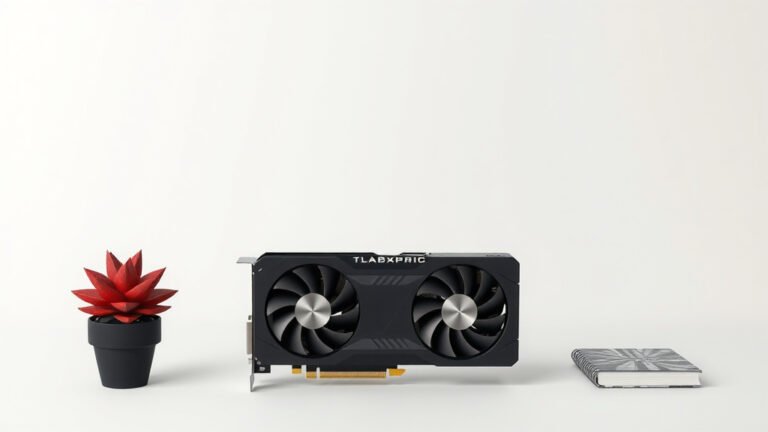
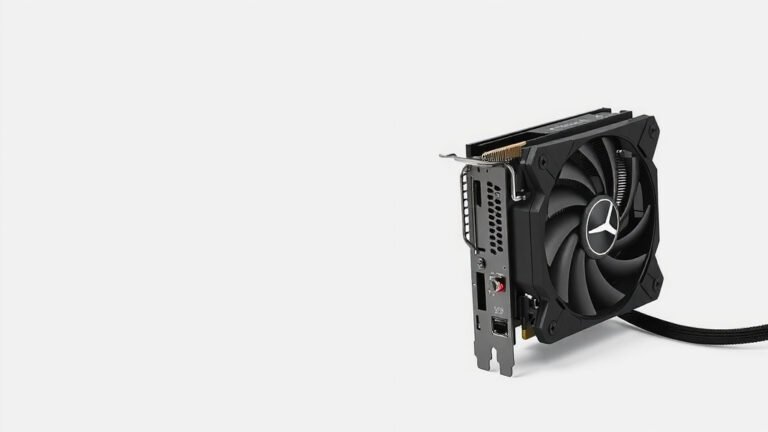
Graphics cards typically have two main cooling designs. Some have “blower” style fans. These push hot air out of the back of your PC case. Others have open-air coolers. These use multiple fans to pull cool air into the heatsink and then push it out around the card. The open-air designs are more common on consumer cards and often feature two or even three fans.
Each fan on an open-air cooler helps draw in cool air. This air then passes over a large heatsink. The heatsink has many fins. These fins increase the surface area. This allows heat to transfer more easily from the GPU core to the air. The fans then expel this warmed air. Having more fans means more cool air is constantly being directed over the heatsink.
Heatsink Size and Fan Coverage
Modern graphics cards are powerful. They pack a lot of processing power into a small space. This concentrated power generates intense heat. To manage this, manufacturers use large heatsinks. These heatsinks can take up multiple expansion slots on your motherboard. Bigger heatsinks can absorb more heat.
However, a big heatsink is only effective if air can flow through it properly. This is where the fans come in. A single fan might struggle to push enough air through a massive heatsink. Multiple fans distribute the workload. They ensure air reaches all parts of the heatsink. We found that a well-designed multi-fan setup can dramatically improve cooling efficiency over a single-fan design.
Fan Speed and Noise Considerations
More fans don’t automatically mean a louder card. In fact, it can sometimes mean the opposite. When a single fan has to spin very fast to cool a hot card, it creates a lot of noise. With multiple fans, each fan can spin at a lower speed. They can move the same amount of air, or even more, at a quieter RPM. Many users find that cards with two or three fans are surprisingly quiet during normal use.
We’ve also seen that many modern graphics cards feature intelligent fan control. This means the fans might not even spin at all when the card is idle or under light load. They only ramp up when the temperature reaches a certain threshold. This saves power and reduces noise when you’re just browsing the web or watching videos.
Different Fan Configurations Explained
You’ll see graphics cards with various fan setups. Each has its purpose and benefits.
Dual-Fan Designs
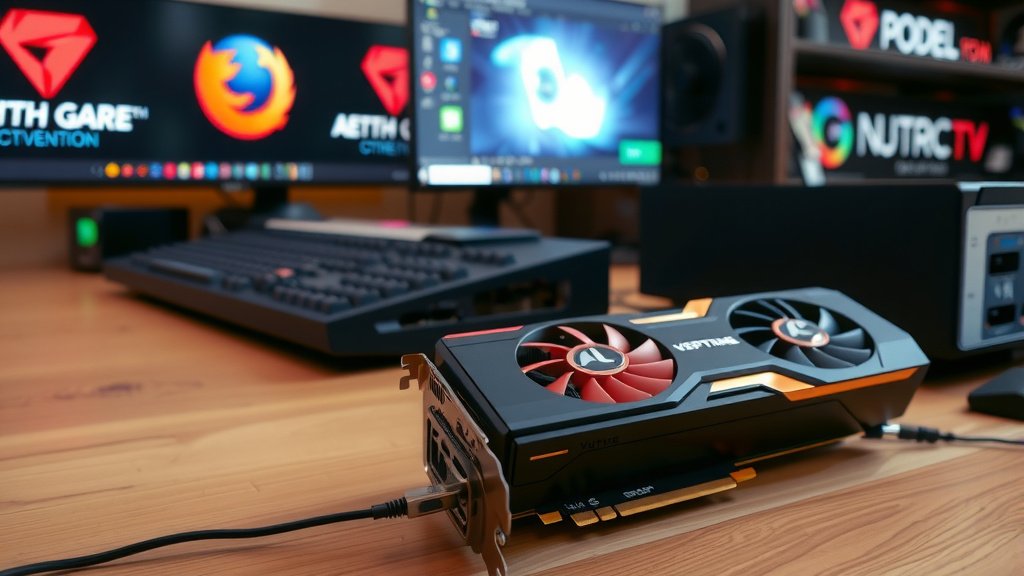
The most common configuration you’ll see is a dual-fan setup. These cards offer a great balance. They provide substantially better cooling than single-fan cards. They are often found on mid-range to high-end GPUs. Dual-fan cards typically fit within a standard two-slot width. This makes them compatible with most PC builds. Many PC building guides suggest a dual-fan card for a good all-around performer.
Triple-Fan Designs
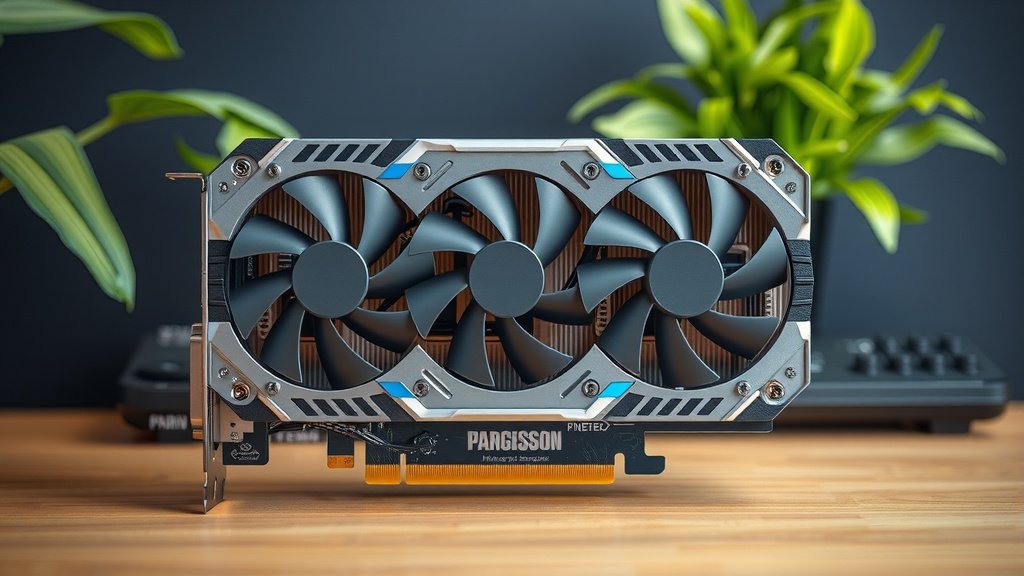
For the highest-end graphics cards, you’ll often find triple-fan coolers. These are usually the largest cards. They require more space in your PC case. These coolers are designed for maximum heat dissipation. They are ideal for enthusiasts who want to push their cards to the absolute limit. Overclocking, for example, generates even more heat. A triple-fan setup is often necessary to keep these extreme temperatures in check.
Hybrid and Custom Coolers
Some manufacturers experiment with different cooling solutions. You might find cards with larger, slower-spinning fans. Others might incorporate liquid cooling elements for even better thermal management. There are also “hybrid” coolers that combine air and liquid cooling. These are less common but offer top-tier performance. We found that custom cooler designs, like those from ASUS ROG or MSI, often provide superior cooling over reference designs.
Here’s a quick look at how fan configurations generally perform:
| Fan Configuration | Typical Performance | Use Case |
|---|---|---|
| Single Fan | Basic cooling, adequate for lower-end cards. | Entry-level gaming, office PCs. |
| Dual Fan | Good balance of cooling and noise. | Mid-range to high-end gaming, everyday use. |
| Triple Fan | Excellent cooling for extreme performance. | Top-tier gaming, overclocking, demanding creative work. |
What to Look for When Buying
When you’re choosing a new graphics card, don’t overlook the cooling solution. The number of fans is a big clue. But also consider the size of the fans and the heatsink. A card with two large fans might outperform a card with three small ones. Read reviews that test thermals and noise levels.
Your goal is to find a card that can maintain high clock speeds without overheating. This ensures you get the best possible performance for your money. Keeping your card cool is one of the best ways to ensure its longevity. It really does make a difference in your overall computing experience.
- Consider the number of fans.
- Look at the size of the fans and heatsink.
- Check reviews for thermal performance.
- Don’t forget noise levels.
- Ensure it fits your PC case.
Conclusion
You’ve seen why those spinning blades are so essential for your graphics card. Multiple fans are key to keeping your GPU cool, allowing it to perform at its best and last longer. They prevent thermal throttling, so you get smooth gameplay and faster processing. Whether you choose a dual or triple-fan design, good cooling is an investment in your PC’s performance and your hardware’s health. When you’re ready to upgrade, remember to prioritize the cooling solution. Look at reviews and consider the fan setup. This will help you find a card that meets your needs and stays cool under pressure.
Frequently Asked Questions
Will having more fans on my graphics card make it run faster?
More fans primarily help your graphics card run cooler. A cooler card can maintain its peak performance for longer periods, meaning it won’t slow down due to heat. While it doesn’t directly increase the card’s base speed, preventing thermal throttling ensures you get the most consistent performance it’s capable of.
Are graphics cards with more fans always louder?
Not necessarily. While more fans do mean more moving parts, they often allow each fan to spin at a lower, quieter RPM to achieve the same or better airflow than a single fan spinning very fast. Many modern cards also feature intelligent fan curves that keep them silent when idle or under light load.
Can I add more fans to my existing graphics card?
Generally, you cannot easily add more fans to a graphics card’s stock cooler. The heatsink and shroud are designed for a specific number and size of fans. While aftermarket GPU coolers exist, they are a more advanced modification. It’s usually better to purchase a card that already comes with the cooling configuration you need.
Do I need a triple-fan graphics card for casual gaming?
For casual gaming or less demanding titles, a dual-fan or even a good single-fan card is usually sufficient. Triple-fan cards are designed for high-end GPUs that generate a lot of heat, typically for enthusiast-level gaming, overclocking, or intensive creative workloads. You might be overspending on cooling you don’t need.
What happens if my graphics card’s fans stop working?
If your graphics card’s fans stop working, heat will build up very quickly. The card will likely start to throttle its performance to protect itself. If the temperature continues to rise unchecked, it could potentially cause permanent damage to the GPU components. You should stop using the card immediately and address the fan issue.
![10 Best Budget Gaming Video Cards [2026]](https://spsolutionscare.com/wp-content/uploads/2026/09/10-best-budget-gaming-video-cards-2026-featured-768x432.jpg)
![10 Best Brand For 7900 Xtx [2026]](https://spsolutionscare.com/wp-content/uploads/2026/08/10-best-brand-for-7900-xtx-2026-featured-768x432.jpg)
![10 Manufacturer [2026]](https://spsolutionscare.com/wp-content/uploads/2026/08/10-manufacturer-2026-featured-768x432.jpg)